CKA: How to Pass the Certified Kubernetes Administrator Exam
To pass the Certified Kubernetes Administrator (CKA) exam, practise real cluster tasks until they are routine. The CKA is a 2-hour, online, proctored, performance-based exam where you solve tasks on live Kubernetes clusters from a command line. At the time of writing the Linux Foundation lists it on Kubernetes v1.37, and troubleshooting carries the most weight at 30 percent.
Topic: Kubernetes in IT Infrastructure · Certification preparation
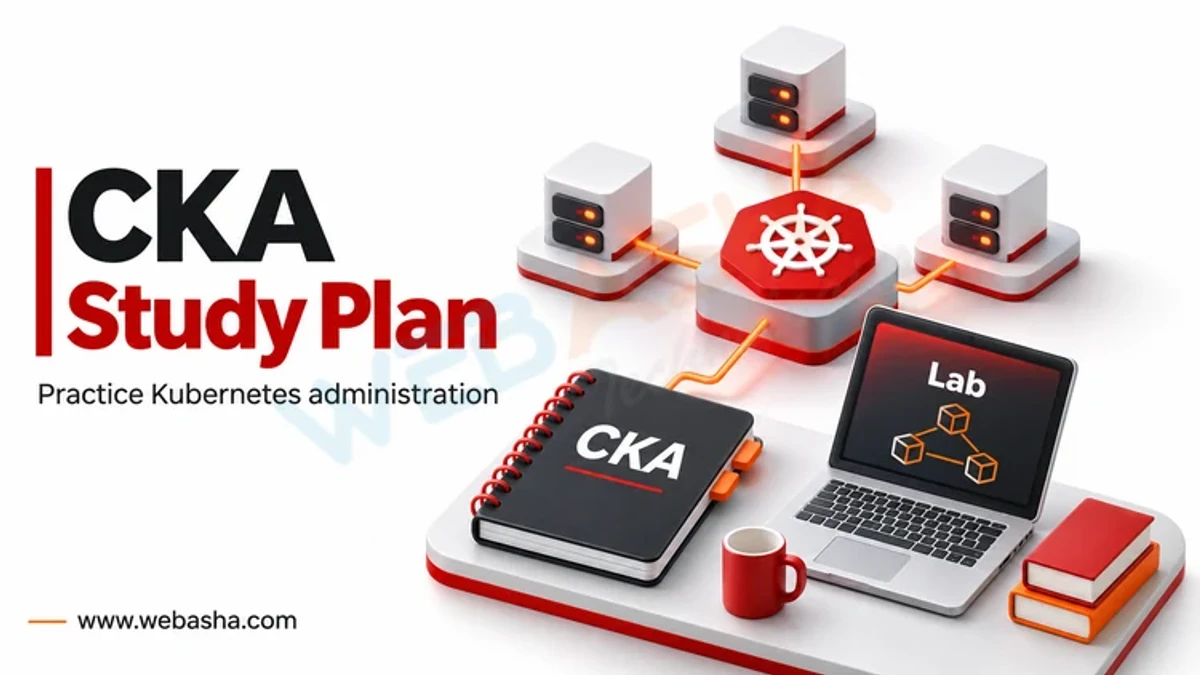
Quick answer: To pass the Certified Kubernetes Administrator (CKA) exam, practise real cluster tasks until they are routine. The CKA is a 2-hour, online, proctored, performance-based exam where you solve tasks on live Kubernetes clusters from a command line. At the time of writing the Linux Foundation lists it on Kubernetes v1.37, and troubleshooting carries the most weight at 30 percent. Since the February 2025 curriculum update, you also need Helm, Kustomize, custom resources and Gateway API skills. Learn kubectl imperative commands, use the official Kubernetes documentation quickly, and take timed mock exams before booking.
Key takeaways
- The CKA is hands-on: no multiple choice, only tasks on real clusters.
- Troubleshooting is the largest domain at 30 percent.
- The curriculum changed on 18 February 2025, so older courses may be outdated.
- Speed with kubectl and the docs decides most results.
- One free retake is included and the certification lasts 2 years.
Table of Contents
- What Is the Current CKA Exam Format?
- Which Domains Does the CKA Cover?
- What Changed in the 2025 Curriculum Update?
- How Should You Plan Your Preparation?
- How Can You Work Faster During the Exam?
- What Should You Expect on Exam Day?
- What Comes After the CKA?
- References
What Is the Current CKA Exam Format?
| Item | Detail |
|---|---|
| Provider | Linux Foundation with CNCF |
| Format | Online, proctored, performance-based tasks |
| Duration | 2 hours |
| Kubernetes version | v1.37 at time of writing, updated weeks after each minor release |
| Retake | One retake included |
| Validity | 2 years |
| Scheduling window | 12 months from purchase |
Always confirm details on the official CKA page and the candidate FAQ before booking, since the Kubernetes version moves with each release.
Which Domains Does the CKA Cover?
| Domain | Weight | Typical tasks |
|---|---|---|
| Troubleshooting | 30% | Fix broken nodes, pods, services and cluster components |
| Cluster Architecture, Installation and Configuration | 25% | kubeadm, RBAC, Helm, Kustomize, CRDs and operators |
| Services and Networking | 20% | Services, NetworkPolicy, Ingress, Gateway API, CoreDNS |
| Workloads and Scheduling | 15% | Deployments, ConfigMaps, Secrets, autoscaling, scheduling |
| Storage | 10% | StorageClasses, PersistentVolumes and claims |
The full competency list is published in the CNCF curriculum repository.
What Changed in the 2025 Curriculum Update?
The Linux Foundation announced CKA program changes that applied to exams from 18 February 2025. The update added or expanded package and extension topics such as Helm, Kustomize, custom resource definitions and operators, plus Gateway API for traffic routing. Candidates also report more emphasis on troubleshooting real cluster problems. If your course or practice tests predate 2025, check that they cover these topics.
How Should You Plan Your Preparation?
- Learn Linux and container basics first, including systemd and networking.
- Build a practice cluster with kubeadm on virtual machines.
- Work through each domain using the Kubernetes documentation.
- Break your own cluster on purpose and fix it to train troubleshooting.
- Take at least two timed mock exams in a realistic environment.
For more exam tactics, see our earlier CKA first-attempt guide. If containers are new to you, start with what Kubernetes and containers are.
How Can You Work Faster During the Exam?
Generate YAML with imperative commands rather than typing it. The kubectl quick reference lists these patterns.
kubectl config use-context <context-name>
kubectl create deployment web --image=nginx --replicas=3 --dry-run=client -o yaml > web.yaml
kubectl expose deployment web --port=80 --target-port=80
kubectl get events -A --sort-by=.metadata.creationTimestamp
kubectl describe node <node-name>
journalctl -u kubelet --no-pager | tail -n 50- Switch to the context named in each task before you start.
- Skip long tasks and return later; partial credit may apply.
- Verify each result with kubectl get or describe before moving on.
What Should You Expect on Exam Day?
You take the exam through a remote desktop with a proctor watching via webcam. Clear your desk, have valid ID ready and run the system check early. You can open the official Kubernetes documentation during the exam, so know where key pages live.
What Comes After the CKA?
Many administrators continue to CKS for security or CKAD for application work. Practise securing clusters, as Kubernetes skills overlap with cloud security roles. For instructor-led labs, ask about our Kubernetes CKA training.
References
Frequently Asked Questions
What's Your Reaction?
 Like
0
 Dislike
0
 Love
0
 Funny
0
 Wow
0
 Sad
0
 Angry
0

With a passion for staying on the cutting edge of technology trends, I am dedicated to delivering content that not only informs but also inspires. Whether you need in-depth analysis pieces, informative guides, or thought-provoking opinion pieces, I craft content that resonates with tech enthusiasts and professionals alike.