Welcome!

Unlock your personalized experience.
Sign Up
Networking

Network Troubleshooting

Master network troubleshooting techniques and tools to identify and resolve network issues efficiently.

6 posts

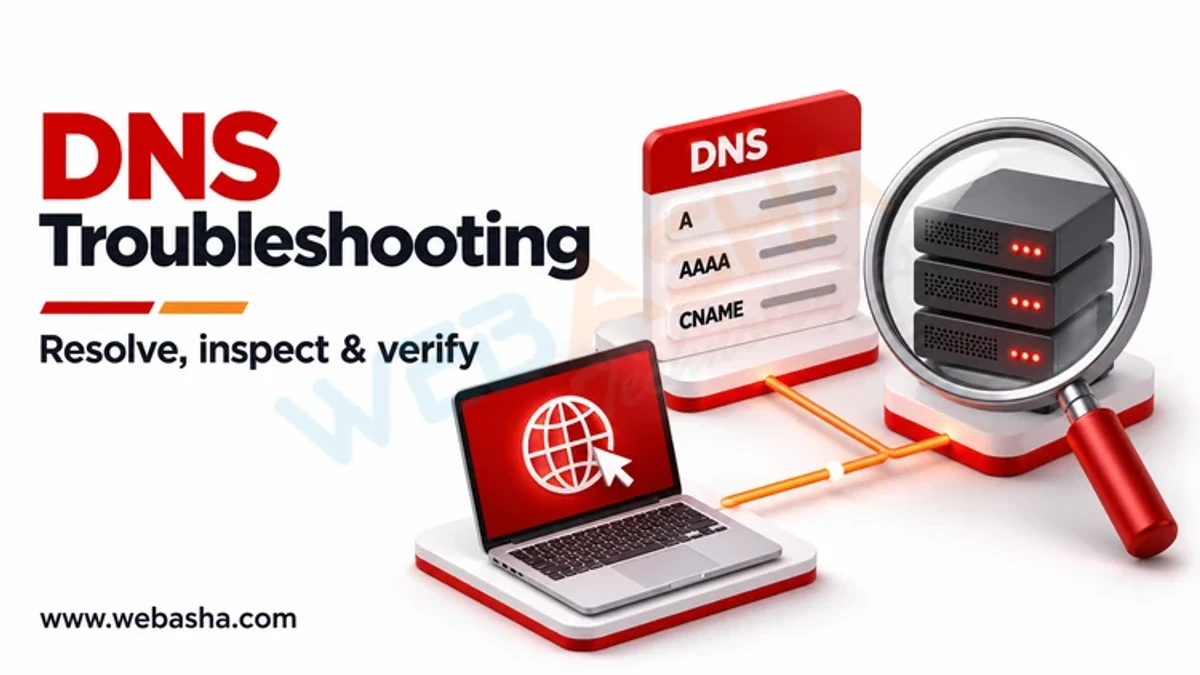
How to Fix DNS Problems: Slow Lookups, DNS Leaks and DoH

To fix DNS problems, first prove DNS is the cause by reaching a site by IP or timing a lookup. Then find which resolver your device uses, flush the local cache, and if lookups are still slow or failing, switch to a reliable resolver. To stop your network or ISP seeing your lookups, turn on DNS over HTTPS (DoH, RFC 8484) or DNS over TLS (DoT, RFC 7858).
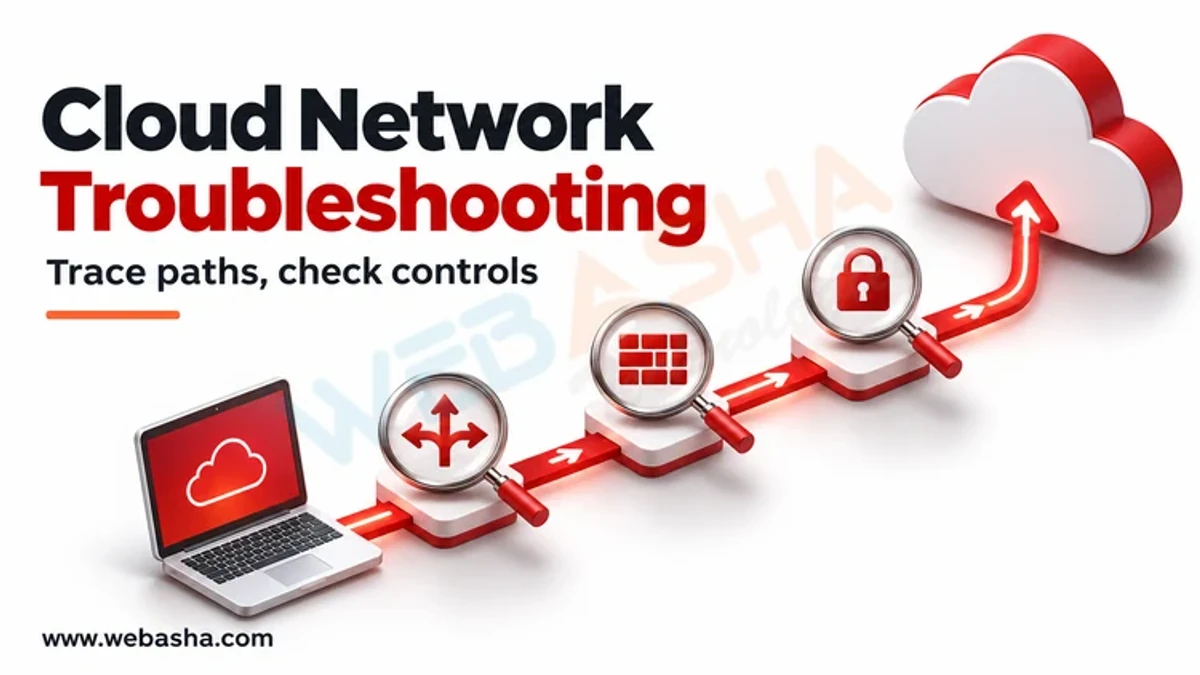

How do I troubleshoot cloud network issues in AWS, Azure, and GCP?

Troubleshooting cloud network issues requires a solid understanding of cloud-specific components such as VPC peering, route tables, and network ACLs. In this blog, we walk through practical steps to diagnose and resolve connectivity problems in AWS, Azure, and Google Cloud (GCP). Learn how to identify route mismatches, misconfigured security groups, and peering conflicts with real-world scenarios and actionable solutions.

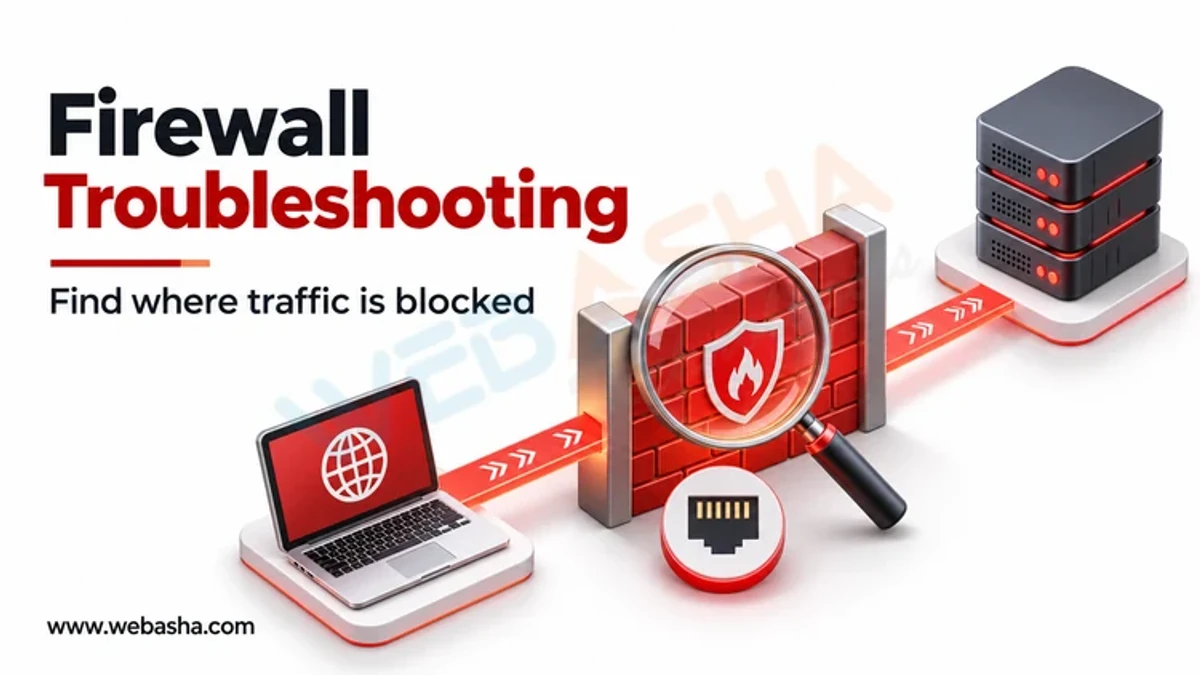
How to Diagnose Firewall and Port Blocking Issues: A Step-by-Step Guide

This blog helps users troubleshoot firewall and port blocking issues using tools like Nmap, Telnet, and Netcat. Whether you're dealing with NAT problems, blocked ports, or firewall misconfigurations, this guide offers practical steps to identify the root cause and fix it. Ideal for DevOps, sysadmins, and security professionals.

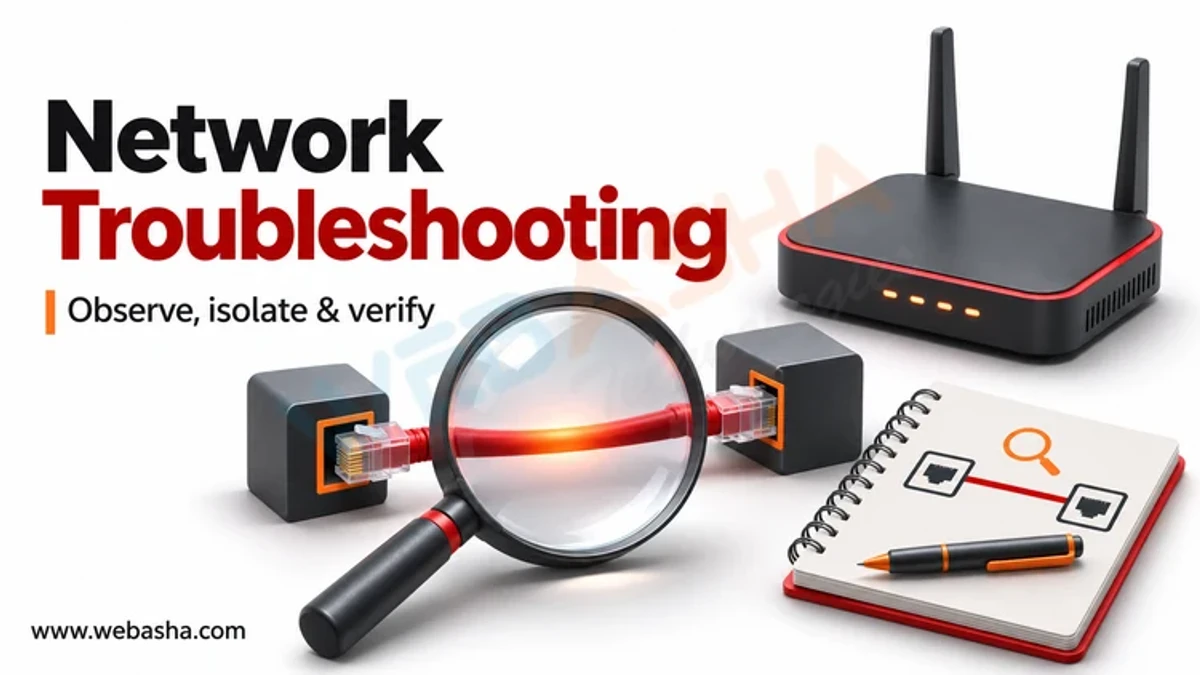
Network Troubleshooting: A Step-by-Step Guide to Fix Connectivity

Troubleshoot network problems in layers, from the cable upwards. First confirm the link: cable, Wi-Fi connection and link lights. Next check the device has a valid IP address, mask, gateway and DNS server with ipconfig or ip addr. Then ping the default gateway, a public IP address and a hostname to separate local, internet and DNS faults.