Access Control Lists in Networking: Rules, Order and Config
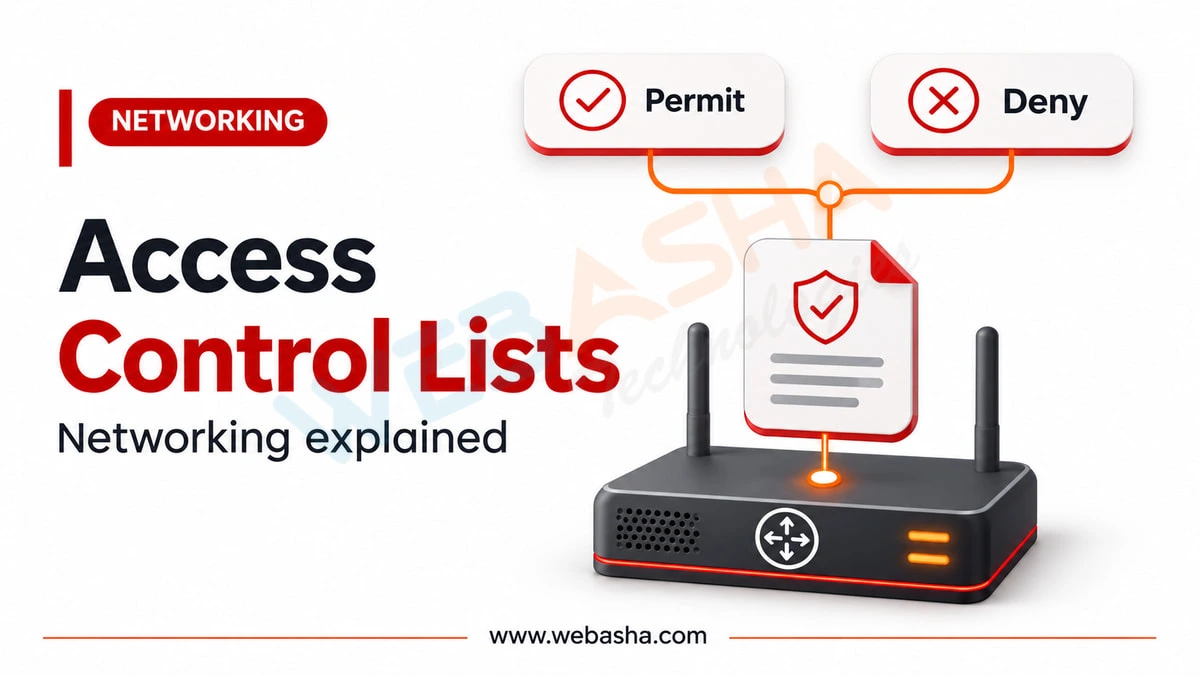
An access control list is an ordered set of permit and deny rules that a device applies to traffic. Order decides everything, because the first matching entry wins and nothing after it is read. Every list ends with an invisible deny, so anything you do not permit is dropped. Standard lists match the source address only; extended lists match source, destination, protocol and port.

Topic: Networking in IT Infrastructure · Explainer
Also covers: Network Security
Quick answer: An access control list is an ordered set of permit and deny rules that a device applies to traffic. Order decides everything, because the first matching entry wins and nothing after it is read. Every list ends with an invisible deny, so anything you do not permit is dropped. Standard lists match the source address only; extended lists match source, destination, protocol and port. The syntax below is Cisco IOS, and the concepts carry over to other platforms even though the commands do not.
Key takeaways
- "The first entry that the packet matches determines whether the software permits or denies the packet." Order is the whole design.
- Every list ends with an unwritten implicit deny. Add an explicit
deny ip any anyso you can see the counter. - Wildcard masks are not subnet masks. A
0bit must match, a1bit is ignored. - Numbered ACL edits are appended to the end unless you use sequence numbers, which is how most people break a working list.
- Return traffic is the classic failure. Use
establishedor a reflexive list rather than opening the ports.
Topics covered in this guide: what an access control list is, how rules are processed, standard against extended lists, wildcard masks, placement, the implicit deny, editing without breaking a list, return traffic, common mistakes, verification commands and how ACLs relate to firewalls.
Table of Contents
- What Is an Access Control List?
- How Are ACL Rules Processed?
- Standard or Extended, and What Each Can Match
- How Do Wildcard Masks Work?
- Where Should ACLs Be Placed?
- What Is the Implicit Deny?
- How Do You Edit an ACL Without Breaking It?
- Why Does Return Traffic Cause Problems?
- How Do You Verify an ACL?
- What Are the Most Common ACL Mistakes?
- How Do ACLs Relate to Firewalls?
- References
What Is an Access Control List?
An access control list is an ordered list of permit and deny statements that a network device evaluates against traffic passing through or into it. It is the most basic traffic filter on a router or switch, and it is also used for things that are not filtering at all: selecting which routes to redistribute, which traffic to encrypt, which addresses to translate, which packets to prioritise.
That second use catches people out. An ACL referenced by a route map or a NAT statement is not blocking anything; it is identifying traffic for another feature to act on. A permit there means "this one" rather than "allow this".
How Are ACL Rules Processed?
Top to bottom, and the first match ends the evaluation. Cisco's documentation puts it in one sentence: "The first entry that the packet matches determines whether the software permits or denies the packet."
Everything difficult about ACLs follows from that. A list is not a set of rules that are all considered; it is a sequence where an early broad rule can make every later rule unreachable. This list, for example, never blocks anything:
access-list 101 permit ip any any
access-list 101 deny   tcp any any eq 23
The first line matches every packet, so the second is never reached. Reverse the two and it behaves as intended. Specific rules go above general ones, always.
Standard or Extended, and What Each Can Match
Cisco's own distinction: "Standard IP access lists test only source addresses of packets (except for two exceptions)", while "Extended access lists test source and destination addresses and other IP packet data, such as protocols" including port numbers, type of service and TCP flags.
| Standard | Extended | |
|---|---|---|
| Matches | Source address only | Source, destination, protocol, ports, flags |
| Numbered range | 1 to 99, and 1300 to 1999 | 100 to 199, and 2000 to 2699 |
| Typical use | Restricting management access, selecting traffic | Real filtering policy |
A standard list, restricting who may reach the device itself:
! only the management subnet may open a VTY session
access-list 10 permit 10.10.10.0 0.0.0.255
access-list 10 deny   any log

line vty 0 4
 access-class 10 in
An extended list, permitting web and DNS outbound from one subnet and nothing else:
ip access-list extended OUTBOUND-FILTER
 permit tcp 192.168.10.0 0.0.0.255 any eq 443
 permit tcp 192.168.10.0 0.0.0.255 any eq 80
 permit udp 192.168.10.0 0.0.0.255 any eq 53
 deny   ip  any any log

interface GigabitEthernet0/1
 ip access-group OUTBOUND-FILTER in
Named lists, as in the second example, are worth preferring over numbered ones. They say what they are for, and they support editing by sequence number without the behaviour described below.
How Do You Apply It to an Interface?
Defining a list does nothing on its own. Cisco's documentation is explicit: "after the ACL is defined, it must be applied to the interface (inbound or outbound)", and "the direction must be specified in later software releases".
interface GigabitEthernet0/1
 ip access-group OUTBOUND-FILTER in
Direction is from the router's point of view, which is the part that is misread most often. in filters traffic arriving at the interface before the routing decision; out filters traffic leaving it after the routing decision. An inbound list on the wrong interface is the single most common reason a correct-looking ACL has no effect.
How Do Wildcard Masks Work?
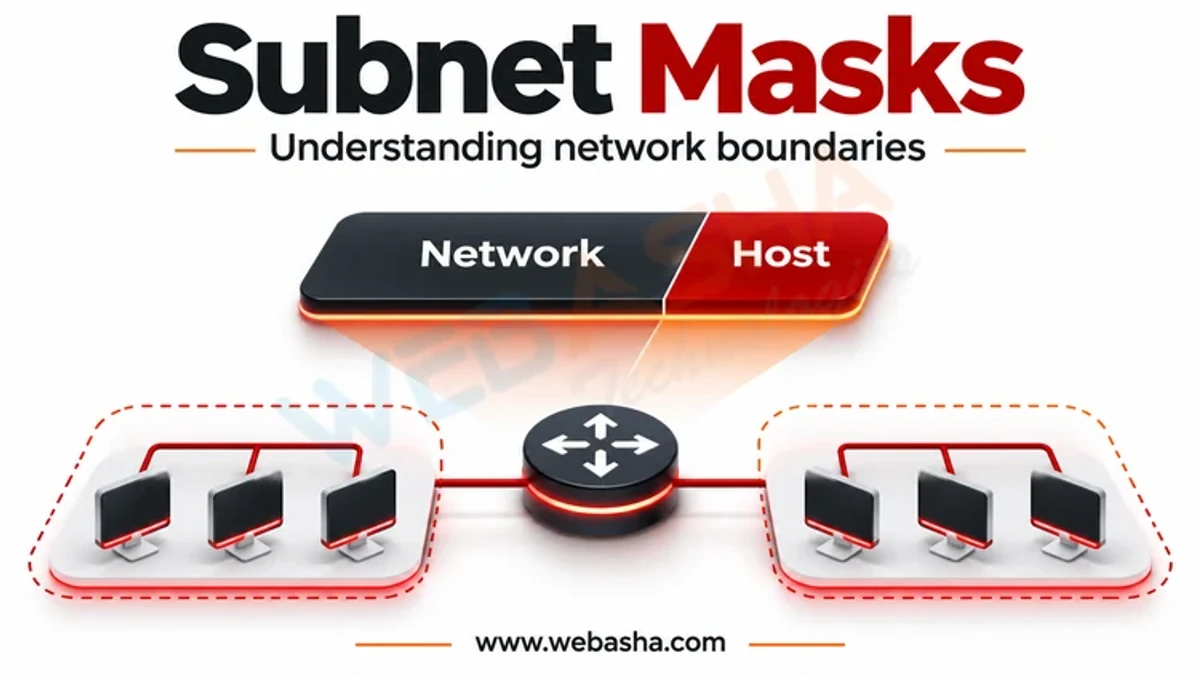
A wildcard mask is not a subnet mask, and the bits mean the opposite of what most people assume. Cisco states the rule directly: "each 0 in the wildcard mask means, this bit must match exactly, and each 1 means, this bit can be ignored (do not care)."
So "the wildcard mask 0.0.0.255 means that the first three octets must match exactly, while the last octet can vary".
| You want to match | Subnet mask | Wildcard mask |
|---|---|---|
| One host | 255.255.255.255 | 0.0.0.0, or the keyword host |
| A /24 | 255.255.255.0 | 0.0.0.255 |
| A /16 | 255.255.0.0 | 0.0.255.255 |
| A /30 | 255.255.255.252 | 0.0.0.3 |
| Anything | 0.0.0.0 | 255.255.255.255, or the keyword any |
For a contiguous subnet the shortcut is to subtract each octet of the subnet mask from 255. That shortcut stops working the moment you use a non-contiguous wildcard, which is legal and occasionally useful: 0.0.0.254 matches only even-numbered hosts.
Where Should ACLs Be Placed?
The rule usually taught is "standard near the destination, extended near the source". Cisco's own wording is narrower and worth quoting, because the slogan hides the reasoning: standard lists are "very efficient at blocking traffic close to a destination", and "Extended access lists are good for blocking traffic anywhere".
The logic is simple once stated. A standard list can only match the source address, so placing it near the source would block that source from reaching everything, not just the thing you meant to protect. It has to sit close to what you are protecting. An extended list can name both ends of the conversation, so it can sit anywhere, and putting it near the source saves carrying unwanted traffic across the network.
What Is the Implicit Deny?
Every access list ends with a rule you cannot see. Cisco's phrasing: "each access list ends with an unwritten, implicit deny statement."
Two consequences that cost people real outages.
- A list with only permit statements is still a deny-everything-else policy. Applying a list that permits one subnet silently drops every other subnet.
- You cannot see hits on the implicit deny. It has no counter, so you have no idea what is being dropped.
The fix is to write it out. Cisco recommends an explicit entry such as deny ip any any so that denied packets are counted:
ip access-list extended OUTBOUND-FILTER
 permit tcp 192.168.10.0 0.0.0.255 any eq 443
 deny   ip any any log
Adding log gives you the source and destination of what is being dropped. Use it while building and testing a list, then consider removing it, because logging every denied packet on a busy interface punts traffic to the CPU.
How Do You Edit an ACL Without Breaking It?
This is where working lists get broken, and the reason is documented: when you edit a numbered ACL, "any additions are made to the end of the ACL."
So a new rule you intended to be a specific exception lands below the general rule that already matches, and never takes effect. On a list that ends with an explicit deny, it lands after the deny and is unreachable.
Named lists with sequence numbers avoid this:
! see the current numbering
show access-lists OUTBOUND-FILTER

! insert at a chosen position rather than appending
ip access-list extended OUTBOUND-FILTER
 15 permit tcp 192.168.10.0 0.0.0.255 host 10.5.5.5 eq 22

! remove one entry without rebuilding the list
ip access-list extended OUTBOUND-FILTER
 no 15
Never remove a numbered ACL with no access-list 101 while it is applied to an interface. That deletes every entry at once and leaves the interface referencing an empty list, which denies everything.
Why Does Return Traffic Cause Problems?
Because a basic ACL has no memory. It evaluates each packet on its own, so permitting a request outbound does nothing for the reply coming back, and the reply arrives with the source and destination reversed.
Opening the return ports works and is a poor answer, because it permits anyone to originate traffic on those ports. Two better options:
! 1. established: permit TCP replies only, by matching ACK or RST
ip access-list extended INBOUND-FILTER
 permit tcp any 192.168.10.0 0.0.0.255 established
 deny   ip any any log
established is TCP only and checks flags rather than tracking state, so it is cheap and imperfect: it permits a crafted packet with the ACK bit set. It does nothing for UDP or ICMP.
! 2. reflexive: a real state-like entry, created on the way out
ip access-list extended OUTBOUND-FILTER
 permit tcp 192.168.10.0 0.0.0.255 any reflect TCP-REFLECT

ip access-list extended INBOUND-FILTER
 evaluate TCP-REFLECT
 deny ip any any log
A reflexive list creates a temporary entry for the specific flow as it leaves, so only the matching return traffic is allowed back. That is closer to what a stateful firewall does, which is the next section.
How Do You Verify an ACL?
Three commands answer nearly every "why is this not working" question.
! the list, its order, and a hit counter per line
show access-lists OUTBOUND-FILTER

! which lists are applied to which interface, and in which direction
show ip interface GigabitEthernet0/1 | include access list

! reset the counters so you can test cleanly
clear access-list counters OUTBOUND-FILTER
Read the counters before reading the rules. A line with zero hits is either never matched or sitting below something broader, and that distinction is usually the whole problem. If the explicit deny ip any any is accumulating hits during a test that should have succeeded, the traffic is not matching the permit you think it is.
What Are the Most Common ACL Mistakes?
- Order. A broad permit above a specific deny makes the deny unreachable.
- Forgetting the implicit deny. A permit-only list drops everything else.
- Wrong direction or wrong interface.
inandoutare from the router's point of view. - Confusing wildcard and subnet masks. The bits mean the opposite.
- Appending to a numbered list and expecting the new rule to take priority.
- Ignoring return traffic, then opening ports inbound to fix it.
- Locking yourself out. Applying a management ACL that does not include your own address.
- Filtering ICMP wholesale. Blocking all ICMP breaks path MTU discovery, and the symptom appears later as large transfers failing while pings succeed. On IPv6 this is worse, and RFC 4890 is blunt about it: the Packet Too Big message "is vital to the correct functioning of Path MTU Discovery", and if it is filtered "parts of the Internet will become inaccessible".
How Do ACLs Relate to Firewalls?
An ACL is a stateless packet filter. It looks at one packet, matches it against an ordered list and permits or denies it. A firewall maintains a state table, so it knows a given packet belongs to a connection it already allowed, and modern ones inspect the application layer as well.
ACLs remain useful precisely because they are cheap. They run at line rate in hardware on most platforms, which makes them the right tool for coarse filtering at the network edge, for protecting the control plane, and for identifying traffic that another feature will act on. Our guide to how firewalls work covers the stateful side, and basic networking covers the addressing you need first.
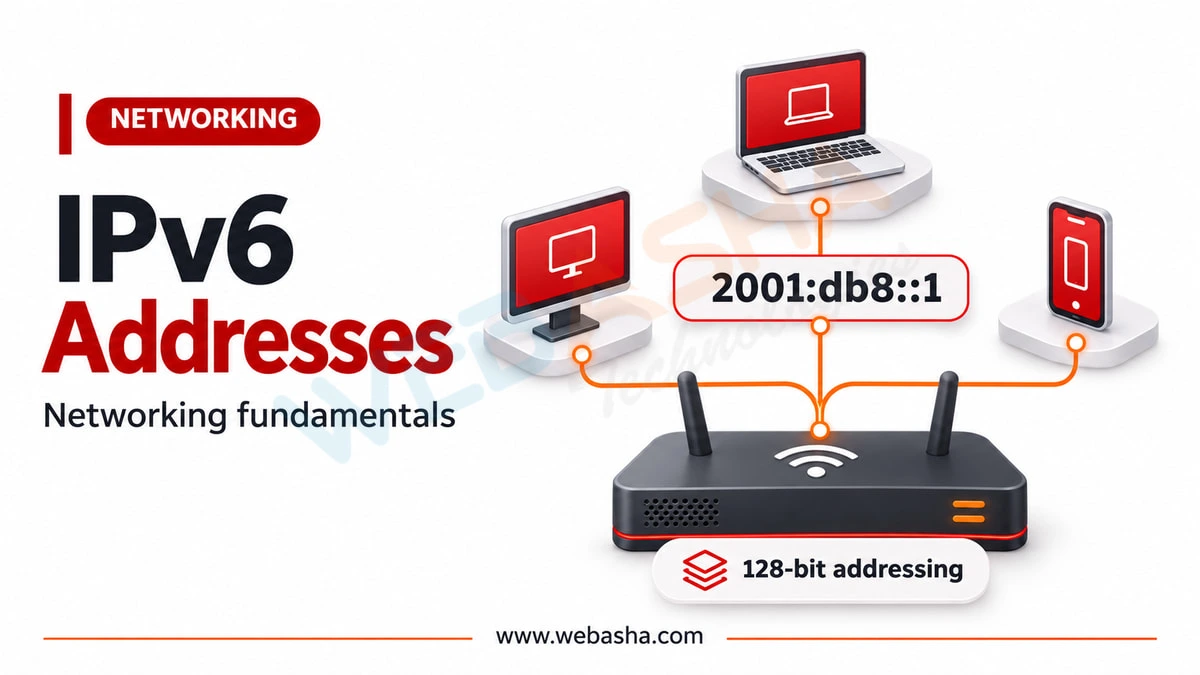
One thing to carry into any dual-stack network: an IPv4 ACL does not filter IPv6. A policy written only in IPv4 leaves the same service reachable over IPv6, which our guide to IPv6 addressing covers in more detail.
IPv6 lists also behave differently in a way worth knowing before you write one. Cisco's documentation states that "Each IPv6 ACL contains implicit permit rules to enable IPv6 neighbor discovery". IPv4 gets this for free because ARP is a separate data link protocol that an IP access list never sees; in IPv6 neighbour discovery runs over ICMPv6 at the network layer, so the ACL has to allow it explicitly, and the platform does that for you. The practical consequence is that an IPv6 ACL you write by hand on a platform that does not add those rules will break the segment, not just the filtered service.
Talk to a WebAsha training advisor about batches, syllabus and current fees.
References
- Cisco, IP Access List Overview, Security Configuration Guide: Access Control Lists
- Cisco, Configure IP Access Lists, document ID 23602
- Cisco, IPv6 Access Control Lists, Security Configuration Guide, IOS Release 15M&T
- RFC 4890, Recommendations for Filtering ICMPv6 Messages in Firewalls, May 2007
Related reading
Frequently Asked Questions
What's Your Reaction?
 Like
0
 Dislike
0
 Love
0
 Funny
0
 Wow
0
 Sad
0
 Angry
0