What Is Basic Networking? IP, Subnets, DNS and Ports
Networking is how devices find each other and exchange data. Five ideas carry most of it: an IP address identifies an interface, a subnet mask says which part of that address is the network, a default gateway is where traffic goes when the destination is not local, DNS turns names into addresses, and ports let one machine run many services at once.

Topic: Networking in IT Infrastructure · Explainer
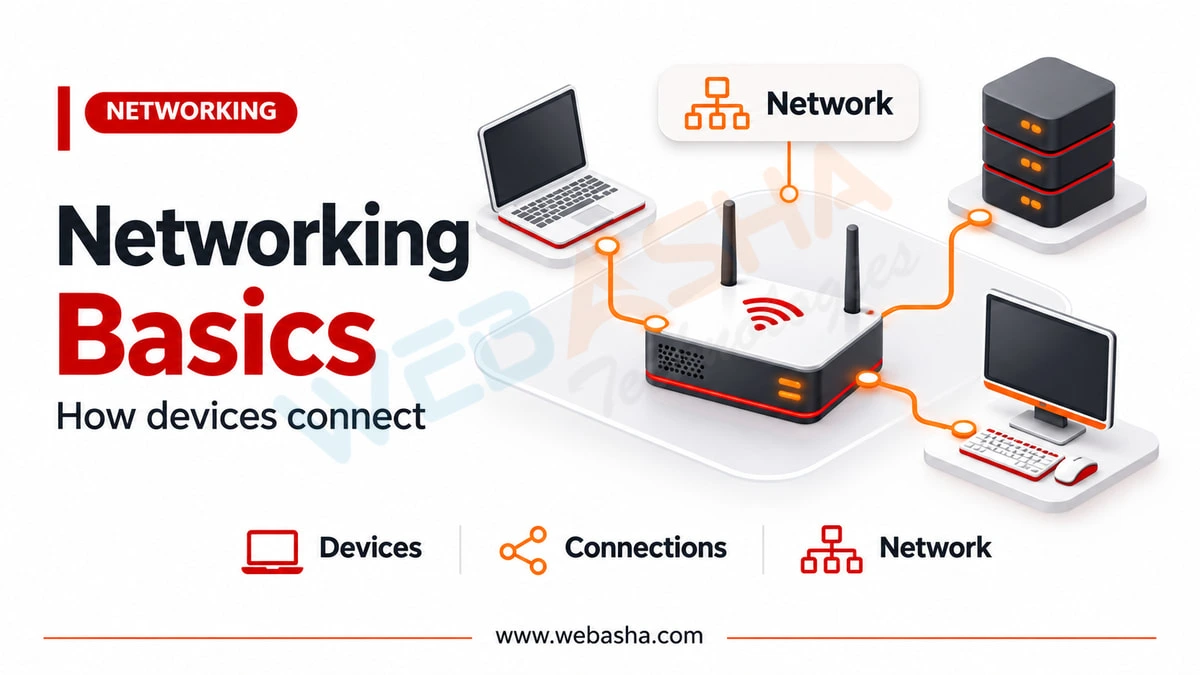
Quick answer: Networking is how devices find each other and exchange data. Five ideas carry most of it: an IP address identifies an interface, a subnet mask says which part of that address is the network, a default gateway is where traffic goes when the destination is not local, DNS turns names into addresses, and ports let one machine run many services at once. Every section below ends with a command you can run now to see the thing on your own machine, because that is how this subject actually becomes clear.
Key takeaways
- An IP address identifies an interface, not a device. A laptop with Wi-Fi and Ethernet has two.
- The subnet mask answers one question: is the destination local, or does it go to the gateway?
- DNS failures look exactly like network failures. Testing by IP separates them in one command.
- A port identifies a service on a host. IANA maintains the registry of which number means what.
- In India this is not an IPv4-only subject: Google measured Indian IPv6 adoption at 73.79 percent on 11 November 2026.
Topics covered in this guide: what networking is, IP addresses, subnet masks, default gateways, DNS, ports and protocols, what switches and routers do, NAT, a troubleshooting order that works, and where to go next.
Table of Contents
- What Is Networking?
- What Is an IP Address?
- What Is a Subnet Mask?
- What Is a Default Gateway?
- What Is DNS and Why Does It Matter?
- What Are Ports and Protocols?
- What Do Switches and Routers Actually Do?
- What Is NAT?
- How Do You Troubleshoot a Network Problem?
- Where Should a Beginner Go Next?
- References
What Is Networking?
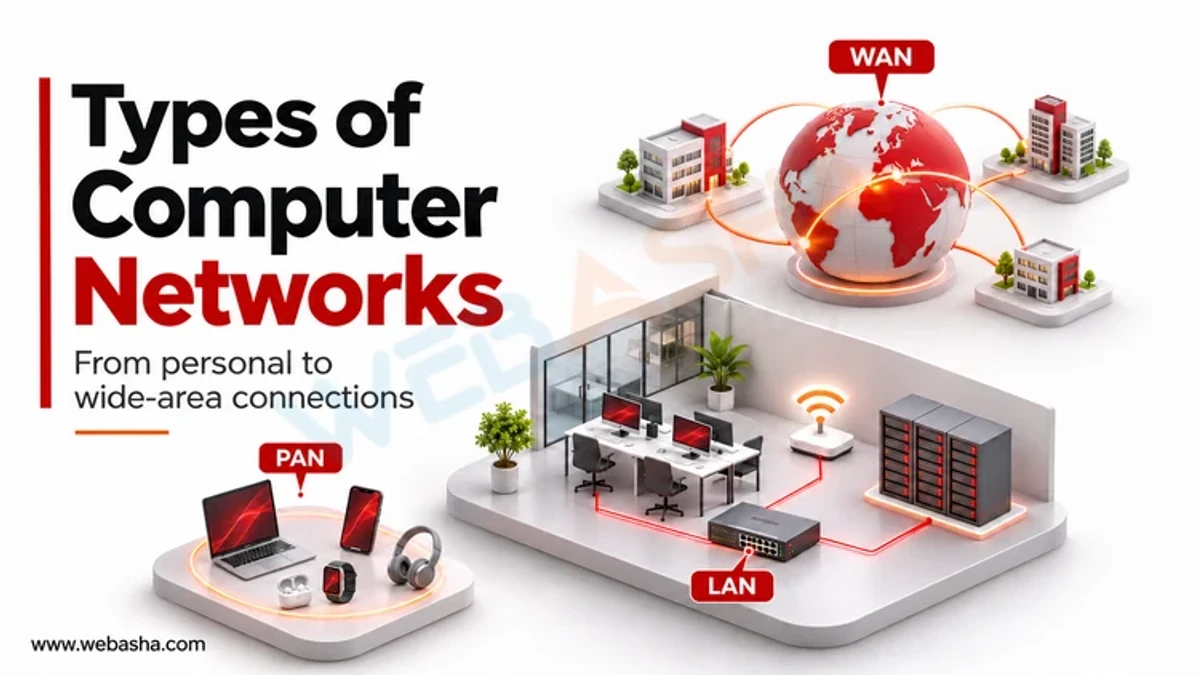
Networking is the set of rules and equipment that let one device send data to another and have it arrive intact. Almost everything in it answers one of three questions: who are you, where are you, and how do we agree on the format.
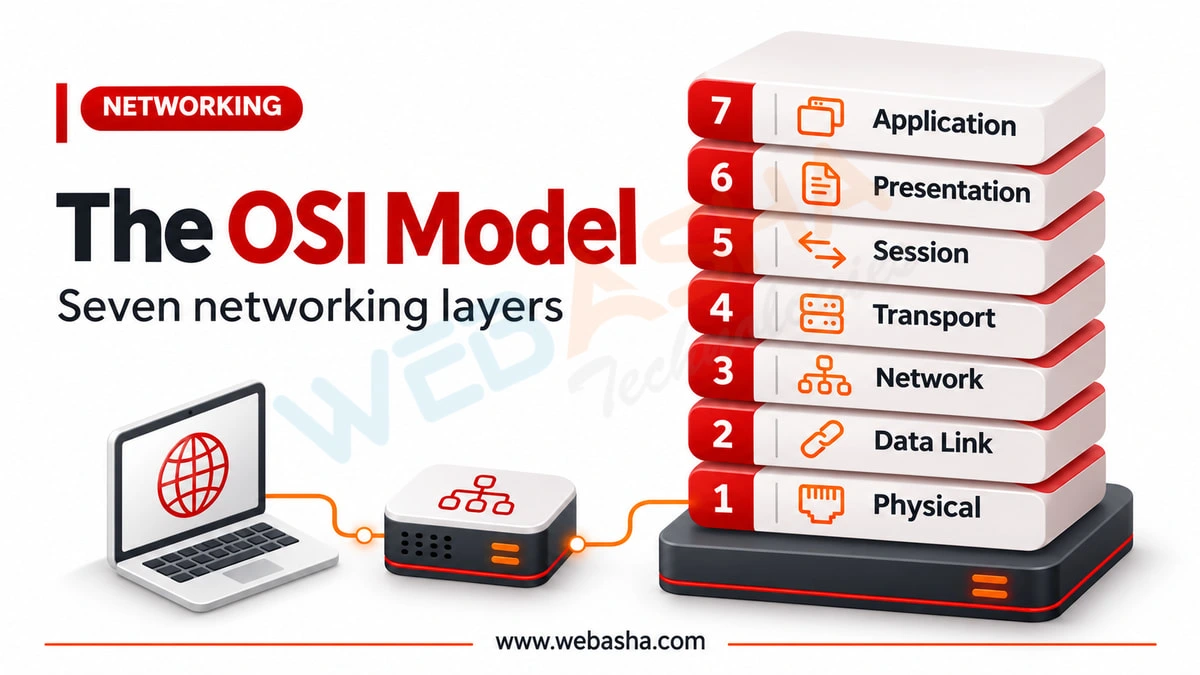
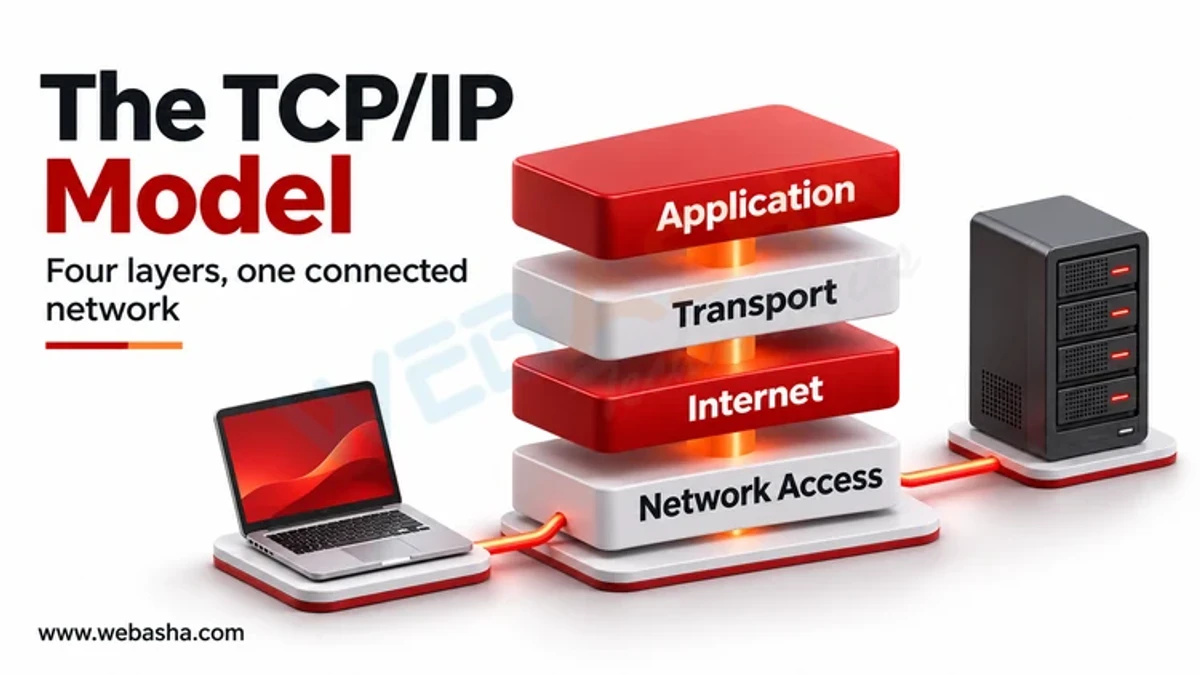
The layered model exists because those questions are answered by different things. The cable or radio moves bits, IP moves packets between networks, TCP makes a reliable ordered stream out of unreliable packets, and the application decides what the bytes mean. When something breaks, knowing which layer owns the problem is most of the diagnosis.
What Is an IP Address?
An IP address identifies an interface on a network, which is a distinction worth getting right early. A laptop with Wi-Fi and Ethernet connected has two addresses, and a server can have several on one interface.
IPv4 addresses are 32 bits, written as four numbers from 0 to 255. Three ranges are reserved by RFC 1918 for private use and will never appear on the public internet:
| Range | Addresses | Usually seen in |
|---|---|---|
| 10.0.0.0/8 | 10.0.0.0 to 10.255.255.255 | Large corporate networks |
| 172.16.0.0/12 | 172.16.0.0 to 172.31.255.255 | Mid-sized networks, Docker |
| 192.168.0.0/16 | 192.168.0.0 to 192.168.255.255 | Home routers |
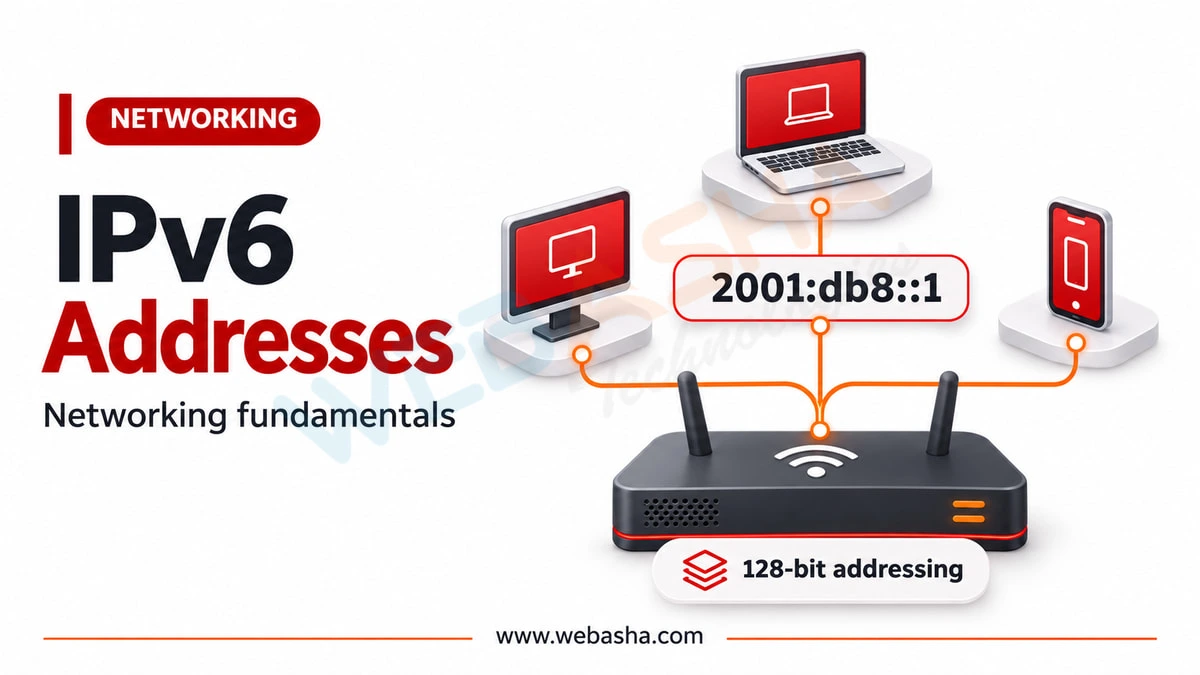
IPv6 addresses are 128 bits and are not an optional extra in India. Google measured Indian IPv6 adoption at 73.79 percent on 11 November 2026, against a global figure of 47.47 percent, so most Indian users already reach major services over IPv6. Our guide to IPv6 addressing covers it properly.
See your own:
# Linux and macOS
ip addr show            # Linux
ifconfig                # macOS

# Windows
ipconfig /all
What Is a Subnet Mask?
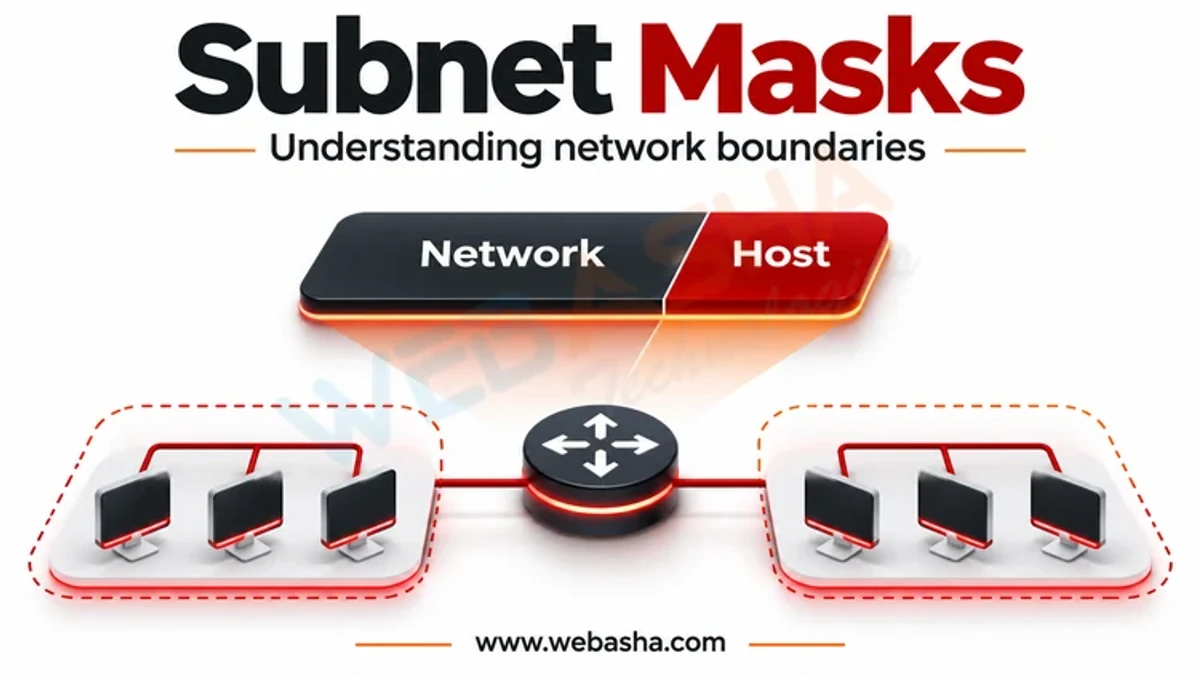
The subnet mask splits an address into a network part and a host part, and it exists to answer exactly one question: is this destination on my network, or do I send it to the gateway?
With an address of 192.168.1.50 and a mask of 255.255.255.0, written /24, the first three numbers are the network. So 192.168.1.75 is local and reached directly; 192.168.2.75 is not, and goes to the gateway.
| CIDR | Mask | Usable hosts | Typical use |
|---|---|---|---|
| /24 | 255.255.255.0 | 254 | A normal office or home subnet |
| /25 | 255.255.255.128 | 126 | Splitting a /24 in two |
| /30 | 255.255.255.252 | 2 | A point-to-point link |
| /16 | 255.255.0.0 | 65,534 | A large internal range |
Two addresses in every subnet are not usable by hosts: the first is the network address and the last is the broadcast address, which is why a /24 gives 254 rather than 256.
Check whether two addresses are on the same network:
# ipcalc shows the network, broadcast and host range
ipcalc 192.168.1.50/24

# or from Python, with no tools installed
python3 -c "import ipaddress; \
n=ipaddress.ip_network('192.168.1.0/24'); \
print(ipaddress.ip_address('192.168.2.75') in n)"
What Is a Default Gateway?
The default gateway is where a device sends traffic when the destination is not on its own subnet. It is almost always the router, and it is the single most common thing to be wrong when one machine cannot reach the internet while others can.
The decision a host makes for every outbound packet is short: apply the subnet mask to the destination; if it is local, send it directly; if not, send it to the gateway and let the gateway worry.
See yours:
# Linux
ip route show default

# Windows
route print 0.0.0.0

# macOS
netstat -nr | grep default
If that command returns nothing, the machine has no route off its own subnet, and no amount of DNS or firewall investigation will help until it does.
What Is DNS and Why Does It Matter?
DNS turns names into addresses. It matters out of proportion to its complexity because a DNS failure is indistinguishable from a network failure to a user, and the fix is completely different.
The record types worth knowing at this stage: A maps a name to an IPv4 address, AAAA to an IPv6 address, CNAME aliases one name to another, MX names the mail servers, and TXT holds arbitrary text, which is how SPF and DMARC are published.
Resolve a name, and then prove whether DNS was the problem:
# what does the name resolve to?
dig A www.example.com +short
dig AAAA www.example.com +short

# which resolver answered, and how long did it take?
dig www.example.com | tail -5

# Windows
nslookup www.example.com
The diagnostic that separates DNS from everything else:
# if this fails but the next one works, DNS is your problem
ping -c 3 www.example.com
ping -c 3 1.1.1.1
What Are Ports and Protocols?
An IP address gets you to a machine; a port gets you to a service on it. That is what lets one server run a website, a mail service and SSH at once.
The assignments are not convention, they are a registry. IANA maintains the Service Name and Transport Protocol Port Number Registry, which is the authoritative answer to what a port number means.
| Port | Service | Transport |
|---|---|---|
| 22 | SSH | TCP |
| 53 | DNS | UDP and TCP |
| 80 | HTTP | TCP |
| 443 | HTTPS | TCP |
| 25, 587 | SMTP | TCP |
| 3306 | MySQL | TCP |
TCP and UDP differ in what they promise. TCP, specified in RFC 9293, establishes a connection with a three-way handshake and delivers an ordered, reliable stream, retransmitting what is lost. UDP sends datagrams with no handshake and no guarantee, which is the right choice when late data is worse than missing data, as in voice and video.
See what is listening, and test one:
# what is listening on this machine
ss -tulpn                 # Linux
netstat -ano              # Windows

# can I reach a port on another host?
nc -vz 192.168.1.10 443

# watch the TCP handshake itself
sudo tcpdump -n -i any 'tcp port 443 and tcp[tcpflags] & (tcp-syn|tcp-ack) != 0'
What Do Switches and Routers Actually Do?
A switch moves frames within one network using MAC addresses. It learns which MAC address is on which port by watching traffic, and it has no concept of IP addresses or of the internet.
A router moves packets between networks using IP addresses, and it makes a decision for every packet based on its routing table. That is the difference in one line: a switch connects devices to each other, a router connects networks to each other.
See both in action:
# the MAC addresses your machine has learned on its local network
ip neigh show             # Linux
arp -a                    # Windows and macOS

# the routers between you and a destination
traceroute 1.1.1.1        # Linux and macOS
tracert 1.1.1.1           # Windows
Each line of a traceroute is a router making exactly the decision described above.
What Is NAT?
Network Address Translation lets many devices share one public IPv4 address. The router rewrites the source address of outgoing packets to its own public address, records the mapping, and reverses it for the replies.
It exists because IPv4 ran out of addresses, and it has two consequences worth knowing. Inbound connections do not work without explicit configuration, because the router does not know which internal device a new inbound packet belongs to. And NAT is not a security control, although it is often mistaken for one: it hides internal addressing as a side effect, and the firewall is what actually enforces policy. Our guide to access control lists covers that enforcement.
How Do You Troubleshoot a Network Problem?
Work outward from the machine. Each step eliminates everything before it, which is what stops you guessing.
- Does the interface have an address?
ip addr show. An address starting 169.254 means DHCP failed. - Can you reach your own gateway?
ping <gateway>. If not, the problem is local: cable, Wi-Fi, VLAN or the gateway itself. - Can you reach the internet by IP?
ping 1.1.1.1. Success here means routing works and the rest is DNS or the application. - Can you resolve a name?
dig example.com. Failure here with step 3 succeeding is DNS, every time. - Can you reach the service port?
nc -vz host 443. Failure here with DNS working is a firewall or the service being down. - Where does it stop?
traceroute host.
Running these in order takes two minutes and will tell you which of five very different problems you have. Running them out of order is how people spend an afternoon on a DNS issue.
Where Should a Beginner Go Next?
- Watch real traffic. Capture your own and account for what you see. Our Wireshark guide is the fastest route from theory to recognition.
- Learn subnetting until it is arithmetic, not a lookup. It underpins everything later.
- Add IPv6 now rather than later, given where Indian adoption already is.
- Build a small lab with two virtual machines and a firewall between them. Our guide to cyber security projects for beginners covers how.
- Then move to filtering, with access control lists, which is where networking becomes security.
If you are considering formal study, our guide to network security courses and certifications covers the exam details and prerequisites.
Talk to a WebAsha training advisor about batches, syllabus and current fees.
References
- RFC 9293, Transmission Control Protocol (TCP), August 2022
- RFC 1918, Address Allocation for Private Internets, February 1996
- IANA Service Name and Transport Protocol Port Number Registry
- Google IPv6 adoption statistics, read 13 November 2026
Related reading
Frequently Asked Questions
What's Your Reaction?
 Like
0
 Dislike
0
 Love
0
 Funny
0
 Wow
0
 Sad
0
 Angry
0