AI Agents Explained: How They Work and Where They Are Used Safely
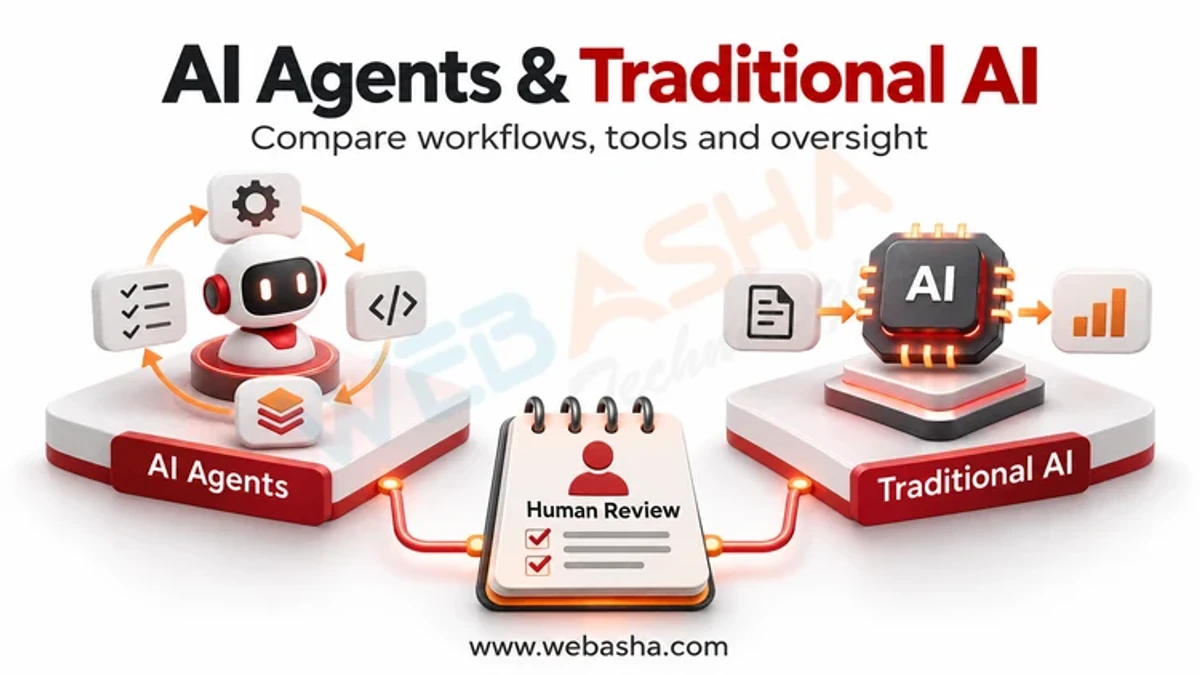
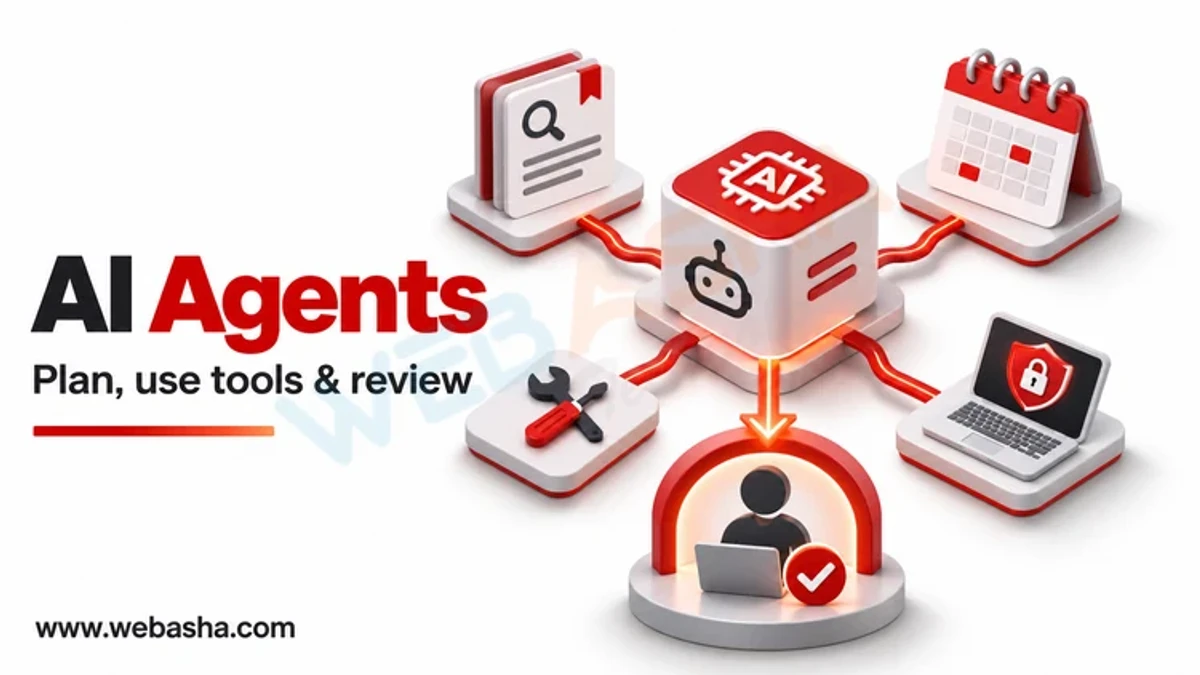
An AI agent is software that pursues a goal by deciding on steps, calling tools such as search, calendars or code runners, looking at the results and deciding what to do next, with little human input between steps. Today most agents use a large language model to plan and choose tools.
Topic: AI Agents, MCP & Automation in AI & Data · Explainer
Learning path: Generative AI & AI Infrastructure, lesson 6 of 14
Quick answer: An AI agent is software that pursues a goal by deciding on steps, calling tools such as search, calendars or code runners, looking at the results and deciding what to do next, with little human input between steps. Today most agents use a large language model to plan and choose tools. They help with literature research, meeting scheduling and repetitive IT tasks, and in security they drive attack simulations and help analysts investigate alerts. Because an agent acts, mistakes and manipulated inputs have real effects, so give it only the permissions it needs, cap its steps and require human approval for risky actions.
Key takeaways
- An agent runs a loop: plan, act with a tool, observe, repeat until done.
- The tools an agent can call define both its usefulness and its risk.
- The Model Context Protocol (MCP) is a common way to connect agents to tools and data.
- Security teams use agents for emulation, triage and report drafting, with oversight.
- Prompt injection through content the agent reads is the main new attack.
Table of Contents
- What Is an AI Agent?
- How Does an Agent Loop Work?
- What Types of Agents Exist?
- How Do Agents Connect to Tools?
- Where Are Agents Used?
- How Are Agents Used in Cybersecurity Simulation?
- What Can Go Wrong?
- How Do You Deploy an Agent Safely?
- References
What Is an AI Agent?
A chatbot answers a message. An agent takes a goal, such as "find three recent papers on phishing detection and summarise their methods", and works out the steps itself: search, open results, read, compare, write. An autonomous system is the broader term for any machine that acts without continuous human control, from a warehouse robot to a self-driving vehicle. The rest of this article focuses on software agents.
How Does an Agent Loop Work?
The core is a loop in ordinary code around a model. This simplified version shows the parts that matter for safety: an allowlist of tools, a step limit and a stop condition.
TOOLS = {"search": web_search, "read": fetch_page, "note": save_note}
MAX_STEPS = 10

def run_agent(goal):
    history = [{"role": "user", "content": goal}]
    for step in range(MAX_STEPS):
        decision = model.decide(history, tools=list(TOOLS))   # returns a tool call or a final answer
        if decision.type == "final":
            return decision.text
        if decision.tool not in TOOLS:
            history.append({"role": "tool", "content": "tool not allowed"})
            continue
        result = TOOLS[decision.tool](**decision.args)
        history.append({"role": "tool", "content": str(result)[:4000]})
    return "stopped: step limit reached"
The model chooses; the surrounding code decides what is permitted. That split is the basis of safe agent design.
What Types of Agents Exist?
| Type | How it decides | Example |
|---|---|---|
| Simple reflex | Fixed rules on current input | A thermostat or a firewall rule |
| Model-based | Keeps an internal picture of the world | A robot vacuum mapping a room |
| Goal-based | Plans actions toward a goal | A route planner |
| Utility-based | Weighs trade-offs between outcomes | A scheduler balancing many calendars |
| Learning | Improves from feedback | A recommendation system |
| LLM-based | A language model plans and picks tools | A research or coding assistant |
These categories come from the classic textbook by Russell and Norvig; LLM agents usually combine goal-based planning with tool use.
How Do Agents Connect to Tools?
Agents need a standard way to discover and call tools. The Model Context Protocol, introduced by Anthropic in November 2024 and now supported by many clients, defines servers that expose tools and data to any compatible agent. Each connected server is a new set of permissions, so review what a server can read and change before adding it.
Where Are Agents Used?
- Research: searching papers and sites, extracting findings, drafting literature summaries with citations that a person checks.
- Scheduling: reading calendars, proposing times and sending invitations after confirmation.
- IT operations: gathering diagnostics, opening tickets and suggesting fixes.
- Software development: reading code, running tests and proposing changes for review.
How Are Agents Used in Cybersecurity Simulation?
Automated adversary emulation predates LLMs. MITRE Caldera runs agents on test hosts that execute ATT&CK techniques chosen by a planner, so defenders can check whether their detections fire. LLM agents add flexible planning and natural-language reporting. Defenders also use agents to enrich alerts, query logs and draft incident summaries. Every simulation must run only in authorised scope, with a kill switch and logging.
What Can Go Wrong?
- Prompt injection: a web page or email the agent reads contains instructions that redirect it.
- Excessive permissions: an agent with broad access can delete, send or pay when it misreads a task.
- Error compounding: a wrong step early on leads to more wrong steps.
- Cost and loops: agents can call tools repeatedly without making progress.
The OWASP GenAI Security Project publishes guidance on these agentic threats and mitigations.
How Do You Deploy an Agent Safely?
- Give each agent its own identity with the minimum permissions for its task.
- Require human approval for sending, deleting, paying, sharing or changing access.
- Treat everything the agent reads as untrusted data, not instructions.
- Set step, time and spending limits.
- Log every tool call and review logs regularly.
- Map governance to the NIST AI RMF.
Read more on agentic AI versus generative AI and prompt injection, or talk to a WebAsha training advisor.
References
Frequently Asked Questions
What's Your Reaction?
 Like
0
 Dislike
0
 Love
0
 Funny
0
 Wow
0
 Sad
0
 Angry
0

Vaishnavi is a skilled tech professional at the Ethical Hacking Training Institute in Pune, responsible for managing and optimizing the technical infrastructure that supports advanced cybersecurity education. With deep expertise in network security, backend operations, and system performance, she ensures that practical labs, online modules, and assessments run smoothly and securely. Her behind-the-scenes contributions play a vital role in delivering a seamless and secure learning experience for aspiring ethical hackers.