Linux System Administrator Career Roadmap in India
A practical roadmap into Linux system administration in India: what to learn in order, which certifications employers actually recognise, realistic salary bands and how the role leads into DevOps and cloud.
Topic: Linux Administration in IT Infrastructure · Career guidance
Learning path: Linux to RHCSA, lesson 23 of 23
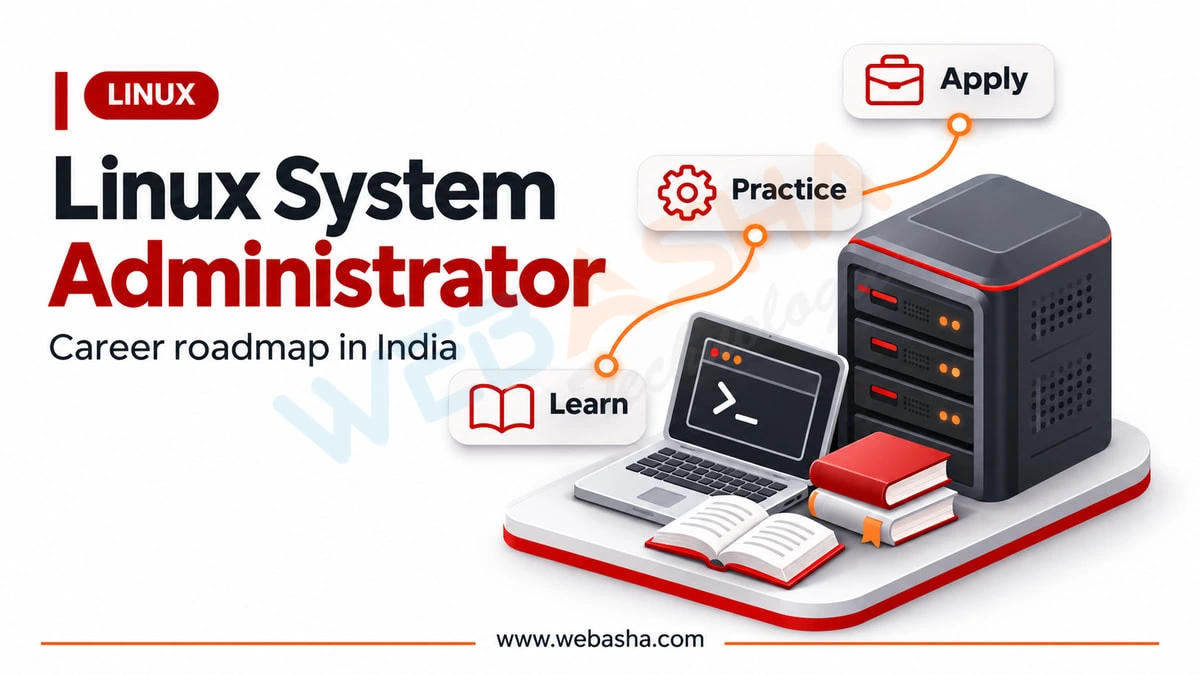
Quick answer: To become a Linux system administrator, learn the command line, users and permissions, storage, networking, services and shell scripting, in that order. Then earn a recognised certification such as RHCSA and practise in a lab. Many administrators later move into DevOps or cloud roles, because those careers are built on strong Linux foundations.
Key takeaways
- Learn the command line, users and permissions, storage, networking and services before scripting.
- A recognised certification such as RHCSA on RHEL 10 helps your CV.
- Practise on a home lab and keep notes of fixes.
Linux administration remains one of the most dependable entry points into Indian IT infrastructure work, and it is the foundation almost every cloud and DevOps career is built on. This roadmap sets out what to learn in what order, which certifications carry weight with employers, what the day-to-day job actually involves, and how administrators progress into higher-paying specialisations.
Topics covered in this guide: Linux system administrator career, Linux admin roadmap, RHCSA certification, Linux administrator skills, Linux sysadmin salary in India, Linux to DevOps transition.
Table of Contents
- What Does a Linux System Administrator Do?
- What Skills Do You Need to Become a Linux Administrator?
- What Is the Learning Order for a Beginner?
- Which Certifications Do Employers Recognise?
- What Is the Career Path and Salary Range?
- How Do You Move From Linux Administration to DevOps or Cloud?
- What Does a Typical Day Look Like?
- What Mistakes Should Beginners Avoid?
What Does a Linux System Administrator Do?
A Linux system administrator installs, configures, secures and maintains the Linux servers an organisation depends on. Daily work includes managing users and permissions, monitoring disk and memory, applying patches, configuring services, writing automation scripts, taking backups and troubleshooting incidents when something stops responding.
The role sits between hardware and applications. When a web application slows down, the administrator is the person who determines whether the cause is disk saturation, memory pressure, a runaway process, a network issue or the application itself. That diagnostic ability is what separates an experienced administrator from someone who has merely memorised commands.
In smaller organisations the role is broad, covering networking, storage and sometimes security. In larger enterprises it narrows, and you may specialise in a particular platform, storage layer or automation stack.
What Skills Do You Need to Become a Linux Administrator?
You need Linux fundamentals such as the file system, permissions, processes and services, plus networking basics, shell scripting, storage and LVM, package and user management, log analysis and backup practice. Familiarity with a configuration management tool and a cloud platform is increasingly expected even in traditional administration roles.
| Skill Area | What to Learn | Why It Matters |
|---|---|---|
| File system and permissions | Paths, ownership, modes, special bits | Underpins every access problem you will debug |
| Process management | ps, top, signals, systemd services | Diagnosing load and hung services |
| Storage | Partitions, filesystems, LVM, mounts | Capacity planning and disk emergencies |
| Networking | IP, DNS, routing, firewalls, SSH | Most outages look like network problems first |
| Shell scripting | Bash, cron, text processing | Automating anything you do more than twice |
| Security | SELinux, firewalld, hardening, patching | Increasingly part of the core job |
| Monitoring and logs | journald, log analysis, alerting | Finding causes rather than guessing |
If you are starting from zero, our guide to the Linux command line is a sensible first stop before formal training.
What Is the Learning Order for a Beginner?
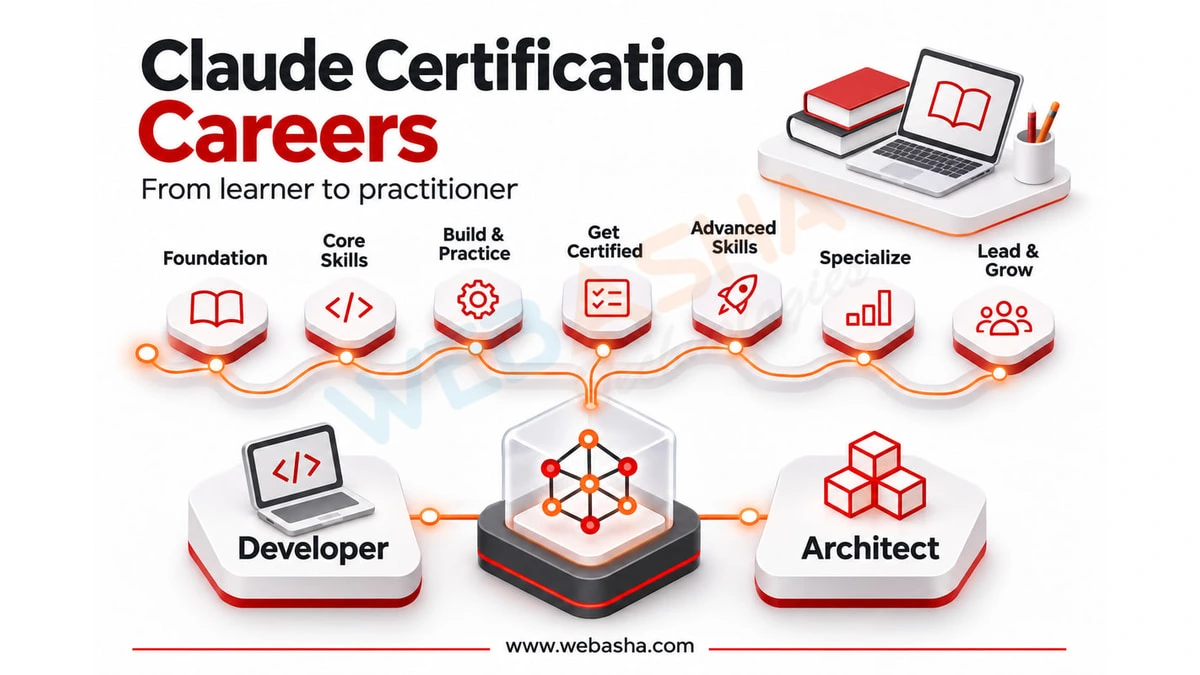
Learn in dependency order: command line basics, then file system and permissions, then processes and services, then storage and LVM, then networking, then shell scripting, then security and SELinux, and finally automation and cloud. Each stage assumes the previous one, and skipping ahead is why many beginners stall.
- Command line comfort - navigation, files, text editing, help pages
- Users, groups and permissions - who can do what, and why access fails
- Processes and systemd - starting, stopping and diagnosing services
- Storage and LVM - partitions, filesystems, mounting, growing volumes
- Networking - addressing, DNS, firewall rules, SSH configuration
- Shell scripting - turning repeated tasks into scripts and cron jobs
- Security - SELinux contexts, hardening, patch management
- Automation and cloud - Ansible, then a cloud platform
A realistic pace for someone studying part-time alongside work is three to six months to reach confident junior competence, and around a year to feel genuinely comfortable handling production incidents.
Which Certifications Do Employers Recognise?
In India, Red Hat certifications carry the most weight for Linux administration roles. RHCSA is the practical entry credential and RHCE builds on it with Ansible automation. Both are hands-on performance-based exams, which is precisely why hiring managers trust them more than multiple-choice alternatives.
- RHCSA - the baseline credential, proving you can perform real administration tasks on a live system
- RHCE - automation focused, built around Ansible, and requires a current RHCSA to be awarded
- Cloud certifications - AWS or Azure fundamentals pair well once the Linux base is solid
- Vendor-neutral options - useful for breadth but generally less recognised by Indian employers than Red Hat
WebAsha runs RHCSA training in Pune and online covering these exam objectives hands-on.
What Is the Career Path and Salary Range?
The typical progression is junior administrator, then system administrator, then senior administrator or specialist, then either infrastructure architect or a move into DevOps, SRE or cloud engineering. Published aggregator ranges for Indian Linux administrators vary widely by city and employer type, so verify current figures for your experience band before negotiating.
| Stage | Typical Experience | Focus |
|---|---|---|
| Junior administrator | 0-2 years | Tickets, monitoring, routine changes |
| System administrator | 2-5 years | Owning systems, incidents, automation |
| Senior administrator | 5-8 years | Architecture input, mentoring, complex incidents |
| Specialist or lead | 8+ years | Platform design, standards, capacity strategy |
Pay is influenced more by employer type and specialisation than by years alone. Administrators who can automate confidently and work with cloud platforms consistently command more than those who work only through manual processes, because the scarce skill is repeatability rather than command recall.
How Do You Move From Linux Administration to DevOps or Cloud?
Add version control, a CI/CD tool, containers and infrastructure as code on top of your Linux foundation. Linux administrators are unusually well positioned for this transition because DevOps assumes exactly the systems knowledge they already have, which is why many DevOps engineers started in administration.
A practical sequence for the transition is Git, then Jenkins pipelines, then Docker, then Kubernetes, then Terraform and a cloud platform. The Linux and networking depth you already possess means you will understand what these tools are doing rather than treating them as magic.
Our DevOps course guide for Pune sets out that path in detail, and the DevOps interview questions collection is a useful readiness check.
What Does a Typical Day Look Like?
A typical day mixes planned work such as patching, capacity checks and automation improvements with reactive work such as investigating alerts, restoring failed services and handling access requests. The proportion shifts with organisation size and how mature the automation already is.
Mature environments spend more time on engineering and less on firefighting, because repeated problems have been automated away. If you find yourself doing identical manual tasks weekly, that is the signal to write a script - and it is also the habit that turns a competent administrator into an automation engineer.
What Mistakes Should Beginners Avoid?
The common mistakes are memorising commands without understanding the underlying concepts, neglecting networking fundamentals, avoiding scripting, never practising restores after taking backups, and working exclusively as root. Each creates a gap that becomes visible during an incident or an interview.
- Memorising rather than understanding - you will meet problems no tutorial covered
- Skipping networking - a large share of server issues are network issues
- Avoiding scripts - manual repetition does not scale and does not impress
- Untested backups - a backup you have never restored is only a hope
- Living as root - it hides permission problems and invites accidents
- No home lab - reading about administration is not administration
Talk to a WebAsha training advisor about batches, syllabus and current fees.
Related reading
- Penetration Tester Career Roadmap for Beginners in India
- Online RHCSA EX200 v10 Training & Certification | Study Material & Exam Readiness for RHEL 10
- [2026] Linux System Admin Interview Preparation Tips
Reference
For the authoritative details, see Red Hat Training and Certification.
Frequently Asked Questions
What's Your Reaction?
 Like
0
 Dislike
0
 Love
0
 Funny
0
 Wow
0
 Sad
0
 Angry
0

With a passion for staying on the cutting edge of technology trends, I am dedicated to delivering content that not only informs but also inspires. Whether you need in-depth analysis pieces, informative guides, or thought-provoking opinion pieces, I craft content that resonates with tech enthusiasts and professionals alike.