Computer and Mobile-Based Social Engineering Attacks Explained
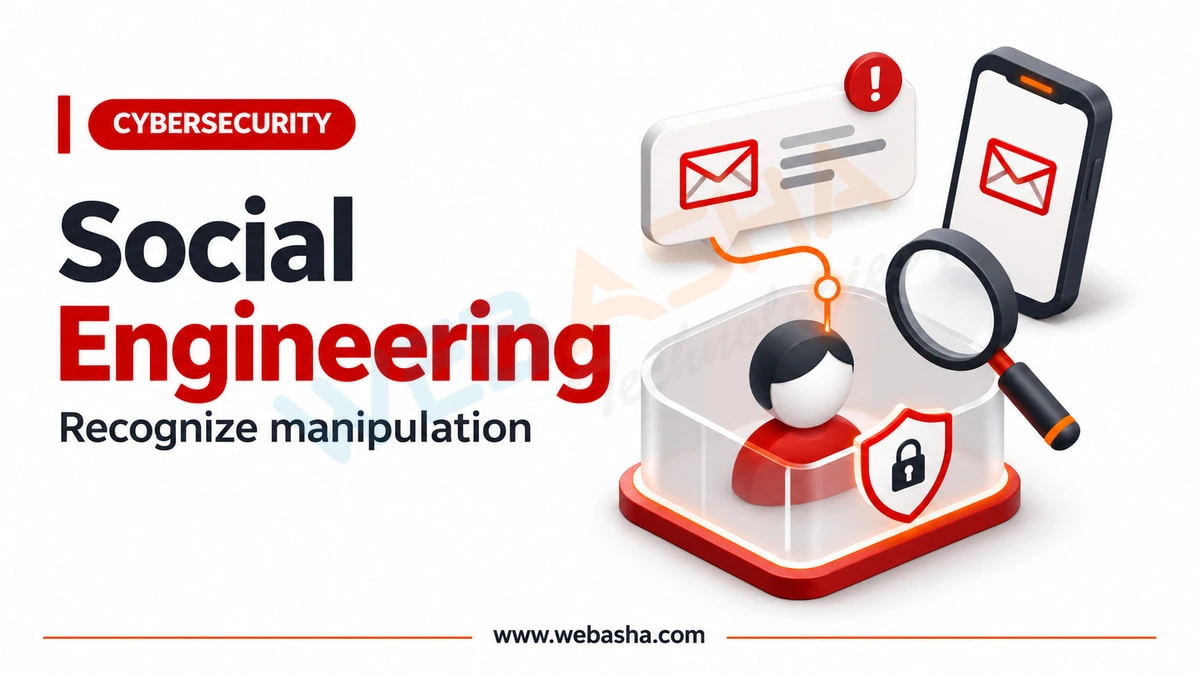
Computer and mobile-based social engineering uses technology to trick people into revealing information, sending money or installing malware.
Topic: Cyber Threats, Scams & Online Safety in Cybersecurity & Ethical Hacking · Tools
Quick answer: Computer and mobile-based social engineering uses technology to trick people into revealing information, sending money or installing malware. Common forms include phishing emails and targeted spear phishing, business email compromise, SMS phishing (smishing), scams on WhatsApp and social media, malicious apps and APK files, QR code phishing, fake websites and search ads, pop-up tech support scams, and AI-cloned voices or deepfake videos. Protect yourself by verifying requests through a separate channel, installing apps only from official stores, never sharing OTPs, using phishing-resistant MFA, and reporting suspicious messages.
Key takeaways
- Technology lets attackers reach many people cheaply and look convincing.
- Mobile channels such as SMS and WhatsApp are major fraud routes in India.
- Malicious APKs shared outside app stores often steal OTPs and banking data.
- AI makes voice and video impersonation easier.
- Report fraud messages on Sanchar Saathi and financial fraud on 1930.
Table of Contents
- What Are the Main Computer-Based Attacks?
- What Are the Main Mobile-Based Attacks?
- How Can You Recognise These Attacks?
- How Do You Protect Yourself and Your Organisation?
- Where Do You Report Them?
- What Should Businesses Add for Mobile Threats?
- References
What Are the Main Computer-Based Attacks?
| Attack | How it works |
|---|---|
| Phishing | Mass emails imitating trusted brands (T1566) |
| Spear phishing and whaling | Targeted messages to specific people or executives |
| Business email compromise | Spoofed or hijacked accounts request payments or data |
| Fake websites and ads | Lookalike sites and paid search ads leading to credential theft |
| Pop-up tech support scams | Fake virus warnings urging a call to "support" |
| Malicious attachments | Documents or archives that install malware |
What Are the Main Mobile-Based Attacks?
| Attack | Example |
|---|---|
| Smishing | "Your parcel is held, pay a small fee" link |
| WhatsApp and social media scams | Fake job offers, investment groups, relatives in trouble |
| Malicious APKs | "Bank KYC" or "electricity bill" app that steals SMS and OTPs |
| QR phishing | QR codes on posters or messages leading to fake payment pages |
| Vishing with AI voices | Cloned voice of a family member or boss |
| SIM swap preparation | Gathering details to hijack a phone number |
MITRE ATT&CK for Mobile documents mobile techniques, and NIST SP 800-124 covers organisational mobile security.
How Can You Recognise These Attacks?
- Urgency, fear or unusually good offers.
- Requests for OTPs, PINs, passwords or remote access.
- Links with misspelled domains or shortened URLs.
- Requests to install apps from links rather than official stores.
- Payment to personal accounts, UPI IDs or gift cards.
CISA's social engineering guidance lists similar warning signs.
How Do You Protect Yourself and Your Organisation?
- Verify requests by calling a known number, never the one in the message.
- Install apps only from Google Play or the App Store with Play Protect enabled; block unknown sources.
- Never share OTPs or UPI PINs; you do not need a PIN to receive money.
- Use phishing-resistant MFA and a password manager.
- For organisations: email filtering, DMARC, mobile device management and training.
Where Do You Report Them?
- India: suspected fraud calls, SMS and WhatsApp messages on Sanchar Saathi (Chakshu); financial fraud on 1930 or cybercrime.gov.in.
- US: spam texts can be forwarded to 7726, as the FTC explains.
- Workplace: report to your security team using the report button.
See also part 1 on human-based attacks and part 3 on countermeasures. WebAsha offers cyber awareness training.
What Should Businesses Add for Mobile Threats?
- Mobile device management or app protection policies for work data.
- Block installation from unknown sources on managed Android devices.
- Mobile threat defence or EDR for phones used for work.
- Phishing-resistant MFA so stolen passwords from mobile phishing are useless.
- Clear rules: no work payments or approvals over WhatsApp without verification.
CISA's mobile communications best practice guidance (2024) and NIST SP 800-124 Rev. 2 give detailed recommendations.
References
Frequently Asked Questions
What's Your Reaction?
 Like
0
 Dislike
0
 Love
0
 Funny
0
 Wow
0
 Sad
0
 Angry
0

Vaishnavi is a skilled tech professional at the Ethical Hacking Training Institute in Pune, responsible for managing and optimizing the technical infrastructure that supports advanced cybersecurity education. With deep expertise in network security, backend operations, and system performance, she ensures that practical labs, online modules, and assessments run smoothly and securely. Her behind-the-scenes contributions play a vital role in delivering a seamless and secure learning experience for aspiring ethical hackers.