Harvard CS50 Web Programming: What the Django Lectures Cover
CS50's Web Programming with Python and JavaScript (CS50W) is Harvard's follow-on to CS50x. According to the official course page, it runs from Week 0 to Week 8: HTML and CSS, Git, Python, Django, SQL with models and migrations, JavaScript, user interfaces, testing with CI/CD, and scalability and security, followed by a final project. Django is the server framework for most of the course.
Topic: Python for AI & Automation in AI & Data · Tutorial
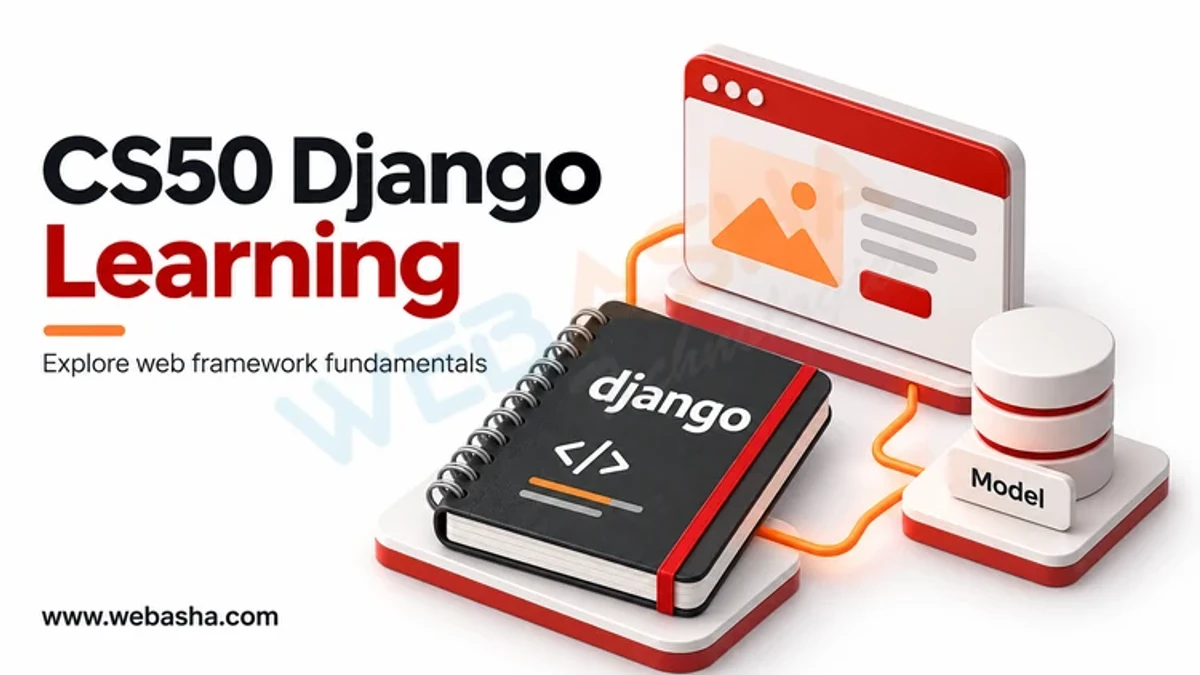
Quick answer: CS50's Web Programming with Python and JavaScript (CS50W) is Harvard's follow-on to CS50x. According to the official course page, it runs from Week 0 to Week 8: HTML and CSS, Git, Python, Django, SQL with models and migrations, JavaScript, user interfaces, testing with CI/CD, and scalability and security, followed by a final project. Django is the server framework for most of the course. The materials are free through Harvard OpenCourseWare. A verified certificate is available through edX, and the course page also lists routes to Harvard Extension School credit. Supplement it with the current Django documentation.
Key takeaways
- CS50W teaches Django alongside Python, SQL, JavaScript and React.
- Two weeks focus directly on Django and on models and migrations.
- Lectures, notes and projects are free to access online.
- Certificates are optional and offered through edX.
- Recorded lectures may use an older Django release than today.
Table of Contents
- What Is CS50 Web Programming?
- What Does Each Week Cover?
- How Much Django Does CS50W Teach?
- Is CS50W Free and How Do Certificates Work?
- What Should You Add Beyond CS50W?
- Who Is CS50W Right For?
- How Do You Get the Most From the Course?
- How Can You Pace CS50 Web Alongside Work?
- References
What Is CS50 Web Programming?
CS50W is a Harvard course taught by the CS50 team, published as OpenCourseWare and on edX. It assumes prior programming experience, typically from CS50x or similar. The course page lists Python, JavaScript, SQL, Django, React and Bootstrap among the technologies used, with GitHub for version control.
What Does Each Week Cover?
| Week | Topic | Why it matters for Django |
|---|---|---|
| 0 | HTML, CSS | The markup Django templates produce |
| 1 | Git | Version control for every project |
| 2 | Python | The language Django is written in |
| 3 | Django | Projects, apps, URLs, views, templates |
| 4 | SQL, Models, and Migrations | The ORM and database schema |
| 5 | JavaScript | Client-side behaviour and API calls |
| 6 | User Interfaces | Interactive pages and React basics |
| 7 | Testing, CI/CD | Automated tests and pipelines |
| 8 | Scalability and Security | Running apps safely for real users |
A final project of your own design follows Week 8.
How Much Django Does CS50W Teach?
Django is introduced in Week 3 and deepened in Week 4 with models, the ORM and migrations. Later weeks keep using Django as the back end while adding JavaScript, so you practise Django across most of the course, not just two lectures. Projects build progressively more complete web applications.
Is CS50W Free and How Do Certificates Work?
| Option | What you get |
|---|---|
| OpenCourseWare | Free lectures, notes and projects |
| edX verified certificate | A certificate through edX after completing requirements |
| edX professional certificate | A programme route listed on the course page |
| Harvard Extension or Summer School | Registered study with transfer credit |
The course page says submitting projects requires an edX account. It does not list the certificate fee, so check edX directly for current pricing.
What Should You Add Beyond CS50W?
- Current Django version: recorded lectures may predate today's releases. The download page lists Django 5.2 LTS and 6.1 as supported at the time of writing.
- Official tutorial: work through the Django tutorial to see current conventions.
- REST APIs: learn Django REST framework for structured APIs.
- Security depth: read Security in Django and the OWASP Top 10.
- Production deployment: Gunicorn, a database server and static file hosting.
- Testing habits: use the Django test framework in your own projects.
Who Is CS50W Right For?
It suits learners who already program a little and want a structured, academic path with clear project specifications. It is less suited to complete beginners, who should start with an introductory course, and to people who want live mentoring, since OpenCourseWare is self-paced.
How Do You Get the Most From the Course?
- Set a weekly schedule and finish each project before moving on.
- Read the Django docs pages for every concept a lecture introduces.
- Follow the course academic honesty rules and write your own code.
- Rebuild one project with the latest Django release.
- Make your final project something you can deploy and show.
If you prefer a lighter framework first, our Flask learning order guide shows the path, and our Django self-study guide adds free resources beyond CS50W. For mentored practice alongside the course, contact us about Django training.
How Can You Pace CS50 Web Alongside Work?
| Approach | Detail |
|---|---|
| One lecture and its notes per week | Keeps steady progress |
| Start each project early | Projects take longer than lectures |
| Read the Django docs for each topic | Fills gaps and newer features |
| Keep a small notes repository | Useful for later review |
Pair the course with the Django documentation, and use the OWASP Cheat Sheet Series when projects add logins and forms.
References
Frequently Asked Questions
What's Your Reaction?
 Like
0
 Dislike
0
 Love
0
 Funny
0
 Wow
0
 Sad
0
 Angry
0

Vaishnavi is a skilled tech professional at the Ethical Hacking Training Institute in Pune, responsible for managing and optimizing the technical infrastructure that supports advanced cybersecurity education. With deep expertise in network security, backend operations, and system performance, she ensures that practical labs, online modules, and assessments run smoothly and securely. Her behind-the-scenes contributions play a vital role in delivering a seamless and secure learning experience for aspiring ethical hackers.