AI Phishing and Deepfake Scams: How to Recognise and Stop Them
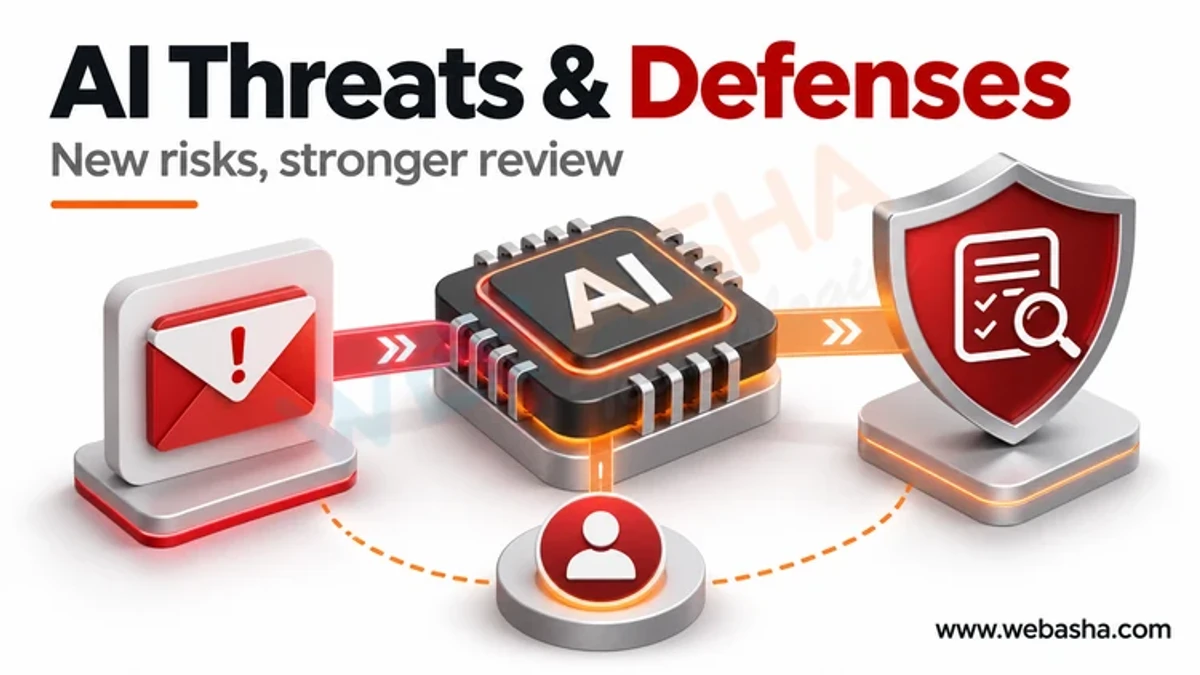
AI-driven phishing uses generative AI to write convincing, personalised messages in any language without the spelling mistakes people used to look for. Deepfake scams use cloned voices, fake video calls or generated photos to impersonate a boss, relative, official or romantic interest. The FBI warned in December 2024 that criminals use these tools to make fraud more believable at scale.
Topic: AI in Cybersecurity in Cybersecurity & Ethical Hacking · Explainer
Also covers: Cyber Threats, Scams & Online Safety
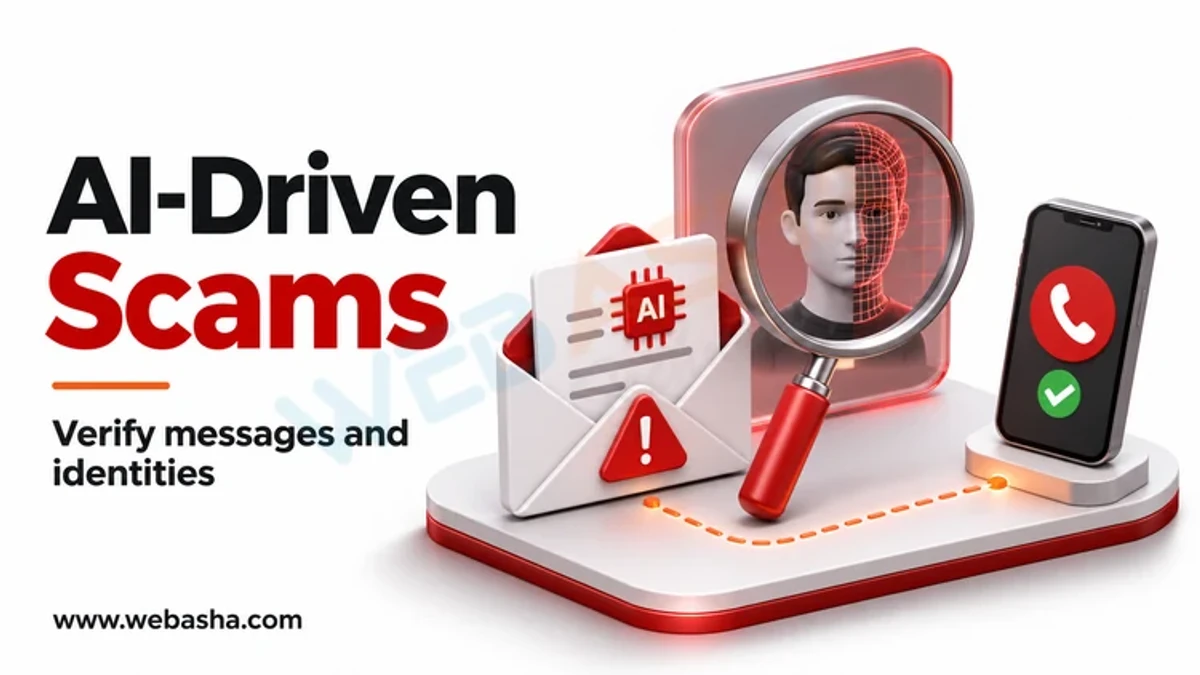
Quick answer: AI-driven phishing uses generative AI to write convincing, personalised messages in any language without the spelling mistakes people used to look for. Deepfake scams use cloned voices, fake video calls or generated photos to impersonate a boss, relative, official or romantic interest. The FBI warned in December 2024 that criminals use these tools to make fraud more believable at scale. The defence is a habit, not a gadget: slow down, verify any request for money, codes or passwords through a channel you already trust, use passkeys or app-based MFA, and report scams quickly.
Key takeaways
- Good grammar no longer means a message is genuine.
- A familiar voice or face on a call can be generated.
- Urgency, secrecy and unusual payment methods are the real warning signs.
- Call back on a number you already have before acting.
- Passkeys resist phishing far better than passwords and SMS codes.
Table of Contents
- What Has AI Changed About Phishing?
- How Do Deepfake Scams Work?
- What Red Flags Still Work?
- What Is a Good Verification Routine?
- How Do You Protect Your Accounts?
- How Can You Check a Suspicious Link?
- What Should You Do If You Were Scammed?
- How Do Email Authentication Checks Help?
- What Should Workplaces Add?
- References
What Has AI Changed About Phishing?
The FBI's public service announcement describes criminals using generative AI to write messages, create fake social profiles and identity documents, clone voices and generate video for live calls. The result:
| Before | With AI |
|---|---|
| Poor grammar and generic greetings | Fluent, personalised text in the victim's language |
| One template sent to thousands | Many variations tailored from public profiles |
| Text-only impersonation | Cloned voice notes and live video calls |
| Obvious fake profile photos | Generated faces that do not appear in image searches |
How Do Deepfake Scams Work?
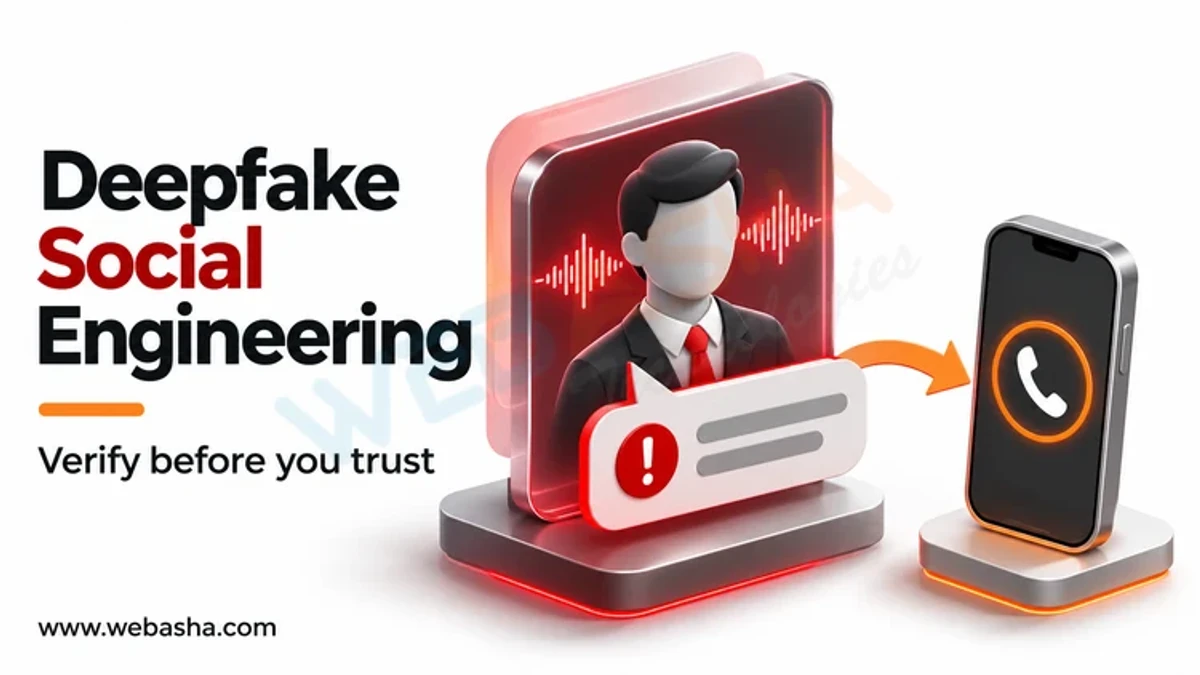
- Family emergency: a cloned voice of a child or parent asks for urgent money after an accident or arrest.
- Boss or CFO request: a voice note or video call asks an employee to pay an invoice or buy gift cards.
- Fake official: a video call from someone posing as police or a regulator, a pattern seen in so-called digital arrest scams in India.
- Romance and investment: generated photos and video build trust over weeks before a fake investment pitch.
Voice cloning can work from short clips taken from social media videos, so anyone who posts publicly is a possible source.
What Red Flags Still Work?
AI hides the old clues, but scams still need you to act fast and alone. Look for:
- Pressure to act now, or a threat of arrest, account closure or a missed reward.
- A request to keep it secret or not to call anyone.
- Payment by gift card, crypto, a new bank account or a screen-sharing app.
- A request for an OTP, password, PIN or recovery phrase. Genuine organisations never ask.
- A switch of channel: from email to WhatsApp, or from a call to a link.
What Is a Good Verification Routine?
- Pause. Do not reply, click or pay during the first contact.
- Hang up and call back on a number saved in your phone or printed on your card, never one given in the message.
- For family, use a code word agreed in advance.
- For work, confirm payments and bank changes with a second person.
- On a video call, ask a question only the real person would know.
How Do You Protect Your Accounts?
Phishing aims to steal logins. Passkeys are bound to the real website, so a fake site cannot use them. Where passkeys are not offered, use an authenticator app instead of SMS, a password manager that only fills passwords on the genuine domain, and alerts for new logins. CISA's phishing guidance covers the basics for home users.
How Can You Check a Suspicious Link?
Read the actual domain, not the display text. On a computer, hover over the link. If you are comfortable with a terminal, you can inspect a link without opening it in a browser:
# follow redirects and print each location, without rendering the page
curl -sIL "https://short.example/abc" | grep -i "^location"

# check when a domain was registered; very new domains are a warning sign
whois suspicious-domain.example | grep -i "creation date"
When in doubt, type the organisation's address yourself instead of following the link.
What Should You Do If You Were Scammed?
- Call your bank immediately to try to stop or reverse the payment.
- In India, call 1930 or report at cybercrime.gov.in as quickly as possible.
- Report suspected fraud calls and messages through Chakshu on Sanchar Saathi.
- Change passwords and sign out other sessions on affected accounts.
- Keep screenshots, numbers and transaction IDs as evidence.
Read more on AI in social engineering and AI-generated phishing emails, or talk to a WebAsha training advisor about security awareness training.
How Do Email Authentication Checks Help?
SPF (RFC 7208), DKIM and DMARC (RFC 7489) let a domain say which servers may send its mail and what receivers should do with failures. They stop attackers sending mail that claims to come from your exact domain, but not lookalike domains or messages from compromised real accounts. You can check a domain's published policy:
dig +short TXT example.com | grep -i spf
dig +short TXT _dmarc.example.com
A DMARC policy of p=reject gives the strongest protection against direct spoofing. In your mail client, the authentication results are in the message headers.
What Should Workplaces Add?
- A written rule that payments and bank detail changes need call-back verification and a second approver.
- Phishing-resistant MFA for email and finance systems, as recommended in CISA's phishing guidance.
- An easy report button, and thanks rather than blame for people who report.
- Awareness sessions that include cloned voice and video examples, following the layered approach in the UK NCSC's phishing guidance.
References
- FBI IC3, Criminals Use Generative AI to Facilitate Financial Fraud
- CISA, Recognize and Report Phishing
- FIDO Alliance, Passkeys
- National Cyber Crime Reporting Portal
- Sanchar Saathi
- RFC 7208, SPF
- RFC 7489, DMARC
- CISA and partners, Phishing Guidance
- UK NCSC, Phishing attacks: defending your organisation
Frequently Asked Questions
What's Your Reaction?
 Like
0
 Dislike
0
 Love
0
 Funny
0
 Wow
0
 Sad
0
 Angry
0

Vaishnavi is a skilled tech professional at the Ethical Hacking Training Institute in Pune, responsible for managing and optimizing the technical infrastructure that supports advanced cybersecurity education. With deep expertise in network security, backend operations, and system performance, she ensures that practical labs, online modules, and assessments run smoothly and securely. Her behind-the-scenes contributions play a vital role in delivering a seamless and secure learning experience for aspiring ethical hackers.