Choosing a Flask Course: Beginners vs Experienced Developers
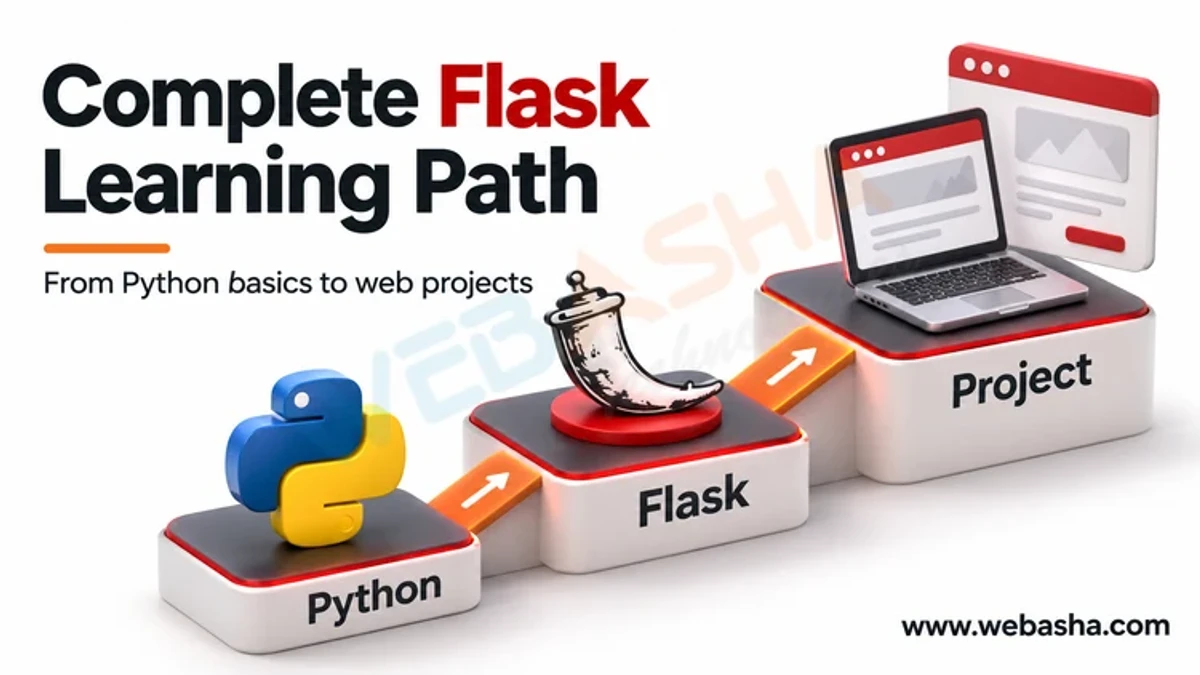
There is no single best Flask course; the right one depends on where you start. Beginners need a course that first teaches Python basics, then routes, Jinja templates, forms and a simple database, at a steady pace with lots of guided practice.
Topic: Python for AI & Automation in AI & Data · Course information
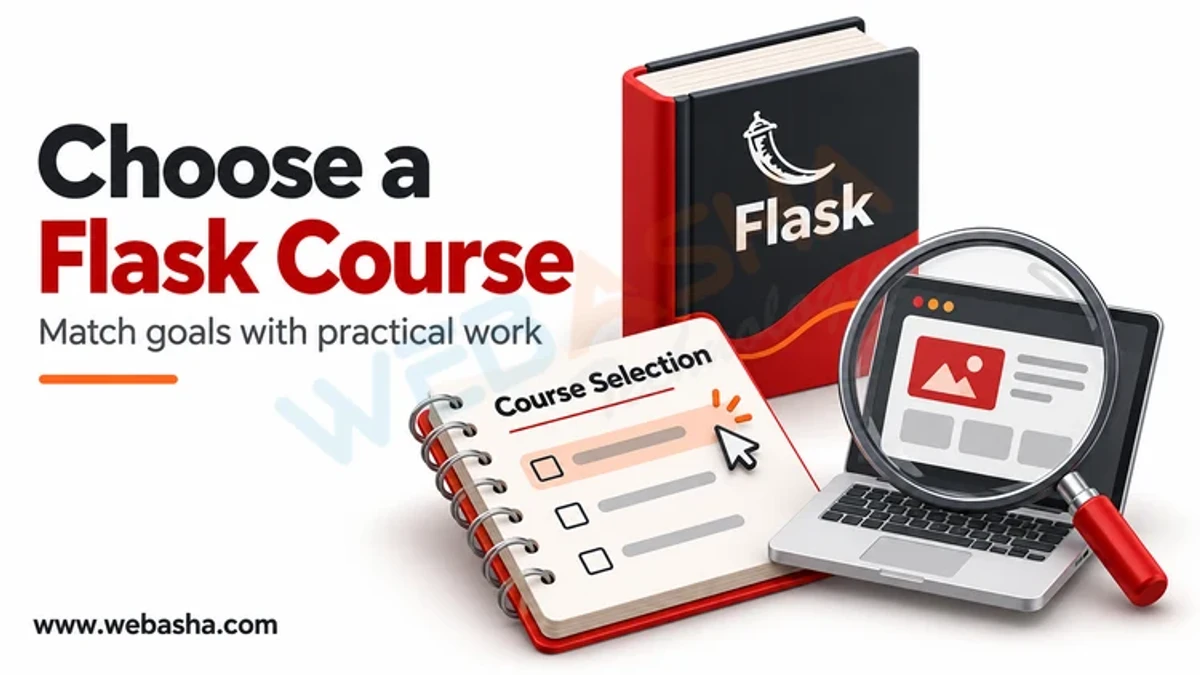
Quick answer: There is no single best Flask course; the right one depends on where you start. Beginners need a course that first teaches Python basics, then routes, Jinja templates, forms and a simple database, at a steady pace with lots of guided practice. Experienced developers, especially those coming from Django, Node.js or another framework, should skip the basics and pick a course on structure and production topics: application factories, blueprints, testing, async views, security and deployment with a WSGI server. Check that any course teaches Flask 3.x on a supported Python version, since the current release requires Python 3.9 or newer.
Key takeaways
- Match the course to your current skill, not to marketing claims.
- Beginners need Python fundamentals inside or before the course.
- Experienced developers gain most from architecture and production topics.
- Any level should include testing and security.
- Check the course uses current Flask and Python versions.
Table of Contents
- How Do You Know Which Level You Are?
- What Should a Beginner Flask Course Include?
- What Should Experienced Developers Look For?
- How Do the Two Paths Compare Side by Side?
- Which Warning Signs Apply to Every Level?
- How Do You Make the Final Choice?
- What Should Learners Build After the Course?
- References
How Do You Know Which Level You Are?
Answer honestly:
- Can you write Python functions, loops and classes without looking them up?
- Do you understand HTTP requests, status codes and HTML forms?
- Have you built and deployed any web app before?
- Have you written automated tests?
If you said no to the first two, you are a beginner and should first work through the official Python tutorial or a Python basics course. Yes to all four puts you in the experienced group.
What Should a Beginner Flask Course Include?
A good beginner course follows the sequence in the Flask documentation: installation in a virtual environment, the Quickstart, then the Flaskr tutorial. Look for:
- Short lessons with exercises after each topic.
- One project that grows through the course.
- Clear explanation of request, response and the session.
- SQLite before a full database server.
- An instructor or forum that answers questions.
Our post on the Flask learning order with a starter app shows what that sequence looks like.
What Should Experienced Developers Look For?
Skip the hello-world material. Valuable topics include the application factory pattern, blueprints, configuration per environment, pytest fixtures, extensions such as Flask-SQLAlchemy and Flask-Migrate, and async views. The Flask docs explain that async support needs the async extra and that Flask remains a WSGI framework, so a course should explain when an ASGI framework fits better. Production topics should follow the deployment guide.
How Do the Two Paths Compare Side by Side?
| Factor | Beginner course | Experienced course |
|---|---|---|
| Prerequisites | Basic Python or none | Solid Python and HTTP |
| Pace | Slow, many exercises | Fast, topic focused |
| Core topics | Routes, templates, forms, SQLite | Factories, blueprints, testing, async, deployment |
| Projects | Blog or notes app | Multi-module app or API with CI |
| Security depth | CSRF, escaping, hashing | Access control, secrets management, ASVS review |
| Support needed | High, live doubt clearing | Lower, code review useful |
Which Warning Signs Apply to Every Level?
| Warning sign | Why it matters |
|---|---|
| Uses app.run(debug=True) in deployment lessons | The debugger can run code; the docs forbid it in production |
| Targets an unsupported Python version | Current Flask on PyPI needs Python 3.9 or newer |
| No testing module | Untested code is hard to change |
| Promises jobs or rankings | No course can guarantee outcomes |
For security coverage, compare the syllabus with OWASP ASVS Level 1 topics.
How Do You Make the Final Choice?
Watch a free sample lesson, check the syllabus date and version, and confirm there is a real project at the end. If two courses look equal, pick the one whose final project is closest to the kind of app you want to build next. Use our full Flask course evaluation checklist before paying. To discuss which level of Flask training suits you, contact our team.
What Should Learners Build After the Course?
| Level | Project |
|---|---|
| Beginner | Notes app with login and forms |
| Intermediate | REST API with tests and token auth |
| Experienced | Deployed app behind a WSGI server |
| Any level | Security review against OWASP checks |
The Flask documentation and the OWASP Cheat Sheet Series support each project.
References
Frequently Asked Questions
What's Your Reaction?
 Like
0
 Dislike
0
 Love
0
 Funny
0
 Wow
0
 Sad
0
 Angry
0

Vaishnavi is a skilled tech professional at the Ethical Hacking Training Institute in Pune, responsible for managing and optimizing the technical infrastructure that supports advanced cybersecurity education. With deep expertise in network security, backend operations, and system performance, she ensures that practical labs, online modules, and assessments run smoothly and securely. Her behind-the-scenes contributions play a vital role in delivering a seamless and secure learning experience for aspiring ethical hackers.