Linux Essentials for Security Professionals: Skills and Commands
Security professionals need Linux because most servers, cloud workloads, containers and security tools run on it. The essentials are: understanding users, groups and file permissions; seeing which processes, services and network ports are active; reading system logs and authentication records; keeping packages patched; and hardening systems against benchmarks such as the CIS Benchmarks.
Topic: Linux Administration in IT Infrastructure · Commands & reference
Also covers: Incident Response & Digital Forensics, Cybersecurity Foundations, Penetration Testing
Quick answer: Security professionals need Linux because most servers, cloud workloads, containers and security tools run on it. The essentials are: understanding users, groups and file permissions; seeing which processes, services and network ports are active; reading system logs and authentication records; keeping packages patched; and hardening systems against benchmarks such as the CIS Benchmarks. You also need enough shell skill to search files and automate checks. Learn these areas with read-only commands on your own lab machines first, then apply them to incident triage, auditing and hardening at work.
Key takeaways
- Most attacks on servers end up as activity on a Linux system.
- Permissions, sudo rights and SUID files are frequent misconfigurations.
- Know what is listening on the network before attackers do.
- Logs are your evidence; CERT-In expects 180 days of retention.
- Hardening follows published baselines, not guesswork.
Table of Contents
- Why Does Linux Matter in Security Work?
- What Should You Know About Users and Permissions?
- How Do You See Processes, Services and Ports?
- Where Are the Logs, and How Do You Read Them?
- How Do You Keep Packages Patched?
- How Do You Harden a Linux Server?
- How Should You Practise These Skills?
- References
Why Does Linux Matter in Security Work?
SOC analysts read Linux logs, incident responders triage compromised servers, cloud engineers secure Linux images, and penetration testers assess Linux hosts under written authorisation. The MITRE ATT&CK Linux matrix shows how many attacker techniques target this platform, from cron persistence to credential theft.
What Should You Know About Users and Permissions?
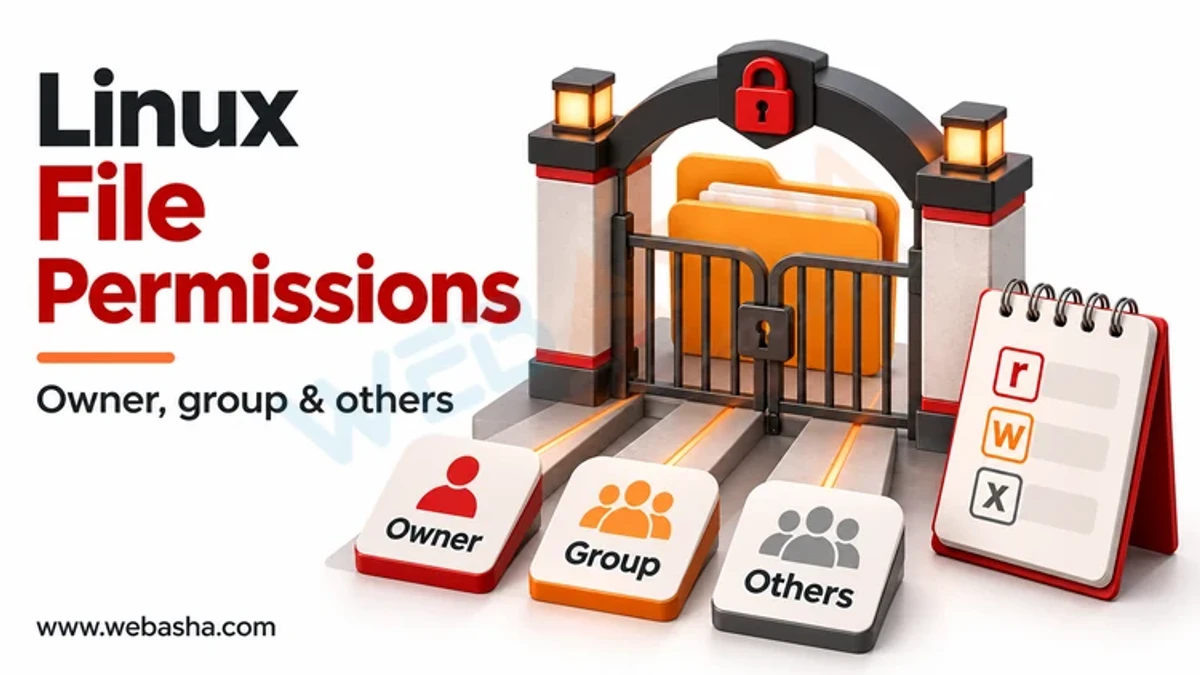
Every file has an owner, a group and read, write and execute bits. Misplaced write access, broad sudo rules and unexpected SUID binaries can let a normal user become root. Safe checks:
id
sudo -l
ls -l /etc/passwd /etc/shadow
find / -perm -4000 -type f 2>/dev/null
Compare the SUID list with a known-good baseline and investigate anything new. For a full explanation of modes, see our Linux permissions guide.
How Do You See Processes, Services and Ports?
ps aux --sort=-%cpu | head
systemctl list-units --type=service --state=running
sudo ss -tulpn
ss shows listening sockets and the owning process, as documented in the Linux man pages. Unknown listeners or processes running from /tmp deserve a closer look.
Where Are the Logs, and How Do You Read Them?
| Source | What it shows | Command or path |
|---|---|---|
| systemd journal | Service and system events | journalctl -u sshd --since today |
| Auth log | Logins, sudo use | /var/log/auth.log (Debian) or /var/log/secure (RHEL) |
| Login history | Recent sessions | last -n 20 |
| Failed logins | Brute force attempts | sudo lastb -n 20 |
| auditd | Detailed file and syscall audit | sudo ausearch -m USER_LOGIN |
The SSH unit is named ssh on Debian and Ubuntu. NIST SP 800-92 covers log management, and CERT-In directions require logs to be kept for 180 days in India.
How Do You Keep Packages Patched?
apt list --upgradable
sudo dnf check-update
sha256sum downloaded-file.iso
Track security advisories for your distribution and verify downloads with hashes or signatures before installing. Unpatched internet-facing services are one of the most common ways Linux servers are compromised, so set a patch schedule and record exceptions.
How Do You Harden a Linux Server?
| Area | Typical control |
|---|---|
| SSH | Key-based login, no direct root login |
| Services | Disable anything not needed |
| Firewall | Default deny with nftables or firewalld |
| Access control | SELinux or AppArmor in enforcing mode |
| Accounts | Remove unused users, limit sudo |
Use the CIS Benchmarks, the Red Hat hardening guide and NIST SP 800-123 as baselines.
How Should You Practise These Skills?
Build a small lab with two or three virtual machines, break and fix configurations, and write short shell scripts that report on users, ports and logs. Only test systems you own or are authorised in writing to test; unauthorised access is an offence under Sections 43 and 66 of India's IT Act 2000. Our Linux commands guide is a useful reference, and WebAsha Linux and cybersecurity training offers guided labs.
References
Frequently Asked Questions
What's Your Reaction?
 Like
0
 Dislike
0
 Love
0
 Funny
0
 Wow
0
 Sad
0
 Angry
0

Vaishnavi is a skilled tech professional at the Ethical Hacking Training Institute in Pune, responsible for managing and optimizing the technical infrastructure that supports advanced cybersecurity education. With deep expertise in network security, backend operations, and system performance, she ensures that practical labs, online modules, and assessments run smoothly and securely. Her behind-the-scenes contributions play a vital role in delivering a seamless and secure learning experience for aspiring ethical hackers.