How to Choose a Cybersecurity Course in Pune: A Student Checklist
Choose a cybersecurity course in Pune by matching its prerequisites and syllabus to your learning goal, then checking how students practise, receive feedback and demonstrate progress. Ask for the batch schedule, lab access, assessment method and certificate details in writing before you enrol.
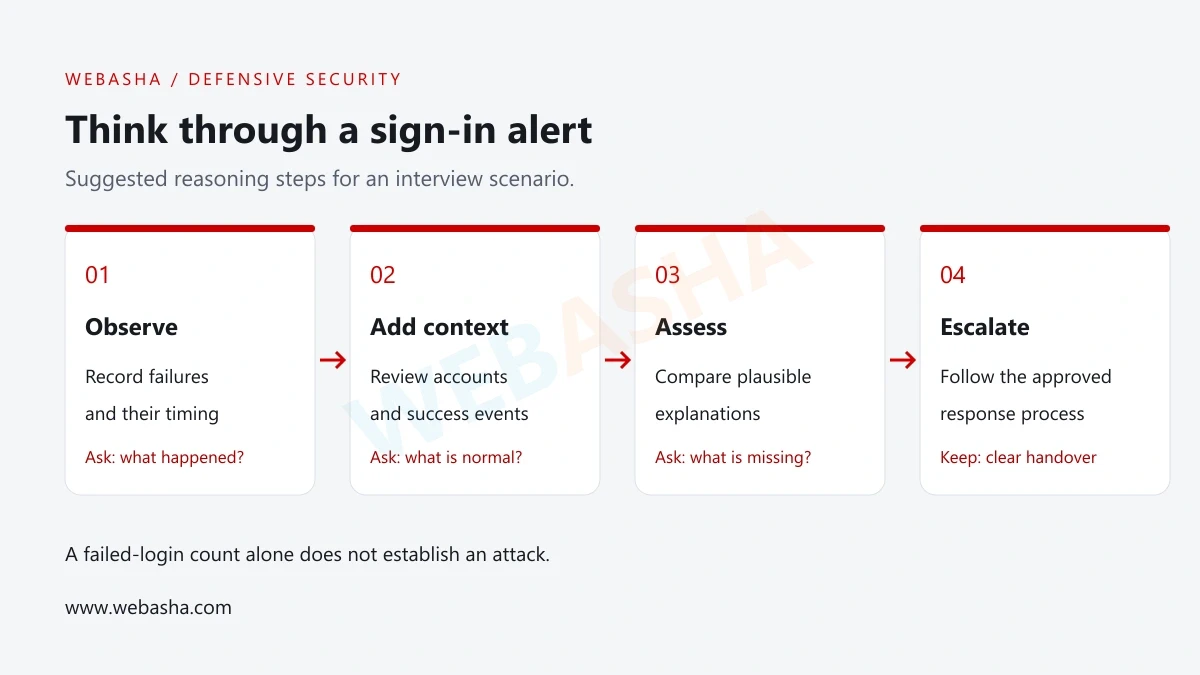
Choose a cybersecurity course in Pune by matching its prerequisites and syllabus to your learning goal, then checking how students practise, receive feedback and demonstrate progress. Ask for the batch schedule, lab access, assessment method and certificate details in writing before you enrol.
This checklist is for students, freshers and working learners comparing training options. It is published by WebAsha Technologies and includes a WebAsha enquiry link. Use the same questions for every provider, including WebAsha; this is not an independently audited ranking of institutes.
Collect these before deciding
- A dated syllabus and clear prerequisite list.
- A sample practical task and its marking criteria.
- The trainer, timetable and lab-access arrangements for your batch.
- Written details of the certificate and any career-support services.
Start with the outcome you want from training
Write down what you want to be able to do after the course. “Understand cybersecurity” is hard to assess. “Read a small authentication log and explain which events need review” gives you a task to discuss with the training adviser.
NIST’s NICE Framework describes cybersecurity work through tasks and the knowledge and skills needed to perform them. You can use that approach to compare learning outcomes without expecting every course to cover every security role. [1]
| Your goal | Ask about | Example student output |
|---|---|---|
| Build beginner foundations | Networking, operating systems and security concepts | A short explanation of a request, permissions and relevant logs. |
| Explore SOC work | Event interpretation, triage and handovers | A synthetic incident timeline with evidence and unanswered questions. |
| Learn web-security foundations | Web behaviour, access control and remediation | A report from an isolated training application. |
| Improve governance and risk understanding | Assets, ownership, risk and controls | A fictional asset register and access-review record. |
| Prepare for a named certification | Official objectives and assessment requirements | A mapping of syllabus topics to the issuer’s stated scope. |
If you are unsure where to begin, read the WebAsha cybersecurity beginner guide. Identify your gaps before choosing a specialist track.
Check prerequisites before judging course depth
Ask what the first lab assumes you already know. Can a new student navigate Linux files, explain IP addresses or read a simple script? If these are prerequisites, find out whether the provider offers a bridge module or expects independent preparation.
Share your actual starting level. A student who needs networking basics and an administrator adding security skills may need different teaching plans. Request an example readiness question or introductory exercise so the adviser can explain the recommended starting point.
A useful prerequisite list names skills, not only degree titles. If a provider accepts a wide range of backgrounds, ask how it supports learners who progress at different speeds. Keep the answer alongside the syllabus when you compare options.
Read the syllabus as a sequence of tasks
A long list of product names does not show how a student learns. For each major module, ask what you will practise and how the instructor will check your understanding. Look for foundations before complex investigations and opportunities to revisit earlier skills.
| Area | Ask the provider | Evidence to request |
|---|---|---|
| Networking and systems | What can a student explain or inspect after this module? | A small exercise with expected observations. |
| Identity and permissions | Will students test both allowed and denied actions? | A sample access-control task. |
| Logs and investigation | How do students distinguish observations from conclusions? | A sample triage report or marking rubric. |
| Web security | Where are the exercises run and how are fixes discussed? | A lab scope and remediation-review example. |
| Reporting | Who reviews the student’s explanation and corrections? | An anonymised feedback example, shared with permission. |
Ask how often the syllabus is reviewed and which document applies to your batch. Treat broad phrases such as “AI-powered” as a prompt for detail: what task will the learner perform, what data may be used and how is the output verified?
Evaluate hands-on labs and access arrangements
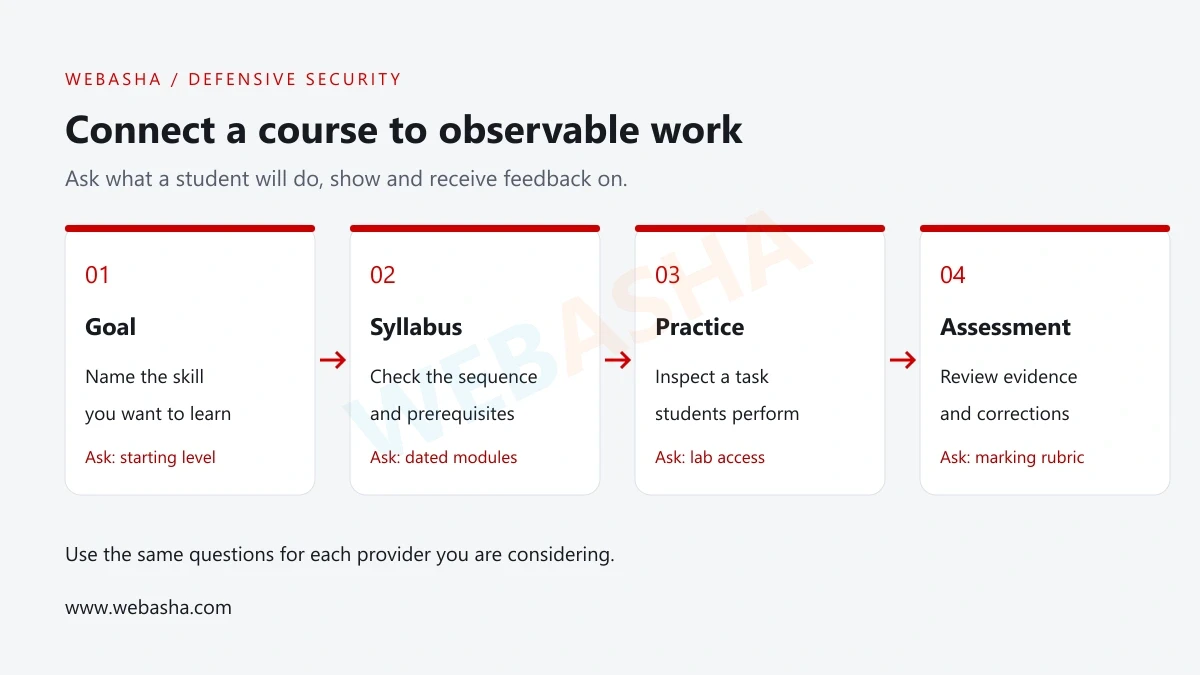
Ask whether students operate the environment themselves, observe an instructor demonstration or share a workstation. Each can support learning, but they offer different opportunities to practise. Confirm how much individual practice is built into the schedule.
Request the lab requirements before bringing or buying equipment. Ask about supported operating systems, available memory, internet access, reset procedures and access outside class. If software or cloud accounts are required, clarify who supplies them and who controls access.
OWASP Juice Shop is an example of an intentionally insecure application built for security training. It illustrates why a course should name its authorised practice environment and explain how that environment is kept separate from public systems. [3]
Ask how a student recovers from a broken lab. A reset process and a clear support route matter when practice time is limited. Testing a public website or an employer’s network without an agreed scope is not a substitute for a training lab.
Use a demo session to assess teaching and feedback
Confirm who is expected to teach your batch and how instructor changes are handled. During a demo, pay attention to the explanation of a small problem: does the instructor describe the evidence, check assumptions and explain an unexpected result?
Ask a foundation question and observe how it is handled. You should be able to follow the explanation at the level promised by the course. If the session moves too quickly, ask what prerequisite learning would make it manageable.
NIST identifies workplace skills as part of cybersecurity work. Course evaluation can therefore include how students practise clear questions, documentation and handovers as well as technical tasks. [2]
Request the feedback process: who reviews assignments, whether students can correct them and how doubts are handled between sessions. A demo alone cannot establish the quality of an entire programme, so confirm which arrangements apply to the actual batch.
Ask how projects and assessments show progress
Ask to see the structure of a practical assessment. A useful example identifies the task, permitted resources, expected evidence and marking criteria. It should be clear whether an assignment is individual, collaborative, guided or completed independently.
For a beginner log-analysis project, a sample assessment might ask students to filter a synthetic dataset, explain the result and identify missing context. A rubric could check correct output, reproducibility and the limits of the conclusion. This is an editorial example, not a statement that every provider uses this assessment.
GitHub’s README guidance describes explaining a project’s purpose and how someone can get started. Ask whether students receive help producing similarly readable project instructions and reports. [4]
Check whether students can retain their own work, which lab materials may be published and how confidential information is excluded. For examples of useful outputs, see the WebAsha beginner portfolio guide.
Clarify exactly what certificate you will receive
Ask for the exact credential name and issuer. Distinguish a provider’s course-completion document, preparation for an external examination and the external credential itself. Check the issuer’s official requirements before treating those as equivalent.
Request written details of what is included in the enrolment: learning materials, lab access, assessments and any exam-related item. If the training page uses an accreditation or authorisation claim, verify the specific programme and provider through the named organisation’s official channel.
A degree programme and a short training course can serve different goals. Compare entry requirements, academic award, curriculum, assessment and study commitment on their own terms. Do not assume similarly named cybersecurity programmes lead to the same qualification.
No particular certification or institute ranking is recommended here. Use your starting skills and intended role to decide what needs further investigation, and check current issuer information whenever a named exam is part of your plan.
Check the Pune timetable against your actual week
For classroom training in Pune, confirm the teaching location for your batch and estimate the journey at the time you would normally travel. A convenient address on a website does not answer whether you can attend consistently alongside college or work.
Write a realistic weekly plan covering taught sessions, independent practice, revision and assignments. Ask about attendance expectations, missed-session support, rescheduling and the process when a batch start date changes. Confirm dates directly rather than relying on an old search snippet.
| Format | Useful question | Written detail to collect |
|---|---|---|
| Classroom | Will the classroom and equipment shown be used by my batch? | Confirmed venue and practical-access arrangements. |
| Online | How can the trainer inspect my work and help with setup? | Delivery platform, support route and session arrangements. |
| Hybrid | Which parts require attendance and how do remote students participate? | Mode for each activity and rules for switching. |
| Any format | What happens if I miss a lab or the batch is rescheduled? | The applicable make-up and change process. |
These checks apply whether you study near home, commute across the city or join remotely. Choose the format that lets you practise reliably and obtain feedback.
Use a written comparison checklist before enrolling
Compare evidence you received, rather than assigning a score based on marketing language. Mark an unanswered item as “not yet confirmed” and ask for clarification. The example below is a note-taking template, not a validated institute-rating system.
| Criterion | Record for each option | Follow-up if unclear |
|---|---|---|
| Goal and prerequisites | Target outcome and skills assumed at entry | Request a readiness exercise. |
| Syllabus | Dated modules and sequence | Ask which document applies to the batch. |
| Lab practice | Individual tasks and access conditions | Request a demonstration and setup requirements. |
| Assessment | Rubric, feedback and correction process | Ask for an anonymised example. |
| Credential | Exact issuer, award and completion requirements | Verify through the issuer’s official channel. |
| Schedule | Venue or platform, times and change process | Confirm the proposed batch in writing. |
| Career support | Specific activities and eligibility conditions | Ask what is delivered and how to access it. |
| Enrolment terms | Written inclusions, cancellation and grievance process | Request the applicable document before deciding. |
If career support is advertised, ask whether it means resume review, mock interviews, employer introductions or something else. Request the conditions and the contact responsible for delivering it. Training and support services do not guarantee an employer’s selection decision.
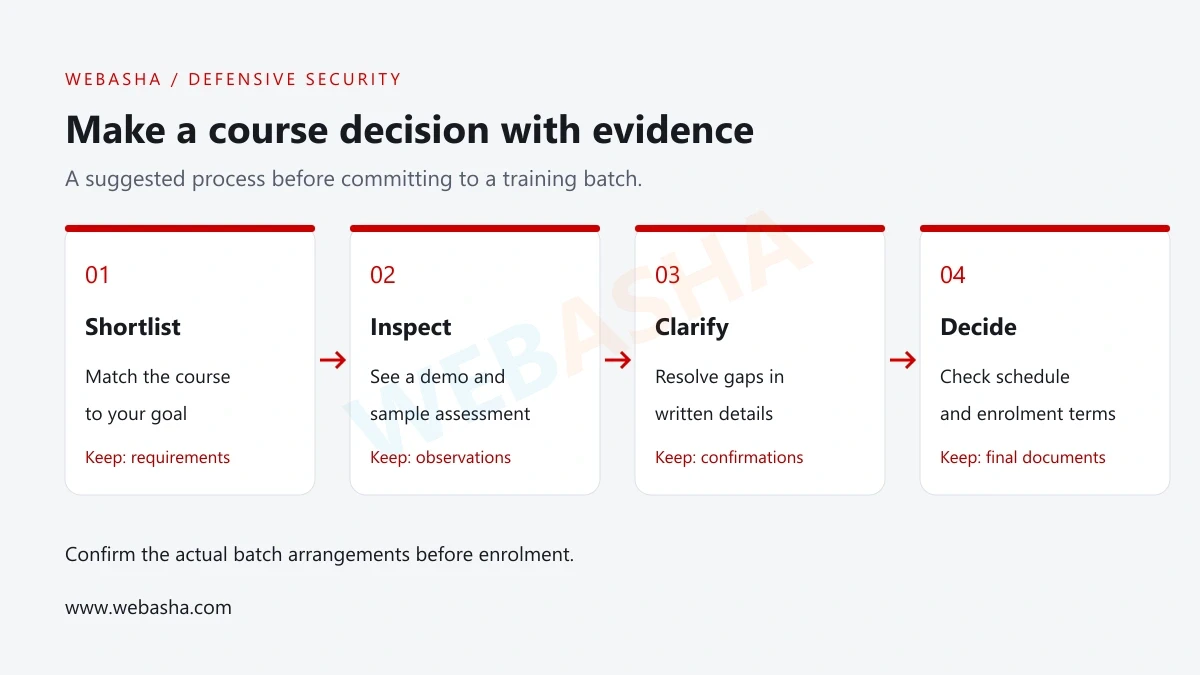
Discuss your learning goals with WebAsha
WebAsha has a public cybersecurity training page for Pune. Use it as a starting point for an enquiry, then confirm the syllabus, trainer, lab access and schedule for the batch you are considering. [5]
Bring your course-comparison notes and one example of what you want to learn. Ask the adviser to explain the starting level and show how the proposed training supports that goal. Apply the same checks to WebAsha as to every other option.
Ask about the Cyber Security Course at WebAsha Technologies. Contact WebAsha with your starting skills, preferred study format and available times.
For a SOC learning direction, the SOC analyst skills guide can help you prepare specific questions. Confirm current course arrangements directly before enrolment.
Official references
Frequently Asked Questions
What's Your Reaction?
 Like
0
 Dislike
0
 Love
0
 Funny
0
 Wow
0
 Sad
0
 Angry
0

With a passion for staying on the cutting edge of technology trends, I am dedicated to delivering content that not only informs but also inspires. Whether you need in-depth analysis pieces, informative guides, or thought-provoking opinion pieces, I craft content that resonates with tech enthusiasts and professionals alike.