What Is Email Spoofing in Cybersecurity?
Why email spoofing is possible at all, how attackers forge sender addresses, and how SPF, DKIM and DMARC work together to prevent it.
Topic: Cybersecurity Foundations in Cybersecurity & Ethical Hacking · Explainer
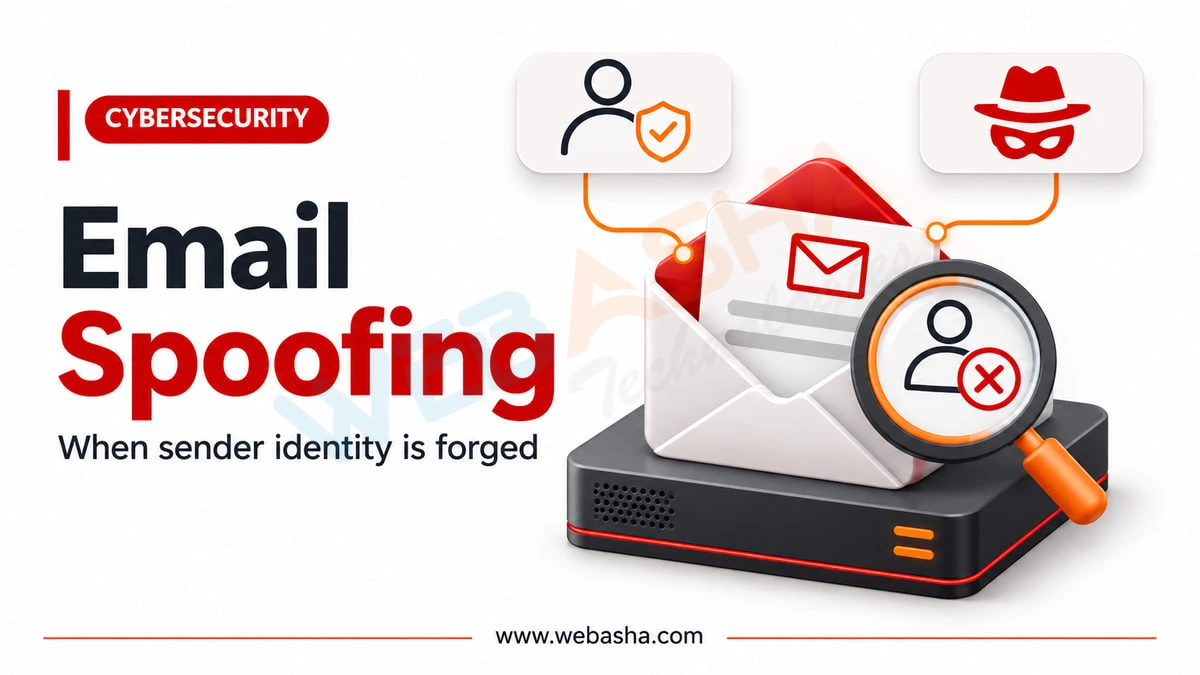
Quick answer: Email spoofing is forging the sender address so a message appears to come from someone trusted. It is possible because email was designed without sender authentication. SPF lists servers allowed to send for your domain, DKIM signs messages, and DMARC tells receivers what to do when checks fail. A DMARC policy set to none gives no protection.
Key takeaways
- Email was built without sender verification, so the From address can be forged.
- SPF, DKIM and DMARC together make forging your domain much harder.
- Check full headers when a message looks off.
Email spoofing exists because the protocol carrying the world's email was designed without authentication. This guide explains why forging a sender address is trivially easy, how the three modern defences actually work, and why so many organisations deploy them in a configuration that provides no protection.
Topics covered in this guide: Email spoofing, SPF DKIM DMARC, spoofed sender address, email authentication, phishing defence, DMARC policy.
Table of Contents
- What Is Email Spoofing?
- Why Is Email Spoofing Possible?
- What Is the Difference Between Spoofing and Phishing?
- How Does SPF Work?
- How Does DKIM Work?
- How Does DMARC Tie Them Together?
- How Do You Deploy These Safely?
- How Can Users Recognise a Spoofed Email?
- What Should an Organisation Do Beyond Authentication?
What Is Email Spoofing?
Email spoofing is forging the sender address of an email so it appears to come from someone else. It is possible because the original email protocol includes no mechanism for verifying that a sender is who they claim to be, treating the claimed address as trustworthy input.
The comparison often drawn is postal mail: anyone can write any return address on an envelope, and the postal system will deliver it regardless. Email was designed the same way, in an era when the network was small and participants were trusted.
Why Is Email Spoofing Possible?
Because SMTP, the protocol that transfers email, was created without authentication. The sending server simply states who the message is from, and historically the receiving server accepted that claim. Every modern defence is a layer added afterwards rather than a fix to the protocol itself.
There is also a subtlety that catches people out: the address a recipient sees is not necessarily the address used during transfer. The envelope sender and the visible From header are separate fields, and they can differ, which matters greatly for how the defences work.
What Is the Difference Between Spoofing and Phishing?
Spoofing is the technique of forging a sender address. Phishing is the goal of deceiving someone into revealing information or taking an action. Most phishing uses spoofing, but they are not the same thing and defending against one does not defend against the other.
| Term | What It Describes | Defence |
|---|---|---|
| Spoofing | Forging the sender address | SPF, DKIM, DMARC |
| Phishing | Deceiving a person into acting | Awareness, verification procedures |
| Lookalike domain | Registering a similar real domain | Monitoring, user vigilance |
Lookalike domains matter because they defeat authentication entirely. A message from a domain the attacker genuinely owns can pass every technical check while still deceiving the reader.
How Does SPF Work?
SPF publishes a list of servers authorised to send email for your domain, in a DNS record. Receiving servers check whether the sending server appears on that list. It validates the envelope sender rather than the address the recipient actually sees.
That limitation is important. An attacker can pass SPF using their own domain in the envelope while displaying your domain in the visible From header, which is why SPF alone does not prevent the spoofing users experience.
SPF also breaks when mail is forwarded, because the forwarding server is not on the original domain's authorised list. This is a common source of legitimate mail being rejected.
How Does DKIM Work?
DKIM adds a cryptographic signature to outgoing messages, generated with a private key held by the sending organisation. Receiving servers verify it against a public key published in DNS, confirming the message genuinely came from that domain and was not altered.
DKIM survives forwarding better than SPF because the signature travels with the message. It does not, however, tell the recipient what to do when verification fails, which is the gap DMARC addresses.
How Does DMARC Tie Them Together?
DMARC instructs receiving servers what to do when SPF and DKIM checks fail, and requires that the authenticated domain matches the visible From address. That alignment requirement is what actually stops the spoofing users see, which neither SPF nor DKIM achieves alone.
| DMARC Policy | Effect on Failing Mail |
|---|---|
p=none |
Deliver normally, report only - no protection |
p=quarantine |
Deliver to spam |
p=reject |
Refuse delivery entirely |
This is where most deployments stall. Organisations publish a DMARC record set to p=none, see the reports, and never progress to an enforcing policy. A domain on p=none is monitored, not protected.
How Do You Deploy These Safely?
Deploy in stages: publish SPF and DKIM, then DMARC at p=none to gather reports, identify every legitimate sending source including third-party services, fix those that fail authentication, then move to quarantine and finally reject.
- Inventory senders - marketing platforms, ticketing systems, applications, all of them
- Publish SPF and DKIM - covering every legitimate source
- DMARC at p=none - collect reports without affecting delivery
- Fix failures - the reports reveal which sources are misconfigured
- Move to quarantine - then monitor for legitimate mail being caught
- Move to reject - the only setting that actually blocks spoofing
The sender inventory step is where most organisations discover systems nobody remembered were sending email on their behalf. Skipping it is why some deployments break legitimate mail and get rolled back.
How Can Users Recognise a Spoofed Email?
Check whether the request itself is unusual rather than trusting the display name, examine the full sender address rather than the friendly name, be suspicious of urgency, and verify any payment or credential request through a separately obtained contact route.
- Display names lie - the friendly name is entirely attacker-controlled
- Check the actual address - and look for subtle character substitutions
- Urgency is a signal - manufactured deadlines discourage verification
- Verify separately - never using contact details from the message itself
- Unexpected attachments - especially those requiring macros to be enabled
What Should an Organisation Do Beyond Authentication?
Combine email authentication with multi-factor authentication, verified out-of-band procedures for payment changes, realistic user training, and a blame-free reporting culture so mistakes surface quickly rather than being concealed.
The procedural controls matter most against attacks that pass every technical check. Our guide to social engineering techniques covers that side in more depth.
Talk to a WebAsha training advisor about batches, syllabus and current fees.
To take this further with guided labs and an instructor, see our online cyber security training.
Related reading
- Social Engineering Techniques in Cybersecurity
- How to Protect Your Personal Data from Hackers
- Cybersecurity for Financial Services
Reference
For the authoritative details, see IETF RFCs.
Frequently Asked Questions
What's Your Reaction?
 Like
0
 Dislike
0
 Love
0
 Funny
0
 Wow
0
 Sad
0
 Angry
0

I am passionate about technology, invention and big challenging tasks on my to- do list. In terms of the work I am doing also at Bunnyshell, I am most passionate about the technologies that we are using., I'm devoted to delivering content that not only informs but also inspires. Whether you need in- depth analysis pieces, educational attendants, or study- provoking opinion pieces, I draft content that resonates with tech suckers and professionals likewise.