Patch Management in Cybersecurity
How patch management actually works in practice - the lifecycle, prioritising which vulnerabilities to fix first, testing safely, handling emergency patches, and why most programmes fail.
Topic: Cybersecurity Foundations in Cybersecurity & Ethical Hacking · Explainer
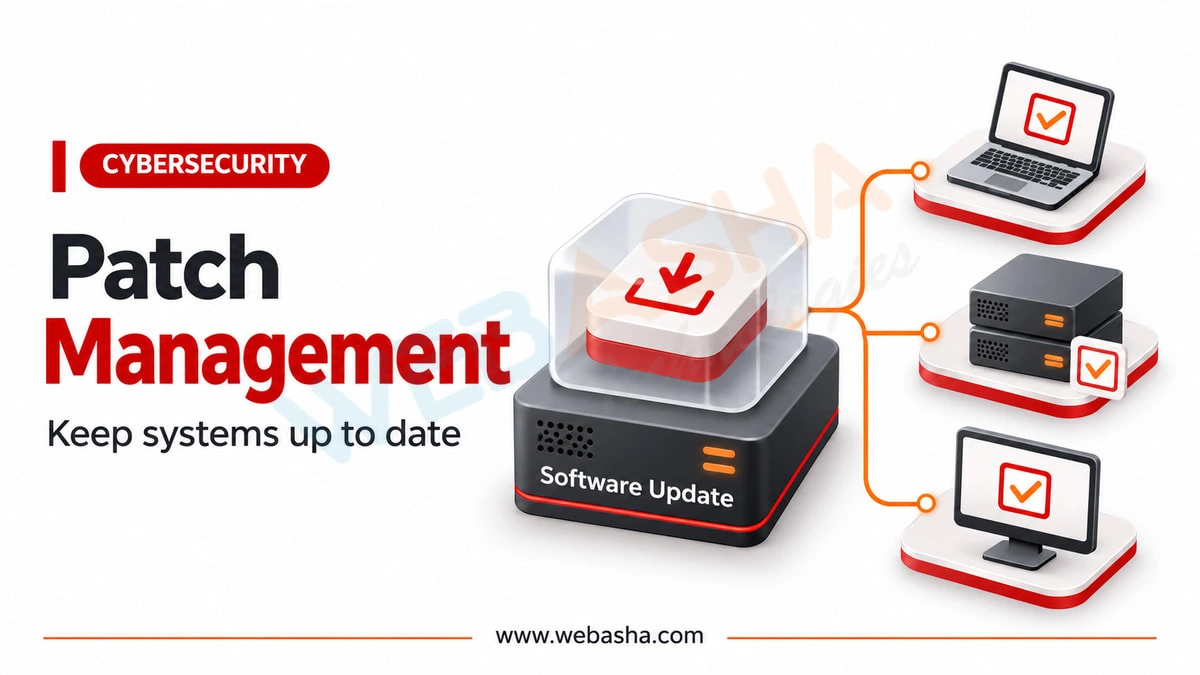
Quick answer: Patch management is the process of finding, testing, deploying and verifying software updates that fix vulnerabilities. The lifecycle is inventory, assess, prioritise, test, deploy and verify. Prioritise by exploitability and business impact as well as severity score. It matters because many breaches exploit flaws for which a fix already existed.
Key takeaways
- Patch in this order: inventory, assess, prioritise, test, deploy, verify.
- Prioritise by exploitability and business impact as well as by severity score.
- Treat patching as a continuous cycle, since new vulnerabilities are disclosed constantly.
Patch management is the least glamorous security control and one of the most consequential: a very large share of successful breaches exploit vulnerabilities for which a fix already existed. This guide covers the full lifecycle, how to prioritise sensibly, and the organisational reasons patching programmes fail even when the technology works.
Topics covered in this guide: Patch management in cybersecurity, patch management process, vulnerability management, CVSS prioritisation, emergency patching, patch management policy.
Table of Contents
- What Is Patch Management in Cybersecurity?
- Why Do Organisations Struggle With Patching?
- What Are the Stages of the Patch Management Lifecycle?
- How Do You Prioritise Which Patches to Apply First?
- How Should Patches Be Tested Before Deployment?
- How Do You Handle Emergency Patches?
- What Does a Good Patch Management Policy Contain?
- How Is Patch Management Different From Vulnerability Management?
- How Do You Measure Whether Patching Is Working?
What Is Patch Management in Cybersecurity?
Patch management is the systematic process of identifying, acquiring, testing, deploying and verifying software updates that fix security vulnerabilities and bugs. It is a continuous cycle rather than a periodic task, because new vulnerabilities are disclosed constantly across every layer of the stack.
The security case is straightforward. When a vendor publishes a patch, the vulnerability becomes public knowledge, and working exploits often follow within days. Every unpatched system is therefore a known, documented weakness that attackers can look up rather than discover.
Why Do Organisations Struggle With Patching?
Patching fails for organisational rather than technical reasons: incomplete asset inventories, fear of breaking production systems, maintenance windows that are too narrow, legacy systems that cannot be patched, and unclear ownership between IT and security teams.
- Unknown assets - you cannot patch a server nobody documented
- Change aversion - one bad patch creates lasting institutional caution
- Narrow windows - systems expected to run continuously are hard to schedule
- Legacy dependencies - applications certified against old versions block updates
- Split ownership - security identifies, IT deploys, and accountability blurs
Notice that none of these are solved by buying a patching tool. The tooling is rarely the constraint; process and ownership usually are.
What Are the Stages of the Patch Management Lifecycle?
The lifecycle is: maintain an asset inventory, monitor for vulnerability disclosures, assess and prioritise by risk, test patches in a non-production environment, deploy in controlled waves, verify successful application, and document the outcome. Each stage exists because skipping it causes a predictable failure.
| Stage | Purpose | Failure If Skipped |
|---|---|---|
| Inventory | Know what exists | Unpatched forgotten systems |
| Monitor | Track new disclosures | Learning of issues from attackers |
| Prioritise | Fix what matters first | Effort spent on low-risk items |
| Test | Catch breakage safely | Outages that destroy patching confidence |
| Deploy | Apply in controlled waves | Simultaneous failure everywhere |
| Verify | Confirm it applied | False assurance of protection |
| Document | Evidence and audit trail | Compliance findings |
How Do You Prioritise Which Patches to Apply First?
Combine severity ratings such as CVSS with your own context: is the system internet facing, does it hold sensitive data, is the vulnerability being actively exploited, and are compensating controls present? Severity alone is a poor prioritisation method because it ignores exposure.
A critical-rated vulnerability on an isolated internal test machine is usually less urgent than a moderate one on an internet-facing server holding customer data. Known active exploitation should escalate anything immediately, regardless of its numeric score.
Firewall placement and network segmentation affect exposure directly - see our explainer on what a firewall does for how compensating controls change risk.
How Should Patches Be Tested Before Deployment?
Test in an environment that mirrors production as closely as practical, then deploy in waves starting with low-risk systems. Wave deployment limits blast radius: if a patch causes problems, it affects a small group rather than the entire estate at once.
A workable pattern is a small pilot group first, then non-critical production, then critical systems, with a defined pause between waves to observe. Equally important is a documented rollback plan, because the decision to reverse a patch should not be improvised during an incident.
How Do You Handle Emergency Patches?
Define an emergency path in advance: criteria that trigger it, who can authorise bypassing normal change control, an abbreviated testing standard and mandatory post-deployment review. Deciding these rules during an active exploitation event produces poor outcomes.
Emergency patching accepts elevated risk of breakage in exchange for closing an actively exploited hole quickly. That trade-off is defensible when documented in advance and disastrous when improvised, because nobody agrees afterwards on what was authorised.
What Does a Good Patch Management Policy Contain?
A workable policy defines asset scope and ownership, severity-based timelines, testing requirements, maintenance windows, exception handling with expiry dates, emergency procedures and reporting. Timelines should be realistic enough that teams meet them rather than routinely breaching them.
- Scope and ownership - which systems, and who is accountable for each
- Timelines by severity - achievable targets, not aspirational ones
- Exceptions - documented, time-limited, with compensating controls
- Windows - agreed with the business in advance
- Reporting - coverage measured and visible to leadership
A policy that mandates 24-hour critical patching in an organisation that cannot achieve it simply generates permanent non-compliance. Realistic targets that are actually met produce better security than ambitious ones that are ignored.
How Is Patch Management Different From Vulnerability Management?
Vulnerability management is the broader discipline of finding, assessing and remediating weaknesses, which may involve configuration changes, compensating controls or accepting risk. Patch management is the specific subset concerned with applying vendor updates.
The distinction matters because not every vulnerability has a patch. Misconfigurations, weak credentials and design flaws require different remediation, so a programme that only patches will leave a substantial share of its real risk untouched.
How Do You Measure Whether Patching Is Working?
Measure patch coverage as the percentage of known assets patched within their target window, mean time to patch by severity, and the count of open exceptions past their expiry date. Coverage alone is misleading if your asset inventory is incomplete, so inventory accuracy should be measured too.
| Metric | What It Reveals | Common Pitfall |
|---|---|---|
| Patch coverage | Share of assets compliant within target | Excludes assets you never inventoried |
| Mean time to patch | Speed of response by severity | Averages hide slow outliers |
| Open exceptions | Accepted risk still outstanding | Exceptions without expiry become permanent |
| Inventory accuracy | Whether coverage figures mean anything | Rarely measured at all |
The most common reporting failure is a dashboard showing high coverage across an inventory missing a third of the estate. Reconciling the asset list against network discovery is what makes the other numbers trustworthy.
Report trends rather than snapshots. A steadily improving mean time to patch demonstrates a functioning process; a single good month may simply reflect a quiet patch cycle.
Talk to a WebAsha training advisor about batches, syllabus and current fees.
To take this further with guided labs and an instructor, see our vulnerability assessment training in Pune.
Related reading
- How Patch Management Works | Best Techniques to Fix Vulnerabilities and Secure IT Systems
- What Is the Vulnerability Management Life Cycle? Step-by-Step Guide to Understanding Its 5 Essential Stages for Effective Cybersecurity Risk Management
- What Is Vulnerability Analysis in Cybersecurity? Tools, Types, CVSS Ratings & Best Practices Explained
Reference
For the authoritative details, see National Vulnerability Database.
Frequently Asked Questions
What's Your Reaction?
 Like
0
 Dislike
0
 Love
0
 Funny
0
 Wow
0
 Sad
0
 Angry
0

I am passionate about technology, invention and big challenging tasks on my to- do list. In terms of the work I am doing also at Bunnyshell, I am most passionate about the technologies that we are using., I'm devoted to delivering content that not only informs but also inspires. Whether you need in- depth analysis pieces, educational attendants, or study- provoking opinion pieces, I draft content that resonates with tech suckers and professionals likewise.