AI vs Cybersecurity: How Defenders Adapt to AI-Powered Attacks
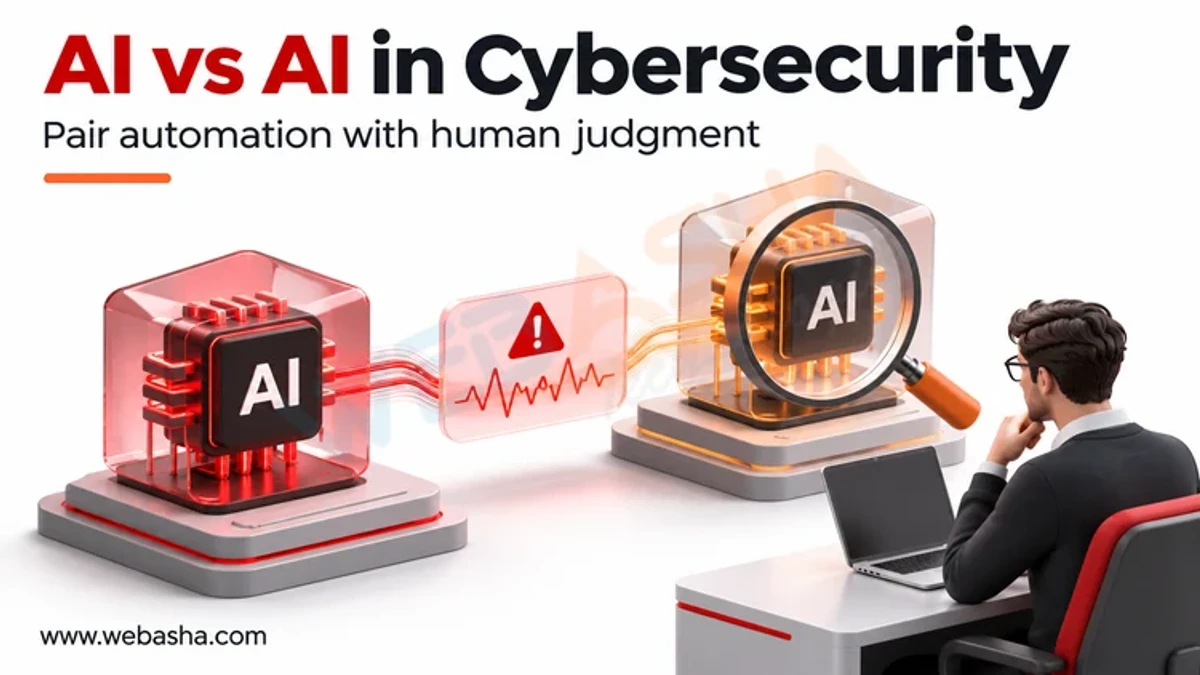
AI helps attackers write better phishing, clone voices, research targets and adjust code faster, so defenders must adapt controls rather than buy a single AI product. The most effective changes are phishing-resistant MFA, out-of-band verification for payments, faster patching of internet-facing systems, behaviour-based detection and staff training on deepfakes.
Topic: AI in Cybersecurity in Cybersecurity & Ethical Hacking · Comparison
Also covers: Cyber Threats, Scams & Online Safety
Quick answer: AI helps attackers write better phishing, clone voices, research targets and adjust code faster, so defenders must adapt controls rather than buy a single AI product. The most effective changes are phishing-resistant MFA, out-of-band verification for payments, faster patching of internet-facing systems, behaviour-based detection and staff training on deepfakes. Defenders can also use AI themselves for alert triage, log search and report drafting, provided humans review decisions. Finally, organisations must secure their own AI tools, because chatbots and agents create new attack surfaces. Frameworks such as NIST CSF 2.0 still apply; AI changes the pace, not the principles.
Key takeaways
- Map each AI attack trend to a specific control, not a vague AI strategy.
- Identity is the main battleground: move to phishing-resistant MFA.
- Verification processes beat deepfake detection tools.
- AI in the SOC speeds triage but needs human review.
- Your own AI systems need threat modelling and least privilege.
Table of Contents
- What Has AI Changed for Attackers?
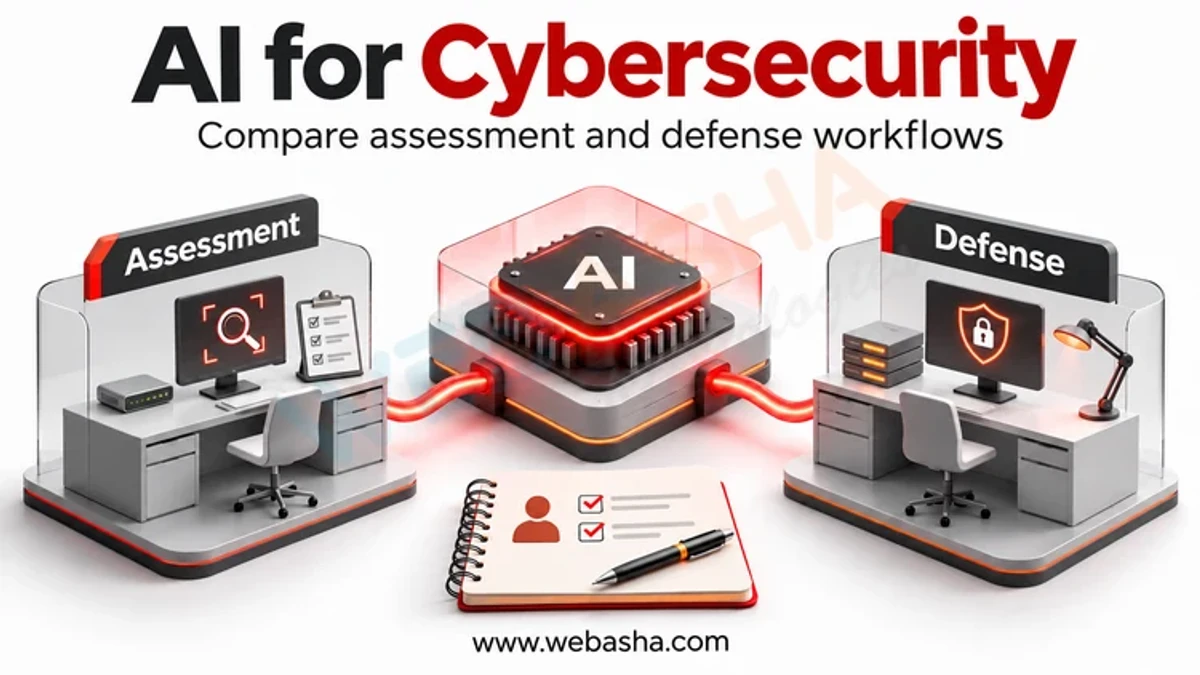
- Which Controls Counter Each AI Threat?
- How Can Defenders Use AI Safely?
- How Do You Secure Your Own AI Systems?
- What Should a 90-Day Plan Include?
- How Do You Measure Whether Defences Are Keeping Up?
- How Do You Measure Whether Defences Are Keeping Up?
- References
What Has AI Changed for Attackers?
Google’s threat intelligence group reported that state-backed actors used generative AI for research, translation, coding help and content, gaining speed rather than new capabilities. In practice that means fewer spelling mistakes in phishing, more convincing pretexts, faster reconnaissance and quicker variations of known tools. For the full threat picture, see our sibling post on the rise of AI-driven hacking.
Which Controls Counter Each AI Threat?
| AI-assisted threat | Control that works | Why |
|---|---|---|
| Fluent phishing at scale | Phishing-resistant MFA (FIDO2 passkeys) | Stolen passwords and OTPs stop working |
| Voice cloning and deepfake calls | Call-back on a known number, two-person approval for payments | Does not depend on spotting the fake |
| Faster exploit development | Patch internet-facing systems quickly, reduce exposed services | Shrinks the window attackers have |
| Polymorphic or tweaked malware | Behaviour-based EDR, application control | Detects actions, not signatures |
| Automated reconnaissance | Attack surface management, minimal public data on staff | Less for attackers to find |
| Fake job applicants and identities | Strong identity proofing in HR and help desk resets | Blocks impersonation at entry points |
How Can Defenders Use AI Safely?
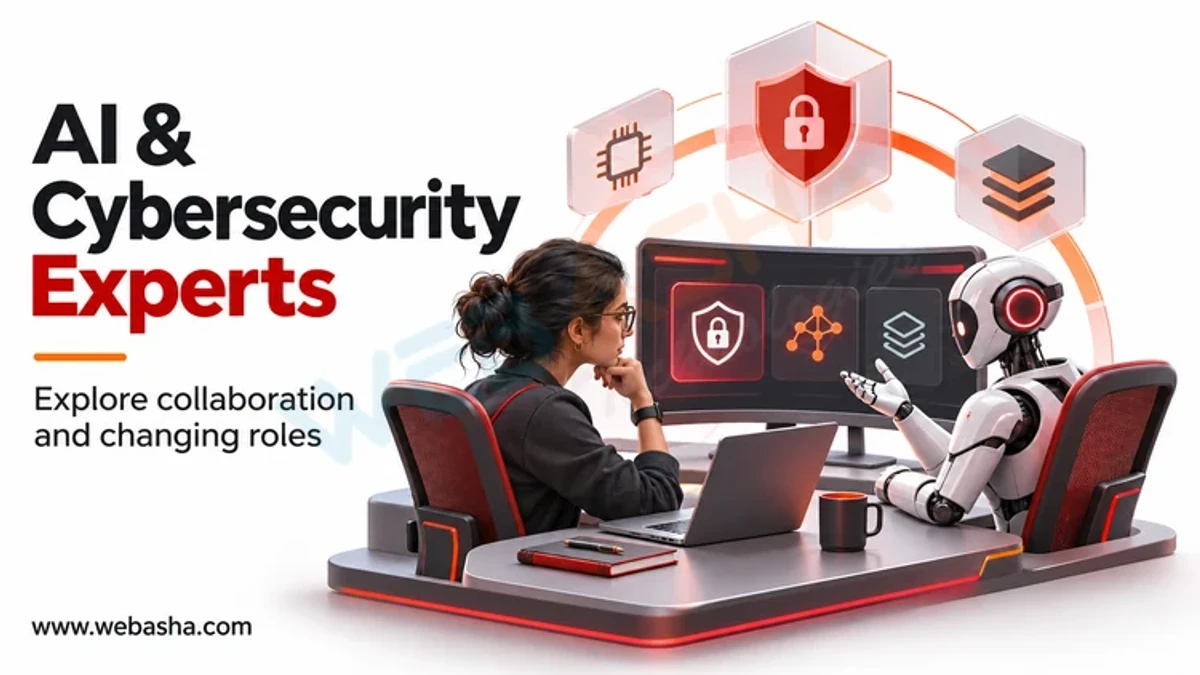
AI assistants in a security operations centre can summarise alerts, translate queries into log searches, explain scripts found on hosts and draft incident reports. Use them under these rules:
- A human approves containment actions such as isolating hosts or disabling accounts.
- Logs sent to an AI service stay within approved, contracted platforms.
- Outputs are checked against raw evidence before decisions.
- Use of AI is recorded in incident timelines.
Read more on how generative AI is used in cybersecurity.
How Do You Secure Your Own AI Systems?
The joint Deploying AI Systems Securely guidance from NSA, CISA and partners recommends securing the deployment environment, protecting model weights, validating inputs and monitoring behaviour. Use MITRE ATLAS to model attacks on AI and the NIST AI RMF to govern risk. Give AI agents only the permissions they need.
Start with an inventory. Many teams do not know which chatbots, browser extensions and coding assistants staff already use, or what data flows into them. List each tool, its owner, the data it can reach and the account it runs under. Then remove what is not approved and apply logging to the rest.
What Should a 90-Day Plan Include?
- Days 1 to 30: enforce MFA everywhere, start passkeys for admins and finance.
- Days 31 to 60: write payment and bank detail change verification rules; train staff on deepfakes.
- Days 61 to 90: review EDR coverage, patch timelines and AI tool inventory.
- Throughout: align with NIST CSF 2.0 and meet CERT-In directions on 6-hour incident reporting and 180-day log retention.
For hands-on SOC and defence skills, ask about our cybersecurity training.
How Do You Measure Whether Defences Are Keeping Up?
| Measure | What it shows |
|---|---|
| Share of staff on phishing-resistant MFA | Resistance to AI-written phishing |
| Days to patch KEV-listed flaws | Speed against faster exploitation |
| Payment changes verified out of band | Resilience to deepfake fraud |
| Detections tested by red team each quarter | Whether controls still work |
Use CISA, Phishing-resistant MFA, govern AI tools with the NIST AI Risk Management Framework, and report progress through the NIST Cybersecurity Framework 2.0.
How Do You Measure Whether Defences Are Keeping Up?
| Measure | What it shows |
|---|---|
| Share of staff on phishing-resistant MFA | Resistance to AI-written phishing |
| Days to patch KEV-listed flaws | Speed against faster exploitation |
| Payment changes verified out of band | Resilience to deepfake fraud |
| Detections tested by red team each quarter | Whether controls still work |
Use CISA, Phishing-resistant MFA, govern AI tools with the NIST AI Risk Management Framework, and report progress through the NIST Cybersecurity Framework 2.0.
References
Frequently Asked Questions
What's Your Reaction?
 Like
0
 Dislike
0
 Love
0
 Funny
0
 Wow
0
 Sad
0
 Angry
0

Vaishnavi is a skilled tech professional at the Ethical Hacking Training Institute in Pune, responsible for managing and optimizing the technical infrastructure that supports advanced cybersecurity education. With deep expertise in network security, backend operations, and system performance, she ensures that practical labs, online modules, and assessments run smoothly and securely. Her behind-the-scenes contributions play a vital role in delivering a seamless and secure learning experience for aspiring ethical hackers.