OSI layers and cybersecurity attacks: what hits each layer and how to defend
Learn how each layer of the OSI model is targeted by cyber attackers. Explore common attacks from Layer 1 (Physical) to Layer 7 (Application) and how to defend against them effectively.
Topic: Network Security in Cybersecurity & Ethical Hacking · Tutorial
Also covers: Cybersecurity Foundations
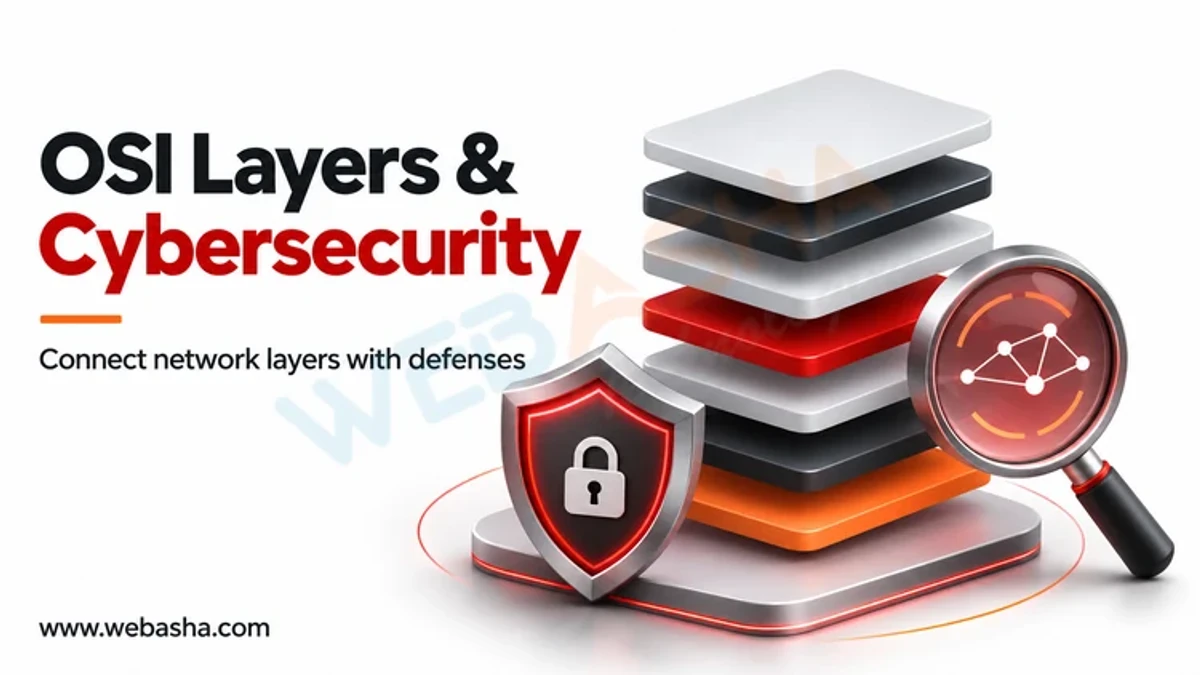
Quick answer: Each OSI layer has its own typical attacks: phishing and injection at the application layer, session hijacking at layer 5, SYN floods at transport, IP spoofing at network, ARP spoofing at data link, and cable tapping or jamming at the physical layer. Defences are matched per layer, and Wireshark filters help you spot the traffic.
Key takeaways
- Attacks and defences are easier to remember when mapped to the seven OSI layers.
- ARP spoofing sits at layer 2, IP spoofing at layer 3, SYN flood at layer 4, and web attacks at layer 7.
- Layered defence means a control at each layer, not one firewall.
- Wireshark display filters make several of these attacks visible in a capture.
- Practise only on your own lab network.
How does the OSI model help in security?
The OSI model splits network communication into seven layers. Security teams use it as a map: when an incident happens, you ask which layer is affected and which control belongs there. If you need a refresher, read what the OSI model is and how it differs from the TCP/IP model.
Which attacks and defences belong to each layer?
| Layer | Typical attacks | Defences |
|---|---|---|
| 7 Application | Phishing, SQL injection, XSS | Input validation, WAF, patching |
| 6 Presentation | Weak or stripped encryption, malformed data | Strong TLS settings, safe parsers |
| 5 Session | Session hijacking, token theft | Secure cookies, short sessions, MFA |
| 4 Transport | SYN flood, port scanning | Rate limiting, SYN cookies, firewalls |
| 3 Network | IP spoofing, ICMP abuse | Ingress filtering, ACLs, IPsec |
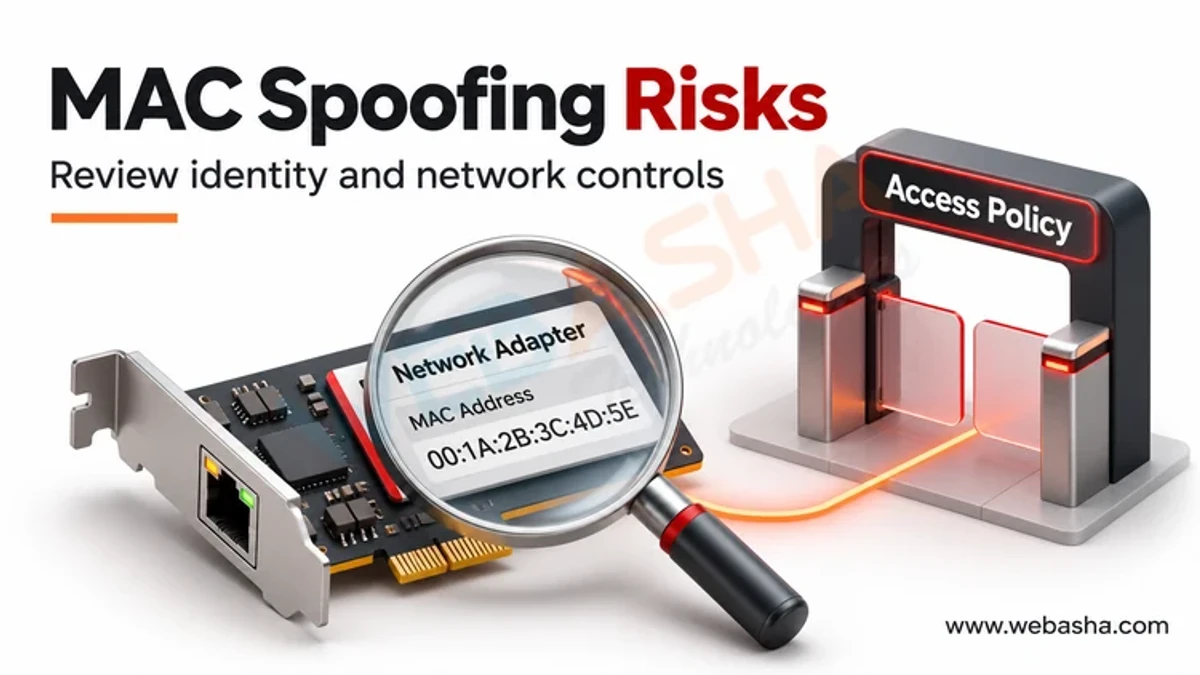
| 2 Data link | ARP spoofing, MAC flooding | Port security, dynamic ARP inspection |
| 1 Physical | Cable tapping, jamming, device theft | Locked racks, cabling controls |
Our deeper article on cyberattacks at each OSI layer covers each one.
What does this look like in Wireshark?
Wireshark shows packets from the data link layer upward, so you can see signs of several attacks. Practise on your own lab VMs. The Wireshark documentation explains capture and display filters. These display filters are for spotting problems, not causing them.
- Layer 2, ARP anomalies:
arp.duplicate-address-detectedflags an IP claimed by two MAC addresses. Compare the MAC against your known device list. - Layer 4, SYN flood signs:
tcp.flags.syn == 1 && tcp.flags.ack == 0shows connection attempts. A huge count from many addresses with no completed handshakes is the pattern. - Layer 3, odd ICMP:
icmpshows ping and unreachable messages. Bursts can indicate scanning or abuse. - Layer 7, DNS:
dnslists lookups. Unusual names or very long ones may point to tunnelling. - Layer 6, TLS:
tls.handshakeshows the negotiated versions, so you can spot outdated protocol use.
How do you run a simple exercise?
- Build two or three VMs on a host-only network.
- Start a capture on one VM.
- Generate normal traffic: ping, browse a local web page, resolve a name.
- Apply each filter and note what normal looks like.
- Write down what a deviation would look like. That baseline is what a defender uses.
Never capture or test on a network you do not own or have written permission to monitor.
What is layered defence?
No single control covers every layer. A firewall helps at layers 3 and 4 but does not stop an SQL injection at layer 7. Port security helps at layer 2 but not against stolen credentials. Combine controls and log at each layer.
Common mistakes
- Treating the OSI model as a strict reality. Real protocols blur layers, and TCP/IP is what is actually deployed.
- Putting all trust in one perimeter device.
- Forgetting layer 1 and 2 on internal networks.
Next steps
To practise packet analysis, see our Computer Network course and the CCNA course. For the attack side by layer, read cyberattacks at each OSI layer.
Frequently Asked Questions
What's Your Reaction?
 Like
0
 Dislike
0
 Love
0
 Funny
0
 Wow
0
 Sad
0
 Angry
0

Vaishnavi is a skilled tech professional at the Ethical Hacking Training Institute in Pune, responsible for managing and optimizing the technical infrastructure that supports advanced cybersecurity education. With deep expertise in network security, backend operations, and system performance, she ensures that practical labs, online modules, and assessments run smoothly and securely. Her behind-the-scenes contributions play a vital role in delivering a seamless and secure learning experience for aspiring ethical hackers.