VMware Tools CVE-2025-22230 and CVE-2025-22247: Risk and Patch Guide
CVE-2025-22230 is an authentication bypass in VMware Tools for Windows that lets a non-administrator user inside a Windows virtual machine perform certain high-privilege operations; Broadcom rated it Important (CVSS 7.8) and fixed it in VMware Tools 12.5.1 (12.4.6 for 32-bit Windows).
Topic: Virtualization & Private Cloud in IT Infrastructure · News & analysis
Also covers: Cyber Threats, Scams & Online Safety
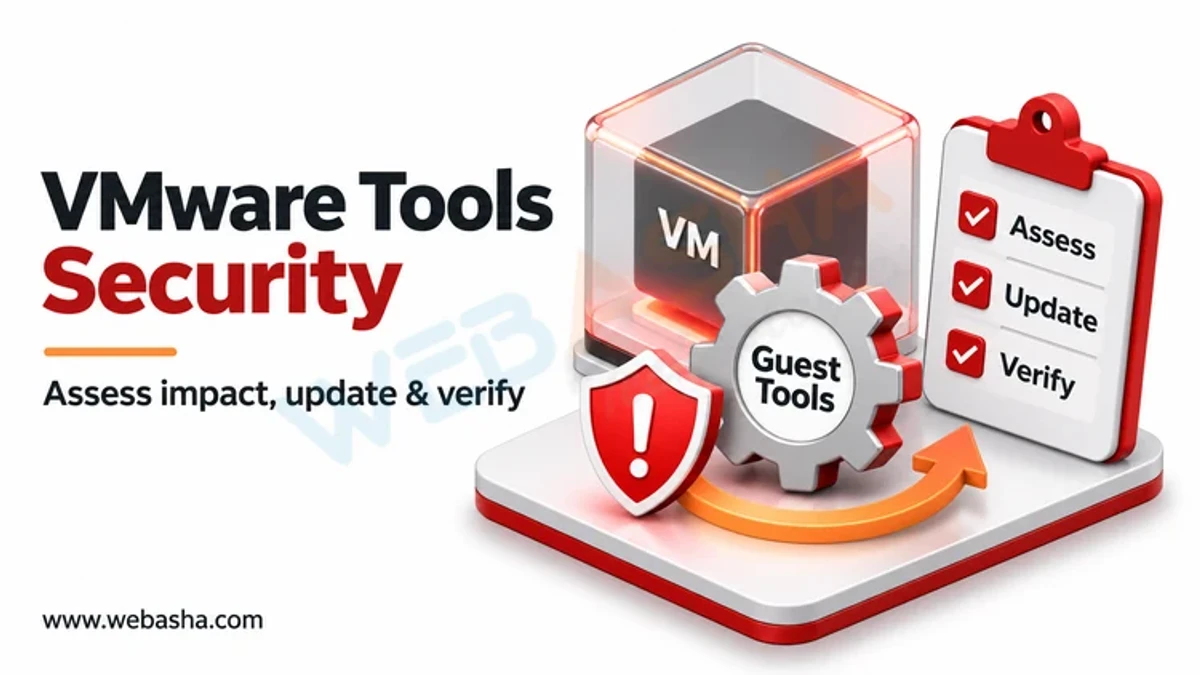
Quick answer: CVE-2025-22230 is an authentication bypass in VMware Tools for Windows that lets a non-administrator user inside a Windows virtual machine perform certain high-privilege operations; Broadcom rated it Important (CVSS 7.8) and fixed it in VMware Tools 12.5.1 (12.4.6 for 32-bit Windows). CVE-2025-22247 is an insecure file handling flaw in the VGAuth component that lets a non-admin user in a guest tamper with local files to trigger privileged operations; it is rated Moderate (CVSS 6.1) and fixed in VMware Tools 12.5.2 for Windows, with Linux fixes delivered through distribution open-vm-tools packages. Both require local access inside a guest, so update Tools across all VMs, prioritising shared and multi-user machines.
Key takeaways
- Both flaws are local privilege issues inside a guest VM, not remote attacks on ESXi.
- CVE-2025-22230: Windows only, fixed in 12.5.1 (VMSA-2025-0005, March 2025).
- CVE-2025-22247: Windows and Linux, fixed in 12.5.2 or distribution packages (VMSA-2025-0007, May 2025).
- macOS VMware Tools was not affected by either.
- Updating Tools may need a VM reboot on Windows; plan a maintenance window.
Table of Contents
- What Are VMware Tools?
- What Do the Two CVEs Do?
- How Serious Are They?
- How Do You Find Vulnerable VMs?
- How Do You Update VMware Tools?
- What Else Reduces Risk?
- References
What Are VMware Tools?
VMware Tools is a set of drivers and services installed inside guest operating systems on vSphere and VMware desktop products. It improves graphics and networking, allows clean shutdowns, and lets administrators run guest operations from vCenter. On Linux, the open-source version, open-vm-tools, is packaged by distributions. The VGAuth service handles authentication for guest operations, which is why flaws there affect privilege boundaries.
What Do the Two CVEs Do?
| CVE-2025-22230 | CVE-2025-22247 | |
|---|---|---|
| Advisory | VMSA-2025-0005 (25 March 2025) | VMSA-2025-0007 (12 May 2025) |
| Type | Authentication bypass | Insecure file handling |
| Severity | Important, CVSS 7.8 | Moderate, CVSS 6.1 |
| Platforms | Windows guests | Windows and Linux guests |
| Attacker needs | Non-admin access to the Windows guest | Non-admin access to the guest |
| Result | Perform certain high-privilege operations in the VM | Tamper with local files to trigger insecure file operations |
| Fixed in | 12.5.1; 12.4.6 for 32-bit Windows | 12.5.2 (Windows); distribution open-vm-tools updates (Linux) |
How Serious Are They?
Neither flaw lets an attacker reach a VM from the network or escape to the hypervisor. The risk is that someone who already has a low-privilege account in a guest, such as a user on a shared Windows terminal server or malware running as a normal user, can raise their privileges. That makes them important for multi-user servers and virtual desktops, and lower priority for single-purpose servers that only administrators log into. Check the CISA KEV catalogue for any later exploitation reports.
How Do You Find Vulnerable VMs?
With VMware PowerCLI connected to vCenter:
Connect-VIServer vcenter.example.local
Get-VM | Select-Object Name,
  @{N="ToolsVersion";E={$_.ExtensionData.Guest.ToolsVersion}},
  @{N="ToolsStatus";E={$_.ExtensionData.Guest.ToolsVersionStatus2}},
  @{N="GuestOS";E={$_.Guest.OSFullName}} |
  Sort-Object ToolsVersion | Export-Csv tools-inventory.csv -NoTypeInformation
The ToolsVersion field is a numeric build; compare the version string inside the guest if unsure. Inside a guest:
# Windows (PowerShell)
& "C:\Program Files\VMware\VMware Tools\VMwareToolboxCmd.exe" -v

# Linux
vmware-toolbox-cmd -v
dpkg -l open-vm-tools 2>/dev/null || rpm -q open-vm-tools
How Do You Update VMware Tools?
- Windows guests: install VMware Tools 12.5.2 or later (this covers both CVEs) from Broadcom's download portal, through vCenter (
Update-Tools -VM name -NoRebootin PowerCLI), or with your software deployment tool. - Linux guests: update open-vm-tools from the distribution, for example
sudo apt update && sudo apt install --only-upgrade open-vm-toolsorsudo dnf upgrade open-vm-tools. Check your distribution's tracker, such as Debian's, for the fixed package. - Reboot where the installer requests it, then re-run the inventory to confirm.
What Else Reduces Risk?
- Limit who can log in to servers; most VMs should not have ordinary user accounts.
- Keep endpoint protection running inside guests to catch privilege escalation attempts.
- Restrict vCenter guest operation privileges to the administrators who need them.
- Include VMware Tools in monthly patch reporting; it is easy to forget because it lives inside guests.
Related: AWS Client VPN CVE-2025-8069, another local privilege escalation from 2025. For VMware and Windows administration training, contact WebAsha.
References
Frequently Asked Questions
What's Your Reaction?
 Like
0
 Dislike
0
 Love
0
 Funny
0
 Wow
0
 Sad
0
 Angry
0

Vaishnavi is a skilled tech professional at the Ethical Hacking Training Institute in Pune, responsible for managing and optimizing the technical infrastructure that supports advanced cybersecurity education. With deep expertise in network security, backend operations, and system performance, she ensures that practical labs, online modules, and assessments run smoothly and securely. Her behind-the-scenes contributions play a vital role in delivering a seamless and secure learning experience for aspiring ethical hackers.