How Does a VPN Work? Understanding VPN vs No VPN
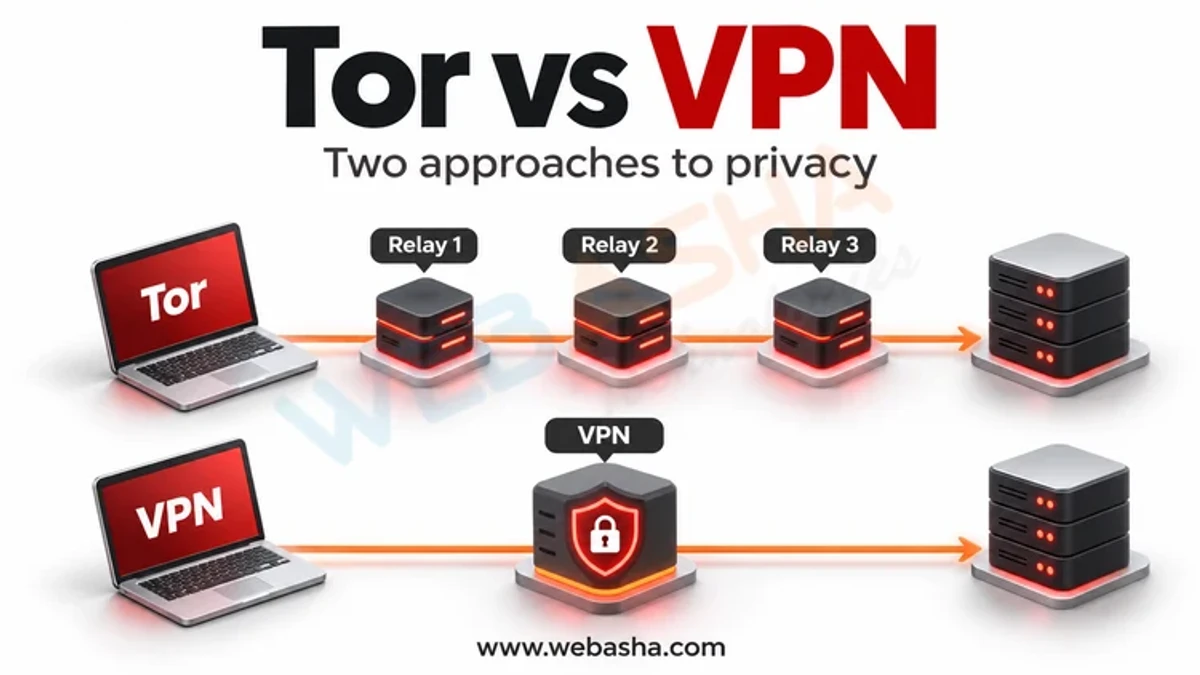
A VPN (virtual private network) creates an encrypted tunnel from your device to a VPN server, and your traffic leaves the internet from that server. Without a VPN, your Wi-Fi owner and internet provider can see which sites you connect to, and websites see your real IP address. With a VPN, they see only encrypted traffic to the VPN server, while websites see the server's IP address.
Topic: Network Security in Cybersecurity & Ethical Hacking · Comparison
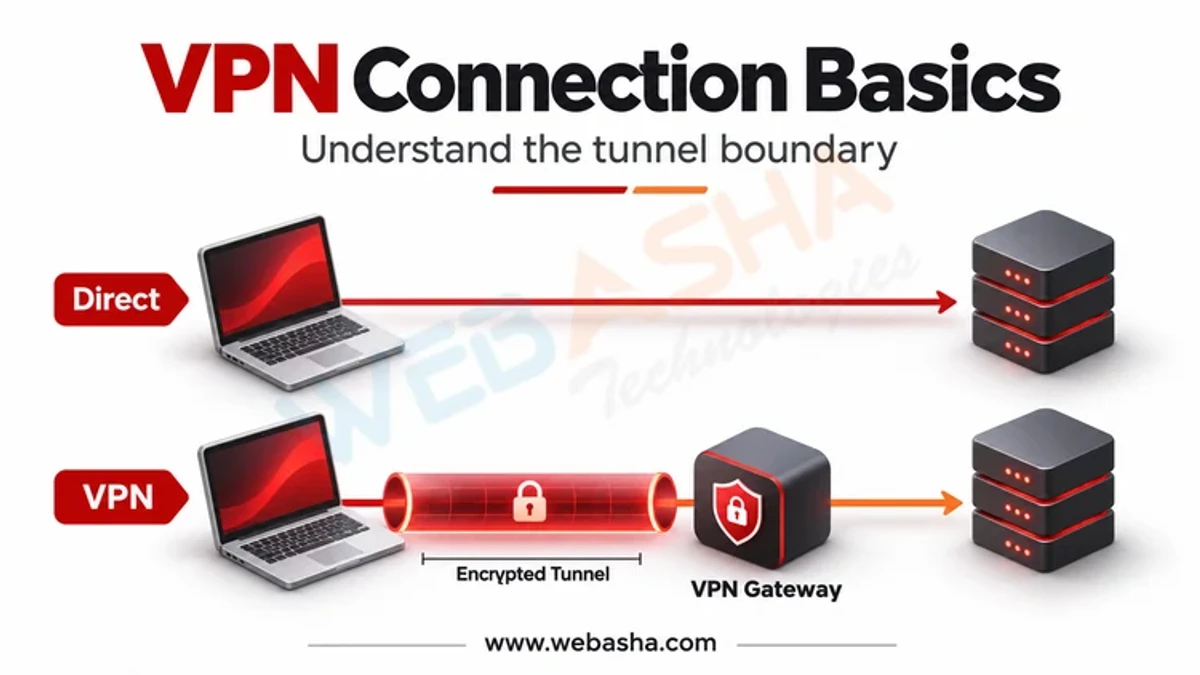
Quick answer: A VPN (virtual private network) creates an encrypted tunnel from your device to a VPN server, and your traffic leaves the internet from that server. Without a VPN, your Wi-Fi owner and internet provider can see which sites you connect to, and websites see your real IP address. With a VPN, they see only encrypted traffic to the VPN server, while websites see the server's IP address. But the VPN provider can now see your traffic metadata, so you must trust it. A VPN does not stop malware, phishing or tracking through logins and cookies, and it does not make you anonymous.
Key takeaways
- A VPN moves trust from your ISP or Wi-Fi owner to the VPN provider.
- HTTPS already encrypts page content, with or without a VPN.
- A VPN hides your IP address from websites, not your identity.
- It helps most on untrusted networks and for company remote access.
- Free VPN apps may collect and share your data.
Table of Contents
- How Does a VPN Work in Simple Terms?
- What Changes With a VPN Compared to No VPN?
- What Does a VPN Not Protect You From?
- When Should Everyday Users Turn a VPN On?
- How Do You Choose a Trustworthy VPN?
- References
How Does a VPN Work in Simple Terms?
- The VPN app on your phone or laptop connects to a VPN server and agrees encryption keys.
- Every packet your device sends is wrapped and encrypted inside that tunnel.
- The server unwraps the packets and forwards them to the website.
- Replies come back through the server and the tunnel to you.
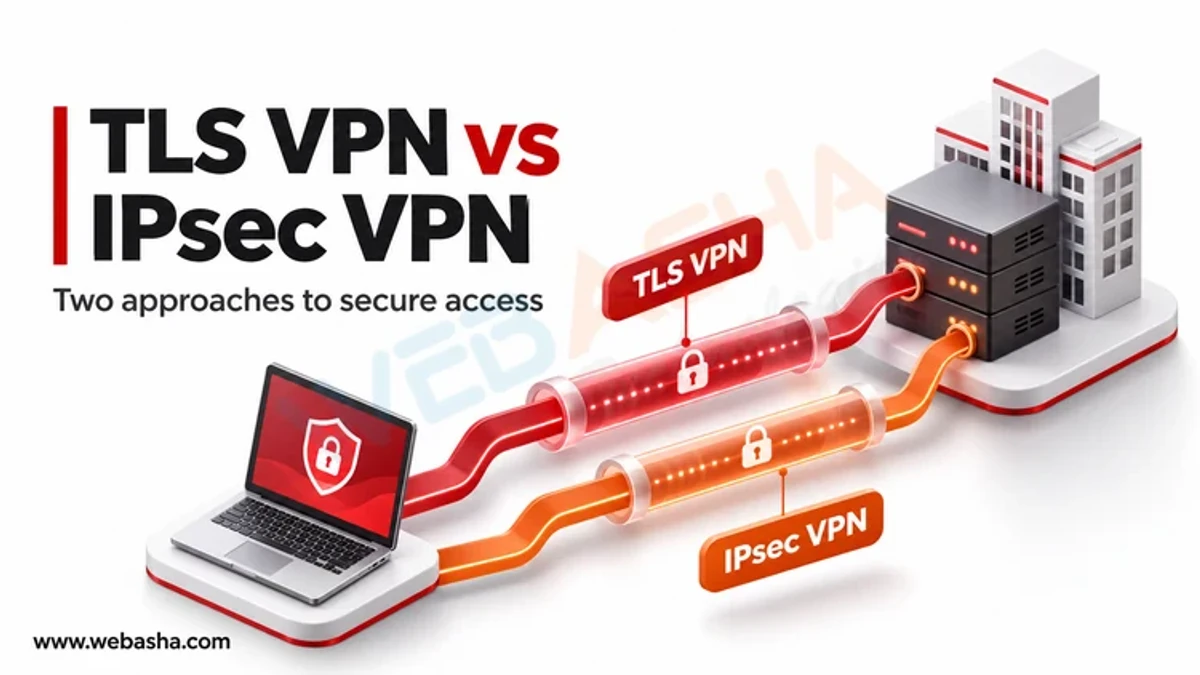
Common protocols include IPsec, described in NIST SP 800-77 Rev. 1, WireGuard, and TLS-based designs such as OpenVPN. For tunnel internals, read our guide on the purpose of a VPN tunnel and how tunnelling works.
What Changes With a VPN Compared to No VPN?
| Who is watching | No VPN (with HTTPS) | With VPN |
|---|---|---|
| Public Wi-Fi owner | Sees sites you connect to and DNS lookups, not page content | Sees only encrypted traffic to the VPN server |
| Your internet provider | Sees site names, timing and volume | Sees that you use a VPN and how much data |
| VPN provider | Not involved | Can see site names, timing and your real IP |
| Website you visit | Sees your real IP and your login | Sees the VPN server IP, but still your login and cookies |
| Page content and passwords | Encrypted by HTTPS (TLS) | Encrypted by HTTPS and the tunnel |
The FTC notes that most websites now use encryption, which makes public Wi-Fi safer than it once was even without a VPN.
What Does a VPN Not Protect You From?
| Threat | Does a VPN help? | What does help |
|---|---|---|
| Phishing pages | No | Checking URLs, password managers, MFA |
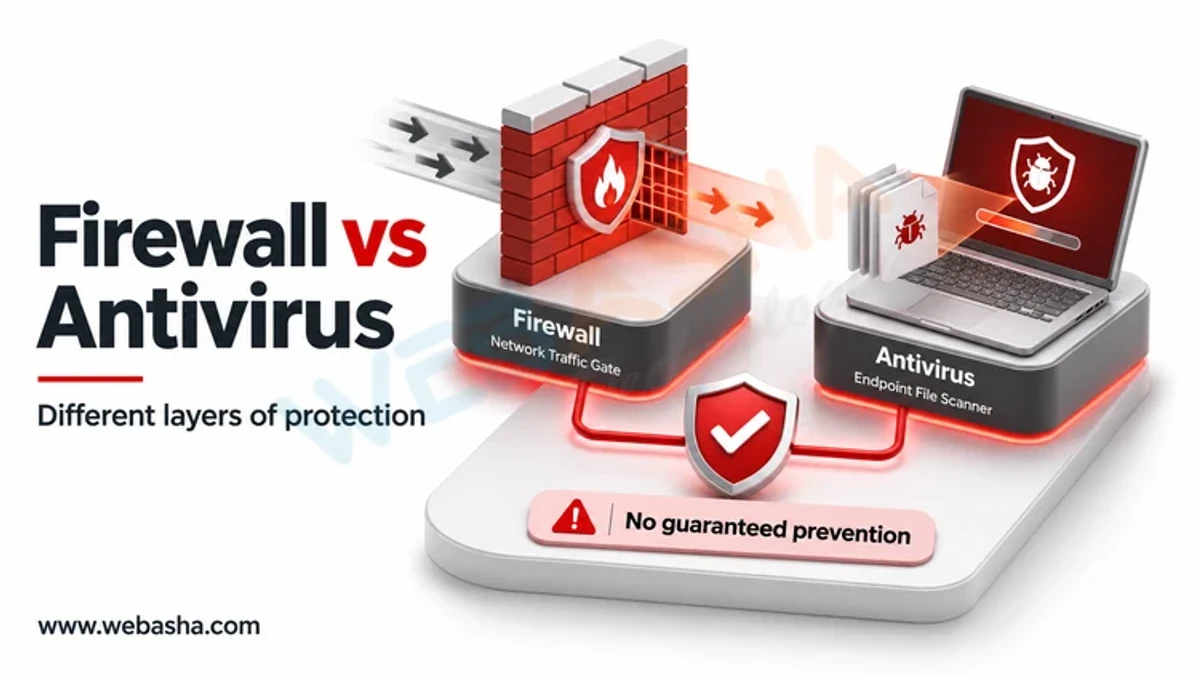
| Malware downloads | No | Updates, antivirus, official app stores |
| Tracking by Google, Meta or shopping sites | Little, if you are logged in | Browser privacy settings, fewer logins |
| Weak or reused passwords | No | Unique passwords and MFA |
| Snooping on untrusted Wi-Fi | Yes | VPN plus HTTPS |
When Should Everyday Users Turn a VPN On?
- On hotel, airport, cafe or other shared Wi-Fi you do not control.
- When your employer requires it to reach internal systems.
- When you prefer your ISP not to see which sites you visit.
- When travelling, to reach home services that restrict foreign IPs, within their terms.
At home on your own secured Wi-Fi, a VPN adds less. Our article on the real protection a VPN offers on public Wi-Fi covers that case in depth.
How Do You Choose a Trustworthy VPN?
The FTC's advice on shopping for a VPN app, also shared by CISA, is to research the developer, read the privacy policy, question unnecessary app permissions, and be wary of free apps funded by ads or data sharing. Prefer providers with independent audits and modern protocols.
In India, using a VPN is legal. The CERT-In directions of April 2022 require VPN service providers to keep subscriber details such as names, addresses and IP allocations for five years, so a no-logs claim cannot cover that data for Indian operations. WebAsha offers network security training for learners who want to go deeper.
References
Frequently Asked Questions
What's Your Reaction?
 Like
0
 Dislike
0
 Love
0
 Funny
0
 Wow
0
 Sad
0
 Angry
0

Vaishnavi is a skilled tech professional at the Ethical Hacking Training Institute in Pune, responsible for managing and optimizing the technical infrastructure that supports advanced cybersecurity education. With deep expertise in network security, backend operations, and system performance, she ensures that practical labs, online modules, and assessments run smoothly and securely. Her behind-the-scenes contributions play a vital role in delivering a seamless and secure learning experience for aspiring ethical hackers.