Nmap 7.96 Released: How to Check New Features, Upgrade and Use Nmap Safely
Nmap 7.96 is now live with improved DNS resolution, upgraded Nmap Scripting Engine (NSE), faster scans, and stability fixes. Learn what’s new and how cybersecurity students and professionals can benefit.
Topic: Security Tools, Authorized Labs & CTFs in Cybersecurity & Ethical Hacking · News & analysis
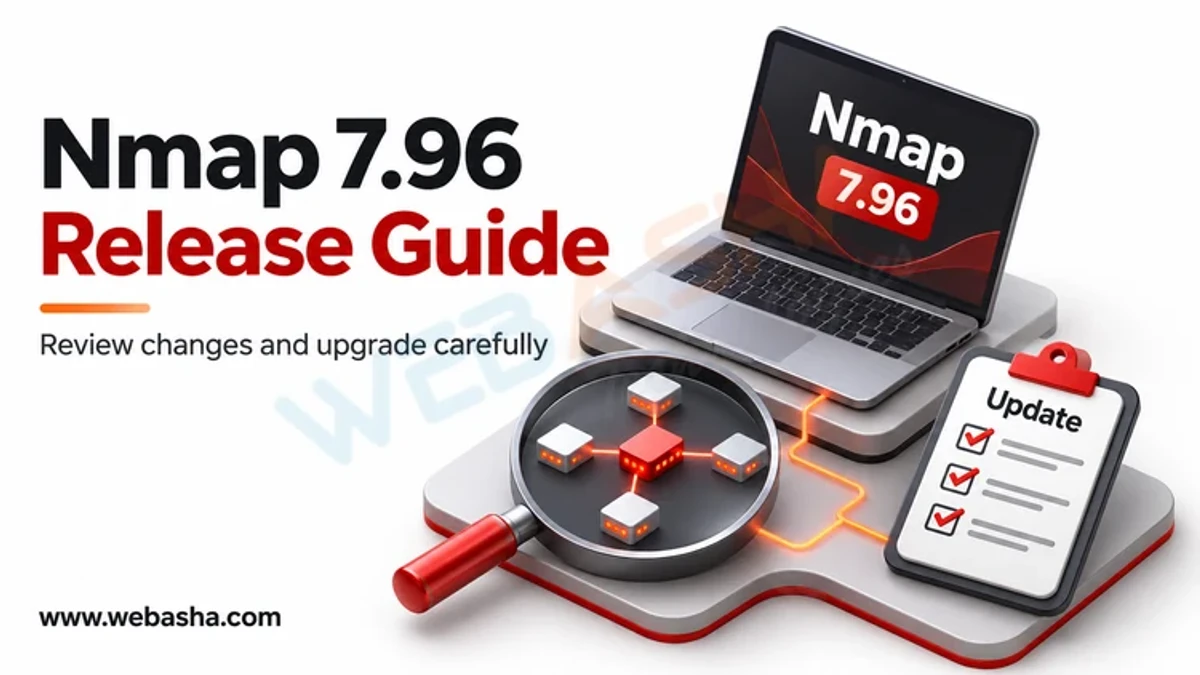
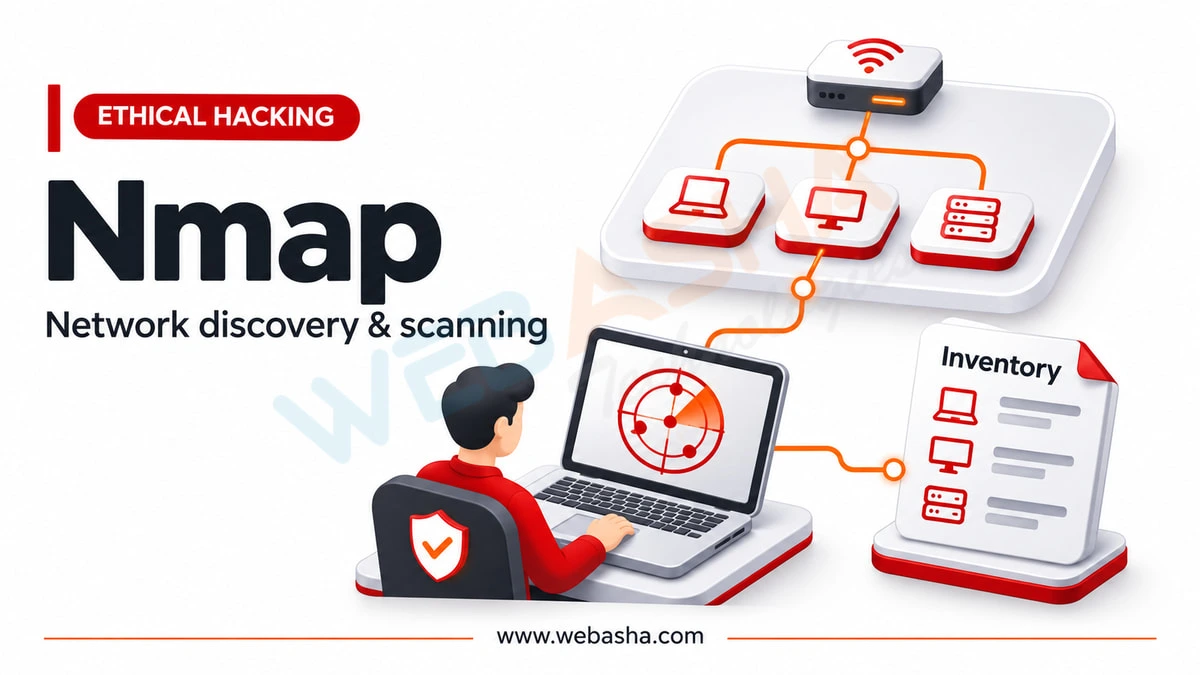
Quick answer: The authoritative list of what is new in any Nmap release is the changelog on nmap.org. Nmap is a free network scanner that discovers hosts, open ports and services and runs NSE scripts. Check the installed version with nmap --version, read the changelog before upgrading, and scan only systems you own or have written permission to test.
Key takeaways
- Do not trust third-party summaries of release features. Read the changelog on nmap.org.
- Check your version with
nmap --versionand update through your package manager or the official download. - Core skills matter more than the version: host discovery, port scanning, service detection and NSE.
- Scan only your own lab or authorised targets.
A note on version claims
This post used to describe a specific Nmap release with a list of features. I could not verify that list against the official changelog, so it has been removed rather than repeated. Release details are easy to get wrong, and a wrong claim wastes your time. Use the project's own pages: the Nmap site has the download page and a changelog for each release, and the Nmap reference guide documents every option.
How do you see what changed in a release?
- Run
nmap --versionto see what you have installed. - Open the changelog on nmap.org and read the entries between your version and the latest.
- Look for sections on the Nmap Scripting Engine (NSE), service and OS detection database updates, performance, DNS handling and bug fixes.
- Note anything that changes defaults or output formats, especially if you parse results with scripts.
- Test the new version in a lab before using it on a client engagement.
Installing and updating
nmap --version # check current version
sudo apt update && sudo apt install nmap # Debian, Ubuntu, Kali
sudo dnf install nmap # RHEL-family
Distribution packages may lag behind the newest release. If you need the latest, use the official download from nmap.org, and verify signatures as the site describes. On Windows, use the official installer.
Legal rule first
Scanning systems without permission can be an offence under India's Information Technology Act, 2000. Scan your own lab machines, or scanme.nmap.org, which the Nmap project provides for limited testing (read its usage notes first).
What are the commands that matter?
nmap -sn 192.168.56.0/24 # host discovery on a lab network
nmap 192.168.56.101 # default scan of the top ports
nmap -sV 192.168.56.101 # detect service versions
nmap -p 1-1000 192.168.56.101 # choose ports
nmap -O 192.168.56.101 # OS detection (needs privileges)
nmap -oA scan1 192.168.56.101 # save results in all formats
Replace the addresses with your own lab. The first command asks which hosts are alive. The next gives a list of open ports with states. -sV probes services to find product and version, which is vital for vulnerability assessment.
What is NSE in brief?
The Nmap Scripting Engine runs Lua scripts for discovery and checks.
nmap --script default 192.168.56.101
nmap --script "safe and discovery" 192.168.56.101
Some scripts are intrusive, so choose categories carefully and only on authorised targets. See mastering Nmap scripts.
DNS options worth knowing
By default Nmap performs reverse DNS on hosts it finds. This can slow scans or reveal activity to your resolver. Options such as -n (never resolve) and --dns-servers give control. Check the reference guide for how they behave in your version.
Nmap versus Wireshark
Nmap actively probes targets to find what is there. Wireshark passively captures traffic to see what is happening. Use Nmap to map a network and Wireshark to understand its behaviour.
Is Nmap a vulnerability scanner?
It detects services and, with NSE, some known issues, but it is not a full vulnerability scanner. Use it as a discovery step and then use dedicated tools for assessment. See Nmap for vulnerability scanning.
Next steps
Start with how to use Nmap for network scanning. For structured training, see the CEH v13 AI course or the Cyber Security course.
Related reading
Frequently Asked Questions
What's Your Reaction?
 Like
0
 Dislike
0
 Love
0
 Funny
0
 Wow
0
 Sad
0
 Angry
0

Vaishnavi is a skilled tech professional at the Ethical Hacking Training Institute in Pune, responsible for managing and optimizing the technical infrastructure that supports advanced cybersecurity education. With deep expertise in network security, backend operations, and system performance, she ensures that practical labs, online modules, and assessments run smoothly and securely. Her behind-the-scenes contributions play a vital role in delivering a seamless and secure learning experience for aspiring ethical hackers.