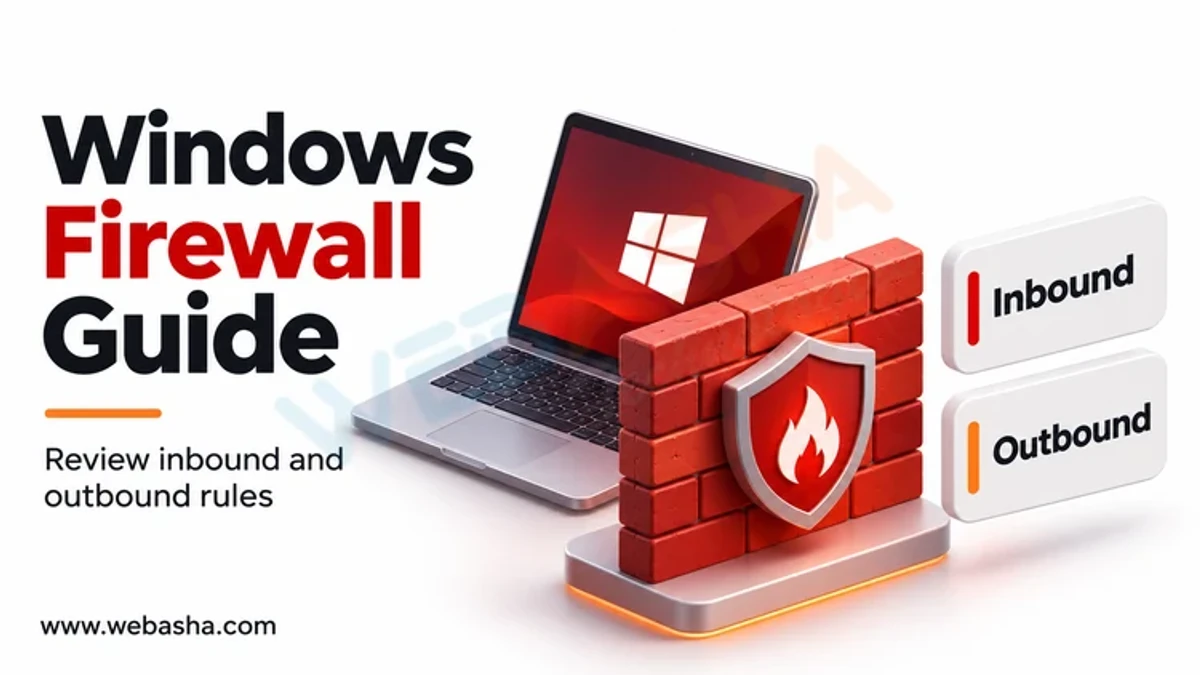
Windows Firewall Guide: Configure Inbound and Outbound Rules and Test Them in Real Time
Windows Firewall is an important security feature that controls network traffic using Inbound and Outbound rules. This guide covers how to configure firewall rules, block or allow network traffic, and verify whether the rules are working using real-time testing methods such as ping, netstat, and telnet. You'll learn how to: Create Inbound Rules (e.g., block Remote Desktop on Port 3389); Create Outbound Rules (e.g., block internet access on Ports 80 and 443); Verify Firewall Rules using command-line tools; Modify or remove rules for troubleshooting. By following this step-by-step guide, you can enhance network security and ensure that only authorized traffic flows through your system.