Linux Networking Commands for Security: ip, ss, dig and tcpdump
A small set of Linux commands answers most network security questions on a host you manage. ip shows addresses, routes and neighbours. ss lists listening ports and open connections with the owning process. dig checks DNS answers. curl tests a web service and its TLS certificate. tcpdump captures packets for close inspection.
Topic: Networking in IT Infrastructure · Troubleshooting
Also covers: Network Security, Linux Administration, Security Tools, Authorized Labs & CTFs

Quick answer: A small set of Linux commands answers most network security questions on a host you manage. ip shows addresses, routes and neighbours. ss lists listening ports and open connections with the owning process. dig checks DNS answers. curl tests a web service and its TLS certificate. tcpdump captures packets for close inspection. The older net-tools commands such as ifconfig and netstat are deprecated on many distributions in favour of iproute2. Use these tools on your own systems, or with written authorisation, to find unexpected listeners, odd connections and misconfigured DNS before an attacker does.
Key takeaways
- Prefer ip and ss over ifconfig and netstat on modern systems.
- ss -tulpn quickly shows every listening service and its process.
- dig reveals what DNS really returns, which helps spot hijacks and typos.
- tcpdump with a narrow filter captures evidence without flooding the disk.
- Capture and scan only networks you own or are authorised to test.
Table of Contents
- Which Commands Answer Which Security Questions?
- How Do You Inspect Interfaces and Routes With ip?
- How Do You Find Listening Ports and Connections With ss?
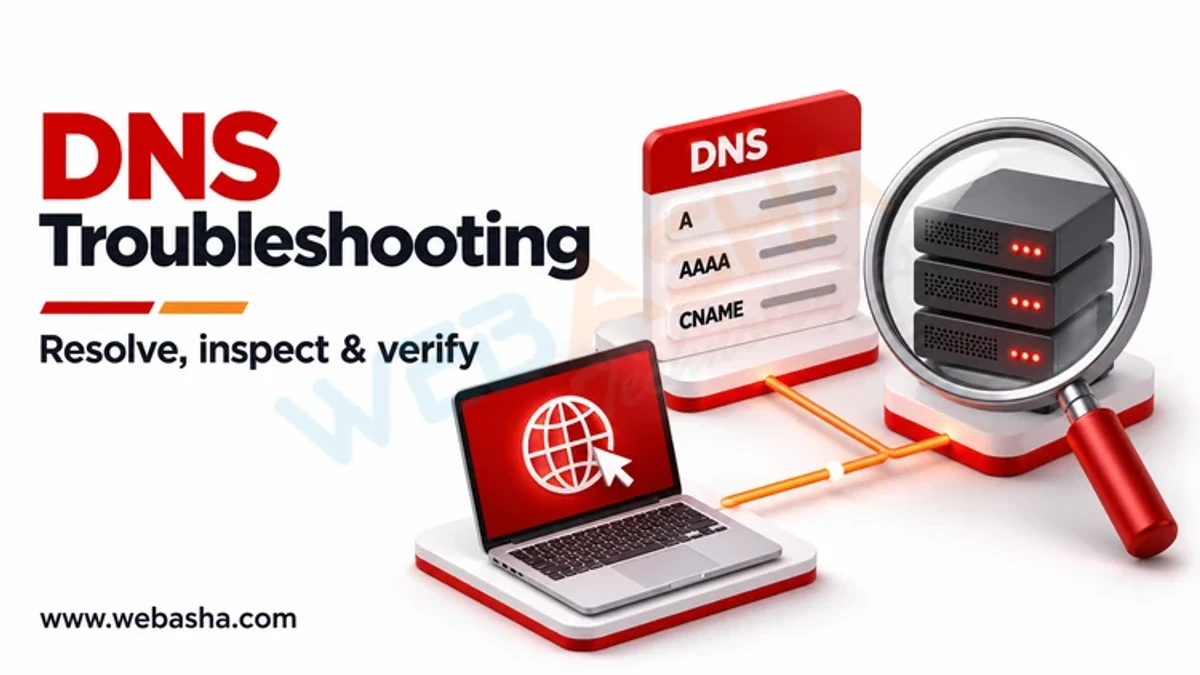
- How Do You Check DNS and Web Services?
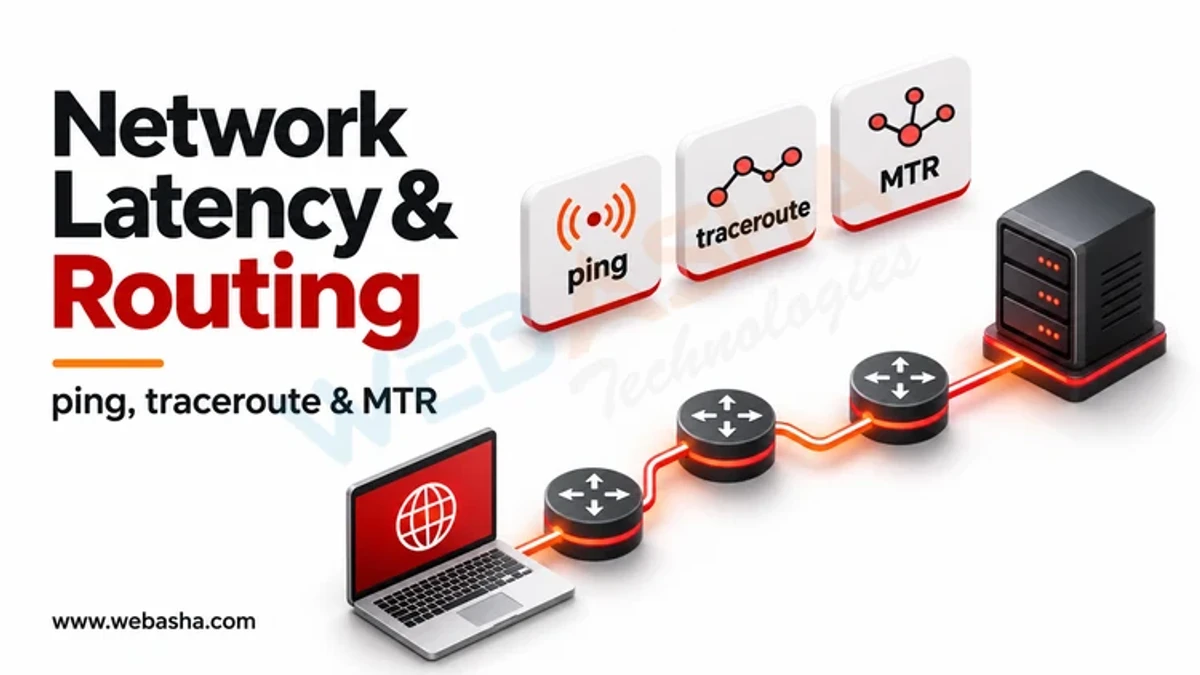
- How Do You Capture Traffic Safely With tcpdump?
- How Do These Commands Fit Incident Triage?
- What Are the Legal and Ethical Limits?
- References
Which Commands Answer Which Security Questions?
| Question | Modern command | Older equivalent |
|---|---|---|
| What addresses does this host have? | ip -br addr | ifconfig |
| Where does traffic go? | ip route | route -n |
| Which MAC addresses are nearby? | ip neigh | arp -n |
| What is listening? | ss -tulpn | netstat -tulpn |
| Who is connected now? | ss -tnp state established | netstat -tnp |
| What does DNS return? | dig example.com A | nslookup |
| What is on the wire? | tcpdump | tcpdump |
The Debian wiki records why net-tools was deprecated; our net-tools explainer covers the older commands.
How Do You Inspect Interfaces and Routes With ip?
ip -br addr          # brief list of interfaces and addresses
ip route             # routing table, including the default gateway
ip neigh             # ARP and IPv6 neighbour cache
ip -s link           # per-interface packet and error counters
An unexpected default route, a new interface, or a gateway MAC address that keeps changing in ip neigh can point to misconfiguration or ARP spoofing. The ip manual page lists every object and option.
How Do You Find Listening Ports and Connections With ss?
sudo ss -tulpn                     # TCP and UDP listeners with process names
sudo ss -tnp state established     # current TCP sessions with processes
ss -s                              # summary counts by state
In ss -tulpn, a service bound to 0.0.0.0 or [::] is reachable from every interface, while 127.0.0.1 is local only. Any listener you cannot explain deserves investigation. Attackers run the same discovery, recorded in MITRE ATT&CK T1049, so knowing your own baseline helps. See the ss manual page for filters.
How Do You Check DNS and Web Services?
dig example.com A +short           # address records
dig example.com MX                 # mail servers
dig @1.1.1.1 example.com A         # compare with a public resolver
curl -sI https://example.com       # response headers only
curl -vI https://example.com 2>&1 | grep -i expire   # certificate expiry
If your local resolver and a public resolver give different answers for your own domain, check for stale records or tampering. The dig options are documented in the BIND 9 manual pages.
How Do You Capture Traffic Safely With tcpdump?
sudo tcpdump -i eth0 -nn port 53 -c 100           # 100 DNS packets
sudo tcpdump -i eth0 -nn host 192.0.2.10 -w case1.pcap
tcpdump -nn -r case1.pcap                          # read a saved capture
Always filter by host, port or count, and write to a file you can open later in Wireshark. Packet captures can hold passwords and personal data, so store them securely and delete them when the case closes. The tcpdump manual explains capture filters.
How Do These Commands Fit Incident Triage?
| Triage step | Commands |
|---|---|
| Snapshot network state | ip -br addr, ip route, sudo ss -tunap |
| Spot unknown listeners | sudo ss -tulpn, compared with baseline |
| Check suspicious domains | dig, plus proxy and DNS logs |
| Collect evidence | tcpdump -w to a protected file |
Save command output with timestamps before changing anything, as NIST SP 800-61 Rev. 3 advises. In India, the CERT-In directions require reporting listed incidents within 6 hours and keeping logs for 180 days.
What Are the Legal and Ethical Limits?
Capturing traffic or probing systems you do not own can break the IT Act 2000, Sections 43 and 66. Get written authorisation for any test. For more everyday commands, see the most useful Linux commands. Practice in guided labs through our Linux and network security training.
References
Frequently Asked Questions
What's Your Reaction?
 Like
0
 Dislike
0
 Love
0
 Funny
0
 Wow
0
 Sad
0
 Angry
0

Vaishnavi is a skilled tech professional at the Ethical Hacking Training Institute in Pune, responsible for managing and optimizing the technical infrastructure that supports advanced cybersecurity education. With deep expertise in network security, backend operations, and system performance, she ensures that practical labs, online modules, and assessments run smoothly and securely. Her behind-the-scenes contributions play a vital role in delivering a seamless and secure learning experience for aspiring ethical hackers.