Top Network Security Tools Professionals Use, Grouped by Job
Network security professionals pick tools by job. Firewalls such as pfSense and OPNsense control traffic; Suricata and Snort detect intrusions with signatures; Zeek records what happens on the network for investigation; Wireshark and tcpdump capture packets; Nmap discovers hosts and services; Greenbone or Nessus find vulnerabilities; and a SIEM such as Wazuh or Splunk correlates alerts.
Topic: Security Tools, Authorized Labs & CTFs in Cybersecurity & Ethical Hacking · Tools
Also covers: Network Security
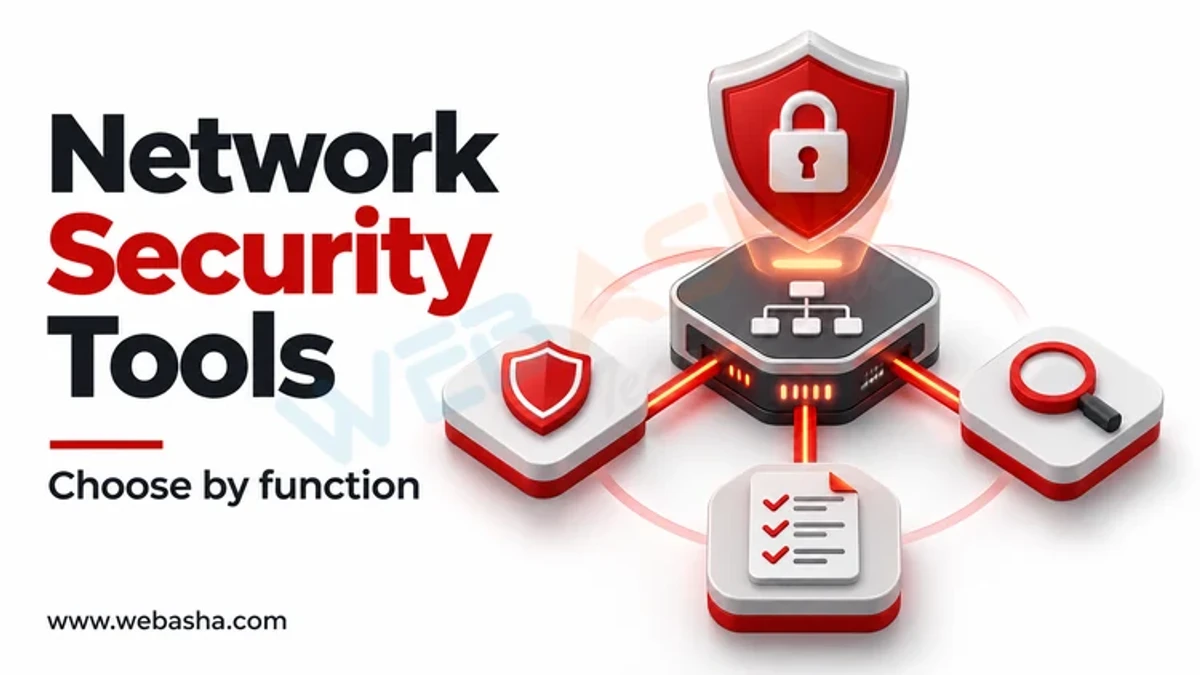
Quick answer: Network security professionals pick tools by job. Firewalls such as pfSense and OPNsense control traffic; Suricata and Snort detect intrusions with signatures; Zeek records what happens on the network for investigation; Wireshark and tcpdump capture packets; Nmap discovers hosts and services; Greenbone or Nessus find vulnerabilities; and a SIEM such as Wazuh or Splunk correlates alerts. Learn one tool per job well, in a lab, before adding more.
Key takeaways
- Choose tools by the question they answer, not by popularity.
- Suricata and Snort alert on known patterns; Zeek gives rich logs for hunting.
- Packet capture skills with Wireshark and tcpdump underpin every other tool.
- Scan only networks you own or are authorised to test.
- Most tools here are free and open source, so a home lab costs little.
Table of Contents
- Which Tool Does Which Job?
- How Do Suricata and Zeek Differ?
- What Do Everyday Commands Look Like?
- How Should Firewall Rules Be Written?
- How Do You Build a Practice Lab?
- References
Which Tool Does Which Job?
| Job | Tools | Licence |
|---|---|---|
| Firewall and routing | OPNsense, pfSense CE | Open source |
| Intrusion detection and prevention | Suricata, Snort 3 | GPL |
| Network security monitoring | Zeek | BSD |
| Packet capture | Wireshark, tcpdump | GPL, BSD |
| Discovery and port scanning | Nmap | Nmap Public Source Licence |
| Vulnerability scanning | Greenbone Community Edition, Nessus | Open source, commercial |
| Host monitoring and SIEM | Wazuh, Splunk, Elastic | GPL, commercial, mixed |
| Remote access | WireGuard, OpenVPN | GPL |
How Do Suricata and Zeek Differ?
| Suricata | Zeek | |
|---|---|---|
| Main output | Alerts when traffic matches rules | Structured logs of connections, DNS, HTTP, TLS and more |
| Best for | Detecting known attacks, blocking inline | Investigations and threat hunting |
| Rules or scripts | Signature rules, compatible with many Snort rules | Zeek scripting language |
Many teams run both on the same sensor, as Security Onion does.
What Do Everyday Commands Look Like?
# capture traffic on an interface for later analysis in Wireshark
sudo tcpdump -i eth0 -w capture.pcap 'not port 22'

# discover live hosts and open services on a lab subnet
nmap -sV -T4 192.168.56.0/24

# run Suricata against a capture and read alerts
sudo suricata -r capture.pcap -l ./out
jq 'select(.event_type=="alert") | .alert.signature' out/eve.json | sort | uniq -c

# run Zeek on the same capture and list DNS queries
zeek -r capture.pcap
zeek-cut query < dns.log | sort | uniq -c | sort -rn | head
A simple custom Suricata rule that alerts on a known bad domain in DNS:
alert dns any any -> any any (msg:"Lab: lookup of known bad domain"; dns.query; content:"bad-example.test"; nocase; sid:1000001; rev:1;)How Should Firewall Rules Be Written?
NIST's SP 800-41 Rev. 1 recommends a default-deny policy with explicit allows. In practice:
- Deny all inbound traffic by default.
- Allow only required services to specific hosts.
- Restrict outbound traffic from servers to what they need.
- Log denied traffic and review it.
- Review rules regularly and remove unused ones.
# Linux host firewall with nftables: default drop, allow SSH from admin subnet and HTTPS
nft add table inet filter
nft add chain inet filter input '{ type filter hook input priority 0; policy drop; }'
nft add rule inet filter input ct state established,related accept
nft add rule inet filter input iif lo accept
nft add rule inet filter input ip saddr 10.0.10.0/24 tcp dport 22 accept
nft add rule inet filter input tcp dport 443 accept
How Do You Build a Practice Lab?
- Create an OPNsense VM with two virtual networks: lab and outside.
- Add a Kali VM and a vulnerable target such as Metasploitable 2 on the lab network.
- Run Suricata and Zeek on a monitoring VM that sees lab traffic.
- Send Wazuh agents from the targets to a Wazuh server.
- Attack the target from Kali and find the evidence in each tool.
Read our guides to Wireshark and open-source SIEM tools, or talk to a WebAsha training advisor about network security courses.
References
Frequently Asked Questions
What's Your Reaction?
 Like
0
 Dislike
0
 Love
0
 Funny
0
 Wow
0
 Sad
0
 Angry
0

Vaishnavi is a skilled tech professional at the Ethical Hacking Training Institute in Pune, responsible for managing and optimizing the technical infrastructure that supports advanced cybersecurity education. With deep expertise in network security, backend operations, and system performance, she ensures that practical labs, online modules, and assessments run smoothly and securely. Her behind-the-scenes contributions play a vital role in delivering a seamless and secure learning experience for aspiring ethical hackers.