Flask Full Course: What to Learn, in Order, with a Starter App
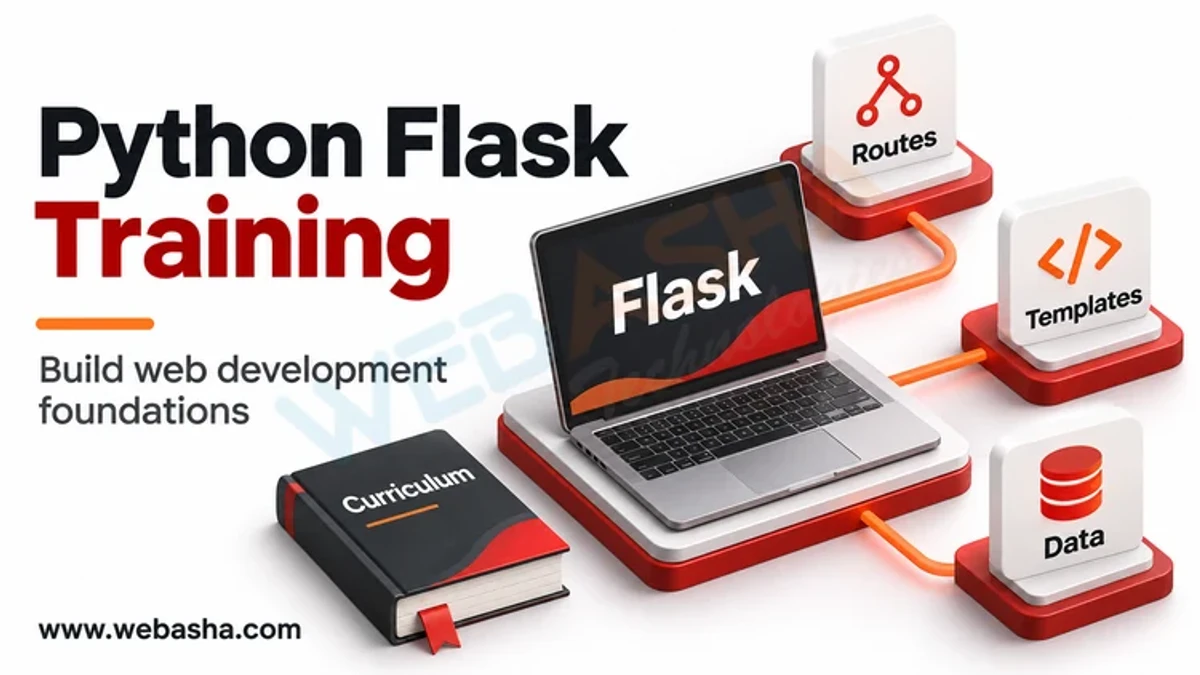
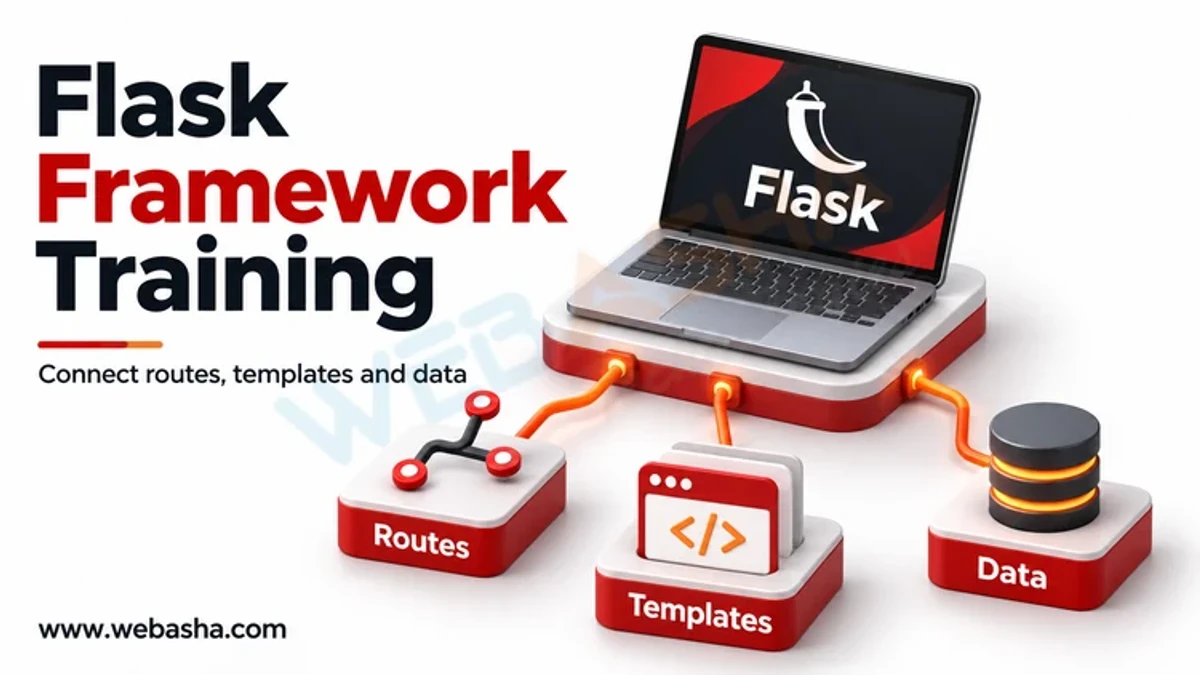
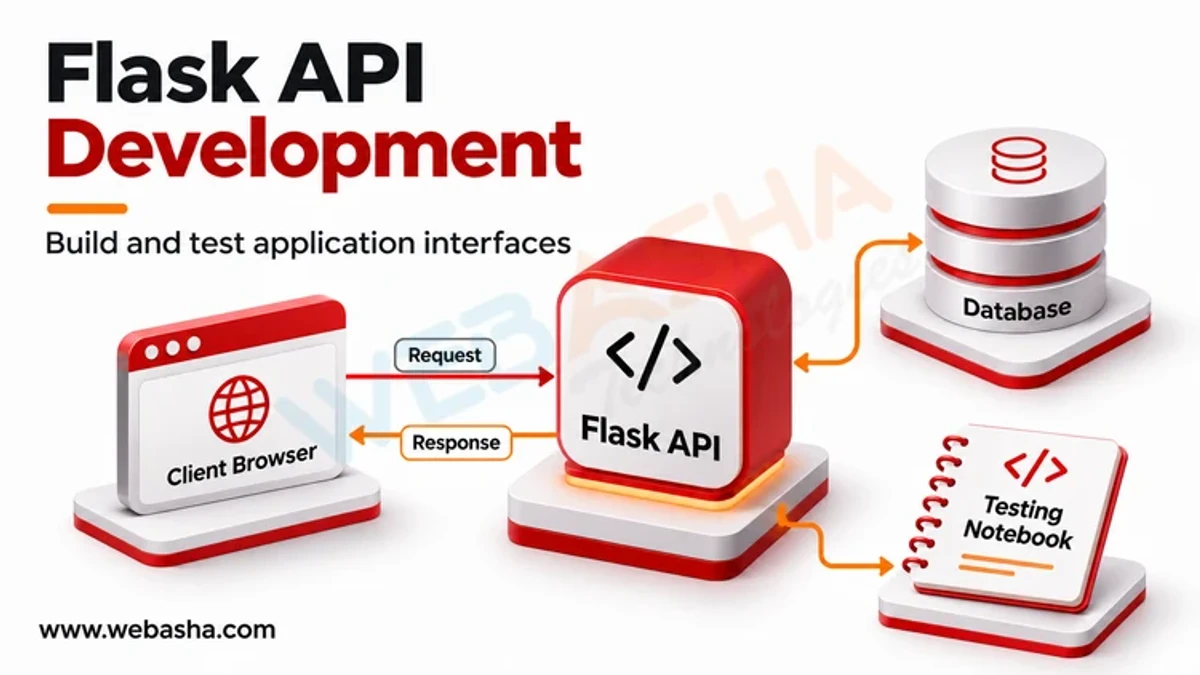
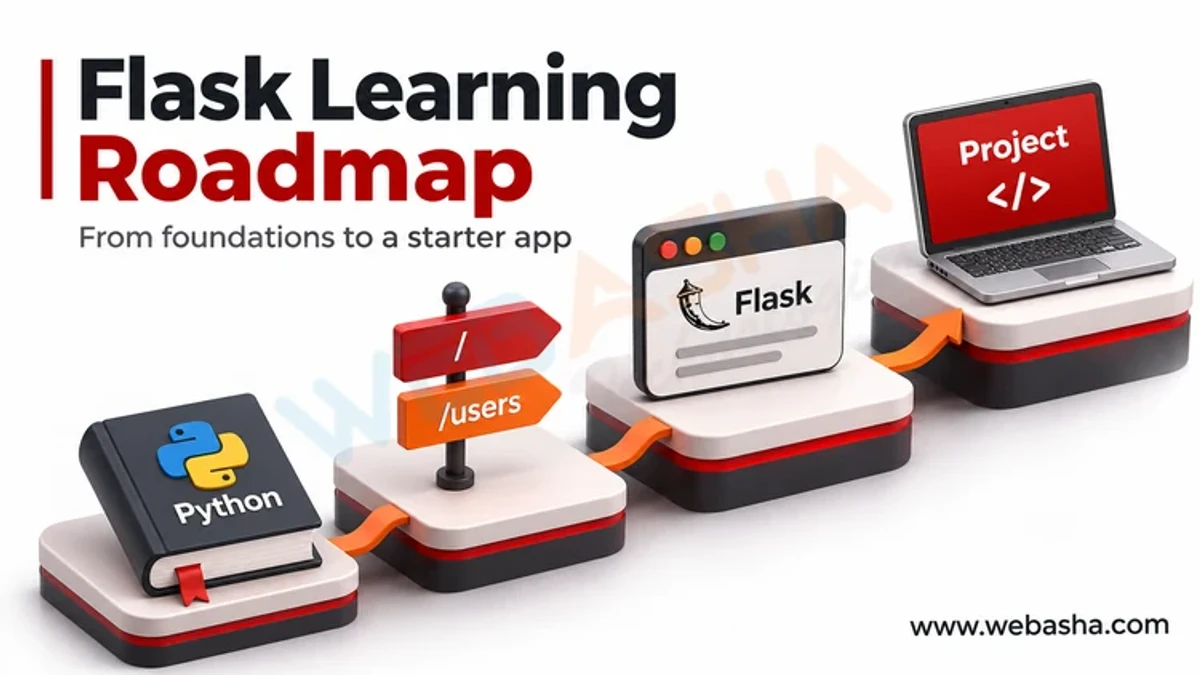
Learn Flask in this order: Python basics and virtual environments, a single-file app with routes, Jinja templates, forms and request data, a database, application structure with blueprints and the application factory, testing, and finally security and deployment. Flask is a lightweight Python web framework built on Werkzeug (the WSGI toolkit) and Jinja (the template engine).
Topic: Python for AI & Automation in AI & Data · Course information
Quick answer: Learn Flask in this order: Python basics and virtual environments, a single-file app with routes, Jinja templates, forms and request data, a database, application structure with blueprints and the application factory, testing, and finally security and deployment. Flask is a lightweight Python web framework built on Werkzeug (the WSGI toolkit) and Jinja (the template engine). The current release line is Flask 3.1, which needs Python 3.9 or newer. Build one small app and grow it at each stage instead of jumping between unrelated tutorials. Never run the built-in development server in production.
Key takeaways
- Flask sits on Werkzeug for HTTP and Jinja for templates.
- Learn in a fixed order and extend one app at each stage.
- The official tutorial (Flaskr) already follows this order.
- Testing and security belong in the course, not after it.
- Debug mode and the development server are for local use only.
Table of Contents
- What Is Flask and What Do You Need First?
- In What Order Should You Learn Flask?
- What Does a Minimal Starter App Look Like?
- How Do You Grow the Starter App?
- Which Mistakes Slow Learners Down?
- What Should You Learn After the Basics?
- References
What Is Flask and What Do You Need First?
Flask is a micro framework: the core handles routing, requests, responses, sessions and templates, and you add extensions for databases, forms or login. The official documentation describes it as depending on Werkzeug and Jinja. According to PyPI, the current version requires Python 3.9 or newer.
Before Flask, be comfortable with Python functions, dictionaries, modules, exceptions and pip. Learn to create a virtual environment with venv so each project has its own packages.
In What Order Should You Learn Flask?
| Stage | Topic | You can do this at the end |
|---|---|---|
| 1 | Python, venv, pip | Install Flask in an isolated project |
| 2 | Routes and views | Return pages for several URLs |
| 3 | Jinja templates | Render HTML with a shared base layout |
| 4 | Forms and request data | Accept and validate user input |
| 5 | Database | Store and query records (SQLite first) |
| 6 | Blueprints and app factory | Split the app into modules |
| 7 | Testing | Run tests with the Flask test client |
| 8 | Security and deployment | Serve the app with a production WSGI server |
The official Flask tutorial builds a blog called Flaskr in almost exactly this sequence, so it is a good free companion to any course.
What Does a Minimal Starter App Look Like?
This follows the Quickstart. Save it as app.py:
from flask import Flask, render_template_string

app = Flask(__name__)

@app.route("/")
def index():
    return render_template_string("<h1>Hello, {{ name }}</h1>", name="Flask")
Create an environment, install Flask and run it locally:
python -m venv .venv
. .venv/bin/activate        # Windows: .venv\Scripts\activate
pip install flask
flask --app app run --debug
Open http://127.0.0.1:5000 in a browser. The --debug flag turns on the reloader and the interactive debugger. That is helpful while learning, but the debugger can run code from the browser, so it must never be enabled on a server others can reach.
How Do You Grow the Starter App?
- Stage 3: move the HTML into a templates folder and use render_template with a base.html layout.
- Stage 4: add a form that posts a note, and read it from request.form.
- Stage 5: save notes to SQLite, as the tutorial does with the sqlite3 module.
- Stage 6: move views into a blueprint and create the app inside a create_app() function.
- Stage 7: write tests that call app.test_client() and check status codes.
- Stage 8: load SECRET_KEY from the environment and deploy behind a WSGI server.
For a deeper look at stages 2 to 4, see our guide to Flask routing, templates and forms.
Which Mistakes Slow Learners Down?
| Mistake | Better habit |
|---|---|
| Installing packages globally | One venv per project |
| Hard-coding the secret key | Read it from an environment variable |
| Building SQL with string formatting | Use parameterised queries |
| Leaving debug mode on when deploying | Use a production WSGI server, debug off |
| Skipping tests | Add a test for every new route |
Flask's security considerations page and the OWASP Top 10 explain why the last three matter.
What Should You Learn After the Basics?
Once the starter app works end to end, pick a direction: JSON APIs, authentication, background jobs or a larger database with an ORM. Our article on Flask and Django interview questions helps you test what you have learned. If you want guided practice with a mentor, ask about our Python and Flask training.
References
Frequently Asked Questions
What's Your Reaction?
 Like
0
 Dislike
0
 Love
0
 Funny
0
 Wow
0
 Sad
0
 Angry
0

Vaishnavi is a skilled tech professional at the Ethical Hacking Training Institute in Pune, responsible for managing and optimizing the technical infrastructure that supports advanced cybersecurity education. With deep expertise in network security, backend operations, and system performance, she ensures that practical labs, online modules, and assessments run smoothly and securely. Her behind-the-scenes contributions play a vital role in delivering a seamless and secure learning experience for aspiring ethical hackers.