Password Cracking Tools: How Security Teams Use Them and Defend
Password cracking tools are programs that test whether passwords can be guessed. They fall into two groups. Offline crackers, such as Hashcat and John the Ripper, try guesses against stolen or exported password hashes on the tester's own hardware. Online tools, such as Hydra, try guesses against a live login page or service.
Topic: Ethical Hacking in Cybersecurity & Ethical Hacking · Tools
Also covers: Security Tools, Authorized Labs & CTFs
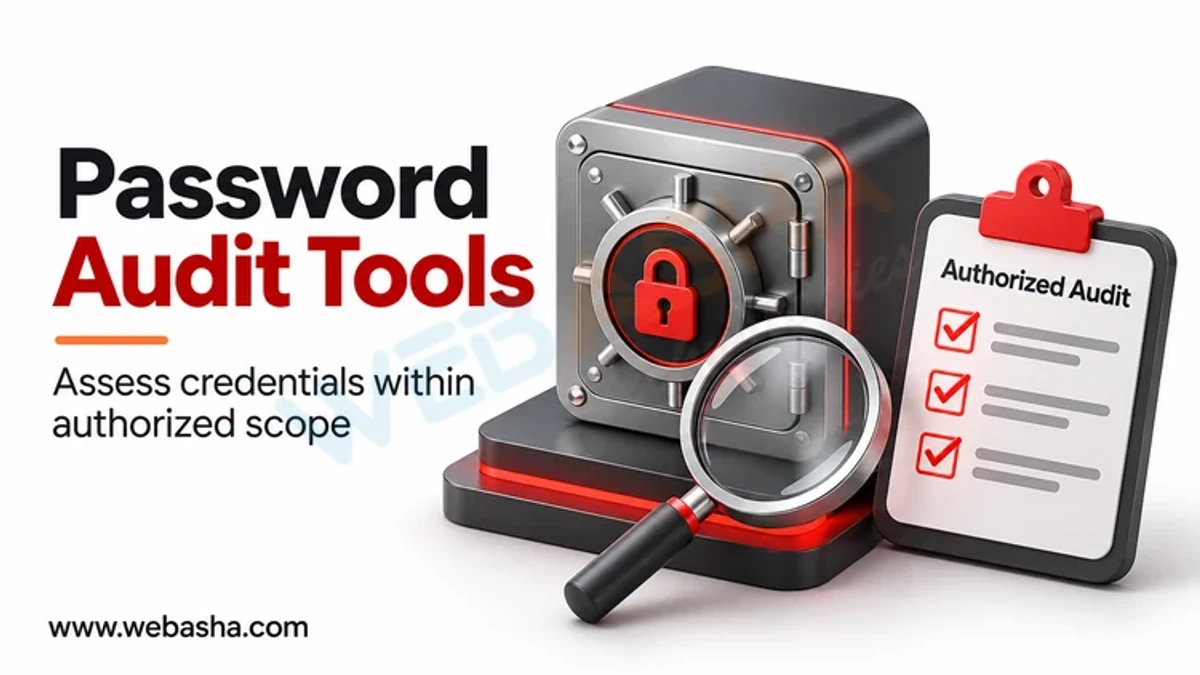
Quick answer: Password cracking tools are programs that test whether passwords can be guessed. They fall into two groups. Offline crackers, such as Hashcat and John the Ripper, try guesses against stolen or exported password hashes on the tester's own hardware. Online tools, such as Hydra, try guesses against a live login page or service. Security teams use them in authorised password audits and penetration tests to prove weak passwords exist and to justify better controls. Defenders stop them with slow, salted password hashing, long passphrases checked against breach lists, MFA, account lockout and monitoring for failed logins.
Key takeaways
- Offline crackers work on hashes; online tools hit live logins and leave clear logs.
- Use these tools only on systems you own or have written permission to test.
- Strong storage (Argon2id, scrypt, bcrypt, PBKDF2) makes offline cracking slow.
- MFA and rate limiting make online guessing far less useful.
- Audit results should lead to policy changes, not blame.
Table of Contents
- What Are Password Cracking Tools?
- What Types of Tools Exist?
- How Do Security Teams Use Them Legitimately?
- What Legal Rules Apply?
- What Traces Do These Tools Leave?
- How Do You Defend Against Them?
- How Can You Check Your Own Password Defences?
- References
What Are Password Cracking Tools?
They automate guessing. MITRE ATT&CK groups this behaviour under T1110 Brute Force, with offline cracking as sub-technique T1110.002. Attackers typically obtain hashes first, often through credential dumping, and then crack them away from the victim network.
What Types of Tools Exist?
| Category | Well-known examples | What it targets |
|---|---|---|
| Offline hash crackers | Hashcat, John the Ripper | Exported password hashes |
| Online login testers | Hydra | Live login forms and network services |
| Wordlist and rule generators | Built-in rule engines, custom lists | Feeding likely guesses to crackers |
| Directory password audit tools | Commercial and built-in auditors | Weak or reused passwords in a directory |
Hashcat uses GPUs for speed, which is why slow hashing algorithms matter so much.
How Do Security Teams Use Them Legitimately?
- Password audits: measure how many directory passwords fall to common guesses.
- Penetration tests: show the real impact of weak passwords within an agreed scope.
- Incident response: assess which accounts were at risk after a hash leak.
- Recovery: regain access to the organisation's own encrypted files with approval.
Handle cracked results carefully. Report counts and patterns, not individual passwords, and destroy working copies after the test.
What Legal Rules Apply?
Running these tools against systems or data you do not own, without written permission, can breach Sections 43 and 66 of the IT Act 2000. A testing agreement should define scope, data handling and reporting, as NIST SP 800-115 recommends. Hashes are personal data linked to users, so the DPDP Act 2023 applies to how you store them.
What Traces Do These Tools Leave?
| Tool type | Visible to defenders? | Where |
|---|---|---|
| Online login tester | Yes | Failed login events, lockouts, WAF and VPN logs |
| Offline cracker | No, cracking happens elsewhere | Look for the earlier hash theft instead |
| Hash dumping step | Often | EDR alerts on access to credential stores |
How Do You Defend Against Them?
- Store passwords with Argon2id, scrypt, bcrypt or PBKDF2 and a unique salt, per the OWASP Password Storage Cheat Sheet.
- Follow NIST SP 800-63B-4: at least 15 characters when a password is the only factor, a blocklist of breached and common passwords, and no forced complexity rules.
- Require MFA, especially phishing-resistant MFA for admins and remote access.
- Rate limit and lock out repeated failures.
- Use Microsoft Entra password protection or similar to ban weak passwords in a directory.
How Can You Check Your Own Password Defences?
A safe first check on a Windows domain is to review the current policy settings, which is read-only:
net accounts /domainConfirm minimum length, lockout threshold and lockout duration match your standard. For methods behind these tools, see password cracking methods and common password attacks. WebAsha offers ethical hacking training with authorised lab practice.
References
Frequently Asked Questions
What's Your Reaction?
 Like
0
 Dislike
0
 Love
0
 Funny
0
 Wow
0
 Sad
0
 Angry
0

Vaishnavi is a skilled tech professional at the Ethical Hacking Training Institute in Pune, responsible for managing and optimizing the technical infrastructure that supports advanced cybersecurity education. With deep expertise in network security, backend operations, and system performance, she ensures that practical labs, online modules, and assessments run smoothly and securely. Her behind-the-scenes contributions play a vital role in delivering a seamless and secure learning experience for aspiring ethical hackers.