What Is the TCP/IP Model in Networking and How Does It Work?
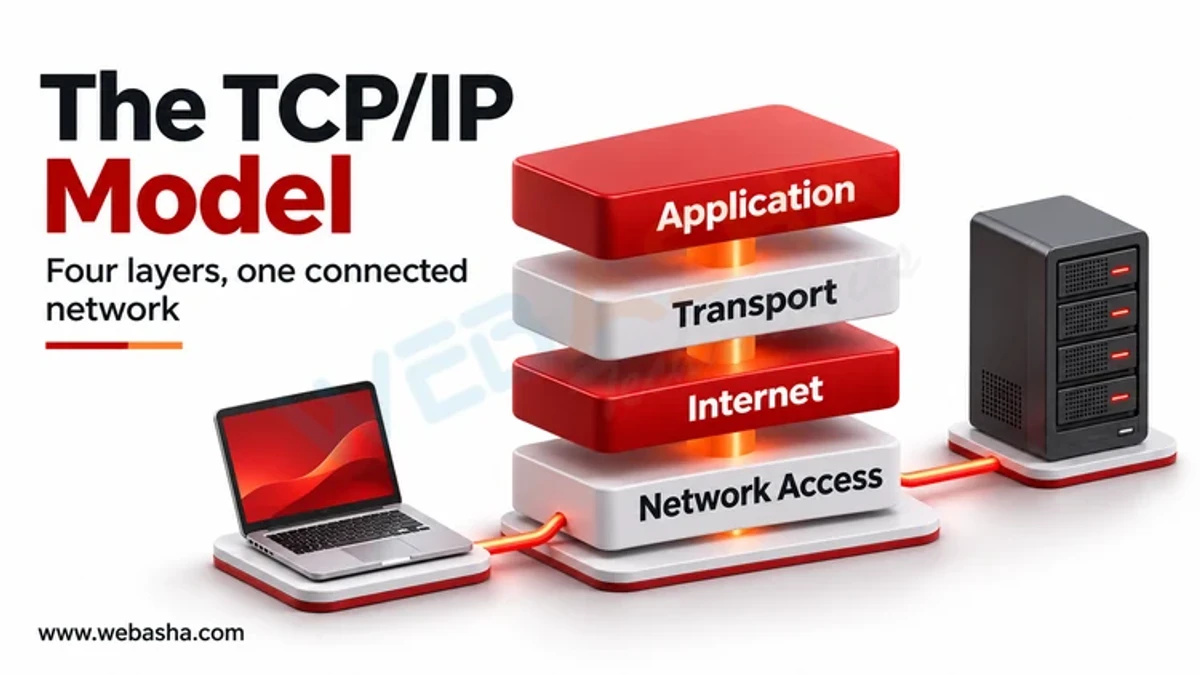
The TCP/IP model is the four-layer framework the internet actually runs on. The link layer moves frames on the local network (Ethernet, Wi-Fi); the internet layer addresses and routes packets between networks (IPv4, IPv6); the transport layer delivers data between programs on each host (TCP for reliable streams, UDP for lightweight datagrams); and the application layer provides services such as HTTP, DNS and email.
Topic: Networking in IT Infrastructure · Explainer
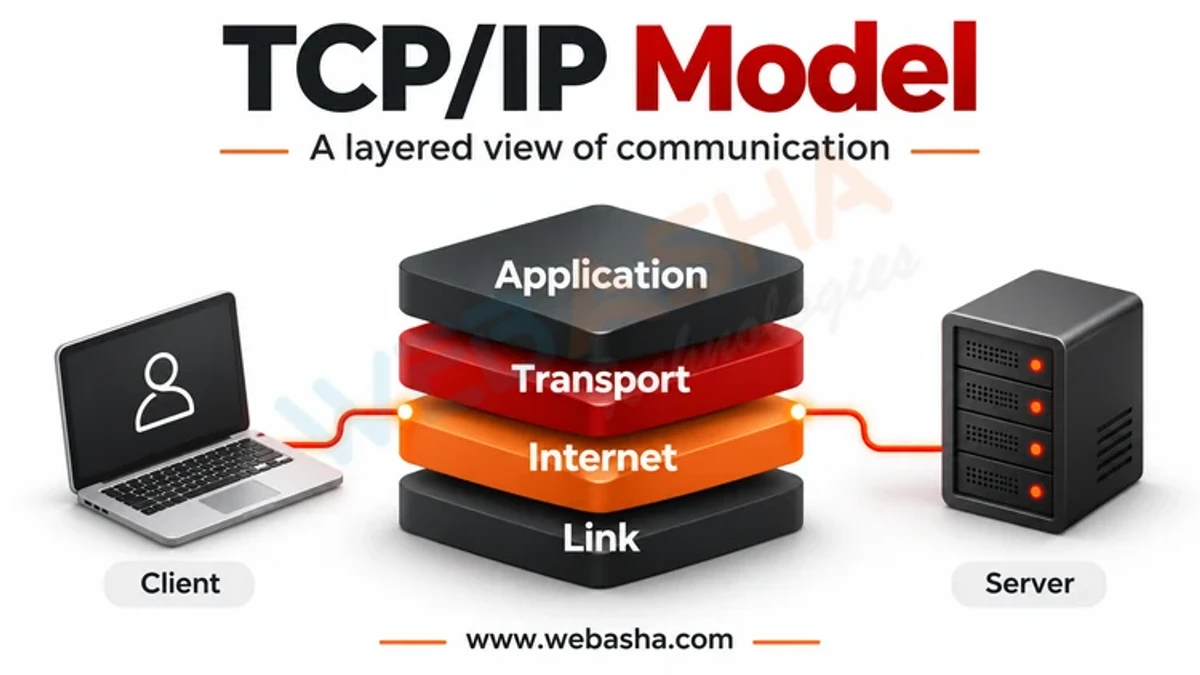
Quick answer: The TCP/IP model is the four-layer framework the internet actually runs on. The link layer moves frames on the local network (Ethernet, Wi-Fi); the internet layer addresses and routes packets between networks (IPv4, IPv6); the transport layer delivers data between programs on each host (TCP for reliable streams, UDP for lightweight datagrams); and the application layer provides services such as HTTP, DNS and email. When you send data, each layer adds its own header around the data from the layer above, a process called encapsulation, and the receiving host removes them in reverse order. RFC 1122 defines these layers.
Key takeaways
- TCP/IP has four layers: link, internet, transport, application.
- Each layer adds a header; the receiver strips them in reverse.
- IP routes packets; TCP and UDP deliver them to the right program by port.
- The seven-layer OSI model is mainly a teaching and troubleshooting reference.
- Troubleshooting layer by layer finds problems faster.
Table of Contents
- What Are the Four Layers?
- How Does Encapsulation Work?
- What Happens in a TCP Connection?
- How Does TCP/IP Compare With OSI?
- Where Do Network Devices Operate?
- How Do You Troubleshoot by Layer?
- References
What Are the Four Layers?
| Layer | Unit | Addressing | Examples |
|---|---|---|---|
| Application | Message | Names, URLs | HTTP, DNS, SMTP, SSH |
| Transport | Segment / datagram | Port numbers | TCP, UDP |
| Internet | Packet | IP addresses | IPv4, IPv6, ICMP |
| Link | Frame | MAC addresses | Ethernet, Wi-Fi, ARP |
The layer definitions come from RFC 1122.
How Does Encapsulation Work?
When a browser requests a web page:
- The application creates an HTTP request.
- TCP adds a header with source and destination ports (for example 52000 to 443) and sequence numbers.
- IP adds a header with source and destination IP addresses.
- Ethernet or Wi-Fi adds a frame header with MAC addresses for the next hop, and a trailer for error checking.
- Routers along the path strip and rebuild the link-layer frame at each hop, while the IP packet travels end to end.
- The server removes headers layer by layer and passes the request to the web server software.
What Happens in a TCP Connection?
Client                      Server
  | --- SYN (seq=x) -------> |
  | <-- SYN-ACK (seq=y,ack=x+1) |
  | --- ACK (ack=y+1) -----> |
  |      data transfer        |
  | --- FIN ---------------> |   (connection close, each side)
TCP then numbers bytes, acknowledges what arrives, retransmits lost segments and controls flow so the receiver is not overwhelmed.
How Does TCP/IP Compare With OSI?
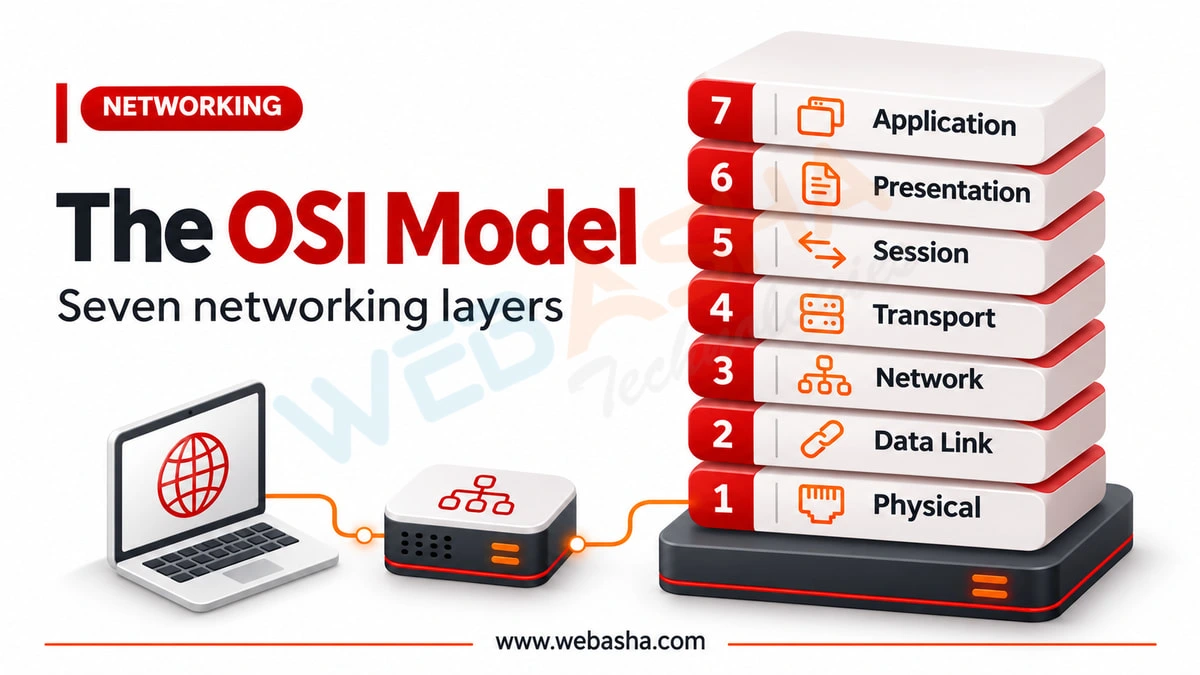
| OSI (7 layers) | TCP/IP (4 layers) |
|---|---|
| 7 Application, 6 Presentation, 5 Session | Application |
| 4 Transport | Transport |
| 3 Network | Internet |
| 2 Data link, 1 Physical | Link |
Engineers still say "layer 2" or "layer 7" using OSI numbering, even though the internet uses TCP/IP.
Where Do Network Devices Operate?
- Switches: link layer, forwarding by MAC address.
- Routers: internet layer, forwarding by IP address.
- Stateful firewalls: internet and transport layers; next-generation firewalls inspect the application layer too.
- Load balancers: transport (layer 4) or application (layer 7).
How Do You Troubleshoot by Layer?
ip link show                   # link: is the interface up?
ip addr; ip route              # internet: correct address and route?
ping -c 3 192.168.1.1          # internet: gateway reachable?
nc -zv example.com 443         # transport: is the port open?
curl -I https://example.com    # application: does the service respond?
Related: networking protocols explained and network engineer skills. WebAsha offers CCNA training.
References
Frequently Asked Questions
What's Your Reaction?
 Like
0
 Dislike
0
 Love
0
 Funny
0
 Wow
0
 Sad
0
 Angry
0

Vaishnavi is a skilled tech professional at the Ethical Hacking Training Institute in Pune, responsible for managing and optimizing the technical infrastructure that supports advanced cybersecurity education. With deep expertise in network security, backend operations, and system performance, she ensures that practical labs, online modules, and assessments run smoothly and securely. Her behind-the-scenes contributions play a vital role in delivering a seamless and secure learning experience for aspiring ethical hackers.