Windows, Linux or macOS for Security Work: Choosing a Laptop OS
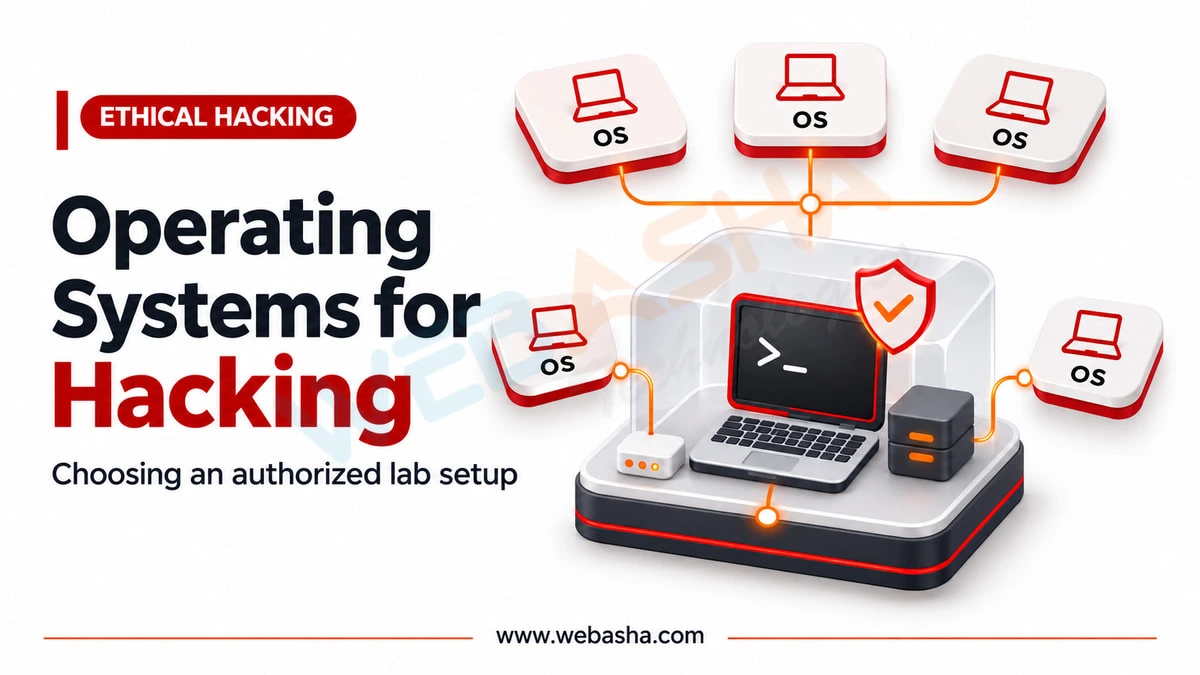
Windows, Linux and macOS can all host a security lab, because most tools run inside virtual machines anyway. Windows is the most flexible: it runs VirtualBox, VMware Workstation Pro, WSL with Kali, and Hyper-V on Pro or Enterprise editions.
Topic: Ethical Hacking in Cybersecurity & Ethical Hacking · Explainer
Also covers: Security Tools, Authorized Labs & CTFs
Quick answer: Windows, Linux and macOS can all host a security lab, because most tools run inside virtual machines anyway. Windows is the most flexible: it runs VirtualBox, VMware Workstation Pro, WSL with Kali, and Hyper-V on Pro or Enterprise editions. A Linux host runs many tools natively and is common among testers. macOS works well on Intel Macs, but on Apple Silicon you need Arm guests: VirtualBox does not support x86 guests on Arm hosts, and Apple's framework cannot install Intel Linux distributions. If your course uses x86 images, an x86 laptop running Windows or Linux avoids those limits.
Key takeaways
- The host OS mainly runs your hypervisor; Kali usually runs as a guest.
- Windows offers WSL, Hyper-V (Pro and Enterprise) and both major desktop hypervisors.
- Linux hosts run many security tools natively.
- Apple Silicon Macs run Arm guests, such as Kali's ARM64 images.
- Match the host to the architecture of your course images.
Table of Contents
- Does the host OS matter if tools run in VMs?
- How do Windows, Linux and macOS compare for labs?
- What does Windows offer security learners?
- When does a Linux host make sense?
- What are the limits on Apple Silicon Macs?
- Should you dual boot or use virtual machines?
- How do you choose for your situation?
- References
Does the host OS matter if tools run in VMs?
Less than many guides suggest. Your host runs the hypervisor, browser and class software, while Kali and target systems run as guests. The host matters for three things: which hypervisors are available, which guest architectures will boot, and how comfortable you are maintaining it. Cross-platform tools also help; Wireshark, for example, runs on Windows, macOS 11 and later, and most Linux and BSD systems.
How do Windows, Linux and macOS compare for labs?
| Host | Hypervisor options | Guest architecture | Watch out for |
|---|---|---|---|
| Windows (x86) | VirtualBox, VMware Workstation Pro, Hyper-V (Pro/Enterprise), WSL | x86-64 | Hypervisor conflicts, antivirus flagging tools |
| Linux (x86) | VirtualBox, VMware Workstation Pro, KVM | x86-64 | Driver support for your laptop |
| macOS (Intel) | VirtualBox, VMware Fusion | x86-64 | Older hardware and OS support |
| macOS (Apple Silicon) | VMware Fusion, VirtualBox, UTM and others | Arm64 | x86 course images will not run as guests |
What does Windows offer security learners?
Windows gives the widest choice. WSL lets you install Linux distributions, including Kali, on Windows 10 version 2004 or later and Windows 11, according to Microsoft's WSL install guide. These read-only and install commands run in an administrator PowerShell:
wsl --list --online
wsl --install -d kali-linux
Hyper-V is available on Windows 10 and 11 Pro or Enterprise, not Home. Broadcom says VMware Workstation Pro is free for personal, educational and commercial use from version 17.5.2. WSL is handy for command-line tools, but full VM labs are still easier to isolate.
When does a Linux host make sense?
A Linux host suits learners comfortable with the command line. Many tools install from distribution repositories, and Oracle lists Linux as a supported VirtualBox host on x86_64. Check that the laptop's Wi-Fi, graphics and sleep work on your chosen distribution before you commit. Running Kali as your everyday host OS is possible but means mixing personal browsing with testing tools; a VM keeps them apart.
What are the limits on Apple Silicon Macs?
Apple Silicon is Arm-based. Oracle states that on an Arm host, VirtualBox guests must use an Arm-based OS and x86 guests are not supported. Kali offers Apple Silicon (ARM64) images, and its VMware guide asks for Fusion 13 or later and the ARM64 installer.
Apple's documentation says its Virtualization framework does not support installing Intel Linux distributions on Apple Silicon; it supports Intel apps inside an Arm Linux guest. Software emulation of a full x86 VM is possible in some tools, but it is much slower, so confirm with your course provider before buying a Mac. The MacBook question is covered in more depth in our MacBook vs Windows vs Linux comparison.
Should you dual boot or use virtual machines?
| Approach | Strength | Weakness |
|---|---|---|
| Virtual machines | Snapshots, isolation, attacker and target together | Needs RAM and virtualisation |
| Dual boot | Full hardware access, including internal Wi-Fi | Reboots, risk to bootloader, no snapshots |
| WSL (Windows) | Quick Linux command line | Not a full isolated lab |
How do you choose for your situation?
- Course uses x86 images: Windows or Linux on an x86 laptop.
- Already own an Apple Silicon Mac: use ARM64 Kali and confirm course support.
- Comfortable with Linux: a Linux host with VMs for targets.
Hardware features that matter on any OS are in our laptop features guide. WebAsha trainers can advise on host setup for your course through Kali Linux and ethical hacking training.
References
Frequently Asked Questions
What's Your Reaction?
 Like
0
 Dislike
0
 Love
0
 Funny
0
 Wow
0
 Sad
0
 Angry
0

Vaishnavi is a skilled tech professional at the Ethical Hacking Training Institute in Pune, responsible for managing and optimizing the technical infrastructure that supports advanced cybersecurity education. With deep expertise in network security, backend operations, and system performance, she ensures that practical labs, online modules, and assessments run smoothly and securely. Her behind-the-scenes contributions play a vital role in delivering a seamless and secure learning experience for aspiring ethical hackers.