Learning Penetration Testing: Which Practice Needs a Powerful Laptop?
When learning penetration testing, only some work needs a powerful laptop. Running your own multi-machine lab, such as an Active Directory domain, network emulation or several vulnerable VMs at once, needs local power: 16 to 32 GB of RAM, a fast SSD and hardware virtualisation.
Topic: Ethical Hacking in Cybersecurity & Ethical Hacking · Explainer
Also covers: Penetration Testing

Quick answer: When learning penetration testing, only some work needs a powerful laptop. Running your own multi-machine lab, such as an Active Directory domain, network emulation or several vulnerable VMs at once, needs local power: 16 to 32 GB of RAM, a fast SSD and hardware virtualisation. Web application practice, guided exercises and many machine-based labs run in hosted environments, where your laptop only needs a browser, a Kali VM or a VPN client. Free browser labs such as the PortSwigger Web Security Academy and hosted platforms such as OffSec Proving Grounds let a modest laptop go a long way.
Key takeaways
- Hosted labs move the heavy computing off your laptop.
- Local labs give full control and work offline, at the cost of RAM and storage.
- Most learners benefit from a hybrid: small local lab plus hosted practice.
- Your internet connection matters as much as your laptop for cloud labs.
- Every target you test must be yours or explicitly authorised.
Table of Contents
- Which Learning Tasks Need Local Power?
- What Can Run in Cloud or Browser Labs?
- How Do Local and Cloud Labs Compare?
- What Does a Sensible Hybrid Setup Look Like?
- What Laptop Does Each Approach Need?
- How Should You Structure Practice?
- What Are the Legal Limits on Practice?
- References
Which Learning Tasks Need Local Power?
- Building your own lab network: a domain controller, workstations and a Kali VM running together.
- Defensive tooling alongside attacks: a SIEM or log stack to see what your practice looks like from the blue side.
- Network emulation: routers and firewalls in GNS3 or EVE-NG.
- Offline study: when travel or unreliable internet rules out hosted labs.
- Snapshots and experiments: breaking and restoring your own VMs repeatedly.
Each running VM needs its own memory. Kali's default desktop alone needs at least 2 GB RAM and 20 GB disk, per the Kali guide, and Windows targets need more.
What Can Run in Cloud or Browser Labs?
Web application security is the clearest case. The Web Security Academy is free and offers interactive labs with progress tracking; you need a browser and, for some labs, Burp Suite Community Edition. OffSec's Proving Grounds describes access through an in-browser Kali Linux instance. In PEN-200, the practice machines are hosted and you connect from your own Kali VM. Other community platforms work in similar ways. In each case the targets run on someone else's hardware.
How Do Local and Cloud Labs Compare?
| Factor | Local lab | Hosted or browser lab |
|---|---|---|
| Laptop demand | High: RAM, SSD, virtualisation | Low: browser, Kali VM or VPN client |
| Internet dependence | Only for downloads | Constant, stable connection needed |
| Control | Full; you design the network | Limited to what the platform offers |
| Realism of enterprise setups | As good as you build | Often curated and well documented |
| Legal clarity | Clear, you own everything | Clear within the platform's terms |
| Setup time | Hours to build and maintain | Minutes |
What Does a Sensible Hybrid Setup Look Like?
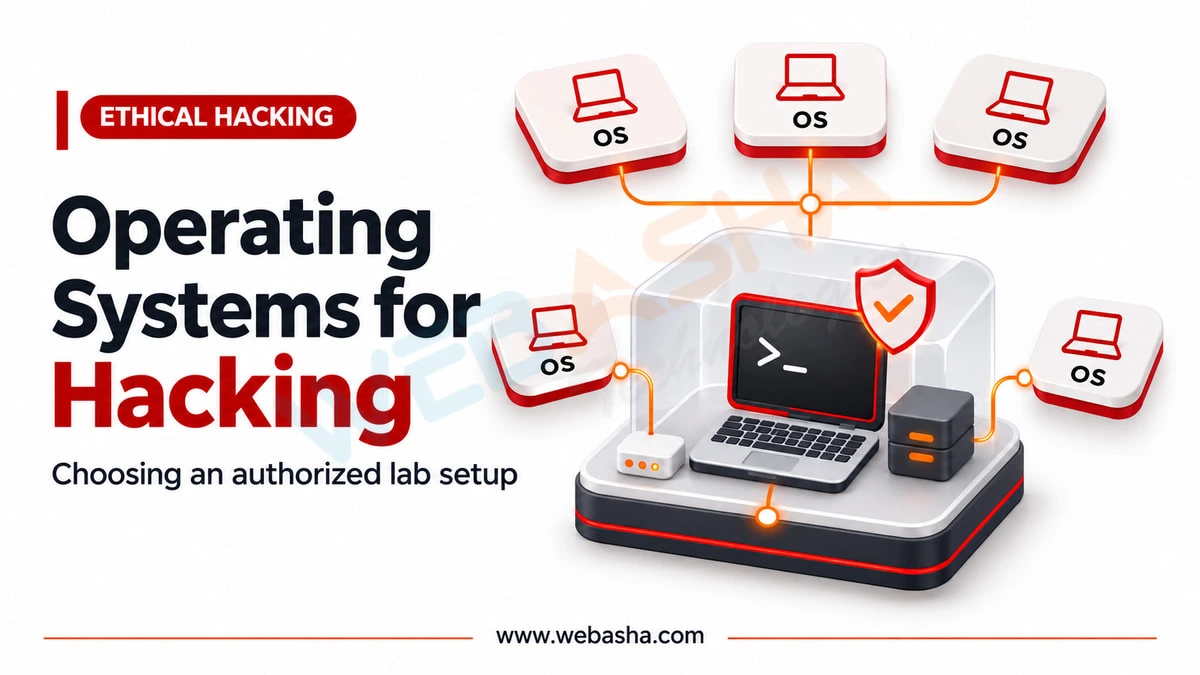
Run one Kali VM from the official pre-built images and one local practice target, such as OWASP Juice Shop, a deliberately vulnerable training app. Do web exercises in browser labs and machine exercises on a hosted platform. Add a small Windows domain locally only when your course reaches Active Directory topics, and shut it down when you finish.
What Laptop Does Each Approach Need?
| Approach | RAM | Storage | Other |
|---|---|---|---|
| Mostly hosted labs | 8 GB | 256 GB SSD | Stable broadband; Burp needs 4 GB minimum |
| Hybrid | 16 GB | 512 GB SSD | Virtualisation enabled |
| Full local lab with a domain | 32 GB | 1 TB SSD | Six or more cores helps |
These are planning bands drawn from the Kali and Burp Suite requirements, which list 4 GB minimum and 16 GB recommended for Burp.
How Should You Structure Practice?
Follow a testing method rather than collecting tools. NIST SP 800-115 describes planning, discovery, assessment and reporting phases for technical security testing. Write a short report after every lab, including how a defender would detect and fix each weakness. That habit builds the skill employers test in interviews. For a home lab design, see laptop and lab setup at home, and for structured beginner challenges, read capture the flag for beginners.
What Are the Legal Limits on Practice?
Test only systems you own, deliberately vulnerable training targets, or platforms whose terms allow it. Scanning or accessing any other system without written permission can attract compensation claims under Section 43 and criminal penalties under Section 66 of India's IT Act 2000. Keep your hosted lab VPN connected only while you work on that platform. For guided labs with authorised targets, ask about WebAsha penetration testing training.
References
Frequently Asked Questions
What's Your Reaction?
 Like
0
 Dislike
0
 Love
0
 Funny
0
 Wow
0
 Sad
0
 Angry
0

Vaishnavi is a skilled tech professional at the Ethical Hacking Training Institute in Pune, responsible for managing and optimizing the technical infrastructure that supports advanced cybersecurity education. With deep expertise in network security, backend operations, and system performance, she ensures that practical labs, online modules, and assessments run smoothly and securely. Her behind-the-scenes contributions play a vital role in delivering a seamless and secure learning experience for aspiring ethical hackers.