Penetration Testing Tools: What Their Results Can Tell You
Choose penetration testing tools according to the authorised question you need to answer. Nmap supports network and service observations; Burp Suite and ZAP support web assessment workflows; Wireshark helps inspect captured traffic. Their outputs require interpretation and do not prove that every reported condition is exploitable or that an unreported weakness is absent.
Topic: Penetration Testing in Cybersecurity & Ethical Hacking · Tools
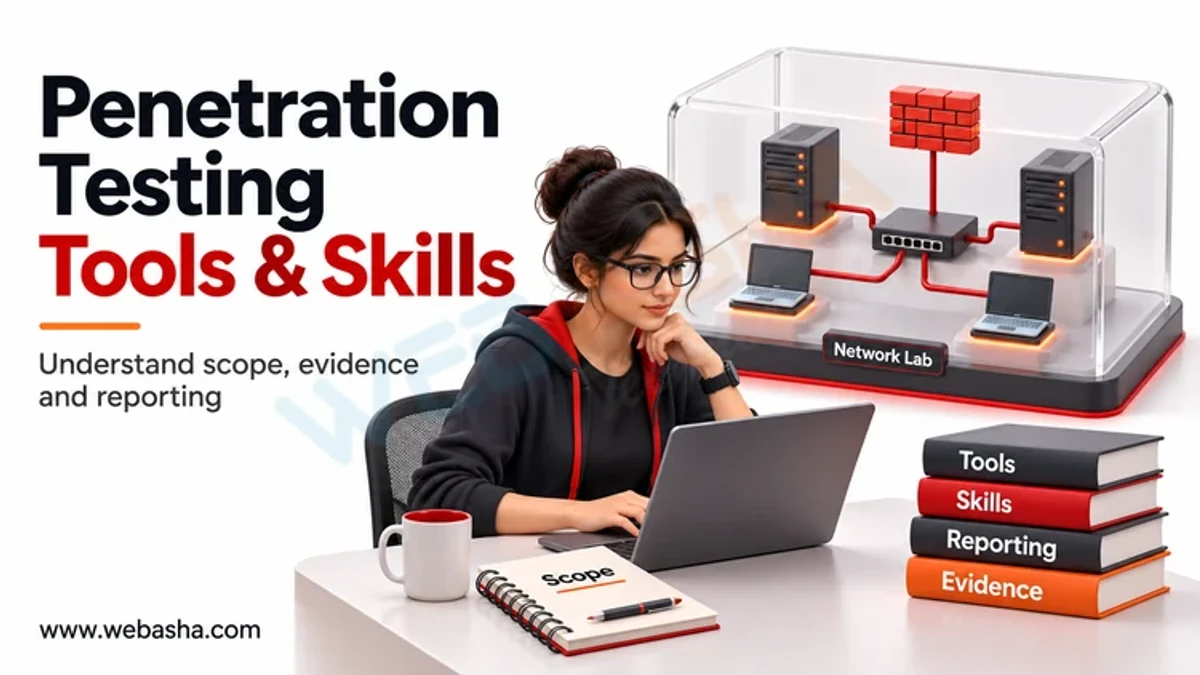
Quick answer: Choose penetration testing tools according to the authorised question you need to answer. Nmap supports network and service observations; Burp Suite and ZAP support web assessment workflows; Wireshark helps inspect captured traffic. Their outputs require interpretation and do not prove that every reported condition is exploitable or that an unreported weakness is absent. Learn one bounded workflow, its inputs, side effects and reporting limits before adding more products. Agree scope and data handling first, and practise using supplied labs or permitted sample files rather than arbitrary public systems.
Key takeaways
- Start with a testing question and explicit permission.
- Distinguish network, application and packet-analysis evidence.
- Check product editions and current documentation.
- Validate assumptions instead of treating warnings as final findings.
- Keep tool output traceable to scope, environment and limitations.
Table of Contents
- How should you choose the first tool to learn?
- Which tools support different assessment questions?
- What can network and packet observations establish?
- How should you interpret web-testing output?
- What should a tool-result record contain?
- Do you need a specialist distribution and every tool?
- What boundaries apply before any assessment activity?
- References
How should you choose the first tool to learn?
Define the question, the permitted target and the evidence needed. Understanding which service a host exposes is different from evaluating an application access decision or interpreting an existing packet capture. Choose a tool whose documented purpose fits that question. Record the product version when it affects behaviour, without assuming a newer installation removes the need for judgement.
The NIST SP 800-115: security assessment planning describes assessment planning and the benefits and limits of technical methods. Use that process before selecting software. A product can make an action possible while the engagement rules prohibit it, and a default setting may be unsuitable for a sensitive or availability-dependent environment.
Which tools support different assessment questions?
| Tool or reference | Useful purpose | Limit to understand |
|---|---|---|
| Nmap | Observe hosts, ports and services in an authorised scope | An observation is not a complete vulnerability assessment |
| Burp Suite | Inspect and assess web traffic and application behaviour | Capabilities differ between editions and need correct scope |
| ZAP | Support web testing through proxy and scanning capabilities | Active activity needs permission and appropriate limits |
| Wireshark | Inspect permitted live or recorded network traffic | Capture access and interpretation constrain the evidence |
| OWASP WSTG | Organise web-assessment questions | A guide does not execute or validate the test for you |
Read the Nmap reference guide, PortSwigger: Burp Suite desktop documentation and ZAP: introduction and testing scope for product-specific behaviour. This is a purpose comparison, not a universal mastery list or a measured ranking. The article does not claim that every professional uses the same suite or needs every specialist tool on day one.
What can network and packet observations establish?
Suppose you need to turn a supplied result file into a report table. First separate what the file says from what it cannot prove. The synthetic XML below contains one open service and one closed port; no scan produced it. The helper prints only the open entry. The Nmap: XML output structure documents the output structure, and Python ElementTree XML API explains the parser.
from xml.etree import ElementTree as ET

sample = (
    '<nmaprun><host><address addr="192.0.2.10"/>'
    '<ports><port protocol="tcp" portid="22"><state state="open"/>'
    '<service name="ssh"/></port><port protocol="tcp" portid="443">'
    '<state state="closed"/><service name="https"/></port></ports>'
    '</host></nmaprun>'
)
root = ET.fromstring(sample)
for host in root.findall("host"):
    address = host.find("address").get("addr")
    for port in host.findall("ports/port"):
        if port.find("state").get("state") == "open":
            print(address, port.get("protocol") + "/" + port.get("portid"),
                  "open", port.find("service").get("name"))
Its output is 192.0.2.10 tcp/22 open ssh. That means the invented file labels that entry open; it does not prove a vulnerability or describe a current host. The address comes from a documentation-only address block. This small helper assumes the shown elements exist and is not an importer for untrusted or arbitrary XML.
The Wireshark user guide explains packet-analysis features and capture workflows. For early learning, use permitted, sanitised sample material rather than capturing other people’s traffic. A packet view needs context about the protocols and environment. The absence of a visible event in one capture is not proof that the event never occurred.
How should you interpret web-testing output?
A web tool can help inspect messages and organise assessment activity, but the meaning depends on application behaviour and the account context. Identify the expected decision and compare the observation with it. Automated coverage can depend on authentication, reachable paths and configuration, so record those conditions rather than reporting an assumed complete review.
The OWASP Web Security Testing Guide provides testing questions, and the PortSwigger Web Security Academy offers controlled exercises for learning their meaning. Burp documentation distinguishes manual features from capabilities reserved for particular editions. Verify the current edition before promising a scanner or reporting feature in a training plan or assessment proposal.
What should a tool-result record contain?
| Record item | Why it matters | Example of a weak claim |
|---|---|---|
| Authorised target | Connects the output to the agreed question | The report mixes unrelated hosts |
| Environment and time | Shows the conditions of observation | An old result is treated as a current deployment check |
| Input and relevant settings | Supports interpretation and repeatability | The method is unknown |
| Observation and evidence | Separates behaviour from interpretation | Every alert is called confirmed impact |
| Limitations | Shows missing paths, roles or data | Unreached areas are assumed safe |
| Next decision | Connects findings with review and remediation | A screenshot is treated as the entire report |
Keep only the data needed to support the finding and follow the engagement’s retention and disclosure rules. Screenshots and exported files can contain credentials, tokens or personal information. More collected material is not automatically stronger evidence, especially when it increases confidentiality risk without answering the assessment question.
Do you need a specialist distribution and every tool?
Use an environment that supports the exercise and that you can reset or restore. The Kali Linux: choosing the right environment explains the distribution’s specialist purpose and first-use considerations. A collection of installed packages is not evidence that you can interpret their results. Begin with the foundations required by the task and add software when the need is clear.
Check system requirements, licensing and update instructions through official sources. Do not download an unverified bundle just because a course lists many tools. This guide does not supply installation commands, exploitation procedures or a tested compatibility matrix for your device. Product changes require a fresh review before operational use.
What boundaries apply before any assessment activity?
Obtain written authorisation covering targets, actions, exclusions, data handling and stop conditions. Clarify who can approve a change if the exercise reaches an unexpected system or could affect availability. Possession of an account or a network connection is not permission for every action a tool supports.
In India, Sections 43 and 66 of the Information Technology Act are relevant to unauthorised acts, with Section 66 addressing dishonest or fraudulent conduct. Seek qualified advice for real engagements. Practise explaining a small permitted result and its limitations before expanding the activity; a successful tool run alone does not establish a defensible security finding.
Related reading: define assessment information and access; understand coding thresholds; plan bounded practical learning.
If you want instructor feedback, ask WebAsha for a syllabus, supervised lab arrangements and written access terms before enrolling.
References
- NIST SP 800-115: security assessment planning
- Nmap reference guide
- Nmap: XML output structure
- Python ElementTree XML API
- RFC 5737: documentation address blocks
- PortSwigger: Burp Suite desktop documentation
- ZAP: introduction and testing scope
- Wireshark user guide
- OWASP Web Security Testing Guide
- PortSwigger Web Security Academy
- Kali Linux: choosing the right environment
- India Code: Information Technology Act 2000
Frequently Asked Questions
What's Your Reaction?
 Like
0
 Dislike
0
 Love
0
 Funny
0
 Wow
0
 Sad
0
 Angry
0

Vaishnavi is a skilled tech professional at the Ethical Hacking Training Institute in Pune, responsible for managing and optimizing the technical infrastructure that supports advanced cybersecurity education. With deep expertise in network security, backend operations, and system performance, she ensures that practical labs, online modules, and assessments run smoothly and securely. Her behind-the-scenes contributions play a vital role in delivering a seamless and secure learning experience for aspiring ethical hackers.