Welcome!

Unlock your personalized experience.
Sign Up
Tag

Online security Articles, Guides & Tutorials

17 posts Page 1 / 2

Multi-Factor Authentication Protocols You Should Know

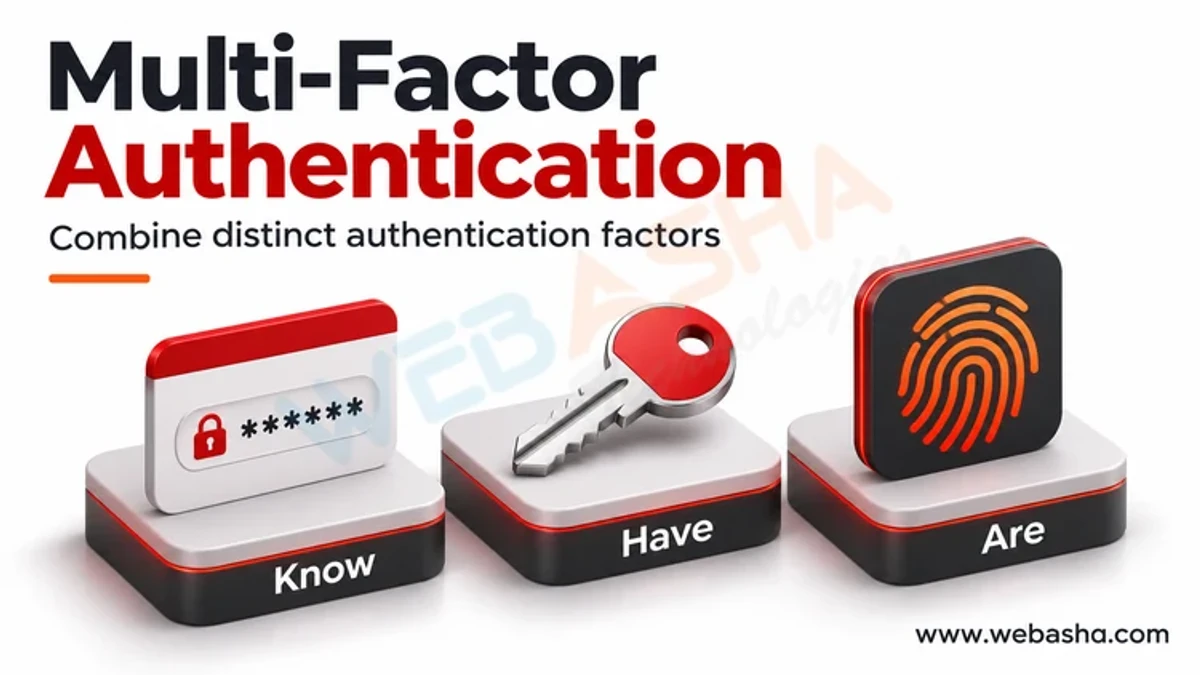
The main MFA protocols and methods are FIDO2 (WebAuthn plus CTAP) for security keys and passkeys, TOTP (RFC 6238) and HOTP (RFC 4226) for one-time codes from authenticator apps or tokens, push notifications with number matching, certificate-based smart cards, and SMS or voice codes. They differ most in phishing resistance.
Samsung Germany Customer Data Leak: What Is Confirmed

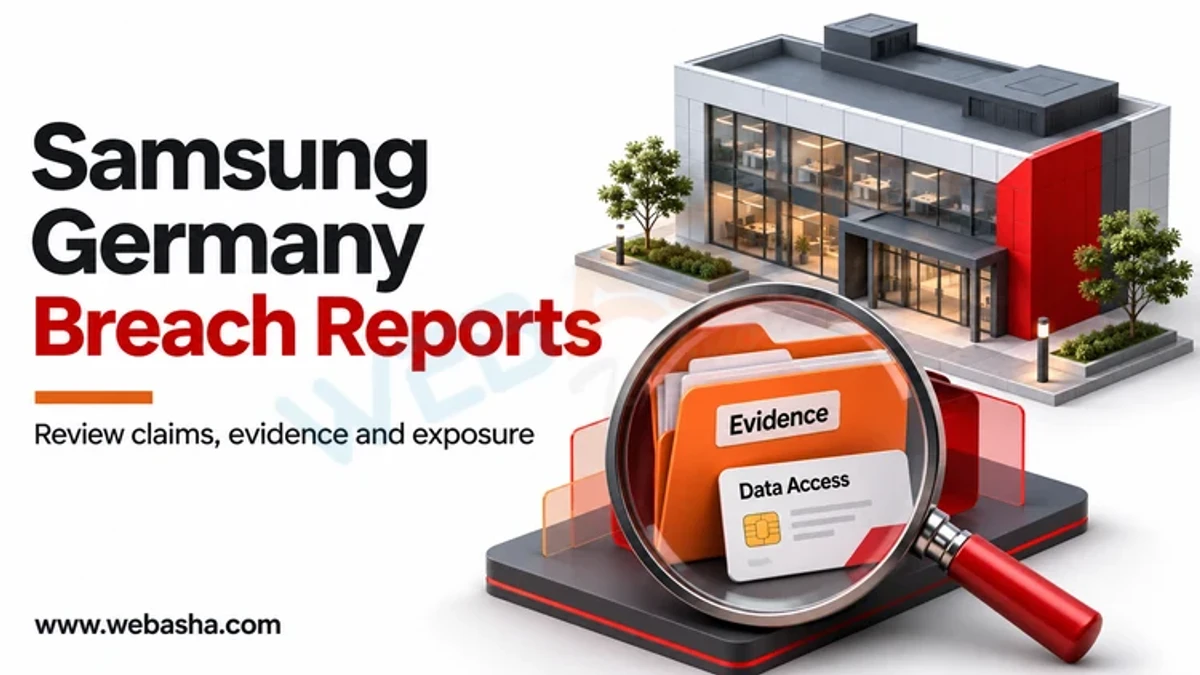
At the end of March 2025 a threat actor using the name GHNA published what it said were about 270,000 customer support tickets from Samsung Germany. The records reportedly held names, email and postal addresses, phone numbers, order and tracking details and support messages. Samsung Germany confirmed only that unauthorised access to customer data happened on an IT system belonging to one of its business partners.

FBI Warning on Free Online File Converters Spreading Malware

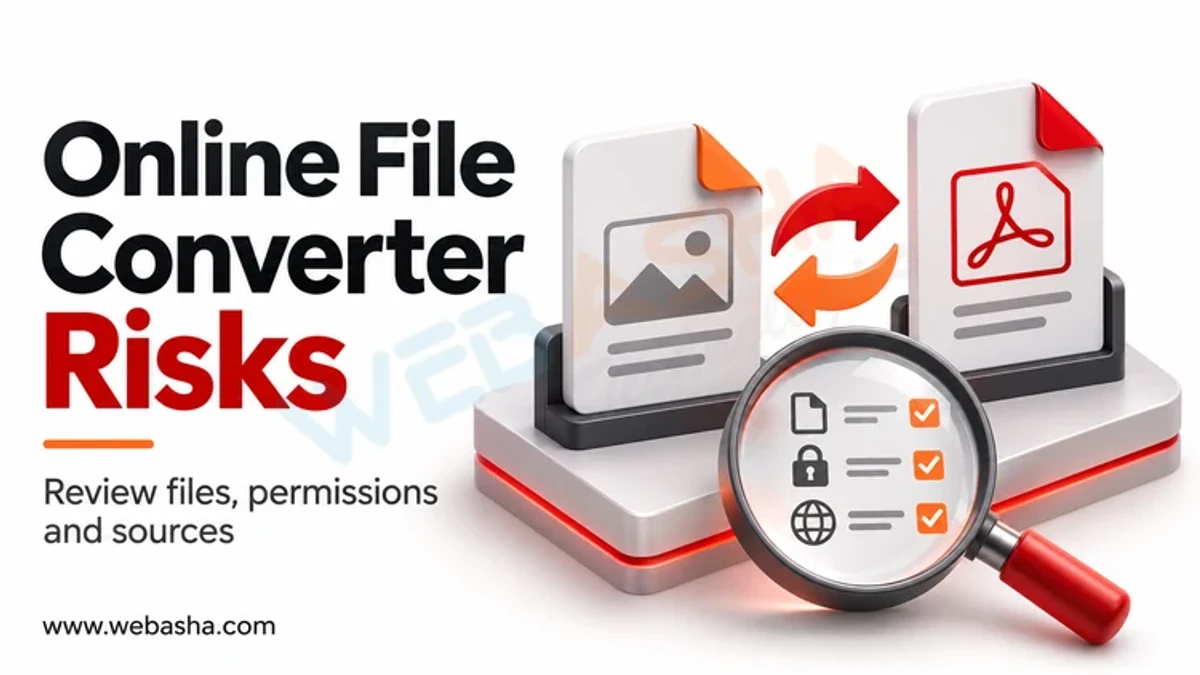
On 7 March 2025 the FBI Denver Field Office warned that criminals are running free online file converter websites that deliver malware. A user uploads a file to convert, for example Word to PDF or several images into one PDF, and the download that comes back can contain malware such as information stealers or ransomware.

Cybersecurity Training for Non-Technical Employees

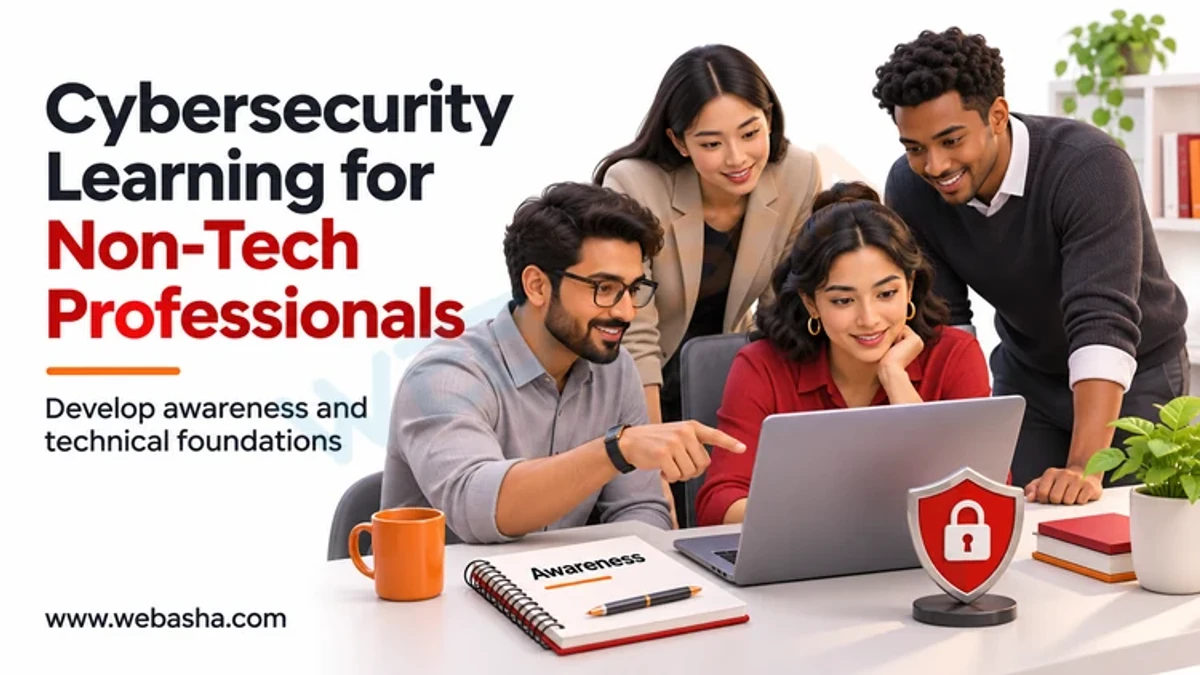
Train non-technical employees to make safe decisions in the workflows they actually use: signing in, sharing information, approving payments and reporting suspicious activity. Give them a clear reporting route, short role-relevant scenarios and a supportive response when something goes wrong. Reinforce training with technical controls and manager-owned processes rather than expecting staff to detect every threat.

Cybersecurity Courses for Non-Tech Staff: What to Verify

Before choosing a cybersecurity course for non-tech staff, ask for its current syllabus, prerequisites, sample lesson, practice rules and support terms. Check whether it teaches the decisions staff need to make, such as verifying a payment change, protecting an account or reporting a concern.

BlackEye-Style Phishing Risks: Where Defences Need Attention

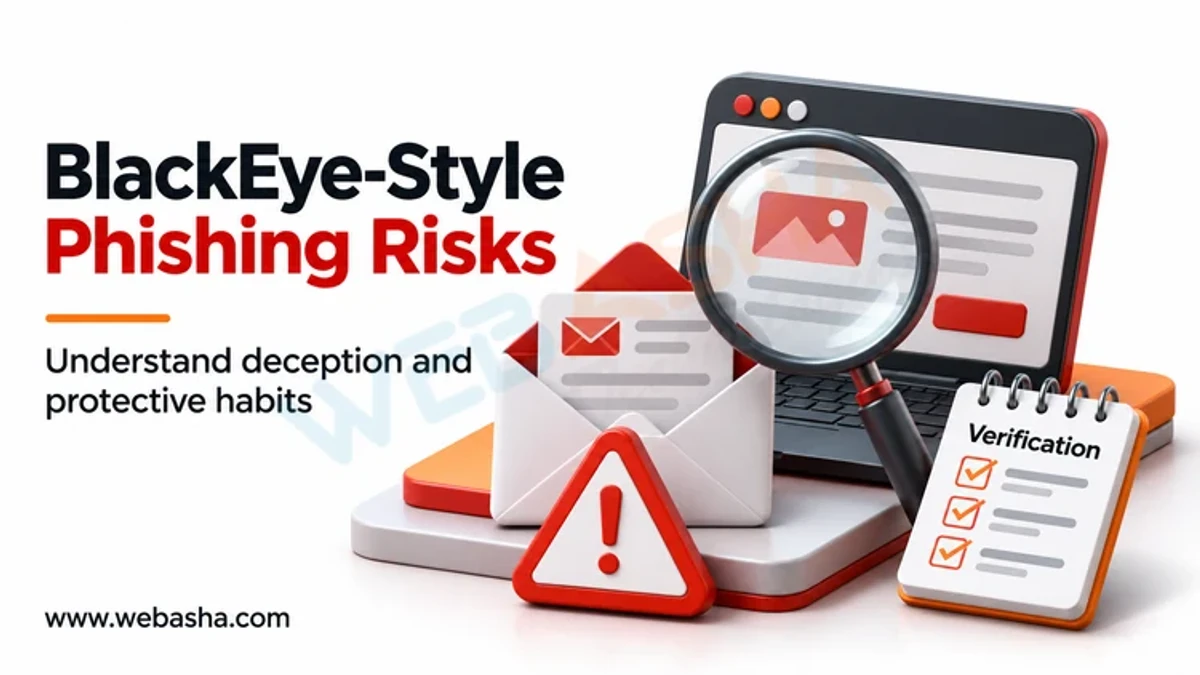
BlackEye-style phishing remains a risk pattern worth defending against because a convincing login request can expose credentials without breaking the genuine service. The useful question is which accounts, recovery routes and business processes would be affected, rather than whether one named toolkit is “effective.” Review your authentication, payment verification and reporting arrangements together.

Detect BlackEye-Style Phishing Before You Enter a Password

Detect suspected BlackEye-style phishing by checking the request's context and reaching the service independently before signing in. A copied page, familiar logo or HTTPS connection is insufficient proof of identity. Treat an unexpected password, payment or authentication-approval request as a reason to pause.

Respond to BlackEye-Style Phishing: A Defender’s Triage Guide

Defenders should handle suspected BlackEye-style phishing as an incident supported by observable facts, rather than waiting for a toolkit attribution. Triage recipient reports, establish what information or approvals were exposed, protect affected accounts and investigate related activity through authorised systems. Keep message removal, account recovery and financial response as separate tasks with named owners.

How BlackEye-Style Phishing Works: A Defender’s Explanation

A BlackEye-style fake login page exploits a trust mistake: the visitor enters information into a page that is not the genuine service. Copying a logo or layout does not give that page the real service's identity. The message, browser destination, form handling and later account access are separate parts of the incident.

What Is BlackEye Phishing? A Beginner’s Guide to Fake Logins

BlackEye phishing is a name commonly used when discussing fake login pages that imitate familiar services to obtain information from visitors. For a beginner, the important idea is credential phishing: someone persuades you to give a secret to the wrong party. A copied screen does not prove that the real service was hacked. Learn to recognise the request, reach services independently and report safely.

Incognito Mode: What Stays Private and What Can Remain

Chrome Incognito starts a separate browsing session and limits what Chrome retains on the device after all Incognito windows close. It does not make activity anonymous to sites, erase files you download or prevent an account service from recording activity. Cookies can exist temporarily during the session.

Dark Web Anonymity in India: Risks, Evidence and Legal Limits

The dark web includes services reached through privacy networks rather than ordinary public-web access. Those technologies support legitimate privacy uses as well as criminal activity, and they do not guarantee anonymity or make unlawful conduct permissible. For an Indian reader, a useful review separates the technology, evidence of a specific incident and the applicable legal or reporting question.

Celestial Stealer: Browser Data Risks and Account Recovery

Trellix's December 2024 analysis describes Celestial Stealer as JavaScript-based information-stealing malware targeting Windows and data associated with browsers and other applications. Its reported capabilities are sample-specific, not proof that every browser or wallet can be compromised identically. If a suspicious download or account event occurs, review both the device and the affected accounts.

How to Recognise Phishing and Respond to a Suspicious Message

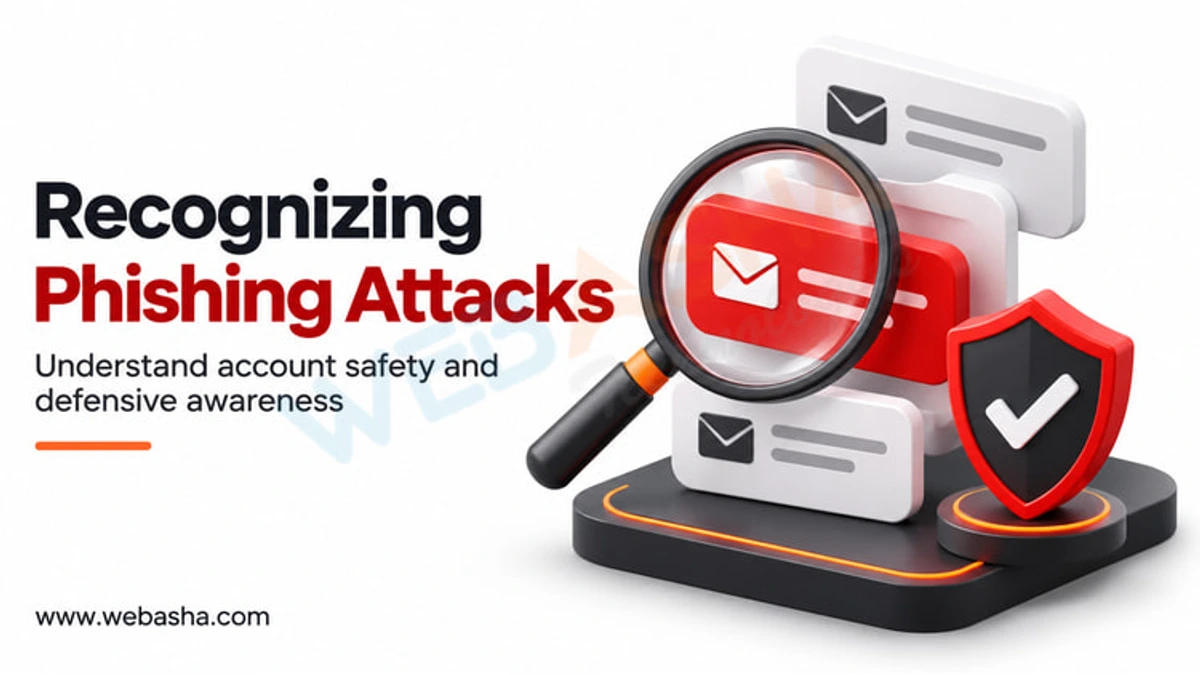
Phishing tries to make you trust a message enough to disclose information, approve access, install software or send money. Treat urgency, unexpected requests and changed contact details as reasons to verify independently. A logo, good grammar or encrypted connection does not prove legitimacy. Open the organisation’s known app or contact it using details you already trust.