
What is the Linux File System Hierarchy and Why It Matters? A Complete Guide
The Linux File System Hierarchy is a well-organized structure that defines the placement and purpose of files and directories on a Linux system. Starting from the root directory (/), it branches into subdirectories such as /bin, /etc, /home, and more, each serving a specific function. This hierarchy ensures a logical arrangement for system files, user data, and software, making it easier to navigate and manage the system efficiently. By understanding the roles of key directories like /etc for configuration, /home for user data, and /var for logs, users and administrators can maintain better control over the Linux environment. Mastering this structure is essential for troubleshooting, system optimization, and effective Linux administration.
Quick answer: The Linux file system hierarchy follows the Filesystem Hierarchy Standard (FHS). Unlike Windows drive letters, everything starts from a single root directory (/) and branches into subdirectories such as /etc for configuration, /home for users, /var for logs and variable data and /bin and /usr for programs.
Key takeaways
- Everything starts from a single root directory, not drive letters like Windows.
- /etc holds configuration, /var holds changing data like logs, and /home holds user files.
- FHS defines the layout, so most distributions look similar.
The Linux File System Hierarchy defines the directory structure and organization of files and directories on a Linux system. Understanding this hierarchy helps you navigate the system, manage files and maintain an efficient Linux environment. Unlike Windows, where the file system structure is based on drive letters (e.g., C:, D:), Linux uses a unified directory structure starting from a single root directory. Here are the key components of the Linux File System Hierarchy and how it is organized.
What Is the Linux File System Hierarchy?
The Linux File System Hierarchy follows a standard structure known as the Filesystem Hierarchy Standard (FHS). This standard defines the location of files and directories and the purpose of each. The system starts with the root directory (/) and branches out into various subdirectories, each with a specific function.
Understanding the Linux File System structure is essential for system administrators, developers, and users alike, as it affects how files and software are managed on the system.
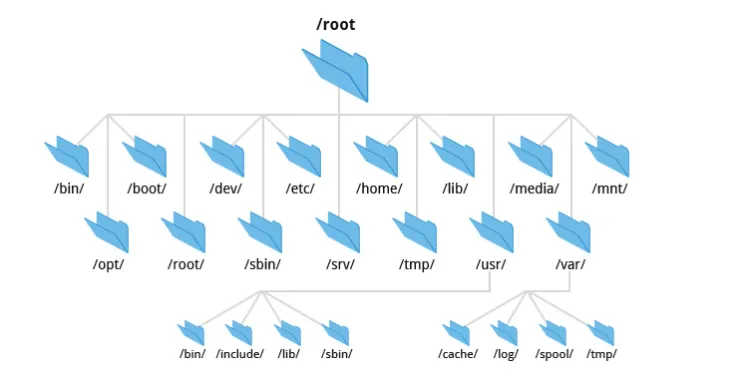
What Are the Key Components of the Linux File System Hierarchy?
1. Root Directory (/)
The root directory (/) is the topmost directory in the hierarchy and serves as the base for all other directories. Everything in the system is located under this root directory, which holds all files and directories.
- Key Function: Acts as the starting point for all other directories.
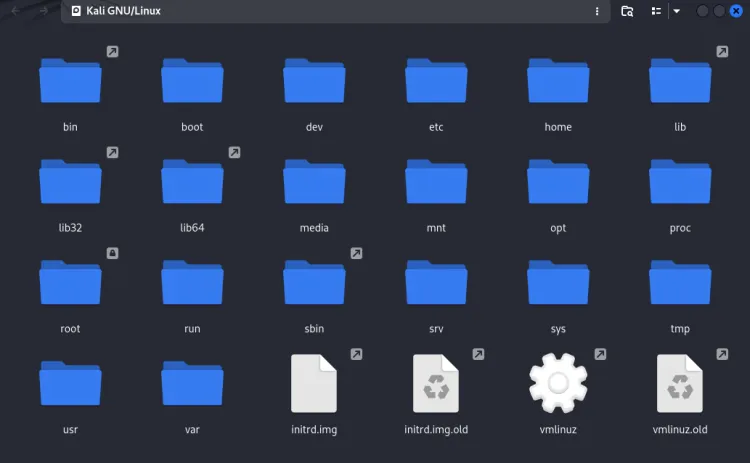
2. /bin (Binaries)
The /bin directory contains essential binary executable files that are required for system booting, repair, and running basic system operations. These files are necessary for single-user mode and for the system to function properly.
- Examples:
ls,cp,mv,rm(basic command-line utilities).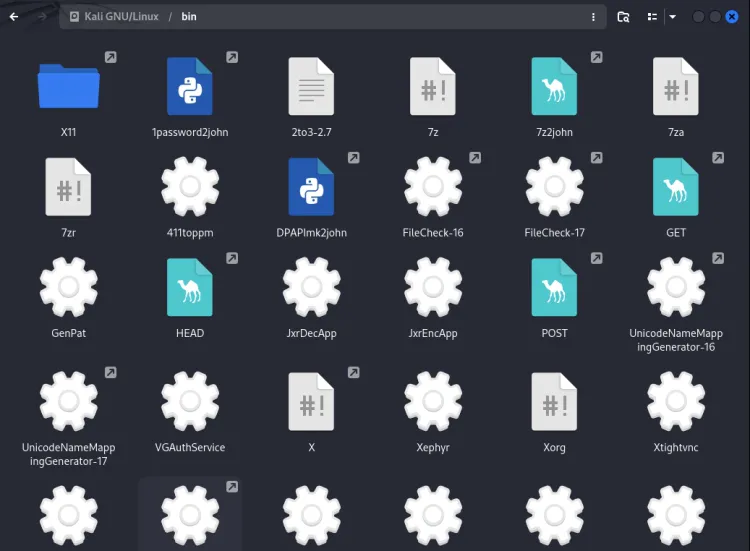
3. /boot (Boot Loader Files)
The /boot directory contains files needed for the booting process, including the Linux kernel, initial ramdisk (initrd), and bootloader configuration files. These files are critical for starting the system.
- Examples:
vmlinuz(kernel image),grub/(bootloader configuration).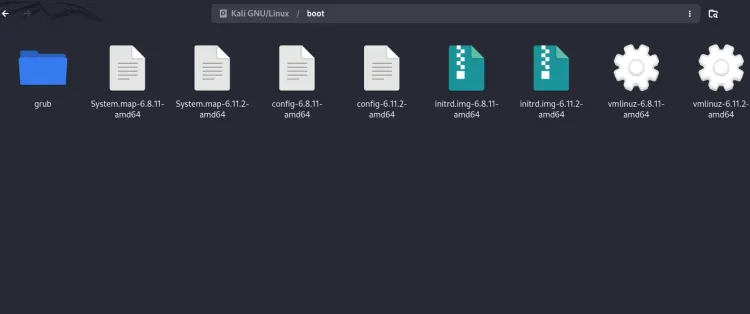
4. /dev (Device Files)
The /dev directory contains special device files that represent physical devices on the system, such as hard drives, keyboards, or network interfaces. These files allow programs to interact with the hardware devices.
- Examples:
/dev/sda(hard drive),/dev/tty0(console device),/dev/null(null device).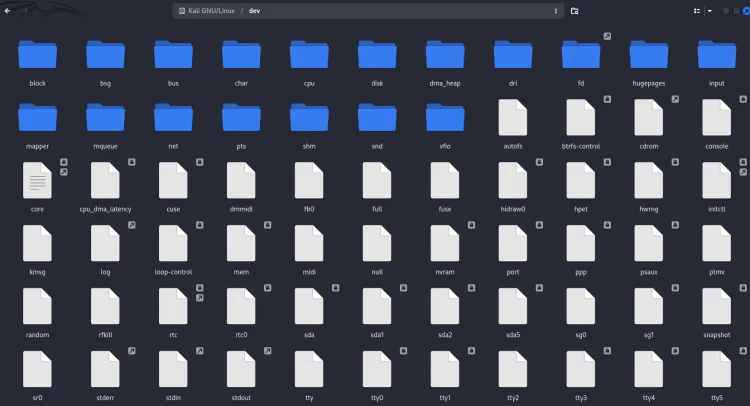
5. /etc (System Configuration Files)
The /etc directory contains all the system-wide configuration files required by programs and services. It matters for system administration and contains configuration files for networking, users, and other essential services.
- Examples:
/etc/passwd(user accounts),/etc/network/(network configuration),/etc/fstab(filesystem table).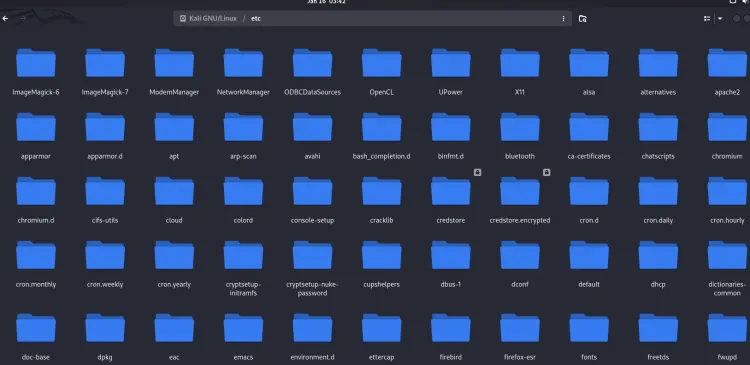
6. /home (User Home Directories)
The /home directory contains personal directories for regular users. Each user has a directory under /home where they can store personal files, settings, and configuration files. For example, a user named john would have a home directory at /home/john.
- Examples:
/home/user_name/(user-specific files and data).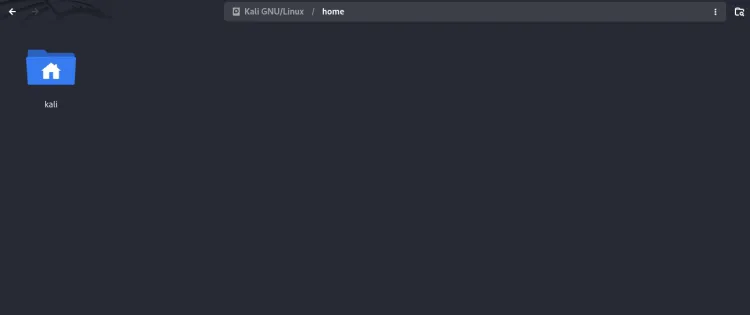
7. /lib (Shared Libraries)
The /lib directory contains shared library files that are necessary for system programs and applications to run. These libraries are similar to dynamic link libraries (DLLs) in Windows.
- Examples:
libc.so(C standard library),libm.so(math library).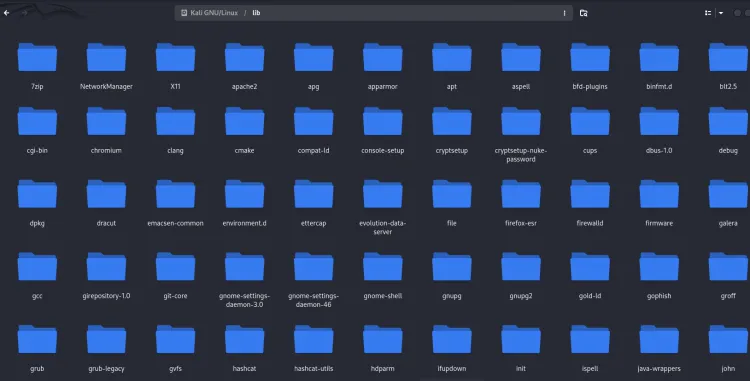
8. /media (Removable Media)
The /media directory is used as the mount point for removable media such as USB drives, CD-ROMs, or DVDs. When you insert a removable storage device, it is typically mounted in this directory.
- Examples:
/media/usb,/media/cdrom.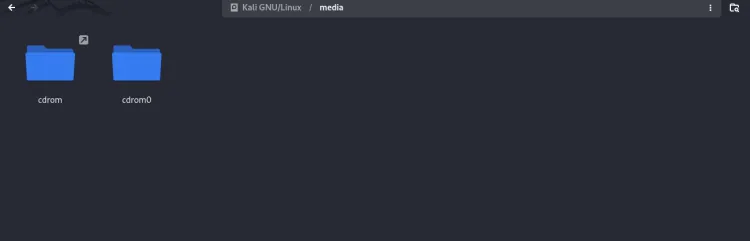
9. /mnt (Mount Points for Temporary File Systems)
The /mnt directory is traditionally used for mounting temporary file systems, such as network drives or file systems that need to be mounted for a short time.
- Examples:
/mnt/data,/mnt/network.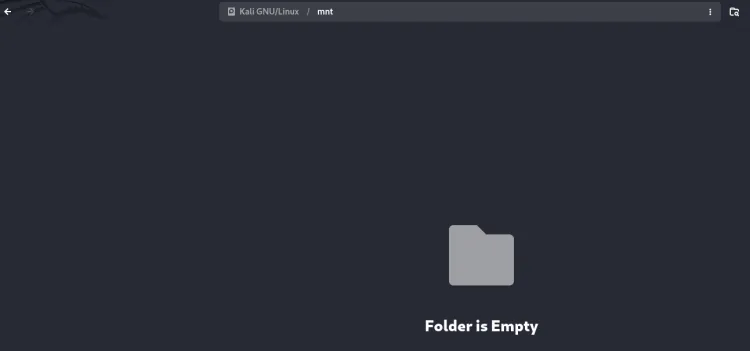
10. /opt (Optional Add-on Applications)
The /opt directory is used for installing optional or third-party software packages. These applications are usually not part of the core system, and their installation files reside in this directory.
- Examples:
/opt/(third-party software installations like Google Chrome).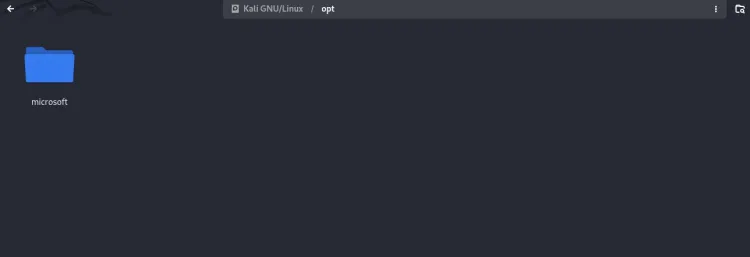
11. /proc (Process Information)
The /proc directory contains virtual files that provide information about the system’s processes and kernel parameters. These files don’t actually store data on the disk but provide an interface to kernel data structures.
- Examples:
/proc/cpuinfo(CPU information),/proc/meminfo(memory information),/proc/uptime(system uptime).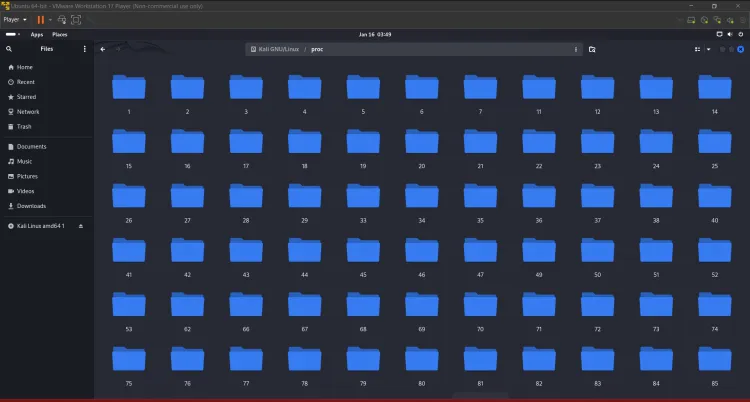
12. /root (Root User's Home Directory)
The /root directory is the home directory for the root user (the system administrator). This is where the root user’s personal files and configurations are stored. This directory is different from /home, which is where regular users’ files are stored.
- Example:
/root/(root user files).
13. /sbin (System Binaries)
The /sbin directory contains system binary files that are used for system administration tasks. Unlike /bin, which contains basic user commands, /sbin holds programs that require root (administrator) access to run.
- Examples:
shutdown,reboot,fsck.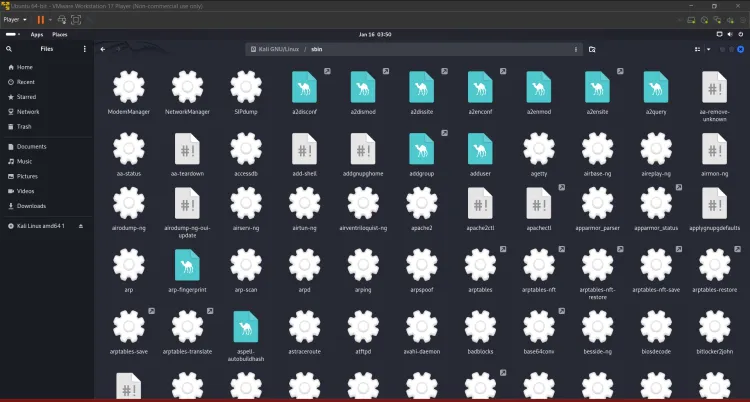
14. /srv (Service Data)
The /srv directory contains data for services provided by the system. This is where data related to system services (like web servers or FTP servers) is stored.
- Examples:
/srv/http/(web server files),/srv/ftp/(FTP server files).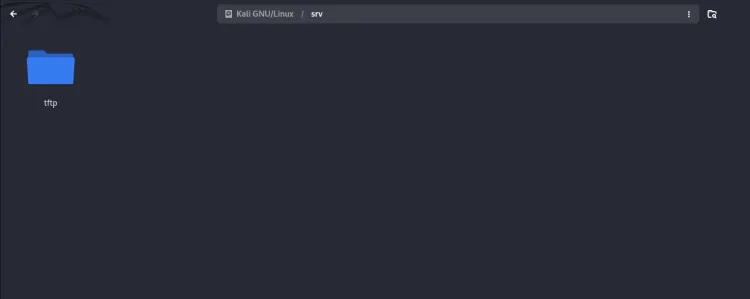
15. /sys (System Files)
The /sys directory provides a virtual filesystem that allows user-space programs to interact with the kernel and device drivers. It contains files that represent devices, kernel parameters, and other system information.
- Examples:
/sys/class/net/(network interfaces),/sys/devices/(hardware devices).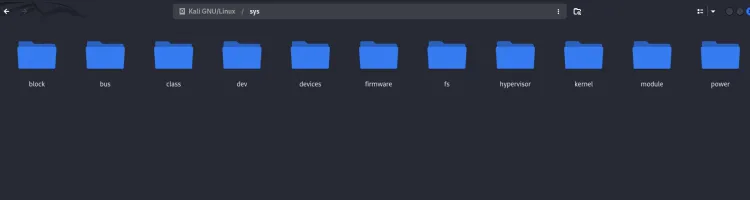
16. /tmp (Temporary Files)
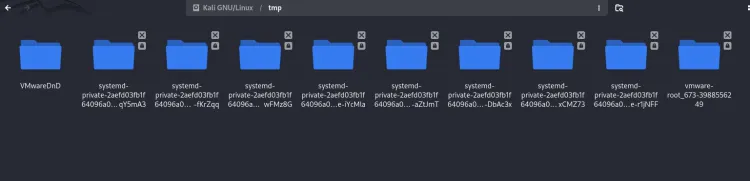
The /tmp directory stores temporary files created by applications or the system. These files are usually deleted when the system reboots or after a certain period.
- Examples: Temporary files used by applications during installation or execution.
17. /var (Variable Data)
The /var directory holds files that are expected to change frequently, such as log files, spool files, and temporary files. This directory is used for managing system logs, caches, and other dynamic data.
- Examples:
/var/log/(system logs),/var/mail/(user mail),/var/spool/(print and mail queues).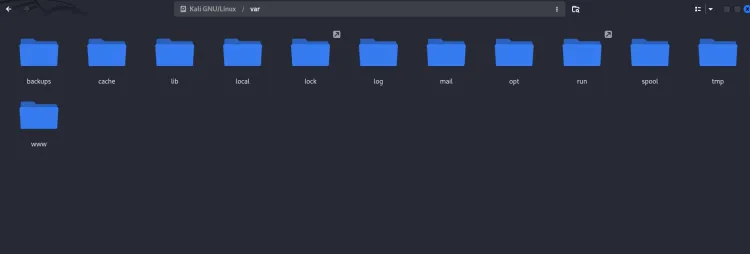
Linux File System Hierarchy Summary
| Directory | Description |
|---|---|
/ |
Root directory, the starting point for all other directories. |
/bin |
Essential system binaries and command-line utilities. |
/boot |
Bootloader files, including the kernel. |
/dev |
Device files representing hardware. |
/etc |
System configuration files for system-wide settings. |
/home |
Home directories for users. |
/lib |
Shared libraries needed by programs. |
/media |
Mount point for removable media like USB drives. |
/mnt |
Temporary mount points for external file systems. |
/opt |
Optional third-party software installations. |
/proc |
Virtual files providing process and system information. |
/root |
Home directory for the root user (administrator). |
/sbin |
System binaries for administrative tasks. |
/srv |
Data for services provided by the system. |
/sys |
Virtual file system for interacting with the kernel and devices. |
/tmp |
Temporary files created by applications and the system. |
/var |
Variable data like logs, mail, and spool files. |
Conclusion
The Linux File System Hierarchy provides a structured, organized approach to file storage and management. From the root directory (/) to system configuration files and user data, understanding this hierarchy is essential for effective navigation and management of a Linux system. Whether you're installing software, configuring system settings, or managing user data, each directory has a specific function that contributes to the overall structure and security of the system. Mastering this hierarchy will help users and administrators alike in optimizing their workflow and troubleshooting system issues.
10 FAQs About the Linux File System Hierarchy
-
What is the root directory in Linux? The root directory (
/) is the top-level directory in Linux, from which all other directories branch out. -
What is the
/homedirectory used for? The/homedirectory contains personal files and directories for regular users. -
What are device files in Linux? Device files in the
/devdirectory represent physical devices such as hard drives, printers, and network interfaces. -
Where are configuration files stored in Linux? System-wide configuration files are stored in the
/etcdirectory. -
What is the purpose of the
/procdirectory? The/procdirectory contains virtual files that provide information about system processes and kernel parameters. -
What is stored in the
/vardirectory? The/vardirectory stores variable data like system logs, mail queues, and temporary files. -
What is the
/sbindirectory used for? The/sbindirectory contains system binaries needed for system administration tasks. -
Where are log files stored in Linux? Log files are stored in the
/var/logdirectory. -
What is the purpose of the
/bootdirectory? The/bootdirectory contains files required for the system's boot process, including the kernel and bootloader configuration. -
What is stored in the
/optdirectory? The/optdirectory is used for installing third-party software and optional add-on applications.
To take this further with guided labs and an instructor, see our hands-on RHCSA labs.
Related reading
- What Is the File System Hierarchy in Kali Linux?
- Understanding the Linux File System and Directory Structure | A Complete Guide for Beginners and Professionals
- [2026] Common Linux System Administrator Interview Questions
Reference
For the authoritative details, see Red Hat product documentation.
Frequently Asked Questions
What's Your Reaction?
 Like
0
Like
0
 Dislike
0
Dislike
0
 Love
0
Love
0
 Funny
0
Funny
0
 Wow
0
Wow
0
 Sad
0
Sad
0
 Angry
0
Angry
0

Vaishnavi is a skilled tech professional at the Ethical Hacking Training Institute in Pune, responsible for managing and optimizing the technical infrastructure that supports advanced cybersecurity education. With deep expertise in network security, backend operations, and system performance, she ensures that practical labs, online modules, and assessments run smoothly and securely. Her behind-the-scenes contributions play a vital role in delivering a seamless and secure learning experience for aspiring ethical hackers.









![Top 10 Famous Ethical Hackers in India [Updated 2026]](https://www.webasha.com/blog/uploads/images/202608/image_140x98_da23f65c290cfbf1237d77aec58a2f0f.jpg)