What Is EDR? Endpoint Detection and Response Explained for Beginners
Endpoint Detection and Response (EDR) is software on laptops, servers and other endpoints that continuously records what happens on them, such as processes started, files changed, network connections and logins, then flags suspicious behaviour and lets responders act remotely, for example by isolating the machine. Antivirus asks whether a file is known to be bad.
Topic: SOC & Blue Team in Cybersecurity & Ethical Hacking · Explainer
Learning path: SOC Analyst, lesson 7 of 16
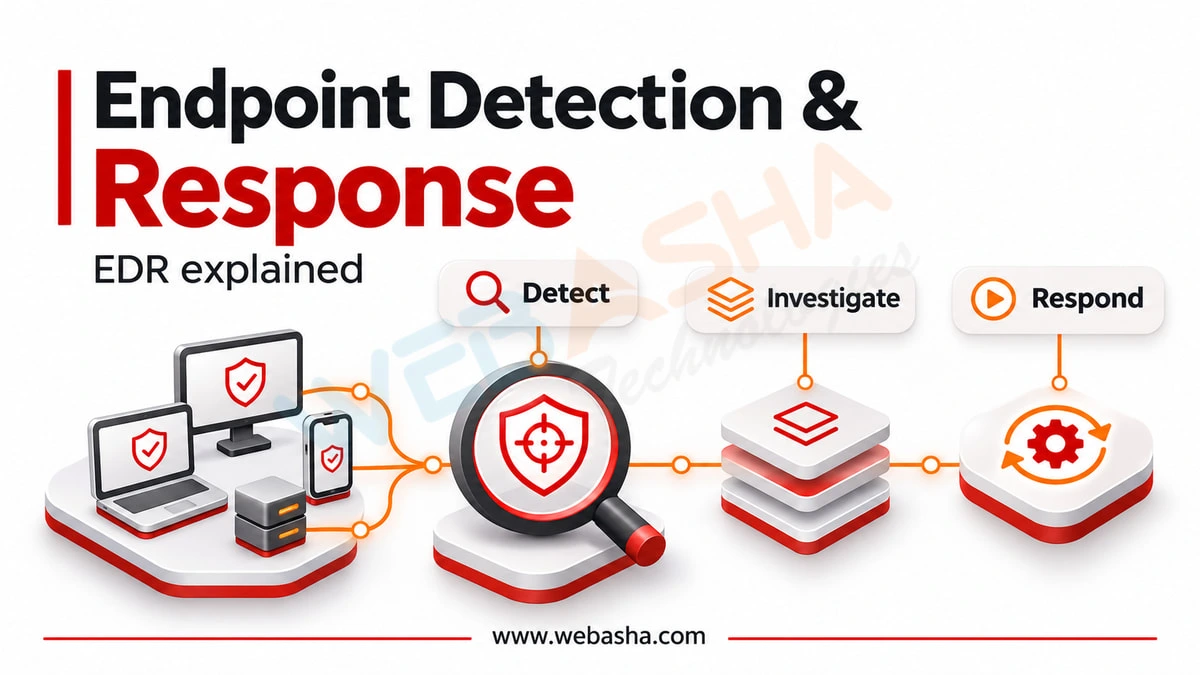
Quick answer: Endpoint Detection and Response (EDR) is software on laptops, servers and other endpoints that continuously records what happens on them, such as processes started, files changed, network connections and logins, then flags suspicious behaviour and lets responders act remotely, for example by isolating the machine. Antivirus asks whether a file is known to be bad. EDR asks whether what is happening on the machine looks like an attack, and keeps the record so you can investigate afterwards.
Key takeaways
- EDR is mostly a recording system. Detection is only as good as the telemetry underneath it.
- It catches behaviour such as credential dumping and living-off-the-land techniques that leave no malicious file to scan.
- Its real value shows in investigation and response: what happened, on which machines, and stopping it remotely.
- Untuned EDR produces alert fatigue. Tuning is ongoing work, not a setup step.
- You can see EDR-style telemetry today with free tools such as Sysmon and osquery.
Table of Contents
- What Is Endpoint Detection and Response?
- How Does EDR Differ From Antivirus?
- What Does EDR Record and Detect?
- How Can You See EDR-Style Telemetry Yourself?
- What Response Actions Does EDR Provide?
- What Is the Difference Between EDR, XDR and MDR?
- How Do Analysts Use EDR Day to Day?
- How Do You Reduce Alert Fatigue?
- How Should an Organisation Evaluate EDR?
- References
What Is Endpoint Detection and Response?
An EDR product has three parts. A lightweight agent on each endpoint collects detailed activity. A back end stores that activity and runs detection logic over it, often combining vendor rules, behavioural models and threat intelligence. A console lets analysts search the history, investigate alerts and take action on machines remotely.
The term covers everything from Microsoft Defender for Endpoint and CrowdStrike Falcon to SentinelOne, Sophos and open-source options such as Wazuh with Sysmon. They differ in detection quality, telemetry depth and how they fit with other tools, more than in the basic idea.
How Does EDR Differ From Antivirus?
| Question | Traditional antivirus | EDR |
|---|---|---|
| Main method | Known-bad signatures and heuristics on files | Behaviour across processes, files, network and identity |
| Catches fileless attacks | Poorly | Yes, if telemetry covers the technique |
| Keeps history | Little | Days to months of activity |
| Supports investigation | Minimal | Core purpose |
| Remote response | Quarantine a file | Isolate host, kill process, collect files, run scripts |
Most modern products combine both. The prevention layer still blocks known malware, and the EDR layer handles what gets past it.
What Does EDR Record and Detect?
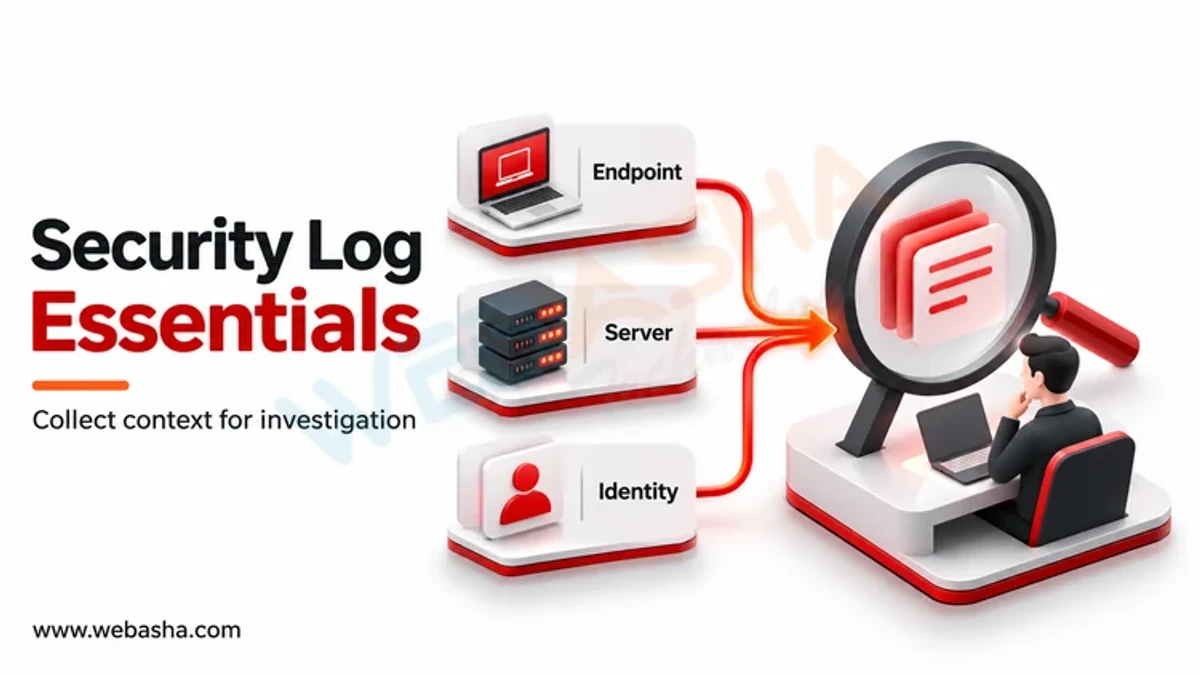
Typical telemetry includes process creation with full command lines and parent processes, file creation and modification, registry changes on Windows, network connections per process, loaded modules, and logon events.
Detections are increasingly described in terms of MITRE ATT&CK, the public knowledge base of adversary tactics and techniques. Examples of behaviour EDR is built to spot:
- A Word document spawning PowerShell with an encoded command.
- A process reading the memory of the Windows credential subsystem, a sign of credential dumping.
- Built-in tools such as certutil or rundll32 used to download or run code.
- Many machines suddenly making the same new outbound connection.
- Mass file renaming that looks like ransomware encryption.
How Can You See EDR-Style Telemetry Yourself?
You do not need a licence to understand what EDR sees. On a Windows lab machine, Sysmon records process, network and file events into the Windows event log.
# install Sysmon with a community configuration (run as Administrator)
sysmon64.exe -accepteula -i sysmonconfig.xml

# Event ID 1 is process creation: show the last ten, with command lines
Get-WinEvent -FilterHashtable @{LogName='Microsoft-Windows-Sysmon/Operational'; Id=1} -MaxEvents 10 |
  ForEach-Object { $_.Properties[10].Value }
Now run something an attacker might, such as whoami /all or certutil -urlcache, and find it in the log with its parent process. That is the raw material every EDR detection is built from.
On Linux, macOS or Windows, osquery lets you ask the endpoint questions in SQL, which is close to how analysts hunt in an EDR console:
-- processes listening on network ports, with their executable path
SELECT p.pid, p.name, p.path, l.port, l.address
FROM listening_ports l JOIN processes p USING (pid)
WHERE l.port != 0;

-- processes whose binary no longer exists on disk, a classic red flag
SELECT pid, name, path FROM processes WHERE on_disk = 0;
Do this only on machines you own or are authorised to test.
What Response Actions Does EDR Provide?
| Action | What it does | When to use it |
|---|---|---|
| Isolate host | Cuts network access except to the EDR console | Active compromise, ransomware |
| Kill process | Stops a running process tree | Clearly malicious activity |
| Quarantine file | Moves the file out of reach | Malicious binary identified |
| Collect artefacts | Pulls files, memory or logs for analysis | Investigation before cleanup |
| Remote shell | Lets a responder run commands | Targeted investigation and remediation |
| Block indicator | Prevents a hash or domain fleet-wide | Known indicator seen on one host |
Collect before you clean. Killing and deleting first destroys the evidence that shows how the attacker got in, which is what stops it happening again. NIST SP 800-61 Rev. 3, published April 2025, frames incident response as part of overall cybersecurity risk management, which is the right lens for deciding how fast to contain versus how much to learn first.
What Is the Difference Between EDR, XDR and MDR?
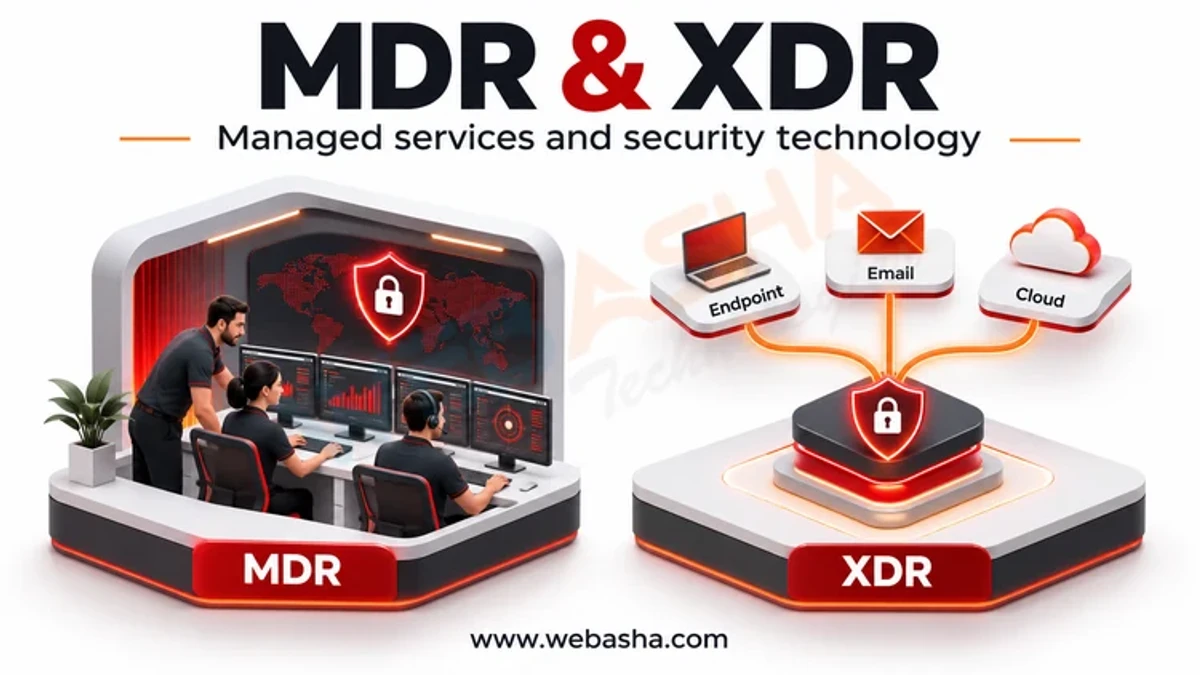
- EDR covers endpoints.
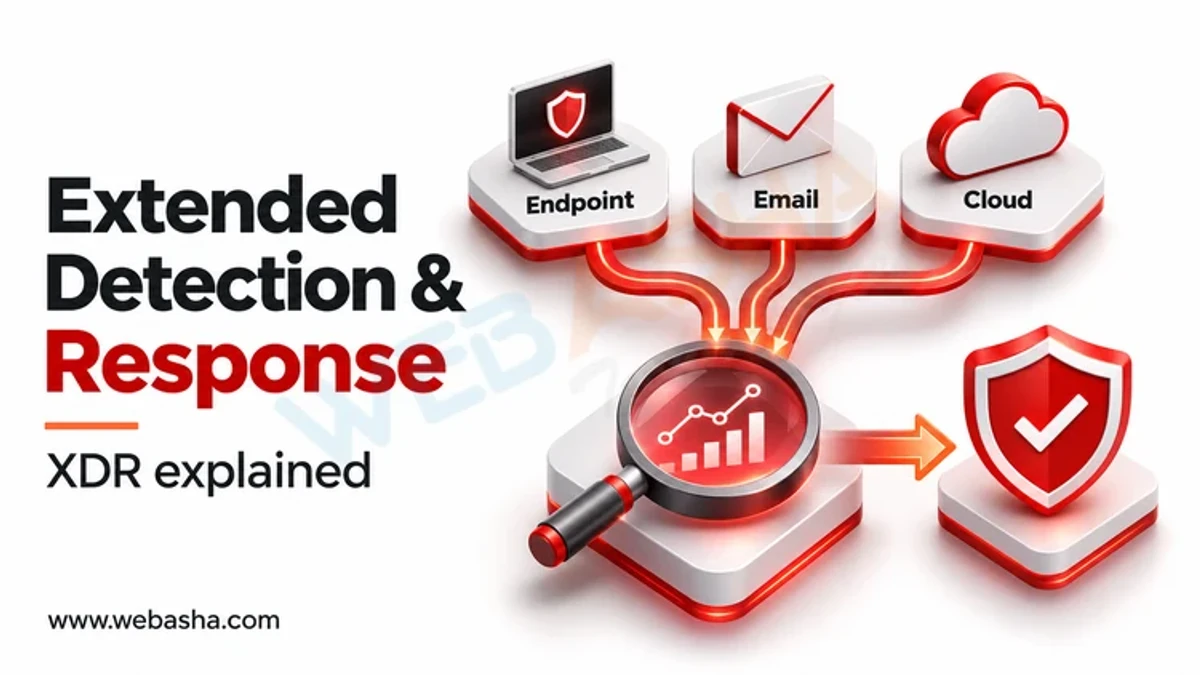
- XDR extends detection and response across sources beyond the endpoint, such as email, identity, cloud and network, correlating them into one incident.
- MDR is a managed service: a provider's analysts watch and respond using EDR or XDR on your behalf.
For a small team with no one watching alerts at night, MDR often matters more than the choice between EDR and XDR. Our comparison of antivirus, EDR and XDR goes further.
How Do Analysts Use EDR Day to Day?
- Triage alerts: read the process tree, decide whether it is benign, suspicious or malicious.
- Scope: search for the same indicator or behaviour across every endpoint.
- Contain: isolate affected hosts once the scope is understood.
- Hunt: look for techniques that did not trigger alerts, for example new scheduled tasks across the fleet this week.
- Tune: turn recurring false positives into exclusions, carefully and narrowly.
How Do You Reduce Alert Fatigue?
- Make exclusions narrow: a specific path, signer and parent process, never a whole folder.
- Tag known administrative tools and scheduled jobs so their activity is expected.
- Route alerts by severity, and review low-severity ones in batches instead of one by one.
- Track how many alerts per week turn out to be real, and treat a falling number as a tuning problem.
How Should an Organisation Evaluate EDR?
- Coverage: every operating system you run, including servers and older versions.
- Telemetry depth: command lines, parent processes and network per process, retained long enough to investigate.
- Detection quality: MITRE ATT&CK Evaluations publish how products behaved against emulated adversaries. Read the detail, not a vendor's summary of it.
- Response: isolation that works reliably, and remote collection.
- Performance: agent impact on your heaviest servers, measured in a pilot.
- Who will watch it: your team, or an MDR service.
For where EDR sits among other endpoint controls, see our guide to endpoint security tools and what each stops.
Talk to a WebAsha training advisor about SOC analyst training, batches and current fees.
References
- NIST SP 800-61 Rev. 3, Incident Response Recommendations, April 2025
- MITRE ATT&CK
- MITRE ATT&CK Evaluations
- Sysmon, Microsoft Sysinternals
- osquery
Related reading
Frequently Asked Questions
What's Your Reaction?
 Like
0
 Dislike
0
 Love
0
 Funny
0
 Wow
0
 Sad
0
 Angry
0

I am passionate about technology, invention and big challenging tasks on my to- do list. In terms of the work I am doing also at Bunnyshell, I am most passionate about the technologies that we are using., I'm devoted to delivering content that not only informs but also inspires. Whether you need in- depth analysis pieces, educational attendants, or study- provoking opinion pieces, I draft content that resonates with tech suckers and professionals likewise.