Endpoint Security Tools: The 10 Controls and What Each Stops
Endpoint security is not one product but about ten controls, and the useful way to think about them is by what each one stops. Disk encryption defeats theft of the device; application control defeats unknown executables; EDR catches behaviour after something runs; patching removes the route in. This article names no products.
Topic: SOC & Blue Team in Cybersecurity & Ethical Hacking · Tools
Also covers: Security Tools, Authorized Labs & CTFs
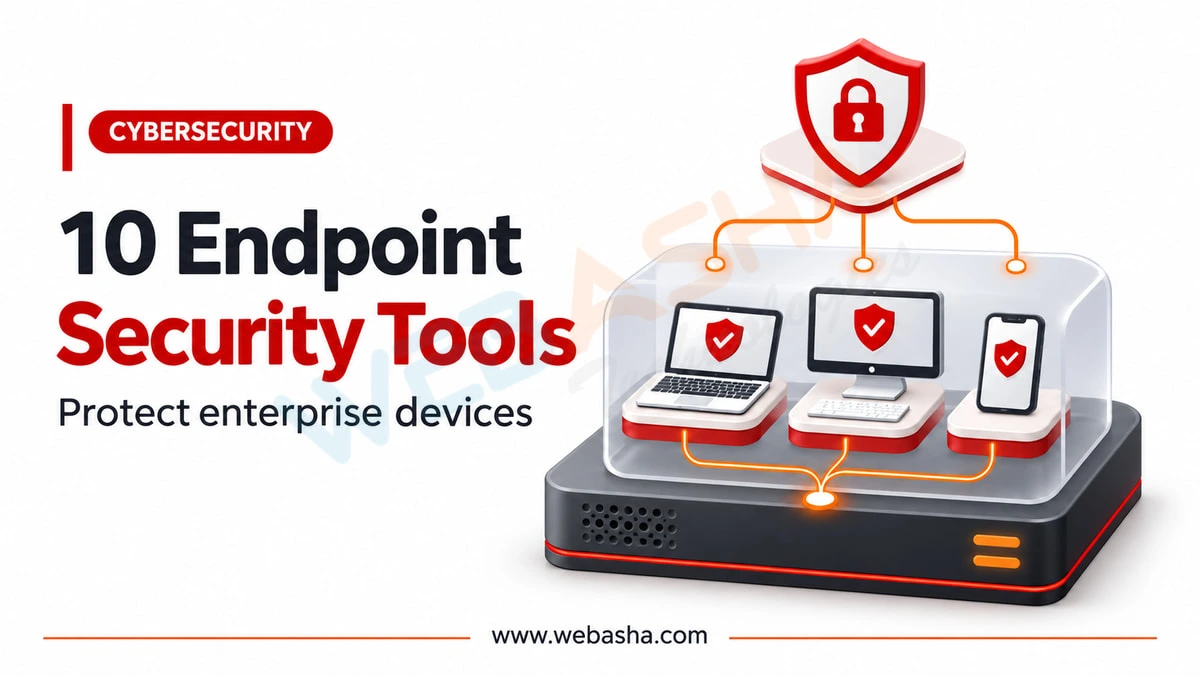
Quick answer: Endpoint security is not one product but about ten controls, and the useful way to think about them is by what each one stops. Disk encryption defeats theft of the device; application control defeats unknown executables; EDR catches behaviour after something runs; patching removes the route in. This article names no products. It maps each control to the MITRE ATT&CK technique it addresses and gives you a command to check whether it is actually switched on, because the most common finding in any endpoint review is a control everyone believed was deployed.
Key takeaways
- Buy controls, not products. A product is a bundle of these; what matters is which ones you have working.
- Disk encryption is the only one that reliably defeats a stolen laptop, and it is the cheapest.
- Antivirus and EDR answer different questions: is this file known bad, and is this behaviour suspicious.
- Attackers disable your tools, which ATT&CK calls T1562.001. Monitor whether your agents are reporting.
- A control that is deployed to 80% of machines protects the 80%, and attackers find the rest.
Topics covered in this guide: what endpoint security tools are, the ten control categories mapped to the techniques they stop, why disk encryption matters so much, how antivirus and EDR differ, application control, patching, data loss prevention and device control, the order to adopt them, the most common mistake, and how to measure whether any of it is working.
Table of Contents
- What Are Endpoint Security Tools?
- The Ten Controls and What Each Stops
- Why Is Disk Encryption So Important?
- How Do Antivirus and EDR Work Together?
- What Does Application Control Achieve?
- Where Does Patch Management Fit?
- What About Data Loss Prevention and Device Control?
- How Do You Check They Are Actually On?
- In What Order Should an Organisation Adopt Them?
- What Is the Most Common Mistake?
- How Do You Measure Whether Endpoint Security Is Working?
- References
What Are Endpoint Security Tools?
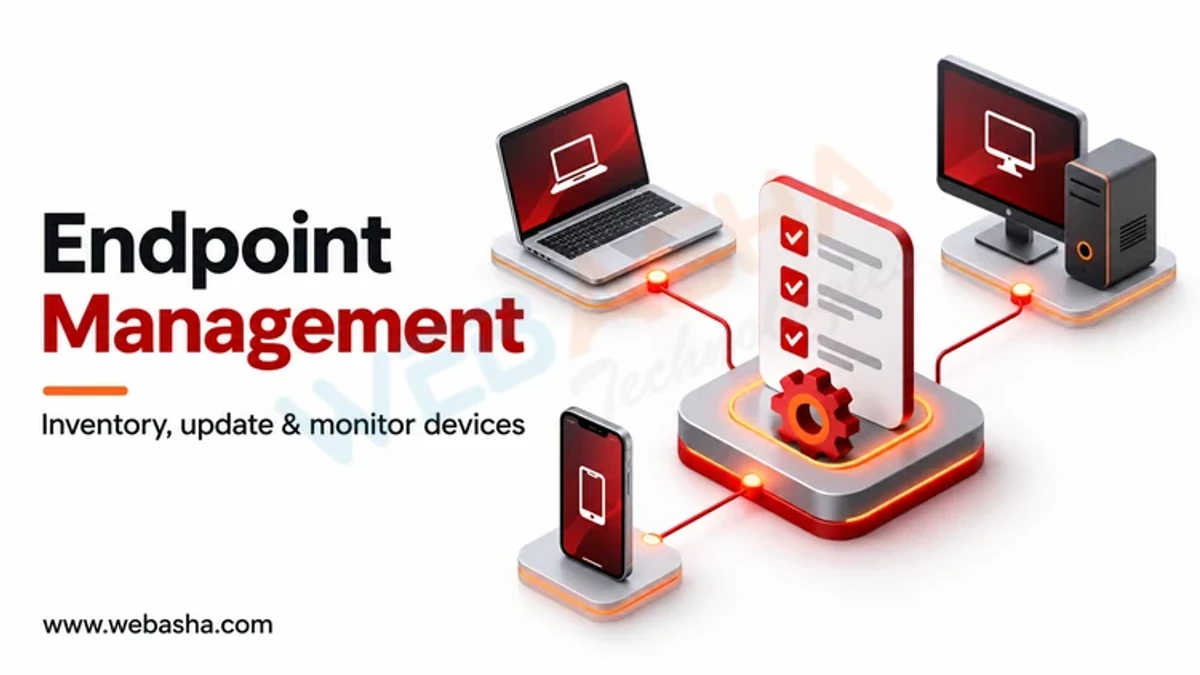
Software that protects the devices people actually use: laptops, desktops, servers and increasingly phones. The endpoint matters because it is where credentials are typed, documents are opened and attachments are run, which is to say it is where most intrusions begin.
The market sells suites, which obscures the structure. Underneath, a suite is a set of distinct controls that fail independently, and an organisation is protected by the ones that are enabled and reporting rather than by the ones in the licence.
This article names no products deliberately. Comparative rankings in this category are dominated by vendor-funded testing, and we have not read any at a source worth citing.
The Ten Controls and What Each Stops
Mapped to MITRE ATT&CK where there is a clean correspondence. Being able to say what a control is for is what turns a purchase into a defence.
| # | Control | What it actually stops |
|---|---|---|
| 1 | Full disk encryption | Data loss from a stolen or discarded device. The only control that works when the attacker has the hardware |
| 2 | Patch management | Exploitation of known vulnerabilities, which needs no user error at all |
| 3 | Antivirus, signature and reputation based | Known malicious files, cheaply and at scale |
| 4 | EDR, behaviour based | What happens after execution: TA0002 Execution, T1543 persistence, T1486 ransomware |
| 5 | Application control or allowlisting | Anything not explicitly permitted running at all |
| 6 | Host firewall | Inbound access to services the device exposes, which matters on untrusted networks |
| 7 | Privilege management | Most persistence and driver installation, because they need administrative rights |
| 8 | Device control | Removable media as a route in and data out |
| 9 | Data loss prevention | Known-sensitive data leaving by known routes |
| 10 | Logging and agent health monitoring | Blindness, and T1562.001 where an attacker disables the tools |
Control 10 is the one most often absent and the one that makes the others trustworthy. An agent that stopped reporting three weeks ago is not protecting anything, and nobody finds out unless somebody is watching for silence.
Why Is Disk Encryption So Important?
Because it is the only control on the list that still works when the attacker is holding the device. Every other control runs on an operating system that an attacker with physical possession can simply bypass by booting something else and reading the disk.
It is also unusually cheap: built into current operating systems, essentially free, and with negligible performance cost on modern hardware. The reason it is not universal is organisational rather than technical, usually recovery key management.
That is the part worth planning before deployment. Encryption without escrowed recovery keys converts a failed boot into permanent data loss, and an organisation that discovers this after the fact tends to disable encryption rather than fix the process.
How Do Antivirus and EDR Work Together?
They answer different questions, and the common mistake is treating the second as a replacement for the first.
| Antivirus | EDR | |
|---|---|---|
| Asks | Is this file known to be bad? | Is this behaviour suspicious? |
| Acts | Before execution | During and after execution |
| Catches | Commodity malware, cheaply | Novel and living-off-the-land activity |
| Misses | Anything new or modified | Nothing if nobody reads the alerts |
| Needs | Updates | People |
The last row decides whether EDR is worth buying. It produces detections that require a human or a service to triage, and an organisation without that capacity has purchased a source of unread alerts. If nobody will watch it, buy the managed version or spend the money on patching and privilege management instead.
What Does Application Control Achieve?
It inverts the question. Antivirus asks what is known bad; application control permits only what is known good, so anything else does not run.
That is the strongest preventive control on this list, and the hardest to operate. It needs an accurate inventory, a process for approving new software quickly enough that people do not route around it, and tolerance for the first weeks of friction.
Where it works outstandingly well is on servers and single-purpose machines, whose software set barely changes. Those are also the machines where a compromise matters most, which makes them the right place to start rather than general user laptops.
Where Does Patch Management Fit?
Higher than most lists place it, because it removes routes that require no user error. Phishing needs somebody to act; an unpatched internet-facing service does not.
Two points that change outcomes more than the tooling. Patch speed matters more than patch coverage: exploitation typically follows disclosure quickly, so a 95% estate patched within a week beats a 100% estate patched within a quarter. And the browser and its extensions deserve their own cadence, because that is the component handling untrusted content all day.
What About Data Loss Prevention and Device Control?
Both are narrower than they are sold as, and worth having for specific reasons.
Device control restricts removable media. In segregated or high-security environments this closes a genuine route in both directions. In an ordinary office it mostly addresses accidental data movement, because a determined person has a browser.
Data loss prevention finds known-sensitive data leaving by known routes. It catches mistakes well: the spreadsheet of customer records attached to the wrong email. It does not stop a motivated insider, who can photograph a screen. Deploy it in monitoring mode first, because a blocking policy tuned on assumptions interrupts legitimate work and gets switched off.
How Do You Check They Are Actually On?
This is the section the published article lacked entirely, and it is the one that finds problems. Run these on a representative machine before believing any dashboard.
Windows:
# 1. disk encryption
Get-BitLockerVolume | Select-Object MountPoint, VolumeStatus, ProtectionStatus

# 3 and 4. antivirus state, and any exclusions somebody added
Get-MpComputerStatus | Select-Object AMServiceEnabled, RealTimeProtectionEnabled, AntivirusSignatureAge
Get-MpPreference | Select-Object -ExpandProperty ExclusionPath

# 6. host firewall on all profiles
Get-NetFirewallProfile | Select-Object Name, Enabled

# 7. who holds local administrator rights
Get-LocalGroupMember -Group Administrators

# 2. how far behind is patching
Get-HotFix | Sort-Object InstalledOn -Descending | Select-Object -First 5 HotFixID, InstalledOn
Linux:
# 1. is the root volume encrypted
lsblk -o NAME,TYPE,MOUNTPOINT,FSTYPE | grep -i crypt || echo "no LUKS volume found"

# 6. host firewall
sudo ufw status verbose 2>/dev/null || sudo firewall-cmd --state 2>/dev/null

# 2. pending security updates
sudo apt list --upgradable 2>/dev/null | grep -i security | wc -l

# 7. who can become root
getent group sudo wheel 2>/dev/null

# 10. is the logging and audit layer alive
systemctl is-active auditd rsyslog 2>/dev/null
The single most valuable output here is the antivirus exclusion list. An exclusion nobody can account for is either an operational workaround that was never reviewed, or ATT&CK T1562.001 in progress, and both need an answer.
In What Order Should an Organisation Adopt Them?
Cheapest and most certain first. This ordering assumes limited budget and limited staff, which is the usual situation.
- Disk encryption, with recovery key escrow. Free, certain, and solves the most likely incident: a lost laptop.
- Patch management, with the browser on its own cadence.
- Remove local administrator rights. No licence cost, large effect, some friction.
- Host firewall on, with unknown networks treated as public.
- Antivirus, which is built into the operating system and adequate for commodity threats.
- Logging and agent health monitoring, so you find out when something stops.
- EDR, once somebody can respond to it, or buy it managed.
- Application control on servers and fixed-function machines first.
- Device control, where the environment justifies it.
- Data loss prevention, in monitoring mode, last.
Steps 1 to 4 cost almost nothing and are where most of the risk reduction is. An organisation that has done them has a better endpoint posture than one that bought an expensive suite and left administrative rights in place.
What Is the Most Common Mistake?
Partial deployment, believed to be complete.
A control at 80% coverage protects 80% of machines, and the remaining 20% are not randomly distributed: they are the exceptions, the machines someone needed to work differently, the ones belonging to people who objected. They are disproportionately interesting to an attacker for exactly that reason.
The second most common is buying a tool to satisfy an audit question and never testing that it works. Deployment is not the same as operation, and the commands above take ten minutes.
How Do You Measure Whether Endpoint Security Is Working?
Not by the number of blocked threats, which measures exposure as much as protection. Useful measures:
- Coverage, per control, as a percentage of known devices, with the gap named rather than rounded away.
- Agent health: how many endpoints have not reported in seven days. This number is almost always higher than people expect.
- Time from patch release to estate completion, by severity.
- Count of exclusions and exceptions, and whether each has an owner and a review date.
- Time to detect in a test. Run a benign simulation of a known technique and see whether anything notices and how long it takes.
- Whether you have the logs to investigate. CERT-In requires entities to keep logs of all ICT systems "for a rolling period of 180 days", and that is the window an investigation can reach into.
The last two are what distinguish a programme from a purchase. NIST's handling guidance in SP 800-83 and SP 800-61 is worth reading before writing the procedure. Our guides to malware types and signs of compromise cover what these controls are defending against.
Talk to a WebAsha training advisor about batches, syllabus and current fees.
References
- MITRE ATT&CK
- T1562.001, Impair Defenses: Disable or Modify Tools
- T1543, Create or Modify System Process
- T1486, Data Encrypted for Impact
- TA0002, Execution
- NIST SP 800-83, Guide to Malware Incident Prevention and Handling
- NIST SP 800-61, Computer Security Incident Handling Guide
- CERT-In directions under section 70B(6) of the IT Act, 28 April 2022
Related reading
Frequently Asked Questions
What's Your Reaction?
 Like
0
 Dislike
0
 Love
0
 Funny
0
 Wow
0
 Sad
0
 Angry
0

I am passionate about technology, invention and big challenging tasks on my to- do list. In terms of the work I am doing also at Bunnyshell, I am most passionate about the technologies that we are using., I'm devoted to delivering content that not only informs but also inspires. Whether you need in- depth analysis pieces, educational attendants, or study- provoking opinion pieces, I draft content that resonates with tech suckers and professionals likewise.