Welcome!

Unlock your personalized experience.
Sign Up
Tag

Malware Protection Articles, Guides & Tutorials

8 posts

What Is a Polymorphic Virus and How Do Defenders Detect It?

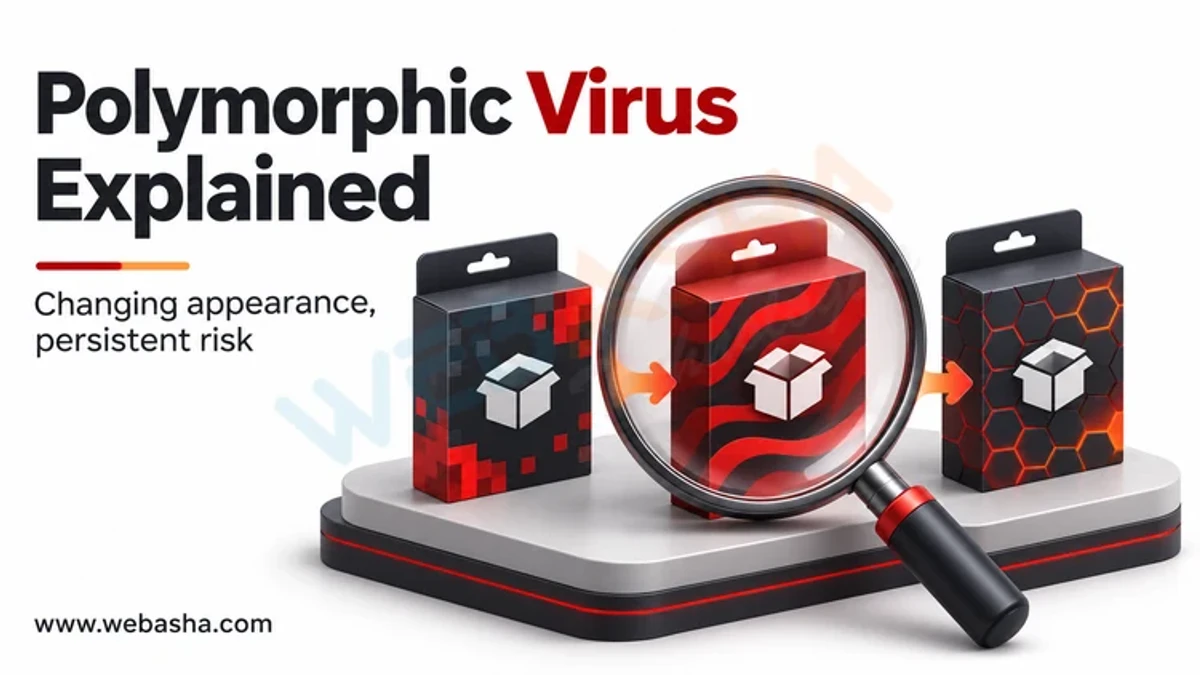
A polymorphic virus is malicious code that changes how it looks each time it copies itself, while its behaviour stays the same. It usually does this by encrypting its main body with a new key and wrapping it in a decryptor that is rewritten on every infection. Because the file bytes differ each time, a single fixed signature cannot match every copy.


Cybersecurity Training for Non-Technical Employees

Train non-technical employees to make safe decisions in the workflows they actually use: signing in, sharing information, approving payments and reporting suspicious activity. Give them a clear reporting route, short role-relevant scenarios and a supportive response when something goes wrong. Reinforce training with technical controls and manager-owned processes rather than expecting staff to detect every threat.

Cybersecurity for Business Owners: A Practical Control Checklist

Business owners should identify critical services and data, assign security responsibilities and check that basic controls actually operate. Prioritise access protection, supported software, recoverable backups, supplier oversight and a rehearsed incident contact process. Ask for evidence such as an access review or a safe restoration record rather than relying only on product purchases or policy documents.

Incognito Mode: What Stays Private and What Can Remain

Chrome Incognito starts a separate browsing session and limits what Chrome retains on the device after all Incognito windows close. It does not make activity anonymous to sites, erase files you download or prevent an account service from recording activity. Cookies can exist temporarily during the session.

Celestial Stealer: Browser Data Risks and Account Recovery

Trellix's December 2024 analysis describes Celestial Stealer as JavaScript-based information-stealing malware targeting Windows and data associated with browsers and other applications. Its reported capabilities are sample-specific, not proof that every browser or wallet can be compromised identically. If a suspicious download or account event occurs, review both the device and the affected accounts.

Phishing Emails: Check the Request Before You Act

Phishing emails use a claimed identity and a plausible request to push you toward an unsafe action, such as sharing a password, opening a file or changing payment details. Treat appearance, grammar and sender information as clues rather than proof. For an unexpected sensitive request, open the organisation's known app or use a contact route you already trust.

Choosing Antivirus Software: Compare Protection and Daily Use

Choose antivirus software by the devices you need to protect, recent relevant test evidence, compatibility, support and the way you use those devices. Read protection, false-positive and performance results together, with their date and test conditions. A product's extras and subscription terms matter only if they solve a need you actually have. Check what protection is already active before adding another product.