Ethical Hacking Course Syllabus: Tools, Labs and Reporting Skills
An ethical hacking course syllabus should connect technical foundations to authorised lab work, evidence collection, reporting and remediation review. Students need to understand the purpose and limits of a test, explain its result and communicate a useful next step. A tools list alone does not show those learning outcomes.
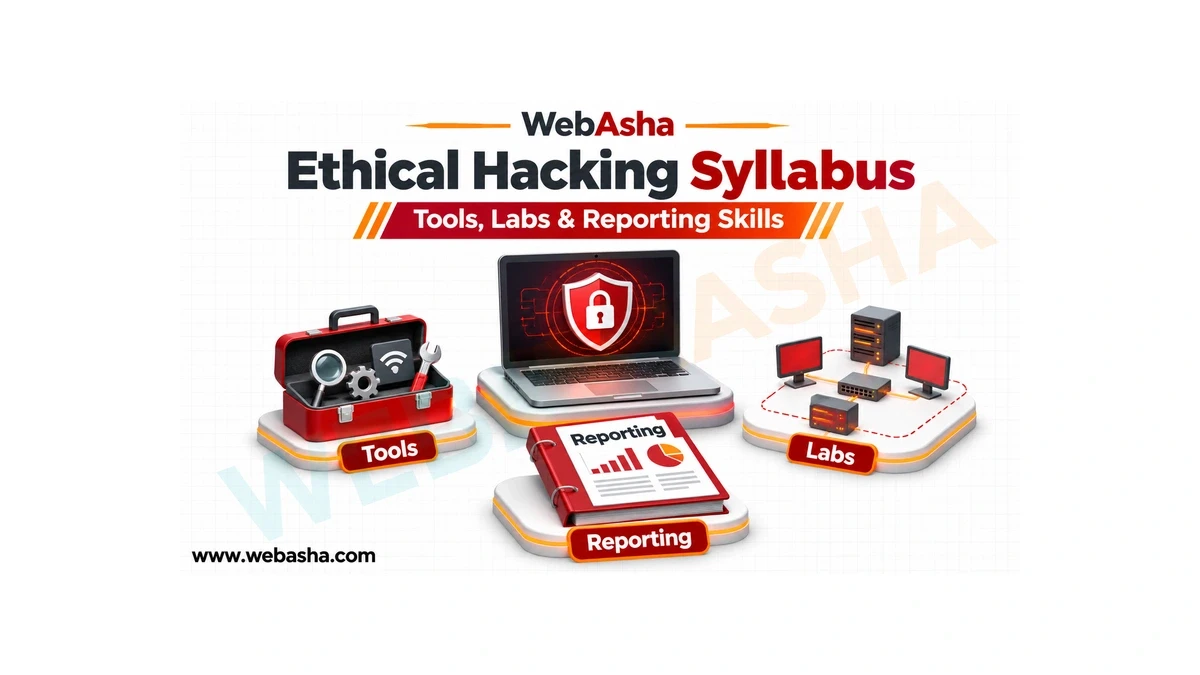
An ethical hacking course syllabus should connect technical foundations to authorised lab work, evidence collection, reporting and remediation review. Students need to understand the purpose and limits of a test, explain its result and communicate a useful next step. A tools list alone does not show those learning outcomes.
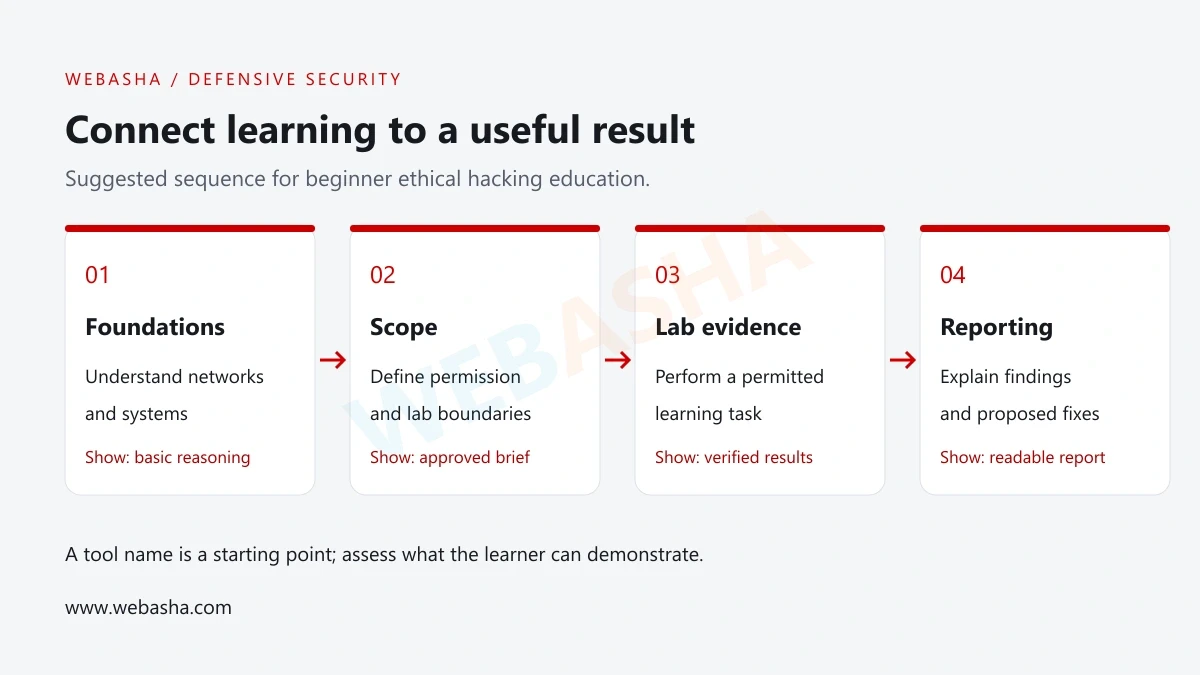
The outline below is a suggested beginner learning sequence, not an official certification blueprint or a claim about every training provider. Use it to ask specific questions about prerequisites, individual practice and assessment.
Look for a complete learning sequence
- Foundation skills before complex tools.
- Permission and scope before testing.
- Evidence and verification alongside practical work.
- Reporting and retesting before marking work complete.
What should an ethical hacking syllabus include?
Read the syllabus as a set of tasks a learner can demonstrate. NIST’s NICE Framework describes work using tasks and the knowledge and skills needed to perform them. That approach helps turn broad module names into observable learning goals. [1]
| Module | Learning goal | Evidence to request |
|---|---|---|
| Foundations | Explain networks, systems and basic scripting. | A small troubleshooting or data-handling exercise. |
| Permission and scope | Identify the authorised environment and limits. | A fictional scope document and stop conditions. |
| Observation and analysis | Interpret supplied technical evidence. | An annotated capture or synthetic log review. |
| Assessment methods | Choose an appropriate check for a stated objective. | A permitted lab plan with expected observations. |
| Web and access control | Explain application trust and permission boundaries. | Allowed and denied cases in a training application. |
| Reporting and remediation | Communicate findings and verify corrections. | A report, proposed fix and retest record. |
For prerequisite study, use the WebAsha cybersecurity beginner guide. A student who cannot yet explain basic network and system behaviour may need extra foundation practice before specialist assessment work.
Foundation modules: networks, systems and scripting
Networking study should help students explain addressing, name resolution, services and common protocol behaviour. Use small examples rather than asking learners to memorise a long list of ports without context. A learner should be able to distinguish an application error from a connection or name-resolution problem.
Operating-system work should include files, users, permissions, processes and relevant logs. Ask how the course handles both Linux and Windows concepts, which tasks are individual and what prior knowledge is expected.
Basic scripting should support a practical need such as reading synthetic records, filtering events or comparing file content. Include invalid input and an explanation of the result. A short script that a student can test and explain is a useful foundation for later automation.
Permission, scope and rules of engagement
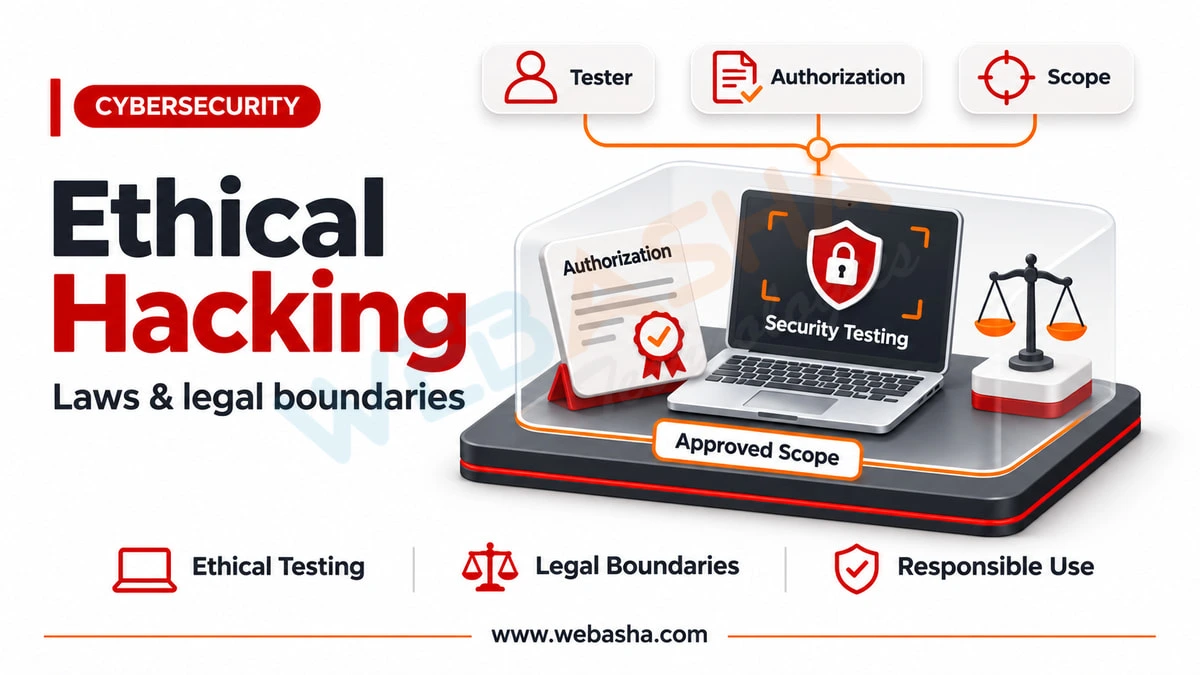
A beginner course should teach how to identify the system owner, permitted environment, objectives and exclusions. A fictional scope exercise can name the lab machines, approved activities, time window, reporting contact and conditions for stopping.
Ask what happens when a learner discovers data or a system outside the assigned scope. The expected response should involve stopping that activity and contacting the responsible instructor or owner, rather than expanding the test independently.
Use a written lab brief for every assessment. Public accessibility does not establish permission to test a service. Keep training deliberately separated from real organisations’ systems and personal accounts.
Teach tool choice through questions and evidence
A syllabus can name useful tool categories without promising mastery from installation alone. Students should know the question a tool helps answer, the input it receives and the limitations of its output.
| Category | Question it can support | What students should explain |
|---|---|---|
| Packet analysis | What does this approved capture show? | Relevant protocol fields, capture scope and missing visibility. |
| System inspection | Which account, file or process is relevant? | The observation and its relationship to the lab objective. |
| Web inspection | How does the training application handle a request? | The intended behaviour and the boundary being reviewed. |
| Vulnerability review | Does a reported issue apply to this lab? | Version, context, evidence and uncertainty. |
| Scripting | Can this repetitive check be reproduced? | Input, output, error handling and validation. |
Wireshark is a packet analyser used for protocol learning and troubleshooting. In a beginner lab, students could inspect an approved capture and describe selected fields without claiming that the tool automatically proves an attack. [4]
This guide provides no scanning or exploitation commands. Request documentation-reviewed setup steps from the instructor and use only the assigned environment.
Design labs around one verifiable objective
A lab should identify its prerequisites, permitted resources and expected outcome. Students need a way to reset the environment and a support route for setup problems. Ask whether they perform the task themselves or only watch a demonstration.
OWASP Juice Shop is intentionally insecure and intended for security training. It is one example of a purpose-built learning environment, not a reason to expose a vulnerable application publicly. [3]
For a beginner access-control exercise, provide fictional users and a rule defining which record each may read. Ask students to document expected allowed and denied behaviour in the approved lab. Have them compare actual results with that rule and identify any uncertainty.
Label a proposed lab as proposed. An instructor demonstration, a completed student test and a remediation retest are different pieces of evidence and should be recorded accurately.
Web security, permissions and remediation reasoning
OWASP’s Web Security Testing Guide supplies a structured resource for web-application testing. Ask whether a course explains its chosen methodology and identifies the version of any external guide it uses. [2]
Access-control study should include who is requesting an action, what is permitted and where the decision is enforced. OWASP recommends least privilege, default denial and checking permissions on every request. [5]
A practical report should connect a result to the intended permission rule. Avoid treating a hidden button as the complete access control. When discussing a fix, explain what the system should permit and deny after the change, then define the retest that would establish the intended behaviour.
Evidence collection and finding validation
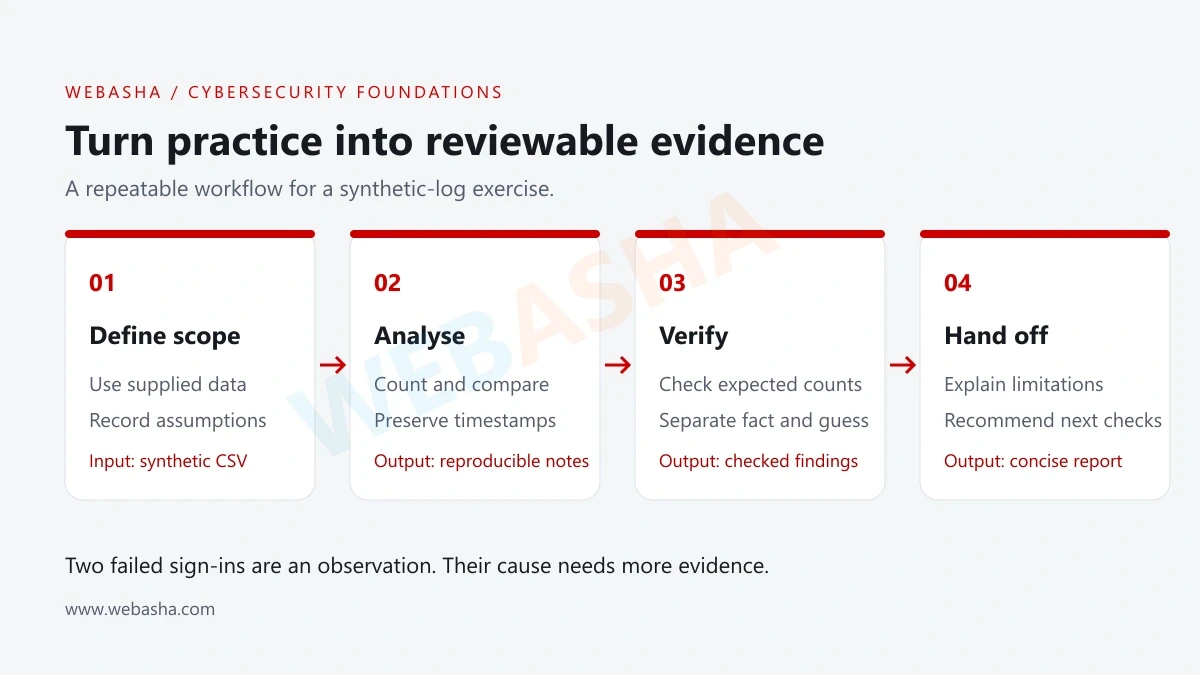
Teach students to record the environment, time, input and observed result. Preserve the small amount of evidence needed to support the finding while excluding credentials and unrelated personal data from the report.
A tool message may be a lead that needs confirmation. Ask what would show the finding applies to the lab and what benign explanation could produce the same observation. If the environment prevents a check, record the limitation instead of claiming certainty.
Use a simple evidence register: finding identifier, lab reference, collection time, observation and supporting filename. Keep raw notes separate from the shareable report. Confirm publication permission before adding any lab material to a public portfolio.
Reporting skills belong in the syllabus
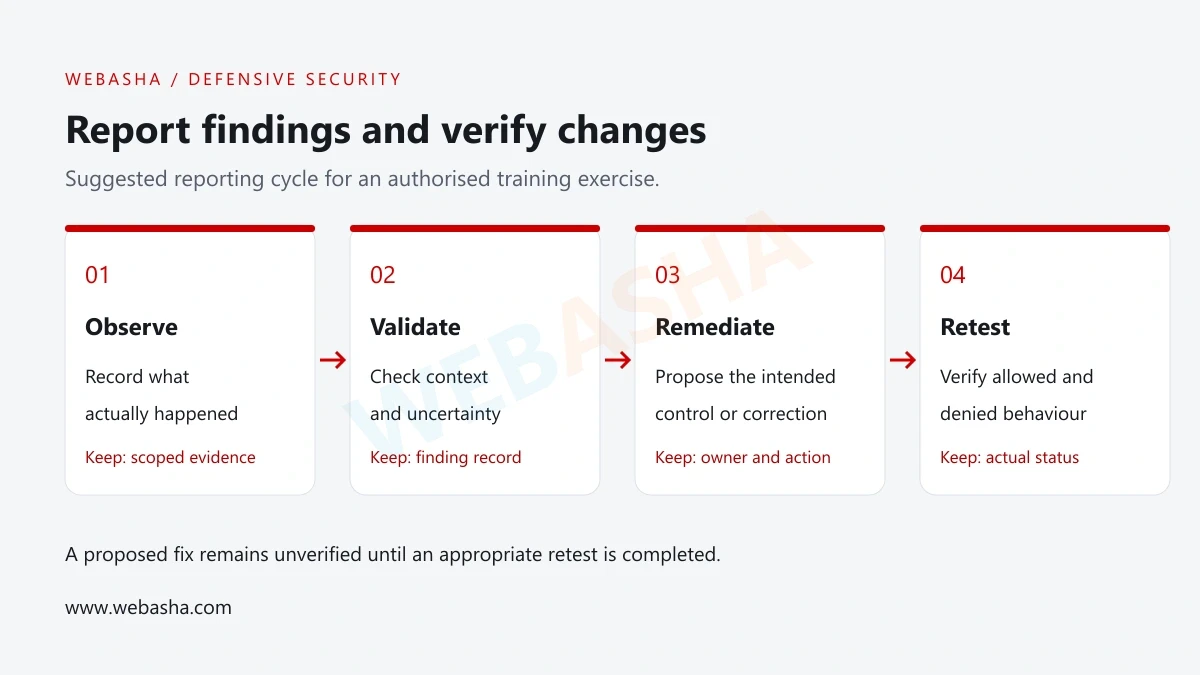
Students should practise explaining a technical result to an owner who must decide what to change. A report should identify the scope, method, finding, evidence, impact within the lab and proposed remediation. Distinguish actual observations from assumptions and recommendations.
| Field | What to write |
|---|---|
| Scope | The approved lab and feature reviewed. |
| Observation | What happened and under which conditions. |
| Evidence | The minimum supporting record with sensitive details removed. |
| Impact | The consequence supported by the lab evidence. |
| Recommendation | The intended control or correction and responsible owner. |
| Retest | What was checked after the change, or what remains proposed. |
| Limitations | Missing context, untested paths and other uncertainty. |
A suggested fix is not a verified fix. If the student could not modify the application, the report should state that the recommendation is untested and describe an appropriate retest.
For portfolio presentation, read the WebAsha beginner portfolio guide. Keep confidential assessment content out of public write-ups.
How to evaluate a course assessment
Ask for a sample rubric that checks reasoning as well as output. A useful beginner assessment can reward a clear scope, correct observations, a reproducible method and an accurate limitation. Confirm whether students receive feedback and an opportunity to correct mistakes.
Use a small change in the lab conditions to test understanding. If a learner can only reproduce a fixed walkthrough, identify which prerequisite or reasoning step still needs practice. Avoid treating speed as the only evidence of competence.
For a SOC-oriented path, compare the planned outputs with the SOC analyst skills guide. Different roles need different depth, so use the intended work to prioritise study.
Ask about the ethical hacking syllabus at WebAsha Technologies. Contact WebAsha to discuss prerequisites, authorised labs, reporting assignments and project feedback.
Official references
Frequently Asked Questions
What's Your Reaction?
 Like
0
 Dislike
0
 Love
0
 Funny
0
 Wow
0
 Sad
0
 Angry
0

With a passion for staying on the cutting edge of technology trends, I am dedicated to delivering content that not only informs but also inspires. Whether you need in-depth analysis pieces, informative guides, or thought-provoking opinion pieces, I craft content that resonates with tech enthusiasts and professionals alike.