Linux Firewall Security: iptables, nftables and firewalld Explained
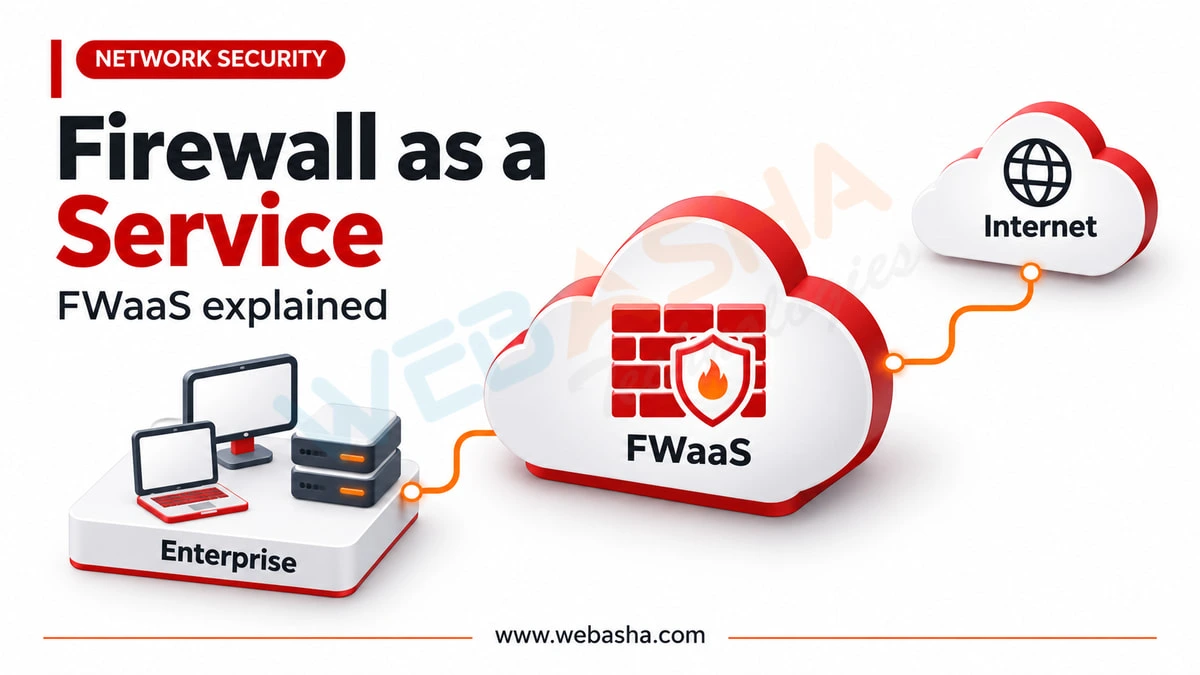
Linux filters packets in the kernel with netfilter. iptables is the classic rule tool; nftables is its successor and the default framework on current Debian, Ubuntu, RHEL and Fedora. firewalld is a zone-based manager that writes nftables rules for you and is standard on RHEL and Fedora, while Ubuntu ships ufw.
Topic: Network Security in Cybersecurity & Ethical Hacking · Lab / project
Also covers: Linux Administration
Quick answer: Linux filters packets in the kernel with netfilter. iptables is the classic rule tool; nftables is its successor and the default framework on current Debian, Ubuntu, RHEL and Fedora. firewalld is a zone-based manager that writes nftables rules for you and is standard on RHEL and Fedora, while Ubuntu ships ufw. For most servers, use the distribution tool, deny inbound traffic by default, allow only the services you need, make changes with --permanent and apply them with --reload. Keep console access while editing rules so a mistake cannot lock you out of SSH.
Key takeaways
- netfilter in the kernel does the filtering; iptables, nftables and firewalld are front ends.
- firewalld uses nftables as its default backend.
- Do not mix raw iptables rules with firewalld on the same host.
- Start from default deny for inbound traffic and allow by service.
- Runtime changes vanish on reload unless you also save them permanently.
Table of Contents
- How Does Linux Firewalling Work?
- How Do iptables, nftables, firewalld and ufw Differ?
- How Do You Configure firewalld Safely?
- What Does a Basic nftables Policy Look Like?
- Which Rules Should Every Server Have?
- Which Firewall Mistakes Cause Outages?
- How Do You Verify and Audit the Firewall?
- References
How Does Linux Firewalling Work?
Packets pass hooks in the kernel networking stack, and netfilter decides to accept, drop or reject them. User-space tools only load rules into the kernel. Since version 0.6.0, firewalld uses the nftables backend by default. The nftables wiki explains that many distributions now ship iptables-nft, a compatibility layer that turns iptables syntax into nftables rules.
How Do iptables, nftables, firewalld and ufw Differ?
| Tool | Model | Typical home | Persistence |
|---|---|---|---|
| iptables | Tables and chains, one rule per line | Legacy systems, old scripts | Needs iptables-save or a service |
| nftables (nft) | Tables, chains, sets and maps in one syntax | Modern default framework | /etc/nftables.conf or /etc/sysconfig/nftables.conf |
| firewalld | Zones and named services | RHEL, Fedora, Rocky, AlmaLinux | --permanent option |
| ufw | Simple allow and deny rules | Ubuntu | Saved automatically |
How Do You Configure firewalld Safely?
firewalld has a runtime configuration and a permanent one. The pattern below, from the firewall-cmd manual, writes permanent rules and then reloads:
# Check state and the active zones
sudo firewall-cmd --state
sudo firewall-cmd --get-active-zones
sudo firewall-cmd --list-all

# Allow HTTPS permanently in the public zone, then apply
sudo firewall-cmd --permanent --zone=public --add-service=https
sudo firewall-cmd --reload

# Remove a service you no longer need
sudo firewall-cmd --permanent --zone=public --remove-service=http
sudo firewall-cmd --reload
To allow SSH only from an admin network, use a rich rule such as sudo firewall-cmd --permanent --zone=public --add-rich-rule='rule family=ipv4 source address=192.0.2.0/24 service name=ssh accept', reload, confirm you can still connect, and only then remove the general ssh service. The RHEL firewall guide covers zones and rich rules further. On Ubuntu, the ufw guide gives the equivalent: sudo ufw allow OpenSSH before sudo ufw enable.
What Does a Basic nftables Policy Look Like?
A minimal inbound default-deny ruleset in /etc/nftables.conf, for hosts that do not run firewalld:
table inet filter {
  chain input {
    type filter hook input priority 0; policy drop;
    ct state established,related accept
    iif lo accept
    ip protocol icmp accept
    ip6 nexthdr ipv6-icmp accept
    tcp dport { 22, 443 } accept
  }
}
Check syntax with sudo nft -c -f /etc/nftables.conf before loading it with sudo nft -f /etc/nftables.conf.
Which Rules Should Every Server Have?
| Rule | Reason |
|---|---|
| Default deny inbound | Only listed services are reachable |
| Allow established and related traffic | Replies to outbound connections work |
| Allow loopback | Local services talk to each other |
| Allow ICMP and ICMPv6 | Path MTU discovery and IPv6 depend on it |
| Restrict SSH by source | Shrinks the brute-force surface |
| Log or count dropped traffic | Supports detection and troubleshooting |
NIST SP 800-41 Rev. 1 recommends deny by default with documented exceptions, and the CIS Benchmarks include host firewall checks per distribution.
Which Firewall Mistakes Cause Outages?
- Setting a drop policy over SSH before allowing port 22.
- Running firewalld and a separate iptables script that overwrite each other.
- Forgetting --permanent, so rules disappear after reload or reboot.
- Filtering IPv4 while leaving IPv6 open.
How Do You Verify and Audit the Firewall?
List the full ruleset with sudo nft list ruleset, compare it with listening services from ss -tulpn, and scan only systems you own or are authorised to test, as required under India's IT Act 2000. Our firewall basics guide and Linux server hardening guide place the firewall in a wider defence. Hands-on labs are part of our Linux security training.
References
Frequently Asked Questions
What's Your Reaction?
 Like
0
 Dislike
0
 Love
0
 Funny
0
 Wow
0
 Sad
0
 Angry
0

Vaishnavi is a skilled tech professional at the Ethical Hacking Training Institute in Pune, responsible for managing and optimizing the technical infrastructure that supports advanced cybersecurity education. With deep expertise in network security, backend operations, and system performance, she ensures that practical labs, online modules, and assessments run smoothly and securely. Her behind-the-scenes contributions play a vital role in delivering a seamless and secure learning experience for aspiring ethical hackers.