Public Wi-Fi Risks: What Still Works and What Does Not
Much less dangerous than the advice you have read, and for a specific reason: the attack everyone warns about assumed an unencrypted web. Google's own measurement puts HTTPS at between 95 and 98 percent of Chrome page loads depending on platform, as at 8 November 2026, and HSTS means a browser will refuse a tampered connection rather than asking you to accept it.
Topic: Network Security in Cybersecurity & Ethical Hacking · Explainer
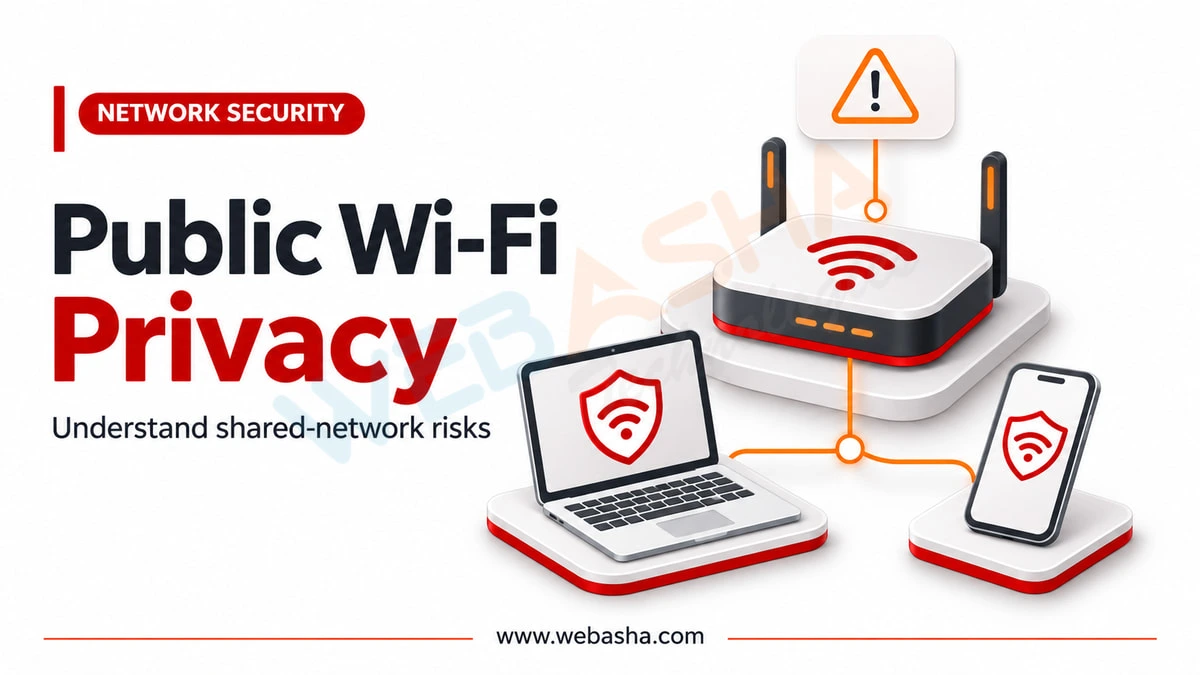
Quick answer: Much less dangerous than the advice you have read, and for a specific reason: the attack everyone warns about assumed an unencrypted web. Google's own measurement puts HTTPS at between 95 and 98 percent of Chrome page loads depending on platform, as at 8 November 2026, and HSTS means a browser will refuse a tampered connection rather than asking you to accept it. The real remaining risks are a fake network that harvests what you type into it, traffic metadata, and devices that expose services to the local network. A consumer VPN addresses the second of those and not the first.
Key takeaways
- The classic "someone reads your passwords over coffee shop Wi-Fi" attack mostly died with universal HTTPS.
- RFC 6797 HSTS tells the browser to terminate the connection "upon any and all secure transport errors or warnings", with "no user recourse".
- What remains: evil twin networks with convincing captive portals, metadata about which sites you visit, and your own device exposing services.
- A VPN hides which sites you visit from the network. It does not protect you from typing a password into a fake portal.
- We quote no attack statistics, because the available ones come from vendor marketing and frequently from VPN vendors.
Topics covered in this guide: whether public Wi-Fi is actually dangerous, what changed, evil twin attacks, what a man-in-the-middle can and cannot do now, the risks that genuinely remain, what a VPN does and does not solve, practical steps that help, what organisations should do, and the honest bottom line.
Table of Contents
- Is Public Wi-Fi Actually Dangerous?
- What Changed Since the Advice Was Written
- What Is an Evil Twin Attack?
- What Can an Interceptor Still Do?
- What Are the Realistic Risks Today?
- Does a VPN Solve the Problem?
- What Practical Steps Actually Help?
- How Do You Check Your Own Exposure?
- What Should Organisations Do About Staff on Public Wi-Fi?
- What Is the Honest Bottom Line?
- References
Is Public Wi-Fi Actually Dangerous?
Less than almost everything written about it suggests, and the gap between the advice and the reality is itself worth explaining, because the advice is repeated by people selling the remedy.
The threat everybody describes is an attacker on the same network reading your traffic and taking your banking password. That attack worked when most web traffic was unencrypted. It does not work against an HTTPS connection, and nearly all connections are now HTTPS.
What Changed Since the Advice Was Written
Two things, and both are measurable rather than matters of opinion.
The web encrypted itself. Google publishes a continuous measurement of the share of pages loaded over HTTPS in Chrome. In its dataset for 8 November 2026, the figures sit between 95 and 98 percent across Windows, Android, ChromeOS, Linux and Mac. The same report states that "HTTPS web connections protect against eavesdroppers, man-in-the-middle attacks, and hijackers who attempt to spoof a trusted website."
An attacker sharing your network sees that you connected to a bank. They do not see your password, your balance or the pages you viewed.
Browsers stopped letting you click through. This is the part that is less widely understood and matters more. RFC 6797 defines HTTP Strict Transport Security, which lets sites "declare themselves accessible only via secure connections". Once a browser knows a site uses HSTS, two things follow:
- It rewrites insecure links before using them. In the RFC's words, "UAs transform insecure URI references to an HSTS Host into secure URI references before dereferencing them." An attacker cannot downgrade you to plain HTTP.
- It refuses a bad certificate outright: "The UA terminates any secure transport connection attempts upon any and all secure transport errors or warnings." Section 12.1 recommends "no user recourse", because allowing click-through "is a recipe for a man-in-the-middle attack".
The interception attacks that filled security awareness slides depended on the victim accepting a certificate warning. For HSTS sites there is no warning to accept and no button to press.
What Is an Evil Twin Attack?
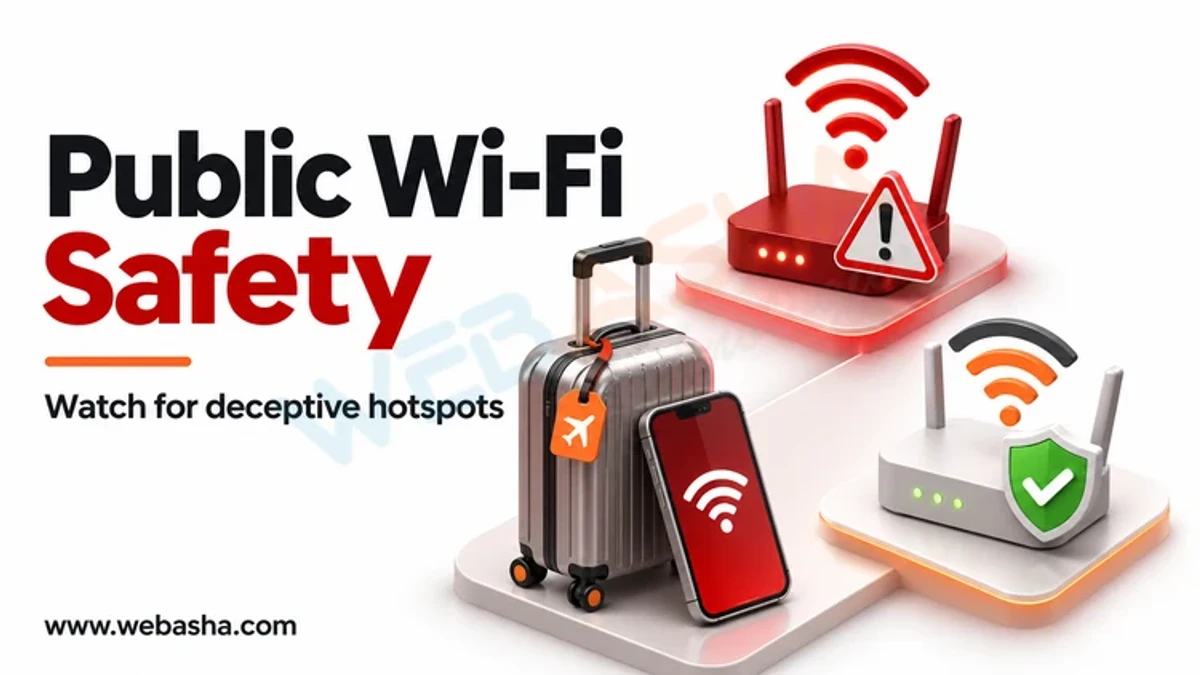
An attacker runs an access point with a name you trust, such as the café's or the airport's, and your device connects to theirs instead. This one still works, and it is the risk worth taking seriously.
What makes it dangerous is not traffic interception, for the reasons above. It is that the attacker controls the captive portal, the page that appears asking you to accept terms, enter a room number, or sign in with an email address or social account. That page is theirs. Whatever you type into it, you have handed over directly, and no amount of transport encryption helps because you were not attacked, you were asked.
The second-order risk is that your device may connect automatically to a network name it has seen before, so an attacker broadcasting a common name can attract devices without anybody choosing to join.
What Can an Interceptor Still Do?
Being precise about this is the point of the article.
| They can see | They cannot see |
|---|---|
| Which sites you connect to, from DNS and the TLS handshake | The pages you read on those sites |
| How much data, and when | Your passwords, messages or form contents on HTTPS sites |
| Your device's identity on the local network | Session cookies in transit |
| Anything you send over plain HTTP, which is now rare | Anything to an HSTS site, even with a bad certificate |
| Anything you type into their own captive portal |
The left column is real and is mostly about privacy rather than theft. Knowing someone visited a particular medical or legal site is sensitive, which is a genuine reason to care. It is a different claim from "they will empty your bank account".
What Are the Realistic Risks Today?
- Credential harvesting through a fake portal. The largest remaining risk, and transport encryption is irrelevant to it.
- Metadata exposure. Which sites, when, how much. A privacy issue rather than a theft one.
- Your own device exposing services. A file share, a media server or a remote desktop reachable from the local network is reachable by everyone else on that network.
- The small residue of plain HTTP, including some embedded devices and older applications.
- Shoulder surfing. Genuinely more likely than packet interception in a café, and almost never mentioned.
We give no figures for how often these occur. The numbers in circulation come from vendor marketing, frequently from companies selling VPN subscriptions, and none of them was read at a source we could verify.
Does a VPN Solve the Problem?
It solves one of the five, which is worth stating plainly because the marketing implies otherwise.
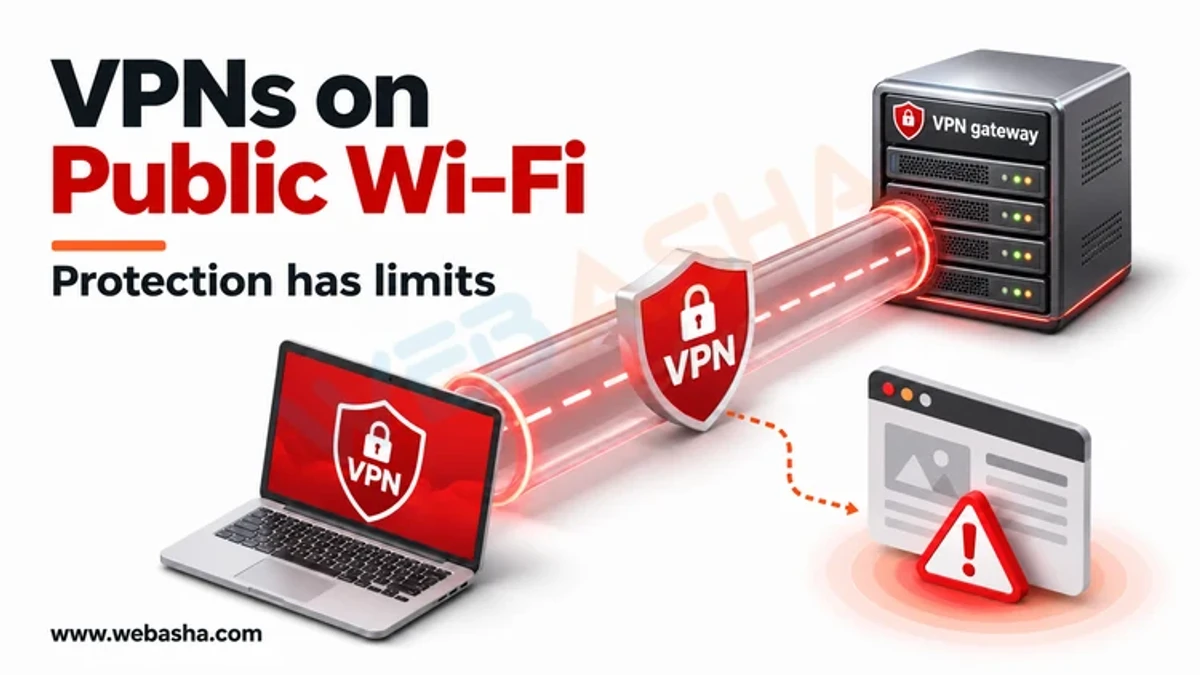
A VPN encrypts your traffic to the VPN provider, so the local network sees only that you are connected to a VPN. That genuinely addresses risk 2, metadata exposure to the network operator, and the residual plain HTTP in risk 4.
What it does not do:
- It does not stop you typing credentials into a fake captive portal. You usually have to pass the portal before the VPN connects.
- It does not protect against phishing, which is where most account compromise actually comes from.
- It does not add protection to HTTPS traffic, which is already encrypted end to end.
- It moves the trust, it does not remove it. Your provider now sees what the café would have seen.
A VPN is a reasonable privacy tool and a poor substitute for the things in the next section.
What Practical Steps Actually Help?
In order of how much they matter, which is close to the reverse of the usual list:
- Use phishing-resistant multi-factor authentication. This defeats the credential harvesting that is the main remaining risk. Our guides to MFA protocols and where MFA falls short cover which kinds resist replay.
- Never enter a password into a captive portal. Accept terms if you must; do not sign in with a real account.
- Turn off automatic joining for open networks, and remove saved open networks you no longer use.
- Keep the device firewall on and set the network as public, which stops local discovery and sharing.
- Keep software updated. Unpatched network-facing services are a real local risk.
- Use a VPN if you care about metadata, understanding what it does.
- Use mobile data for anything genuinely sensitive, which avoids the question entirely.
How Do You Check Your Own Exposure?
Run these on your own machine before you next use a public network. They answer the question the advice never does: what can the person next to you actually reach?
# what services is my machine offering to the network?
ss -tulpn | grep LISTEN      # Linux
netstat -ano | findstr LISTENING   # Windows

# is the firewall on, and is this network treated as public?
sudo ufw status verbose            # Linux, ufw
netsh advfirewall show allprofiles # Windows

# which open networks will my device join automatically?
nmcli connection show              # Linux
netsh wlan show profiles           # Windows
Confirm that a site is using HSTS, which is what makes downgrade attacks fail:
curl -sI https://www.example.com | grep -i strict-transport-securityA header such as max-age=31536000; includeSubDomains means the browser will refuse an insecure connection to that site for a year, with no button to override it.
What Should Organisations Do About Staff on Public Wi-Fi?
Stop issuing the 2015 advice, which costs credibility, and address what remains.
- Deploy phishing-resistant MFA for staff accounts. This is the single highest-value control and it works everywhere, not only on public networks.
- Ensure devices treat unknown networks as untrusted by default, with the host firewall enforcing it.
- Enforce HSTS on your own services, so staff and customers cannot be downgraded.
- Tell staff the specific rule that matters: never put a corporate credential into a captive portal. That is concrete and memorable, unlike "be careful on public Wi-Fi".
- Use an enterprise VPN for access to internal systems, which is about access control rather than café safety.
What Is the Honest Bottom Line?
Using public Wi-Fi to browse, read email in a modern client, or use a banking app is not the risk it is described as. The encryption that was missing when the warnings were written is now close to universal, and HSTS removed the override that made interception practical.
What has not changed is that an attacker can put a login page in front of you and ask. That works regardless of the network, which is why the defence is phishing-resistant authentication and the habit of never signing in to a portal, rather than avoiding cafés.
Treat public Wi-Fi as a network you do not control: assume it can see where you go, assume it can present you with a page, and assume it can reach any service your device exposes. Those three assumptions produce correct behaviour, and none of them requires a subscription. Our guides to protecting against phishing and protecting personal data cover the controls that do most of the work.
Talk to a WebAsha training advisor about batches, syllabus and current fees.
References
- Google Transparency Report, HTTPS encryption on the web, read 13 November 2026
- RFC 6797, HTTP Strict Transport Security (HSTS), November 2012
- MITRE ATT&CK
Related reading
Frequently Asked Questions
What's Your Reaction?
 Like
0
 Dislike
0
 Love
0
 Funny
0
 Wow
0
 Sad
0
 Angry
0

I am passionate about technology, invention and big challenging tasks on my to- do list. In terms of the work I am doing also at Bunnyshell, I am most passionate about the technologies that we are using., I'm devoted to delivering content that not only informs but also inspires. Whether you need in- depth analysis pieces, educational attendants, or study- provoking opinion pieces, I draft content that resonates with tech suckers and professionals likewise.