Linux File Permissions Explained: rwx, chmod, chown, umask and SUID
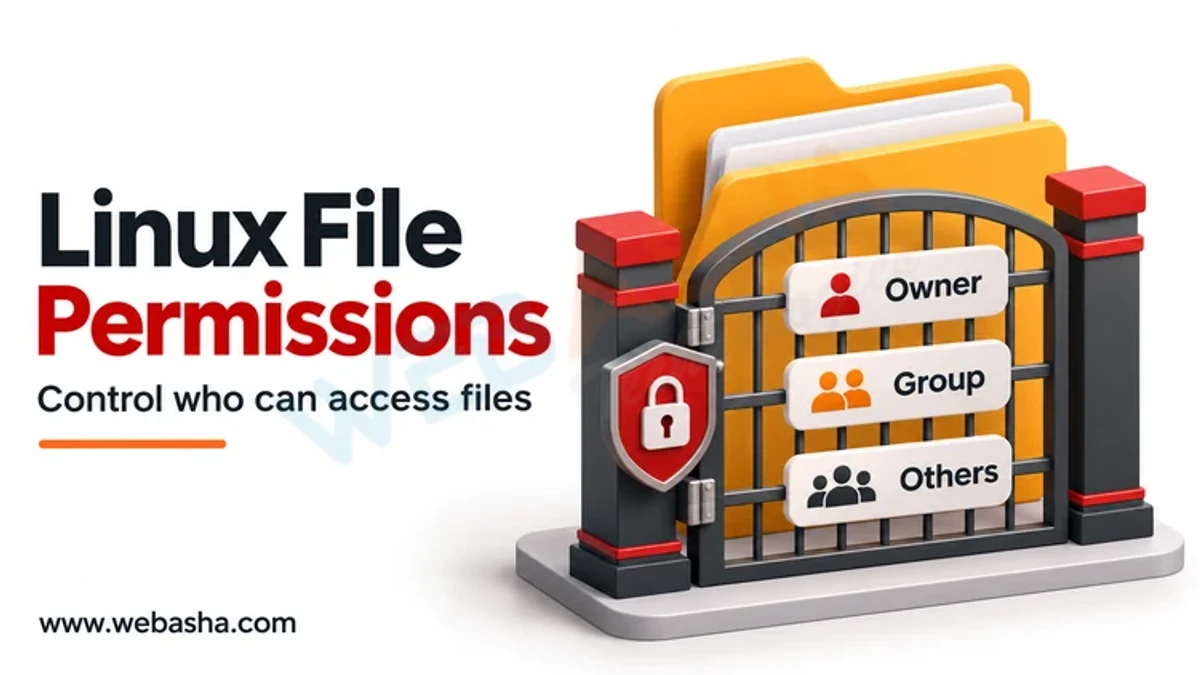
Every Linux file and directory has an owner, a group and three sets of permissions: read (r), write (w) and execute (x) for the owner, the group and everyone else. You change them with chmod, using numbers where r=4, w=2 and x=1 (so 644 is rw-r--r--), or symbols such as u+x. chown changes the owner and group, and umask sets the defaults for new files.
Topic: Linux Administration in IT Infrastructure · Explainer
Learning path: Linux to RHCSA, lesson 4 of 23
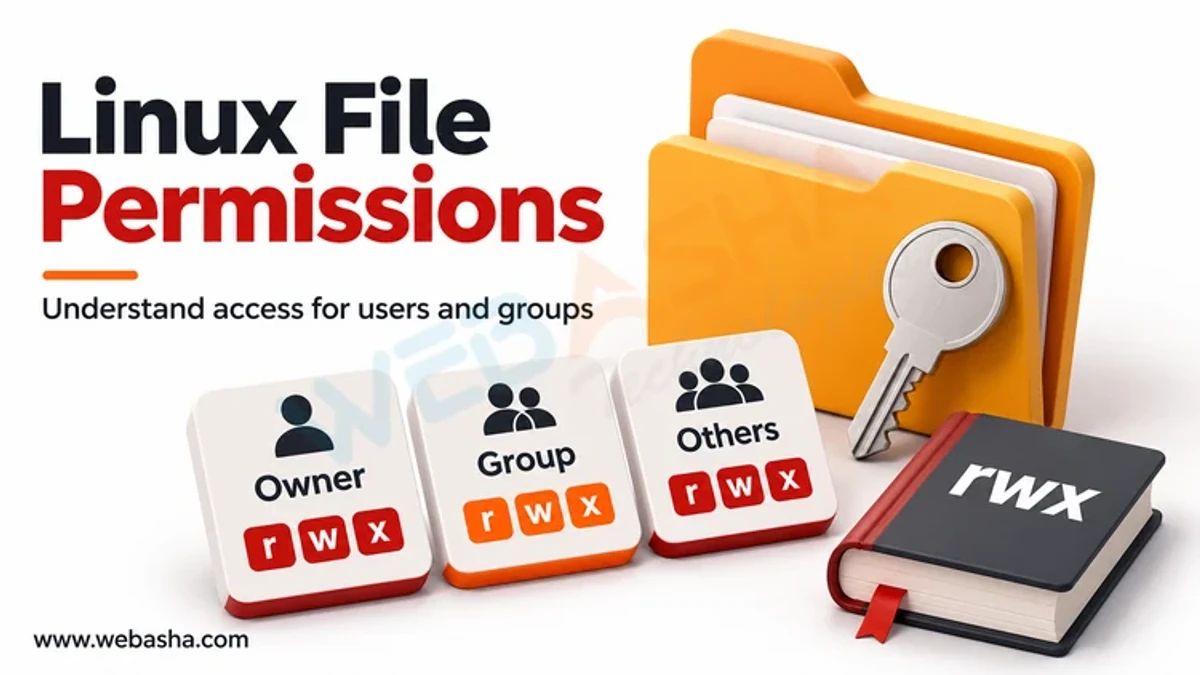
Quick answer: Every Linux file and directory has an owner, a group and three sets of permissions: read (r), write (w) and execute (x) for the owner, the group and everyone else. You change them with chmod, using numbers where r=4, w=2 and x=1 (so 644 is rw-r--r--), or symbols such as u+x. chown changes the owner and group, and umask sets the defaults for new files. Three special bits, SUID, SGID and the sticky bit, change how programs run and how shared folders behave. Avoid chmod 777; it lets anyone change the file.
Key takeaways
- Permissions apply separately to the owner, the group and others.
- On directories, x means enter and r means list.
- Numeric modes add 4, 2 and 1 for each class.
- umask removes permissions from new files; 022 is a typical default.
- SUID root programs and world-writable files are common audit findings.
Table of Contents
- What Do r, w and x Mean?
- How Do You Read ls -l Output?
- How Does Numeric chmod Work?
- How Does Symbolic chmod Work?
- How Do chown and umask Work?
- What Are SUID, SGID and the Sticky Bit?
- How Do You Audit Risky Permissions?
- References
What Do r, w and x Mean?
| Permission | On a file | On a directory |
|---|---|---|
| r (4) | Read contents | List names inside |
| w (2) | Change contents | Create, delete or rename entries (needs x too) |
| x (1) | Run as a program | Enter and access items inside |
Deleting a file depends on write permission on its directory, not on the file itself. That surprises many beginners.
How Do You Read ls -l Output?
ls -l report.txt
-rw-r----- 1 alice finance 2048 Nov 14 10:00 report.txt
stat -c '%A %a %U %G %n' report.txt
-rw-r----- 640 alice finance report.txt
The first character is the type (- file, d directory, l link). The next nine are three groups of rwx for owner, group and others. Here alice can read and write, the finance group can read, and others have no access.
How Does Numeric chmod Work?
| Mode | Symbolic | Typical use |
|---|---|---|
| 600 | rw------- | Private files, SSH private keys |
| 640 | rw-r----- | Config readable by a service group |
| 644 | rw-r--r-- | Ordinary files and web content |
| 700 | rwx------ | Private directories and scripts |
| 755 | rwxr-xr-x | Programs and shared directories |
| 777 | rwxrwxrwx | Almost never; anyone can modify |
Add the values per class: rw- is 4+2=6, r-x is 4+1=5. So chmod 640 file gives the owner read and write, the group read, and others nothing, as described in chmod(1).
How Does Symbolic chmod Work?
chmod u+x deploy.sh        # add execute for the owner
chmod g-w shared.txt       # remove write from the group
chmod o= notes.txt         # remove all access for others
chmod a+r readme.txt       # everyone may read
chmod -R u=rwX,go=rX docs  # X sets execute on directories only, unless a file is already executable
Symbolic mode changes only what you name, which is safer than replacing the whole mode. Be careful with -R; test on a copy first.
How Do chown and umask Work?
chown changes ownership and needs root for most uses: sudo chown alice:finance report.txt. chgrp changes only the group. umask removes bits from the default mode of new files. According to umask(2), a typical default is 022, so a file created with 666 becomes 644 and a directory created with 777 becomes 755. A stricter umask of 027 gives 640 and 750. Run umask to see yours. For finer control than owner, group and others, use access control lists with setfacl and getfacl.
What Are SUID, SGID and the Sticky Bit?
| Bit | Octal | Effect | Risk |
|---|---|---|---|
| SUID | 4000 | Program runs with the file owner's rights (s in owner x) | A flawed SUID root program can give root access |
| SGID | 2000 | Program runs with the group's rights; on directories, new files inherit the group | Unexpected group access |
| Sticky | 1000 | In a shared directory, only owners can delete or rename their files (t in others x) | Missing on world-writable dirs lets users delete others' files |
/usr/bin/passwd is SUID root so users can update their own password, and /tmp normally has mode 1777. The inode(7) page defines these bits, and execve(2) notes that Linux ignores SUID and SGID on interpreted scripts. Attackers look for misconfigured SUID binaries, which MITRE tracks as Setuid and Setgid (T1548.001).
How Do You Audit Risky Permissions?
These read-only find commands list files that deserve review on your own systems:
# SUID and SGID files on the root filesystem
sudo find / -xdev -type f \( -perm -4000 -o -perm -2000 \) -ls 2>/dev/null
# World-writable files
sudo find / -xdev -type f -perm -0002 -ls 2>/dev/null
# World-writable directories without the sticky bit
sudo find / -xdev -type d -perm -0002 ! -perm -1000 -ls 2>/dev/null
Compare results with a known-good baseline, remove SUID from programs that do not need it, mount removable and temporary filesystems with nosuid where practical, and follow the least-privilege advice in NIST SP 800-123. For users, groups and sudo, see our sibling guide on controlling access on Linux, and for everyday commands our Linux command reference. WebAsha runs hands-on Linux administration and security training.
References
Frequently Asked Questions
What's Your Reaction?
 Like
0
 Dislike
0
 Love
0
 Funny
0
 Wow
0
 Sad
0
 Angry
0

Vaishnavi is a skilled tech professional at the Ethical Hacking Training Institute in Pune, responsible for managing and optimizing the technical infrastructure that supports advanced cybersecurity education. With deep expertise in network security, backend operations, and system performance, she ensures that practical labs, online modules, and assessments run smoothly and securely. Her behind-the-scenes contributions play a vital role in delivering a seamless and secure learning experience for aspiring ethical hackers.