Managing Linux Users and Sudo Access Securely: Least Privilege Guide
Secure Linux access control comes down to four habits. Give every person their own account, created with useradd and placed in groups with usermod -aG. Grant administrative rights through narrow sudo rules edited only with visudo, rather than sharing the root password. Apply least privilege, so each user and service gets only the commands and files it needs.
Topic: Linux Administration in IT Infrastructure · Tutorial
Learning path: Linux to RHCSA, lesson 5 of 23
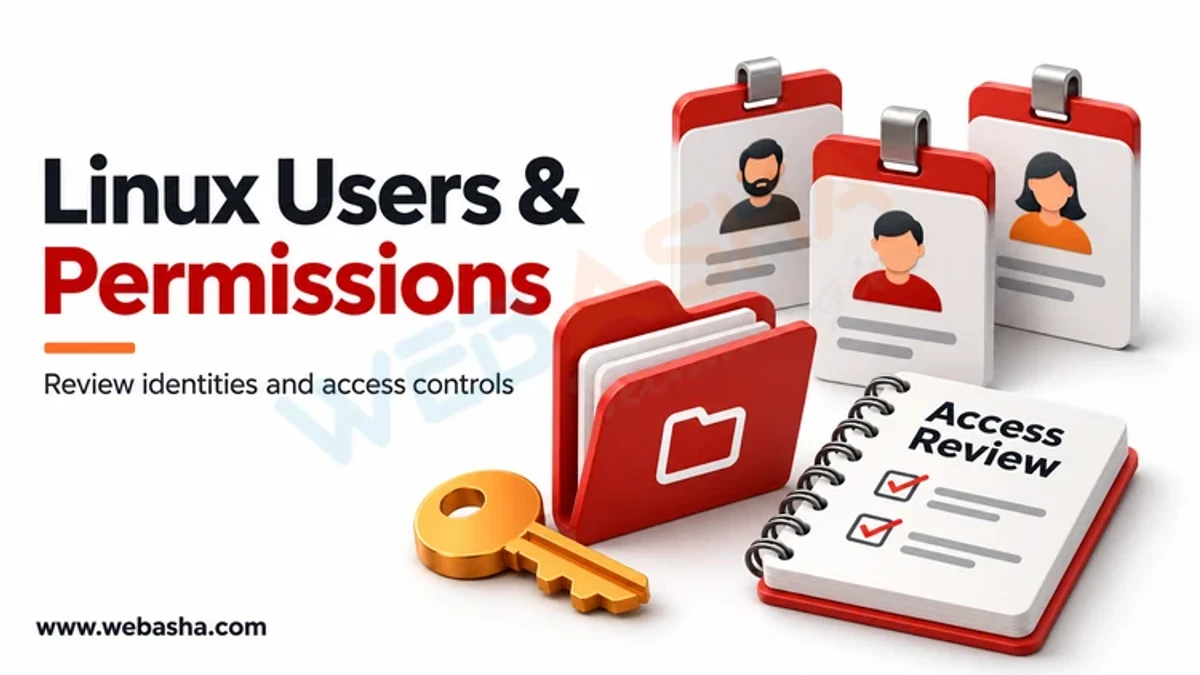
Quick answer: Secure Linux access control comes down to four habits. Give every person their own account, created with useradd and placed in groups with usermod -aG. Grant administrative rights through narrow sudo rules edited only with visudo, rather than sharing the root password. Apply least privilege, so each user and service gets only the commands and files it needs. Review accounts regularly, lock or remove leavers at once, and log every sudo use. File permissions with chmod and chown complete the picture, but they cannot fix accounts and sudo rules that grant too much.
Key takeaways
- One person, one account; avoid shared logins and direct root logins.
- Use usermod -aG to add groups; without -a you replace existing groups.
- Edit sudo rules only with visudo, preferably in /etc/sudoers.d files.
- Grant specific commands, not ALL, wherever practical.
- Disable leaver accounts the same day and review sudo logs.
Table of Contents
- Why Does Least Privilege Matter on Linux?
- How Do You Create and Modify Users Safely?
- How Should You Configure sudo?
- How Do You Handle Password Ageing and Leavers?
- How Should Service Accounts Be Set Up?
- How Do You Audit Accounts and sudo Use?
- Which Mistakes Weaken Access Control?
- References
Why Does Least Privilege Matter on Linux?
Root can read, change or delete anything. If an attacker steals a user with broad sudo rights, they effectively own the host. NIST SP 800-53 Rev. 5 controls AC-2 (account management) and AC-6 (least privilege) describe the goal: individual accounts, minimum rights and regular review. Attackers abuse loose sudo rules, a pattern tracked as ATT&CK T1548.003.
How Do You Create and Modify Users Safely?
# Create a user with a home directory and bash shell
sudo useradd -m -s /bin/bash priya
sudo passwd priya

# Add to a supplementary group without removing existing ones
sudo usermod -aG developers priya

# Check the result
id priya
The useradd and usermod manual pages list every option. Debian and Ubuntu also offer the friendlier adduser wrapper. Our users and groups guide covers groups in more depth.
How Should You Configure sudo?
Never edit /etc/sudoers with a normal editor. visudo locks the file and checks syntax, so a typo cannot lock everyone out. Use drop-in files:
# Create a rule file and validate it
sudo visudo -f /etc/sudoers.d/webops

# Contents: let the webops group restart nginx only
%webops ALL=(root) /usr/bin/systemctl restart nginx, /usr/bin/systemctl status nginx

# Check all sudoers files
sudo visudo -c

# See what a user may run
sudo -l -U priya| Rule style | Risk | Better choice |
|---|---|---|
| user ALL=(ALL) ALL | Full root access | Only for named administrators |
| NOPASSWD: ALL | Stolen session equals root | Require a password; limit NOPASSWD to one safe command |
| Allowing vi, less or find | These can open a root shell | Use sudoedit for file edits |
| Wildcards in arguments | Unexpected argument abuse | List exact commands and arguments |
The sudoers manual and visudo manual explain the syntax. RHEL uses the wheel group and Ubuntu the sudo group for full administrators, as described in Red Hat's sudo guide.
How Do You Handle Password Ageing and Leavers?
sudo chage -l priya                   # view password ageing
sudo usermod -L priya                 # lock the password
sudo usermod -e 1 priya               # expire the account
sudo userdel -r priya                 # remove user and home (after backup)
Lock first, archive data, then delete. Also remove the user's SSH keys and any sudoers entries.
How Should Service Accounts Be Set Up?
Run services under dedicated system accounts with no login shell: sudo useradd -r -s /usr/sbin/nologin appsvc. Give them ownership of only their data directories, and never add them to sudo groups.
How Do You Audit Accounts and sudo Use?
| Check | Command |
|---|---|
| Accounts with UID 0 | awk -F: '$3 == 0' /etc/passwd |
| Members of admin groups | getent group sudo wheel |
| Recent logins | last -n 20 |
| sudo use on systemd hosts | journalctl _COMM=sudo --since today |
Only root should have UID 0. The CIS Benchmarks include checks for sudo logging and account settings.
Which Mistakes Weaken Access Control?
- Sharing one admin account among a team, which destroys accountability.
- Running usermod -G without -a and silently dropping groups.
- Fixing access problems with chmod 777; see our file permissions guide for safer modes.
- Forgetting to remove accounts of staff who have left.
Practise these tasks in labs through our Linux administration training.
References
Frequently Asked Questions
What's Your Reaction?
 Like
0
 Dislike
0
 Love
0
 Funny
0
 Wow
0
 Sad
0
 Angry
0

Vaishnavi is a skilled tech professional at the Ethical Hacking Training Institute in Pune, responsible for managing and optimizing the technical infrastructure that supports advanced cybersecurity education. With deep expertise in network security, backend operations, and system performance, she ensures that practical labs, online modules, and assessments run smoothly and securely. Her behind-the-scenes contributions play a vital role in delivering a seamless and secure learning experience for aspiring ethical hackers.