How Cybersecurity Tools Protect Against Hackers and Ransomware
Cybersecurity tools protect organisations by covering different stages of an attack. Email security filters phishing before it reaches staff. Identity and access management (IAM) with multi-factor authentication stops most stolen-password logins. Endpoint detection and response (EDR) spots and blocks malicious behaviour on laptops and servers.
Topic: Cyber Threats, Scams & Online Safety in Cybersecurity & Ethical Hacking · News & analysis
Also covers: Cybersecurity Foundations, AI in Cybersecurity, Security Tools, Authorized Labs & CTFs
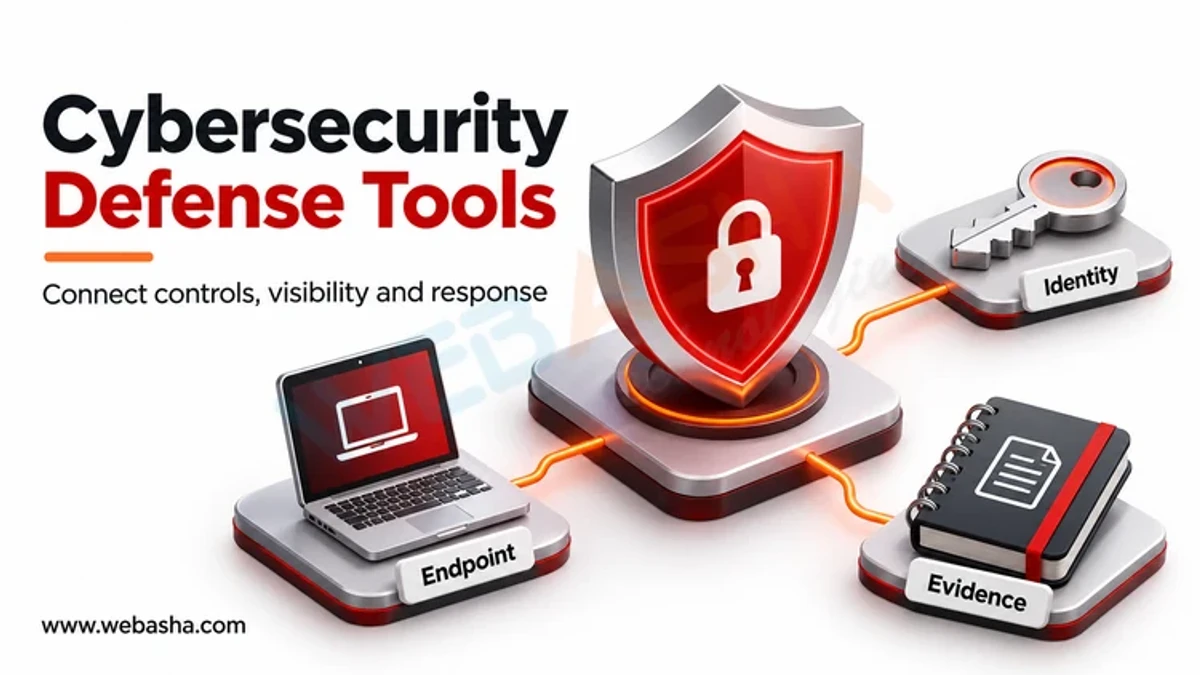
Quick answer: Cybersecurity tools protect organisations by covering different stages of an attack. Email security filters phishing before it reaches staff. Identity and access management (IAM) with multi-factor authentication stops most stolen-password logins. Endpoint detection and response (EDR) spots and blocks malicious behaviour on laptops and servers. A SIEM collects logs from everything so analysts can detect and investigate incidents. Firewalls, vulnerability scanners and backups fill the remaining gaps. No single tool is a shield on its own: protection comes from layering these tools, configuring them well and having people who respond to their alerts, as the NIST Cybersecurity Framework 2.0 describes.
Key takeaways
- Each tool category addresses a different part of an attack.
- Identity and email controls stop many attacks at the start.
- EDR and SIEM detect what gets through.
- Backups are the last line of recovery against ransomware.
- Tools need configuration, monitoring and trained people to work.
Table of Contents
- What Are the Main Categories of Cybersecurity Tools?
- How Do IAM and MFA Stop Account Takeover?
- How Does Email Security Block Phishing?
- What Does EDR Do on Endpoints?
- Why Do Organisations Need a SIEM?
- Why Are Tools Alone Not Enough?
- Which Tools Should a Small Organisation Start With?
- References
What Are the Main Categories of Cybersecurity Tools?
The NIST CSF 2.0 groups security outcomes into six functions: Govern, Identify, Protect, Detect, Respond and Recover. Tools map onto them.
| Tool category | Main CSF function | What it stops or finds |
|---|---|---|
| IAM and MFA | Protect | Logins with stolen passwords |
| Email security | Protect | Phishing, malicious attachments, spoofing |
| Firewall and secure web gateway | Protect | Unwanted connections, malicious sites |
| Vulnerability management | Identify | Missing patches and misconfigurations |
| EDR | Detect and Respond | Malware and attacker behaviour on devices |
| SIEM | Detect | Suspicious patterns across many log sources |
| Backup and recovery | Recover | Data loss from ransomware or mistakes |
How Do IAM and MFA Stop Account Takeover?
Identity tools control who can log in and what they can reach. Single sign-on gives one strong login; MFA adds a second factor. CISA recommends phishing-resistant MFA, such as FIDO2 security keys or passkeys, because one-time codes can be phished. NIST SP 800-63B sets the authentication guidance many organisations follow. Least privilege and regular access reviews limit what a compromised account can do.
How Does Email Security Block Phishing?
Email gateways scan links and attachments, open suspicious files in sandboxes and flag lookalike senders. Domain owners publish SPF, DKIM and DMARC records so receivers can reject spoofed mail, as described in NIST SP 800-177. You can check your own domain's DMARC policy with a standard DNS query:
nslookup -type=TXT _dmarc.example.comWhat Does EDR Do on Endpoints?
EDR agents record process, file and network activity on each device, detect suspicious behaviour and let analysts isolate a host remotely. They catch threats that signature antivirus misses, such as fileless attacks. Our EDR beginner guide explains this in detail.
Why Do Organisations Need a SIEM?
A SIEM gathers logs from firewalls, servers, cloud services, identity systems and EDR, then correlates them to find incidents that no single source would reveal. NIST's log management planning guide covers what to collect. In India, CERT-In directions require logs to be kept for 180 days and incidents reported within six hours, which a SIEM helps meet. See our SIEM overview.
Why Are Tools Alone Not Enough?
- Default settings often detect but do not block.
- Unmonitored alerts protect no one.
- Gaps appear on unmanaged devices, shadow IT and old servers.
- Attackers with valid credentials can look like normal users.
Governance, trained staff and tested incident plans turn tools into protection.
Which Tools Should a Small Organisation Start With?
The CISA Cross-Sector Performance Goals prioritise practical basics.
| Priority | Action |
|---|---|
| 1 | MFA on email, admin and remote access accounts |
| 2 | Automatic patching of operating systems and browsers |
| 3 | Endpoint protection with EDR features on every device |
| 4 | Offline or immutable backups, tested regularly |
| 5 | Central logging kept for 180 days |
Individuals who lose money to cyber fraud in India can report at cybercrime.gov.in or call 1930. To learn to run these tools, explore cybersecurity training.
References
Frequently Asked Questions
What's Your Reaction?
 Like
0
 Dislike
0
 Love
0
 Funny
0
 Wow
0
 Sad
0
 Angry
0

Vaishnavi is a skilled tech professional at the Ethical Hacking Training Institute in Pune, responsible for managing and optimizing the technical infrastructure that supports advanced cybersecurity education. With deep expertise in network security, backend operations, and system performance, she ensures that practical labs, online modules, and assessments run smoothly and securely. Her behind-the-scenes contributions play a vital role in delivering a seamless and secure learning experience for aspiring ethical hackers.