What Is AWS? Regions, Core Services and Who Secures What
AWS is a cloud platform that rents computing, storage, networking and managed services by the hour or by the request. Two ideas carry most of the understanding. A Region is a physical location containing multiple Availability Zones, which AWS describes as "one or more discrete data centers, each with redundant power, networking, and connectivity, housed in separate facilities".
Topic: Cloud Computing: AWS, Azure & GCP in IT Infrastructure · Explainer
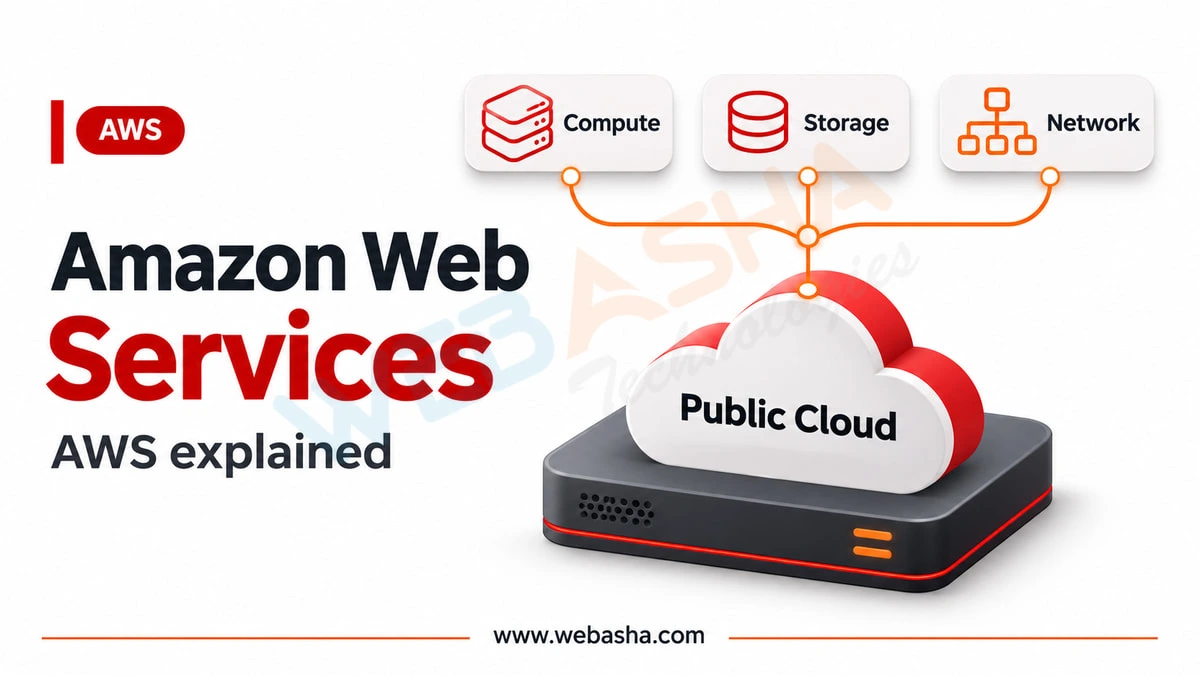
Quick answer: AWS is a cloud platform that rents computing, storage, networking and managed services by the hour or by the request. Two ideas carry most of the understanding. A Region is a physical location containing multiple Availability Zones, which AWS describes as "one or more discrete data centers, each with redundant power, networking, and connectivity, housed in separate facilities". And the shared responsibility model decides who secures what: AWS secures the infrastructure, you secure what you put on it, and almost every avoidable AWS incident is a misunderstanding of that line.
Key takeaways
- AWS secures "the infrastructure that runs all of the services offered in the AWS Cloud". Everything above that is yours.
- Your share changes with the service: "Customer responsibility will be determined by the AWS Cloud services that a customer selects."
- A Region contains multiple Availability Zones, each one or more physically separate data centres.
- Deploy across Availability Zones for resilience. A single-AZ deployment is a single building.
- Set a billing alarm before your first resource. This is the mistake beginners most regret.
Topics covered in this guide: what AWS is, Regions and Availability Zones, the core services to learn first, how pricing works, who is responsible for security, what you can build, how AWS relates to DevOps, how to start learning, whether certifications are worth it, and the common beginner mistakes.
Table of Contents
- What Is Amazon Web Services?
- What Are Regions and Availability Zones?
- Which Core Services Should Beginners Learn?
- How Does AWS Pricing Work?
- Who Is Responsible for Security on AWS?
- What Can You Actually Build With It?
- How Does AWS Relate to DevOps?
- How Should a Beginner Start Learning?
- Are AWS Certifications Worth It?
- What Are the Most Common Beginner Mistakes?
- References
What Is Amazon Web Services?
AWS rents infrastructure and managed services on demand. Instead of buying a server, you start one and pay while it runs; instead of building a database cluster, you ask for one.
What that changes is not mainly cost, it is the unit of decision. Capacity becomes something you adjust during the week rather than something you procure for three years, and the limiting factor moves from hardware lead time to whether you know what to ask for.
What Are Regions and Availability Zones?
AWS's own definition, from the AWS Overview whitepaper:
"An AWS Region is a physical location in the world where we have multiple Availability Zones. Availability Zones consist of one or more discrete data centers, each with redundant power, networking, and connectivity, housed in separate facilities."
Three practical consequences follow, and they are the whole reason this matters to a beginner.
- Choose a Region for latency, data residency and price. Regions do not cost the same, and for Indian users and Indian data residency expectations the Mumbai and Hyderabad Regions are usually the starting point.
- Spread across Availability Zones for resilience. Because AZs are separate facilities, a deployment in one AZ depends on one set of buildings. This is the most common gap between a demonstration and a production system.
- Most services are regional, not global. A resource created in one Region does not exist in another, which is why people lose track of running instances and keep paying for them.
AWS does not publish a fixed count of Regions and AZs on that page; it directs readers to its Global Infrastructure page for current figures, and this article does not print a number that would be stale by the time you read it.
# which Regions can this account see?
aws ec2 describe-regions --query 'Regions[].RegionName' --output text

# which Availability Zones exist in one Region?
aws ec2 describe-availability-zones --region ap-south-1 \
  --query 'AvailabilityZones[].{Name:ZoneName,State:State}' --output table
Which Core Services Should Beginners Learn?
Six, in this order. Everything else is easier once these make sense.
| Service | What it is | Why it comes first |
|---|---|---|
| IAM | Identity and access management | Every other service is governed by it |
| EC2 | Virtual machines | The clearest mapping from a physical server |
| S3 | Object storage | Used by almost everything else |
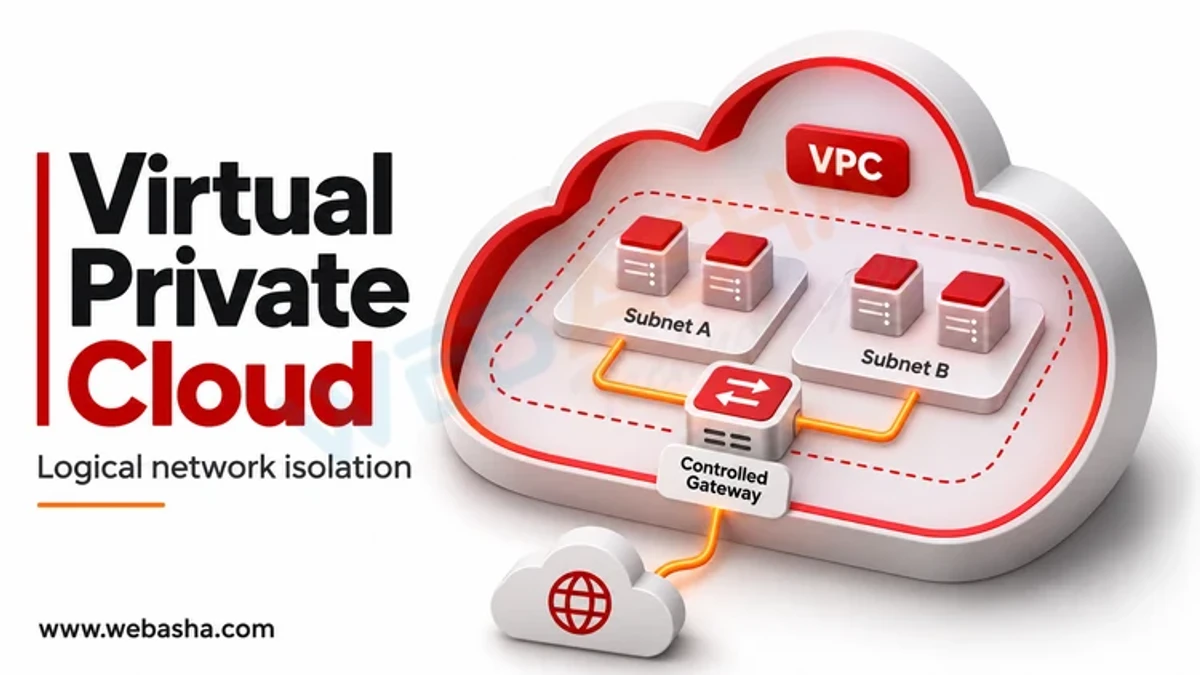
| VPC | Your private network | Where networking knowledge transfers directly |
| RDS | Managed relational databases | Shows what "managed" actually buys you |
| CloudWatch | Metrics, logs and alarms | You cannot operate what you cannot see |
IAM first is not a conventional ordering and it is the right one, because IAM is where the serious mistakes live and where the shared responsibility model becomes concrete.
# who am I acting as right now?
aws sts get-caller-identity

# does this account have an unused root access key, or users without MFA?
aws iam get-account-summary --query 'SummaryMap.{RootKeys:AccountAccessKeysPresent,MFA:AccountMFAEnabled,Users:Users}'
aws iam list-users --query 'Users[].UserName' --output text
VPC is where existing networking knowledge pays off immediately: subnets, route tables and security groups are the concepts from our guides to basic networking and access control lists with different names. A security group is a stateful packet filter; a network ACL is a stateless one evaluated in order.
How Does AWS Pricing Work?
Mostly per unit of consumption: per second or hour for compute, per gigabyte-month for storage, per request for many managed services, and per gigabyte for data leaving AWS.
That last one is the one that surprises people. Data in is generally free and data out is generally charged, so an architecture that moves large volumes out of a Region, or between Regions, has a cost shape that is not obvious from the service prices.
No prices appear in this article, because they vary by Region and change. What does not change is the advice to put a guardrail up first:
# what has this month cost so far, by service?
aws ce get-cost-and-usage \
  --time-period Start=$(date -u +%Y-%m-01),End=$(date -u +%Y-%m-%d) \
  --granularity MONTHLY --metrics UnblendedCost \
  --group-by Type=DIMENSION,Key=SERVICE --output table

# a billing alarm, before you create anything expensive
aws cloudwatch put-metric-alarm --alarm-name billing-over-10-usd \
  --namespace AWS/Billing --metric-name EstimatedCharges \
  --dimensions Name=Currency,Value=USD \
  --statistic Maximum --period 21600 --evaluation-periods 1 \
  --threshold 10 --comparison-operator GreaterThanThreshold \
  --region us-east-1
Billing metrics live in us-east-1 regardless of where your resources are, which catches almost everybody the first time.
Who Is Responsible for Security on AWS?
This is the most important section on the page, and AWS states the division plainly. It calls its own part security of the cloud and your part security in the cloud.
"AWS is responsible for protecting the infrastructure that runs all of the services offered in the AWS Cloud."
And on your side:
"Customer responsibility will be determined by the AWS Cloud services that a customer selects."
That second sentence is the one people miss. Your responsibility is not fixed; it changes with the service you choose.
| Service type | AWS handles | You handle |
|---|---|---|
| EC2 | Hypervisor, hardware, facilities, network | "management of the guest operating system", patching, software, security group rules |
| RDS | The database engine and operating system patching | Access control, encryption choices, what you store |
| S3 and other abstracted services | The service itself | "managing their data (including encryption options), classifying their assets", and permissions |
Read the bottom row again, because it is where the publicly reported incidents come from. AWS is responsible for S3 working correctly. Whether your bucket is readable by the world is a configuration you own, and the service doing exactly what it was told is not a failure of the platform.
# which buckets allow public access, and is the account-level block on?
aws s3api list-buckets --query 'Buckets[].Name' --output text

for b in $(aws s3api list-buckets --query 'Buckets[].Name' --output text); do
  echo "== $b"
  aws s3api get-public-access-block --bucket "$b" \
    --query 'PublicAccessBlockConfiguration' --output json 2>/dev/null \
    || echo "   no public access block configured"
done

# are security groups open to the world on sensitive ports?
aws ec2 describe-security-groups \
  --filters Name=ip-permission.cidr,Values=0.0.0.0/0 \
  --query 'SecurityGroups[].{Name:GroupName,Id:GroupId}' --output table
A security group permitting 0.0.0.0/0 on port 22 or 3389 is the single most common finding in a first AWS review.
What Can You Actually Build With It?
Anything you would build on your own servers, plus things that are impractical otherwise: capacity that follows demand within minutes, a disaster recovery site you pay for only while it exists, and data processing that runs on a hundred machines for an hour.
The honest counterpoint is that AWS does not make a badly designed system good. It makes it fast to deploy and easy to scale the cost. Architecture matters more here rather than less, because mistakes are billed monthly.
How Does AWS Relate to DevOps?
Closely, because AWS resources are API objects, and anything with an API can be put in a repository. That is the whole of infrastructure as code: the environment stops being something configured by hand and becomes something reviewed, versioned and rebuilt.
The practical sequence for a learner is to do it by hand in the console once so the concepts are concrete, then immediately do the same thing from the CLI, then from a template. Doing it only in the console produces knowledge that does not transfer; starting with templates produces someone who can copy a template.
How Should a Beginner Start Learning?
- Set a billing alarm. Before anything else, using the command above.
- Secure the root account: MFA on, no access keys, and work as an IAM user or role.
- Build one small thing end to end: a VPC with a public and a private subnet, one EC2 instance, one S3 bucket, one RDS database that is not publicly reachable.
- Break it and fix it. Remove a route, tighten a security group, revoke a permission, and work out what the error message is telling you.
- Rebuild it from the CLI, then from a template.
- Delete everything and confirm from the billing page that it is gone.
Step 6 is a real skill. Knowing how to find and remove everything you created, in every Region, is what keeps a learning account affordable.
Are AWS Certifications Worth It?
At the start, yes, for the same reason as any certification: an employer has no other evidence you can do the work. Their influence drops once you have a record.
What they are good at is forcing breadth. Left alone, most people learn the four services their work touches; an exam syllabus makes you look at the rest, and that breadth is genuinely useful when designing.
What they do not do is demonstrate that you can operate a system under pressure, which is what interviews probe. Pair the study with the build-and-break exercise above. Our guides to choosing courses and certifications and course eligibility cover how to judge them.
What Are the Most Common Beginner Mistakes?
- No billing alarm. The most regretted omission, every time.
- Using the root account for daily work, or creating access keys for it.
- Leaving resources running in a Region you forgot about. Resources are regional; your memory is not.
- Security groups open to 0.0.0.0/0 for convenience during setup, then never tightened.
- Assuming AWS secures your data. AWS secures the service; you own the configuration and the permissions.
- Deploying in a single Availability Zone and calling it highly available.
- Clicking through the console and learning nothing reusable.
Five of those seven are the shared responsibility model being misunderstood in different ways, which is why it is worth reading AWS's own page rather than a summary of it.
Talk to a WebAsha training advisor about batches, syllabus and current fees.
References
- AWS Shared Responsibility Model
- AWS Overview whitepaper, Global infrastructure
- AWS Global Infrastructure, for current Region and Availability Zone counts
Related reading
Frequently Asked Questions
What's Your Reaction?
 Like
0
 Dislike
0
 Love
0
 Funny
0
 Wow
0
 Sad
0
 Angry
0

Vaishnavi is a skilled tech professional at the Ethical Hacking Training Institute in Pune, responsible for managing and optimizing the technical infrastructure that supports advanced cybersecurity education. With deep expertise in network security, backend operations, and system performance, she ensures that practical labs, online modules, and assessments run smoothly and securely. Her behind-the-scenes contributions play a vital role in delivering a seamless and secure learning experience for aspiring ethical hackers.