What Is Nmap? Overview, Features and Role in Network Scanning
What Nmap does, the scan types that matter, how the scripting engine extends it, how defenders use it, and the legal boundary around scanning systems you do not own.
Topic: Security Tools, Authorized Labs & CTFs in Cybersecurity & Ethical Hacking · Explainer
Also covers: Network Security
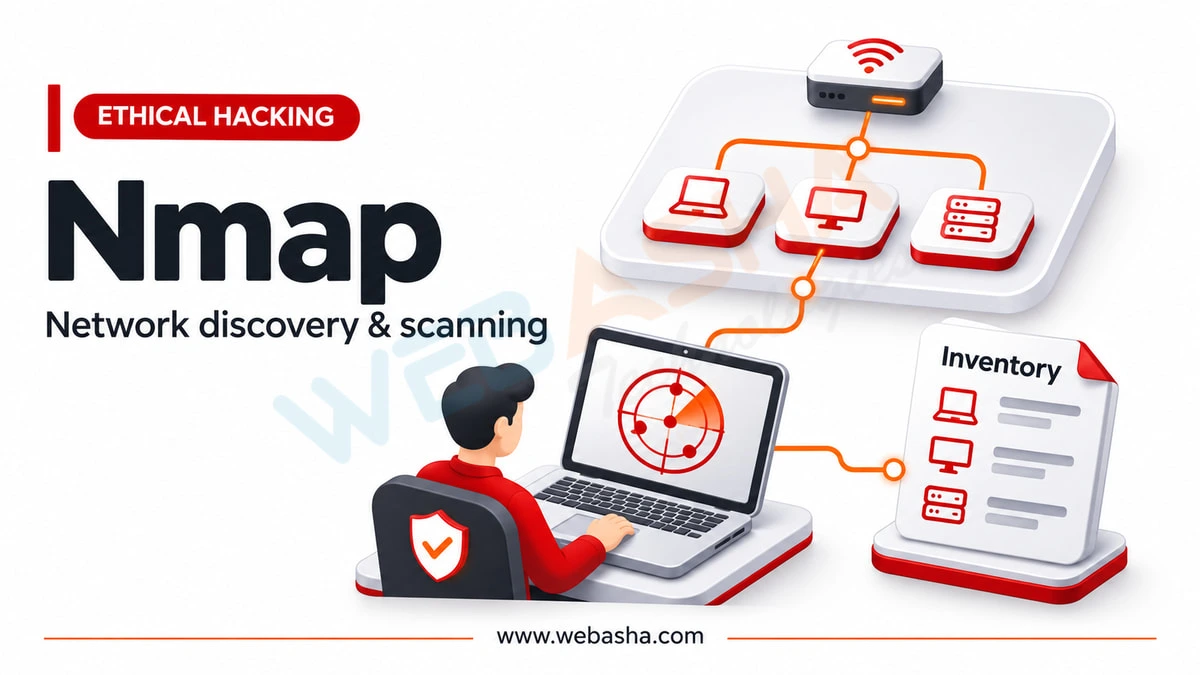
Quick answer: Nmap is a free network scanner that discovers live hosts, open ports, running services and often operating system details. Its scripting engine (NSE) adds checks for known weaknesses. Testers and defenders both use it to map networks. Scan only networks you own or have written permission to test, as unauthorised scanning can be illegal.
Key takeaways
- Nmap finds live hosts, open ports, services and often the operating system.
- The scripting engine (NSE) adds checks for known weaknesses.
- Scan only networks you own or have permission to test.
Nmap is the tool almost everyone meets first in network security, and the one most often used without being understood. This guide covers what it actually determines, the scan types worth knowing, how defenders use it as much as testers, and the authorisation boundary that applies to all of it.
Topics covered in this guide: What is Nmap, network scanning, port scanning, Nmap scripting engine, host discovery, network security tools.
Table of Contents
- What Is Nmap?
- What Can Nmap Actually Determine?
- What Are the Main Scan Types?
- What Is the Nmap Scripting Engine?
- How Do Defenders Use Nmap?
- Is Scanning Legal?
- How Is Scanning Detected?
- What Are the Limitations?
- How Does It Fit Into a Wider Methodology?
- How Should Beginners Learn It Safely?
- How Do You Read and Act on Nmap Output?
What Is Nmap?
Nmap is an open-source network scanner used to discover which hosts are present on a network, which services they are running, and often which software versions and operating systems those services correspond to. It is a mapping tool rather than an attack tool.
Its output answers a specific question: what is reachable and what is listening. That is the foundation for both offensive assessment and defensive inventory, which is why the same tool appears on both sides.
What Can Nmap Actually Determine?
It can identify live hosts, open ports, the services behind those ports, service version information, likely operating system, and with scripting, specific configuration details or the presence of known vulnerabilities.
| Capability | What It Answers |
|---|---|
| Host discovery | Which addresses are live |
| Port scanning | Which ports accept connections |
| Service detection | What is running on those ports |
| Version detection | Which software version, approximately |
| OS fingerprinting | Likely operating system |
| Scripting engine | Deeper checks against specific services |
What Are the Main Scan Types?
The commonly used types are TCP connect scans which complete a full handshake, SYN scans which do not, UDP scans for services that do not use TCP, and ping sweeps for host discovery alone. Each trades speed, stealth and reliability differently.
SYN scanning is the usual default for privileged users because it is faster and less likely to be logged by the target application, since the connection is never completed. Connect scanning is more reliable but more visible.
UDP scanning is slow and frequently inconclusive because UDP services often do not respond at all, making an open port and a filtered one difficult to distinguish. It is nonetheless important, since significant services run over UDP.
What Is the Nmap Scripting Engine?
The scripting engine extends Nmap with scripts that perform deeper checks: gathering additional service detail, testing default credentials, enumerating shares, or checking for specific known vulnerabilities. It moves the tool from mapping toward assessment.
Script categories matter for safety. Some are purely informational, while others are intrusive and may affect the target, so understanding a script's category before running it against anything is basic professional practice.
How Do Defenders Use Nmap?
Defenders use it for asset inventory, verifying that firewall rules behave as intended, detecting unauthorised services, and confirming that decommissioned systems are genuinely unreachable. It answers what is exposed rather than what should be.
The verification use is particularly valuable. Firewall rules are frequently assumed to work as written, and scanning from outside the boundary is the direct way to confirm what is actually reachable rather than what the configuration suggests.
Regular scanning also surfaces the systems nobody documented, which are precisely the ones that go unpatched.
Is Scanning Legal?
Scanning systems you own or have written authorisation to test is legitimate. Scanning third-party systems without permission involves actively connecting to infrastructure you do not control, which can constitute unauthorised access under India's Information Technology Act.
Treat any active interaction with systems you do not own as requiring authorisation. The fact that a port responds does not constitute an invitation, and intent is not a defence.
Our ethical hacking laws guide covers what proper authorisation requires.
How Is Scanning Detected?
Scanning produces distinctive patterns: many connection attempts from one source across multiple ports or hosts in a short period. Intrusion detection systems and firewalls commonly alert on this, and defenders should ensure they do.
This has a practical implication for testers. Aggressive scanning is noisy, and where an engagement includes testing whether defences notice activity, scan timing and technique become part of what is being assessed.
What Are the Limitations?
Nmap reports what responds, not what exists. Firewalls can make hosts appear absent, version detection is inference rather than certainty, and results reflect a single moment rather than a continuously accurate picture.
- Filtered results - absence of response is not proof of absence
- Version inference - banners can be altered or misleading
- Point in time - environments change between scans
- Not vulnerability assessment - an open port is not itself a finding
That last point matters in reporting. Listing open ports as vulnerabilities is a common beginner error; a port is only relevant if what is behind it presents a genuine weakness.
How Does It Fit Into a Wider Methodology?
It sits after reconnaissance and before enumeration and exploitation. Scanning establishes what is reachable, enumeration extracts detail from those services, and only then does testing move to whether anything can be exploited.
That sequence is covered in our guide to penetration testing techniques.
How Should Beginners Learn It Safely?
Scan your own network and deliberately vulnerable lab machines you control. Read what each option does before using it, start with non-intrusive scans, and never point it at systems outside your lab or authorisation.
Understanding output matters more than memorising flags. Being able to explain why a port shows as filtered rather than closed, and what that implies about the network path, is the skill interviews actually probe.
How Do You Read and Act on Nmap Output?
Read the state column first: open means something is listening, closed means the host responded but nothing is there, and filtered means something blocked the probe. That distinction tells you as much about the network path as about the host.
| State | Meaning | What It Implies |
|---|---|---|
| open | A service accepted the connection | Investigate what it is and whether it should be reachable |
| closed | Host responded, no service listening | Host is live; useful for discovery |
| filtered | No response, probably blocked | A firewall is between you and the host |
| open|filtered | Cannot distinguish | Common with UDP; inconclusive |
Acting on results means asking whether each open port should be reachable from where you scanned. A database port open to the internet is a finding; the same port open only within a segment may be entirely appropriate.
Record where you scanned from as well as what you found. The same host scanned from inside and outside a boundary should produce different results, and comparing the two is how you verify segmentation actually works.
Talk to a WebAsha training advisor about batches, syllabus and current fees.
To take this further with guided labs and an instructor, see our hands-on ethical hacking course.
Related reading
- What Is Network Scanning in Cybersecurity? Tools, Types, and How It Works Explained for Beginners
- Types of Scanning in Cybersecurity | Port, Network, and Vulnerability Scanning Explained for Beginners
- What Is Enumeration in Cyber Security?
Reference
For the authoritative details, see Nmap reference guide.
Frequently Asked Questions
What's Your Reaction?
 Like
0
 Dislike
0
 Love
0
 Funny
0
 Wow
0
 Sad
0
 Angry
0

I am passionate about technology, invention and big challenging tasks on my to- do list. In terms of the work I am doing also at Bunnyshell, I am most passionate about the technologies that we are using., I'm devoted to delivering content that not only informs but also inspires. Whether you need in- depth analysis pieces, educational attendants, or study- provoking opinion pieces, I draft content that resonates with tech suckers and professionals likewise.